


Short-term goals template
Use our short-term goals template to divide large objectives into smaller, time-bound tasks so that your team can reach their goals faster.
Sign up to create your own template.
Short-term goals template
Use our short-term goals template to divide large objectives into smaller, time-bound tasks so that your team can reach their goals faster.
Create your templateSign up to create your own template.
INTEGRATED FEATURES
Recommended apps




Summary
Big goals are exciting to set, but they can feel overwhelming without a clear path forward. That's where short-term goals come in. By breaking larger objectives into focused, time-bound tasks, you give your team clear direction and momentum.
A short-term goals template makes this process repeatable. In this article, you'll learn what short-term goals are, how to build and use a template, and explore examples you can apply to your own projects.
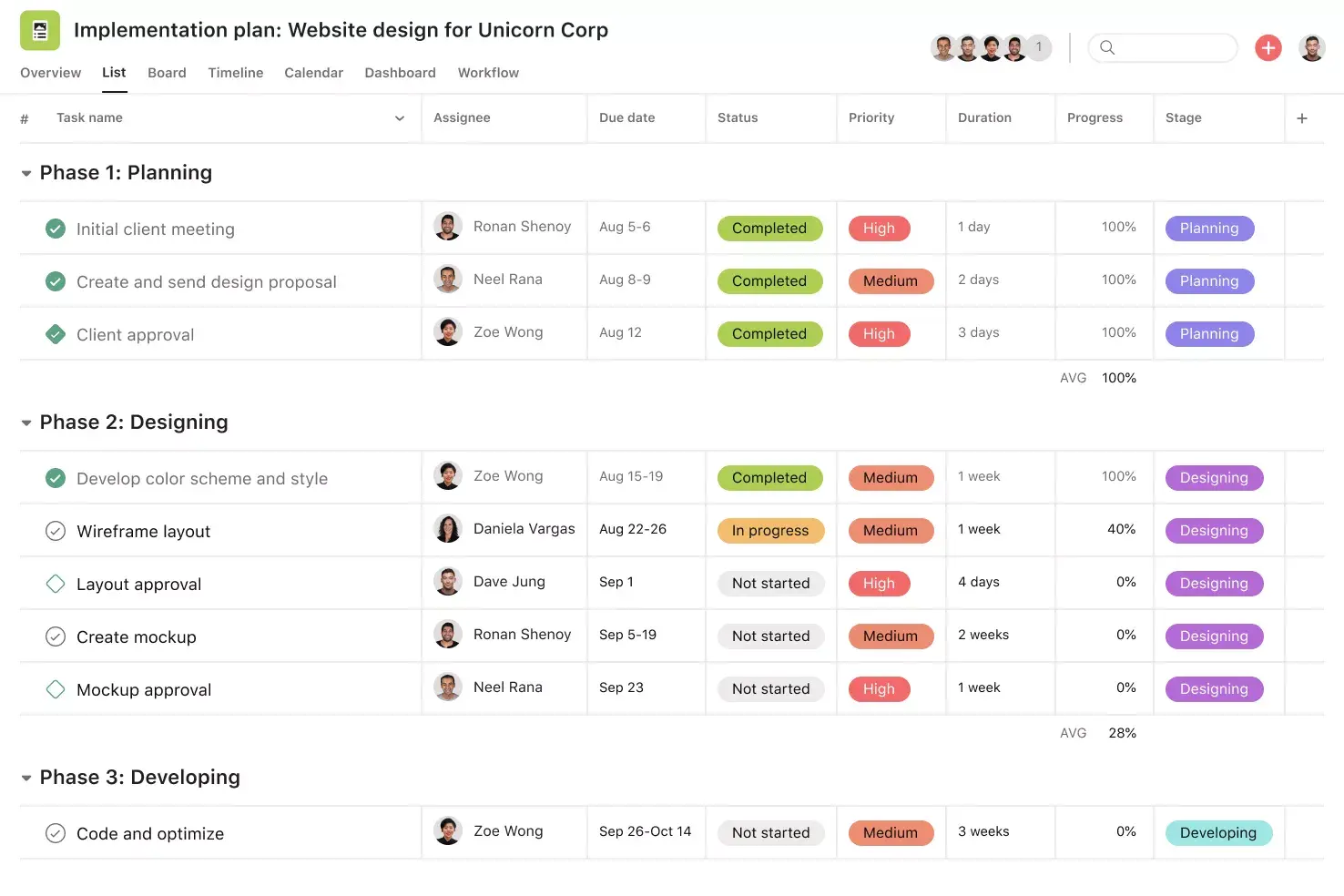
![[Product ui] Short-term goals project in Asana, list-style spreadsheet view (List)](https://assets.asana.biz/transform/7912ea52-5aac-4f28-b3df-d1345e7cad77/TG23-web-hero-015-short-term-goals-static-2x?io=transform:fill,width:2560&format=webp)
What are short-term goals?
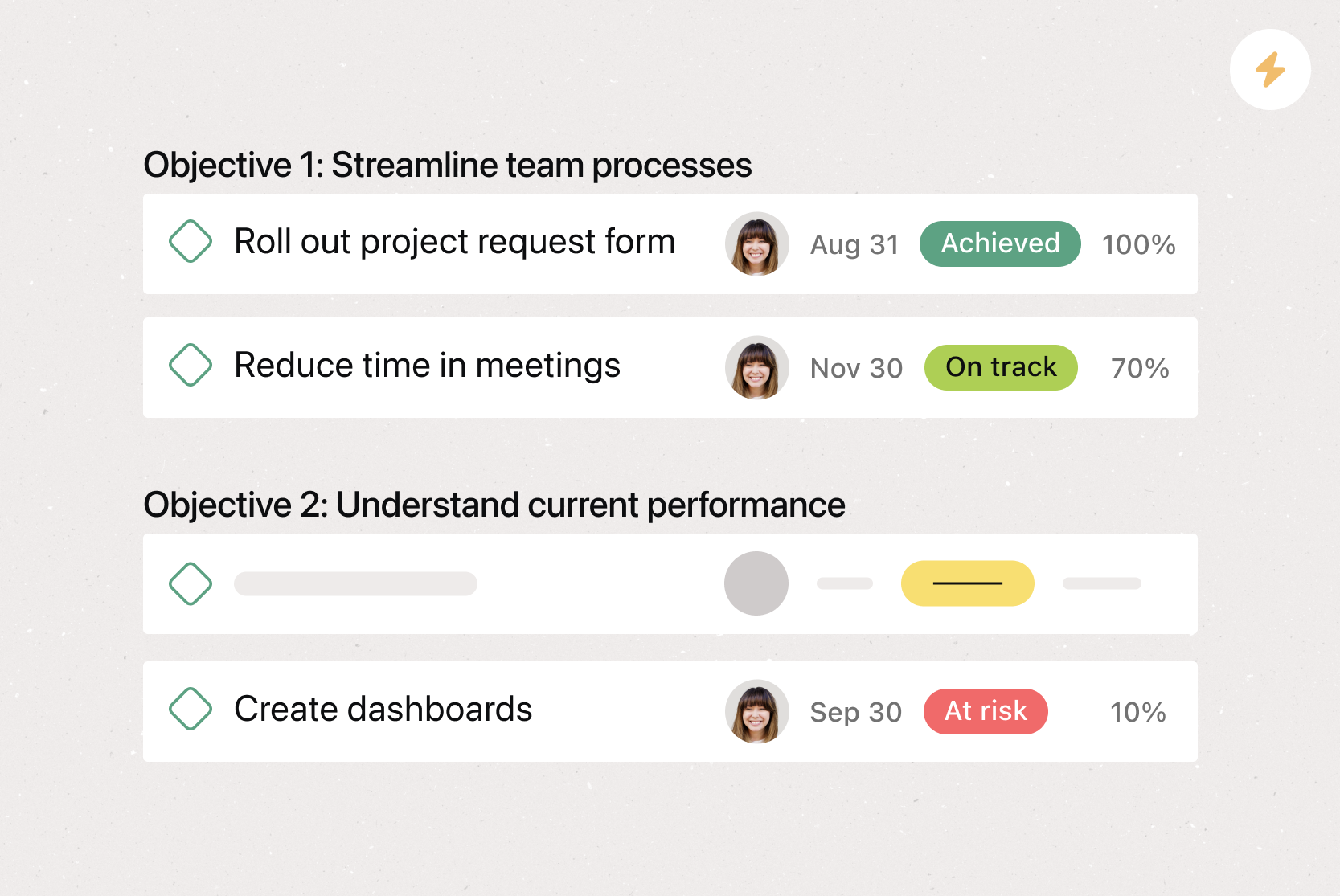
Short-term goals are specific objectives you want to achieve within the next few weeks or months. They act as milestones that help you track progress toward larger objectives. You can also use them as standalone goals for smaller projects.
What's the difference between short-term and long-term goals?
Long-term goals are big-picture objectives you want to achieve over several months or years. They serve as your "north star" and help guide your decision-making process.
Timeline: Short-term goals span days, weeks, or months. Long-term goals usually span several months to years.
Scope: Short-term goals focus on specific tasks. Long-term goals focus on bigger objectives.
Purpose: Short-term goals act as milestones that help teams track progress. Long-term goals guide strategy and decision-making.
Example: A short-term goal might be to develop a keyword strategy by the end of Q1. A long-term goal might be to increase organic traffic by 30% year over year.
Here's how short-term goals map to a long-term goal in practice:
Long-term goal: Increase your website's organic traffic by 30% year over year.
Short-term goals:
Develop a keyword strategy by the end of Q1.
Conduct a website audit for re-optimization between January and March.
Publish 10 keyword-driven articles per month.
What is a short-term goals template?
A short-term goals template is a reusable, digital tool you and your team can use to set and achieve short-term goals. Using a project management tool, you can create a template structure that you duplicate for each new goal, reducing setup work and giving you more time to focus on results.
If you've used printable goal-setting worksheets before, you know the limitations: one changed deadline, and you have to start over. With a digital template, shifting priorities and deadlines are easy to manage in real time.
Read: Free goal-setting template for quick, detailed goalsWhy use a short-term goals template
Without a structured approach to goal-setting, it's easy for priorities to slip through the cracks. A digital short-term goals template keeps your team aligned and focused, so you spend less time organizing and more time making progress.
Plan and prioritize: Easily organize your short-term goals by deadline and importance.
Connect goals to the big picture: View how your short-term goals map to your long-term goals at a glance.
Break work into achievable steps: Turn big goals into manageable tasks that give your team clear benchmarks.
Build momentum: Completing smaller tasks keeps your team motivated and moving toward long-term success.
Improve visibility: Communicate goals across your team and to company stakeholders.
Align with company goals: Connect team goals to larger company objectives so everyone is working toward the same outcomes.
How to set up a short-term goals template
Creating a short-term goals template is easy, especially when using project management software. Here's how to get started:
Create a new project: Set up a dedicated project that will serve as your template.
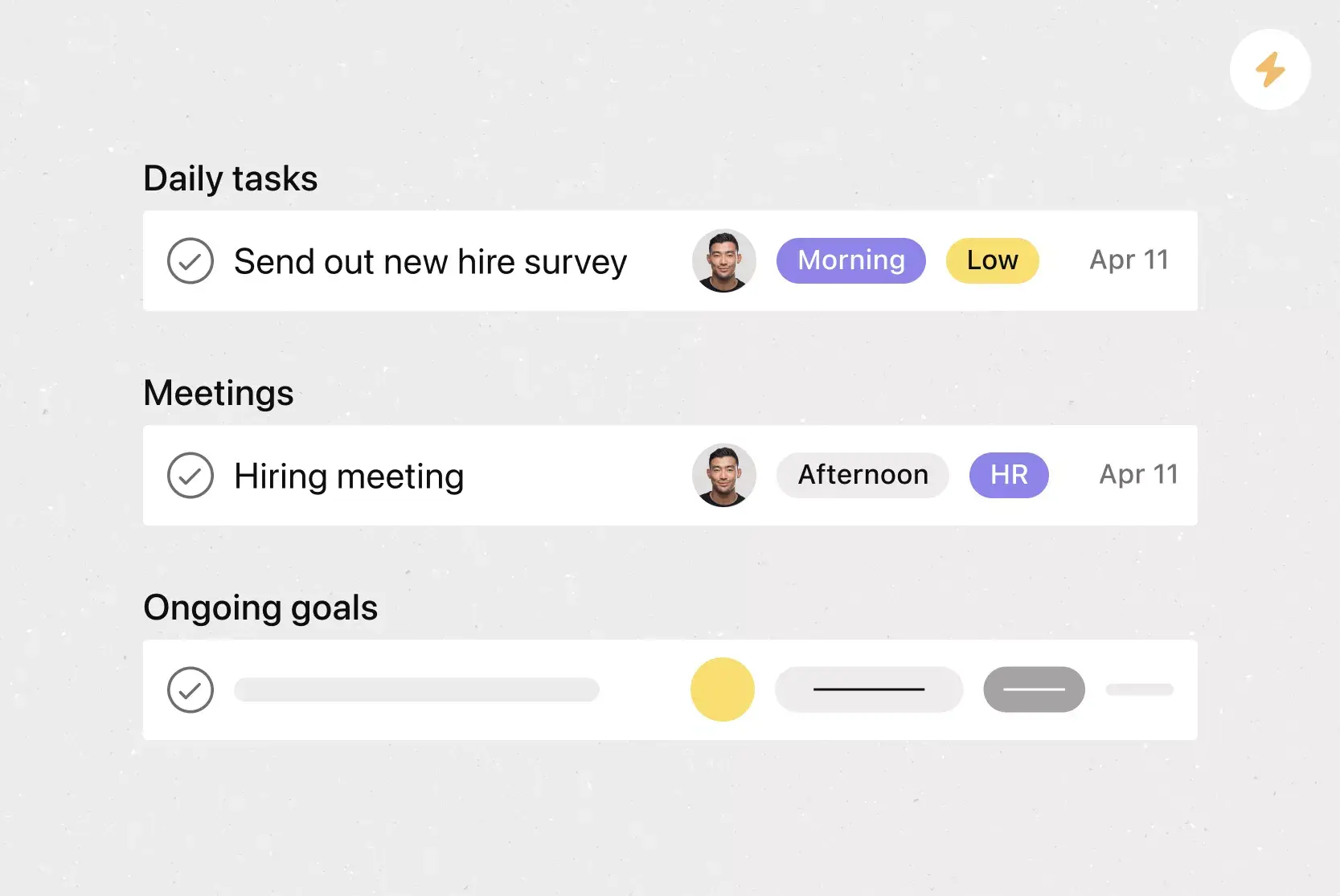
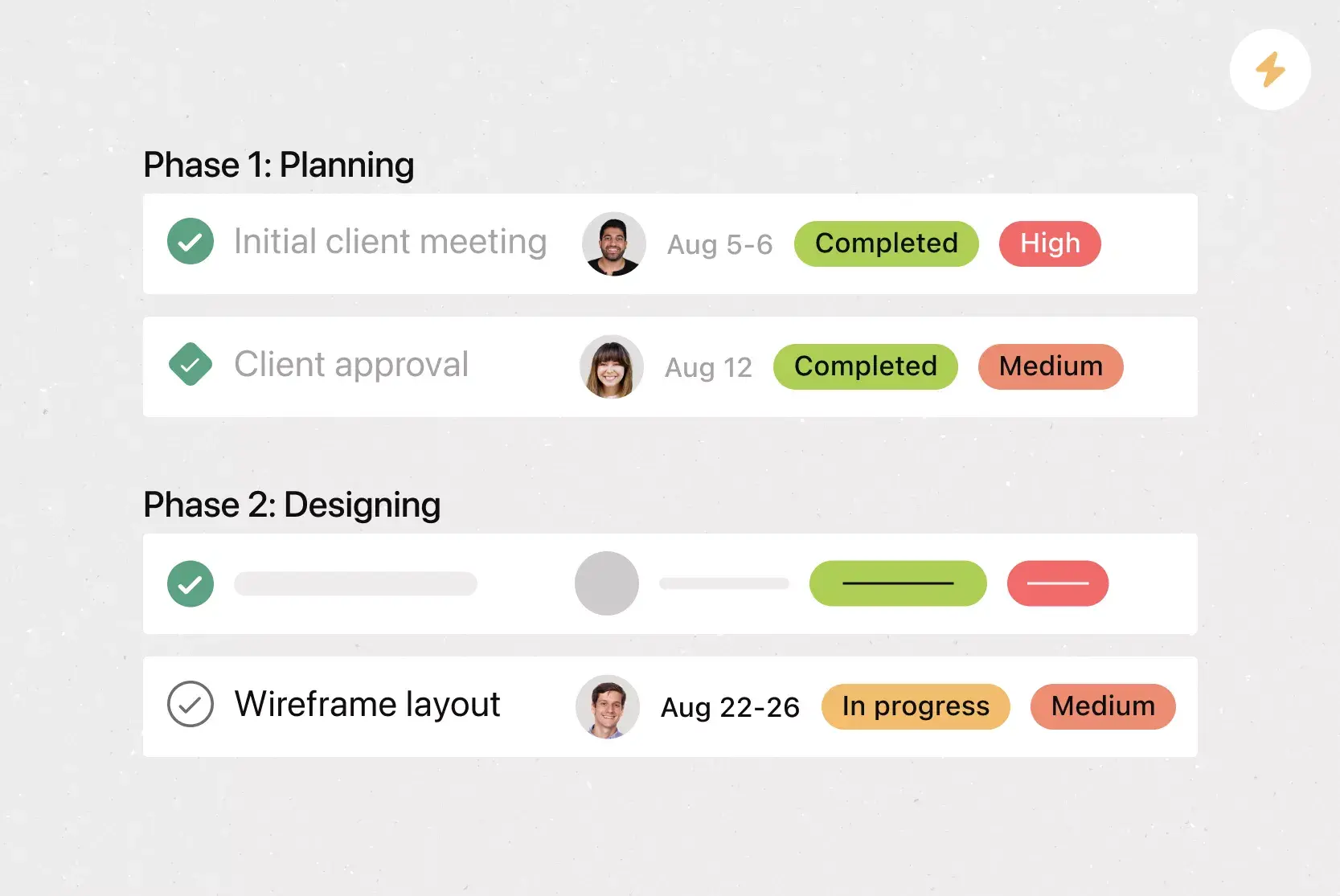
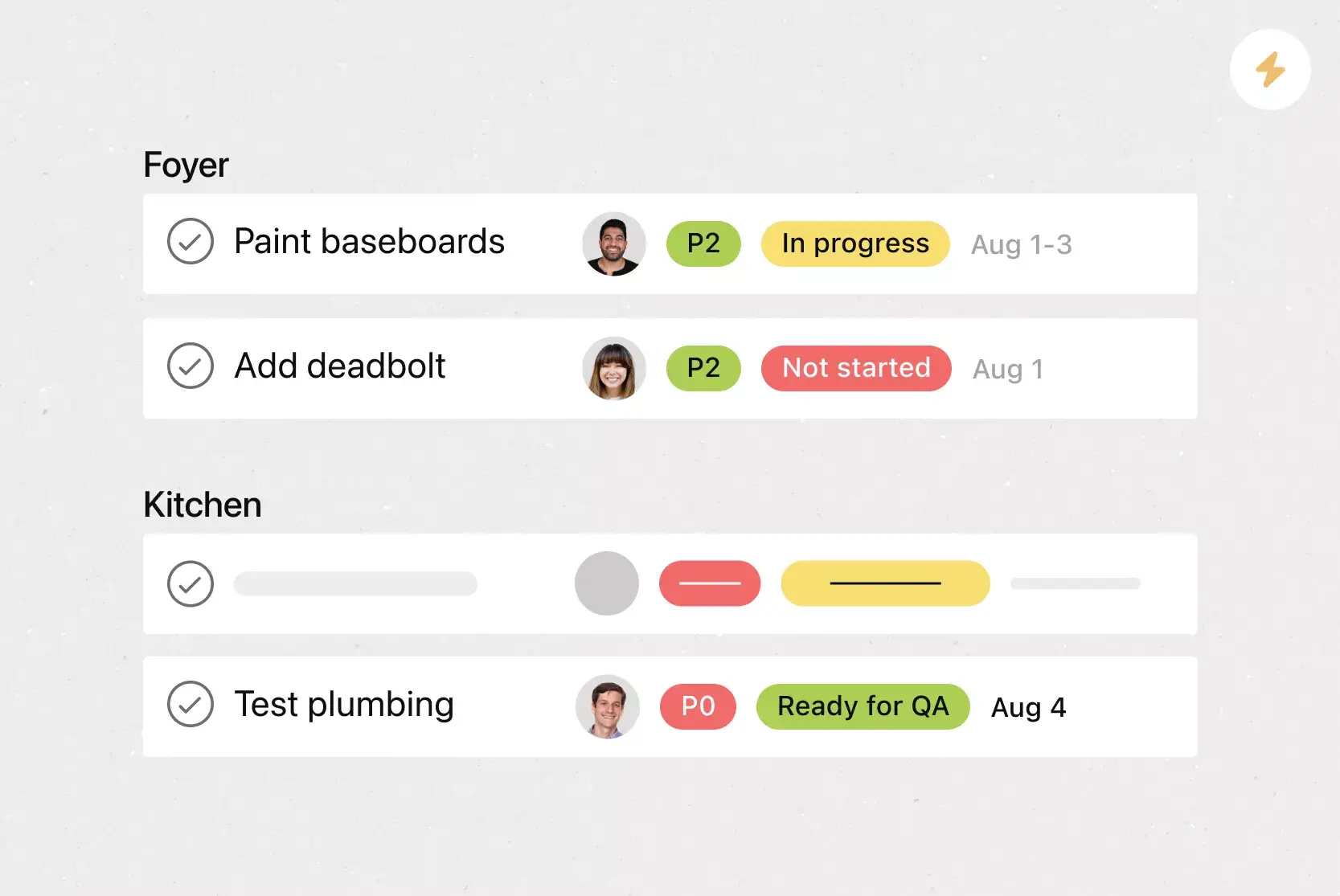
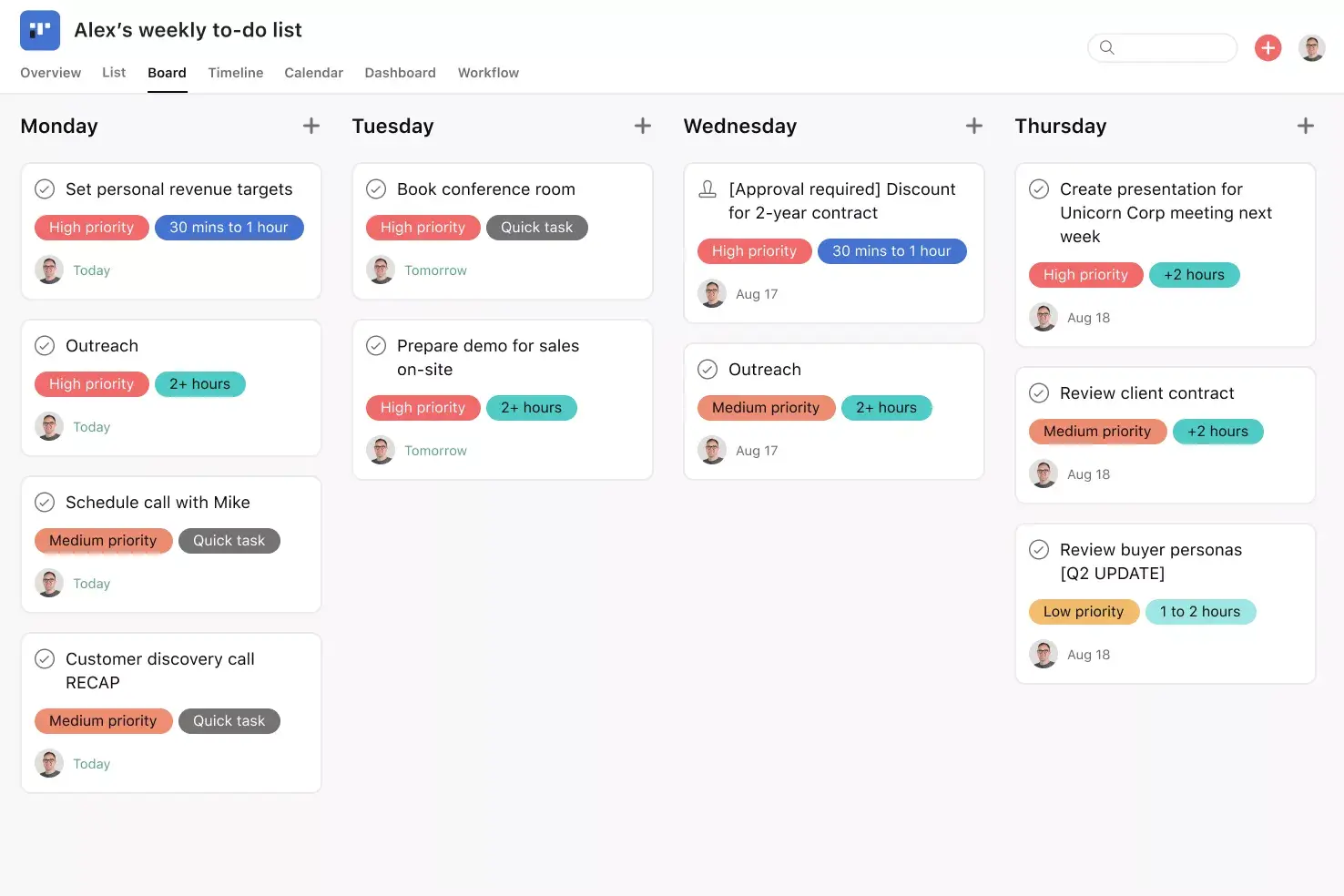
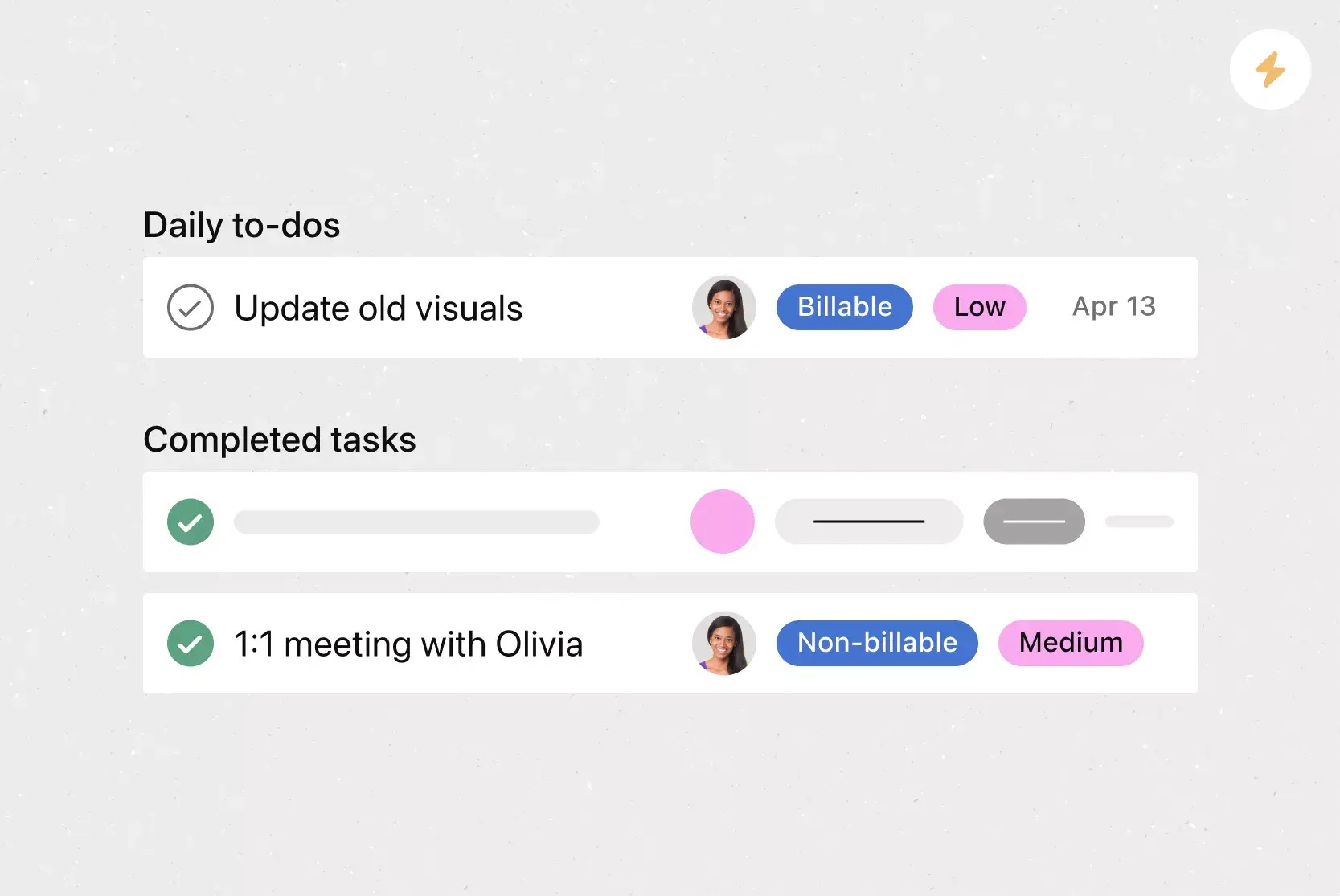
Add custom tags: Tag your to-dos with information like task status and priority to keep your goal on track.
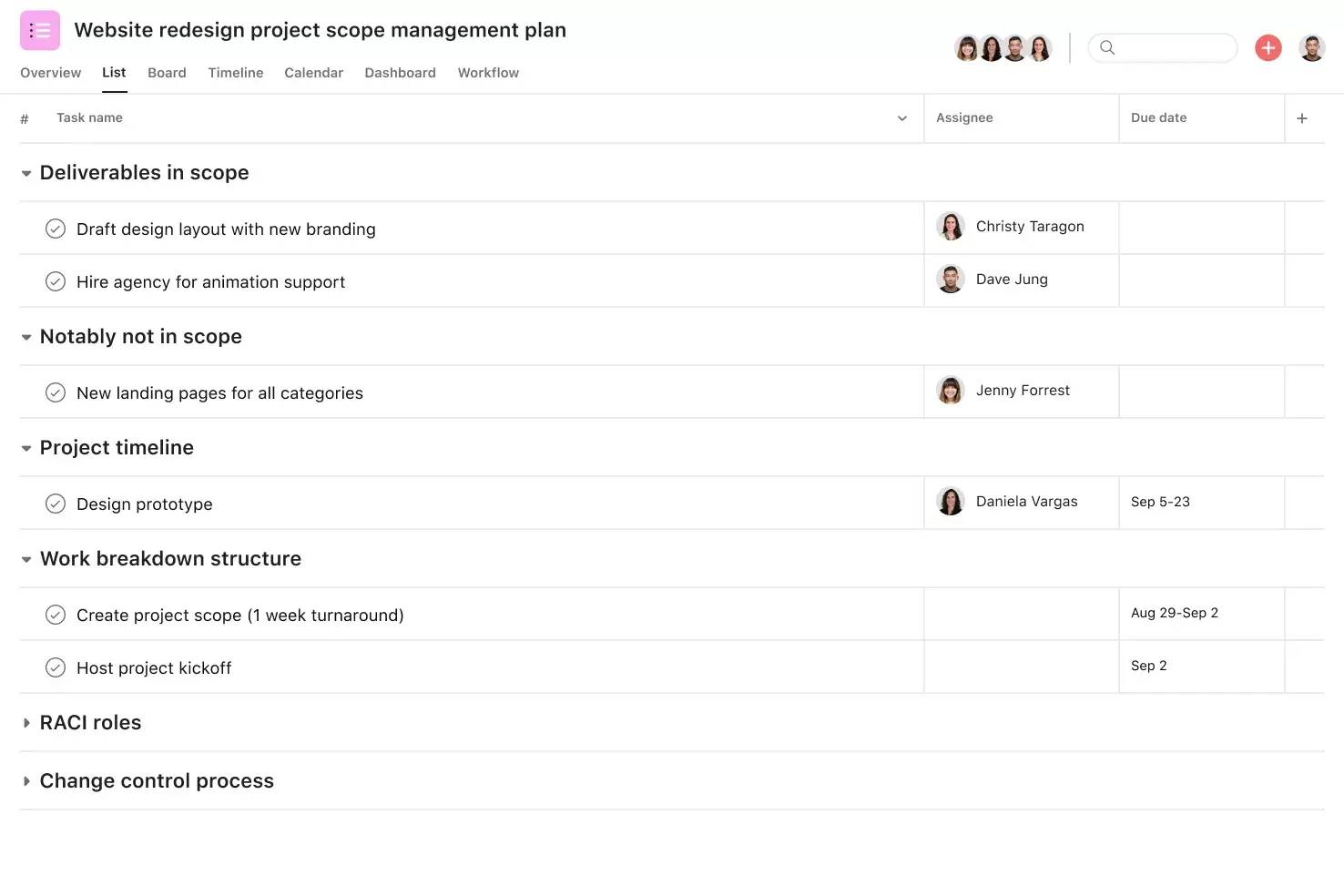
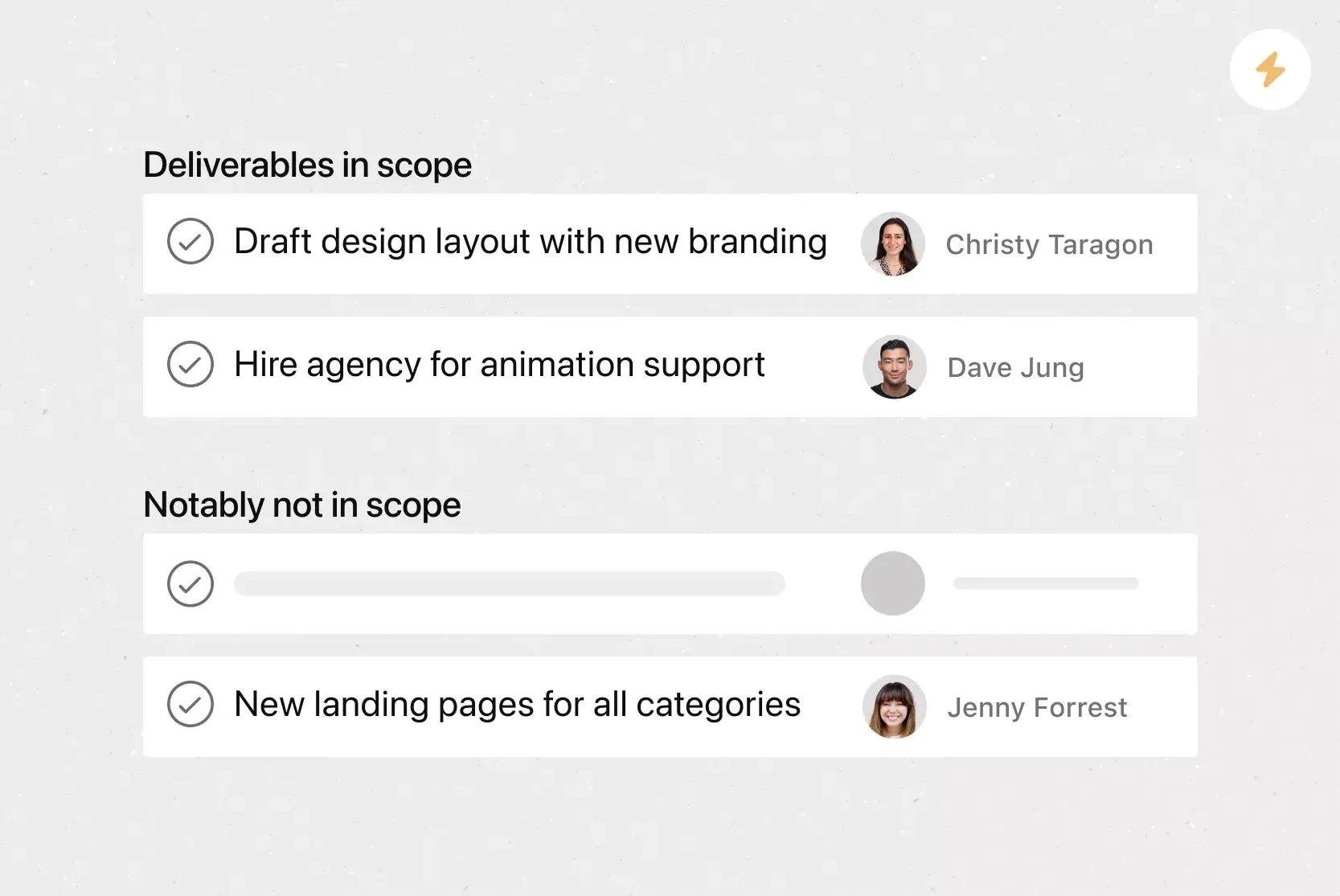
Define reusable sections: Include standard fields such as task owner, due date, and goal alignment so every new goal starts with the same structure.
Integrated features
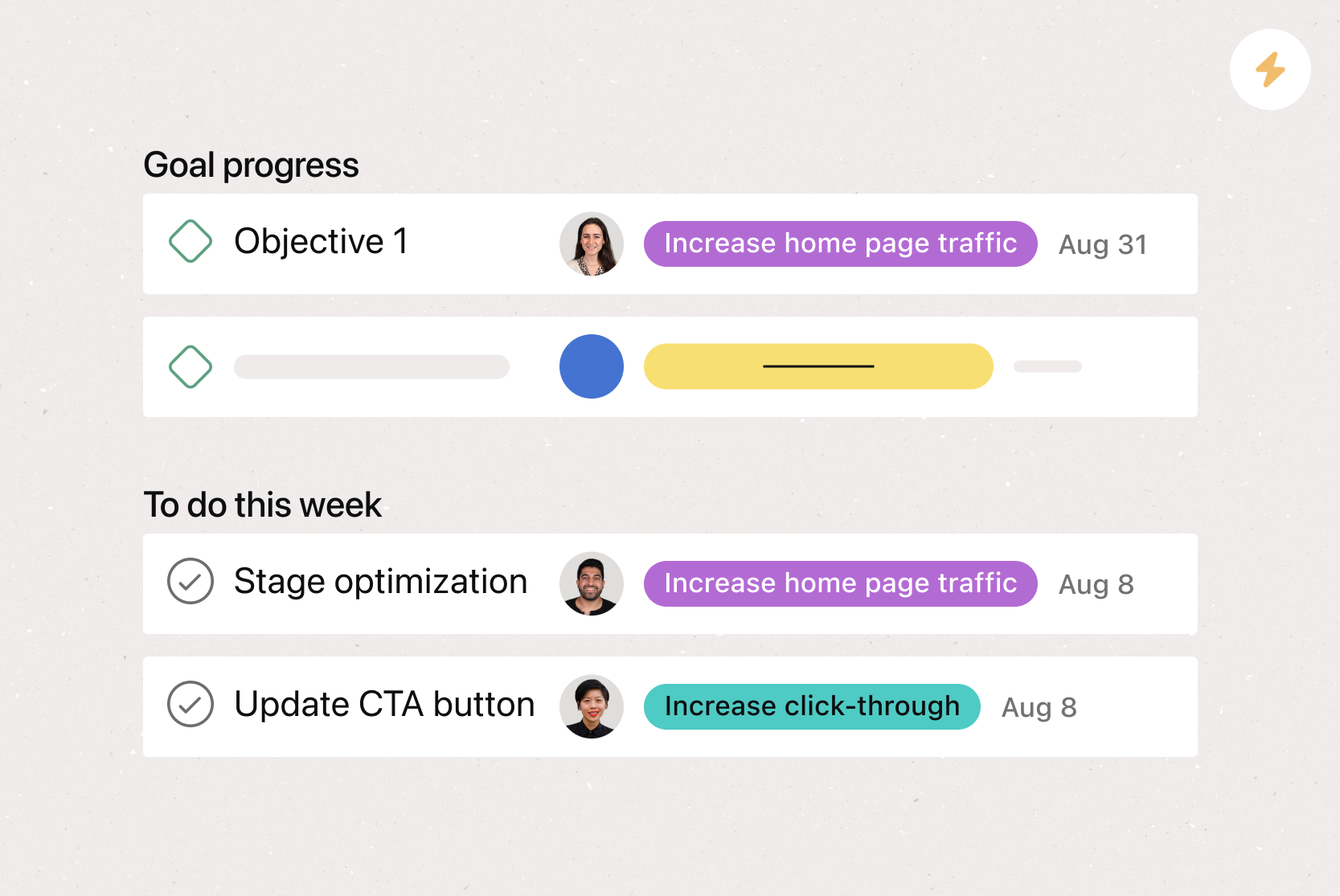
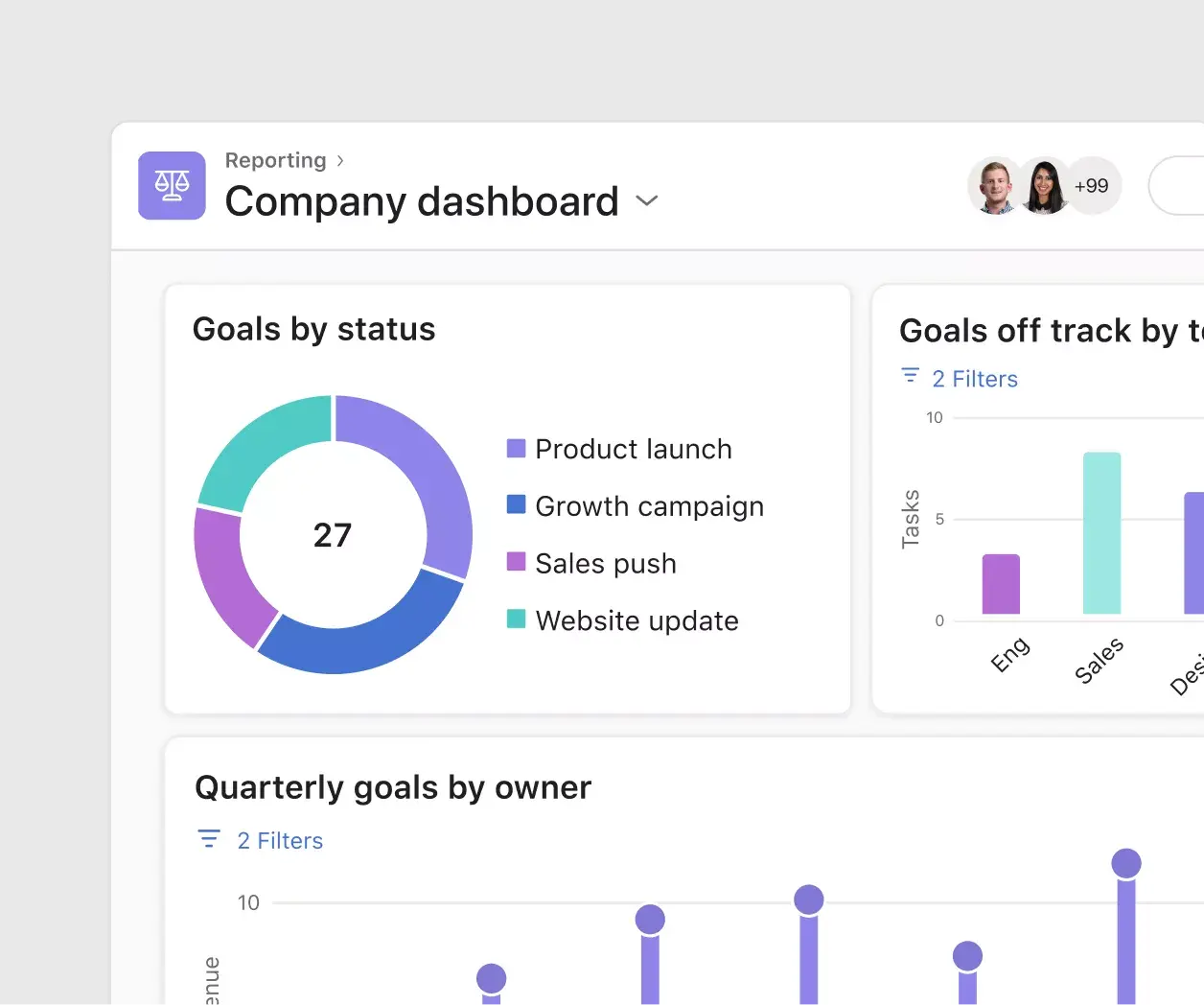
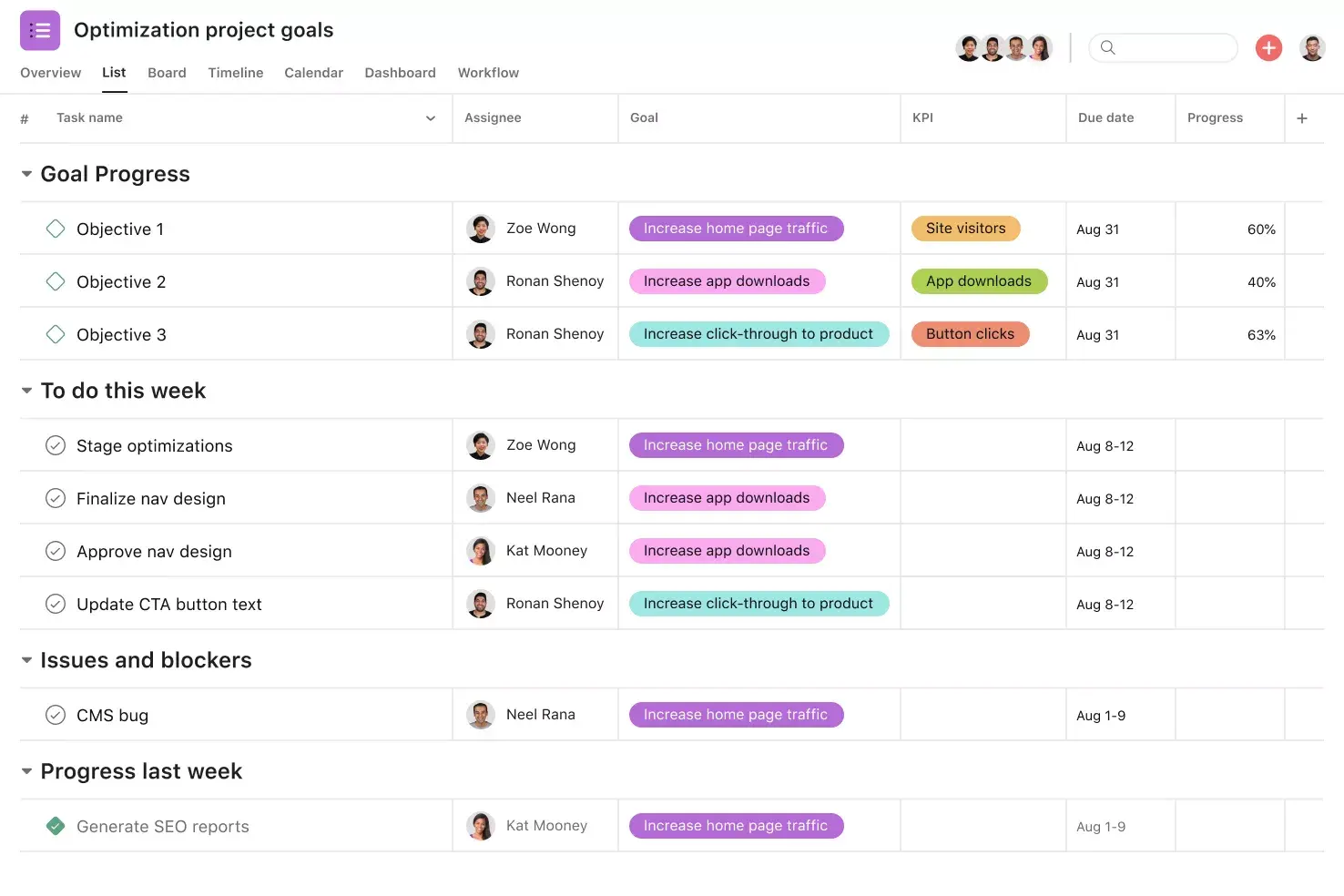
Goals. Goals in Asana directly connect to the work you're doing to hit them, making it easy for team members to see what they're working towards. By connecting your team's and company's goals to the work that supports them, team members have real-time insight into how their work contributes to your team's and your company's success. As a result, team members can make better decisions and prioritize work that delivers measurable results.
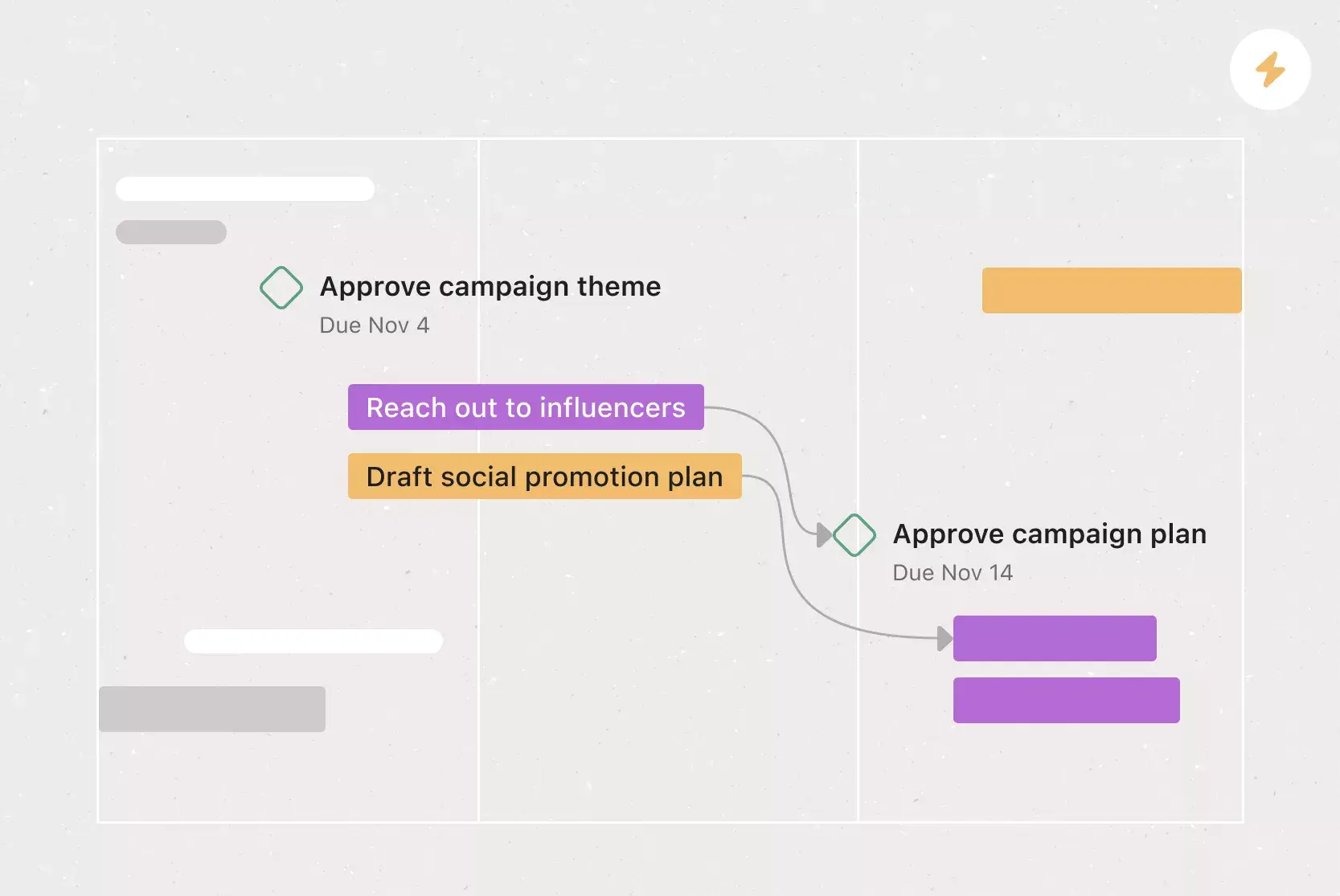
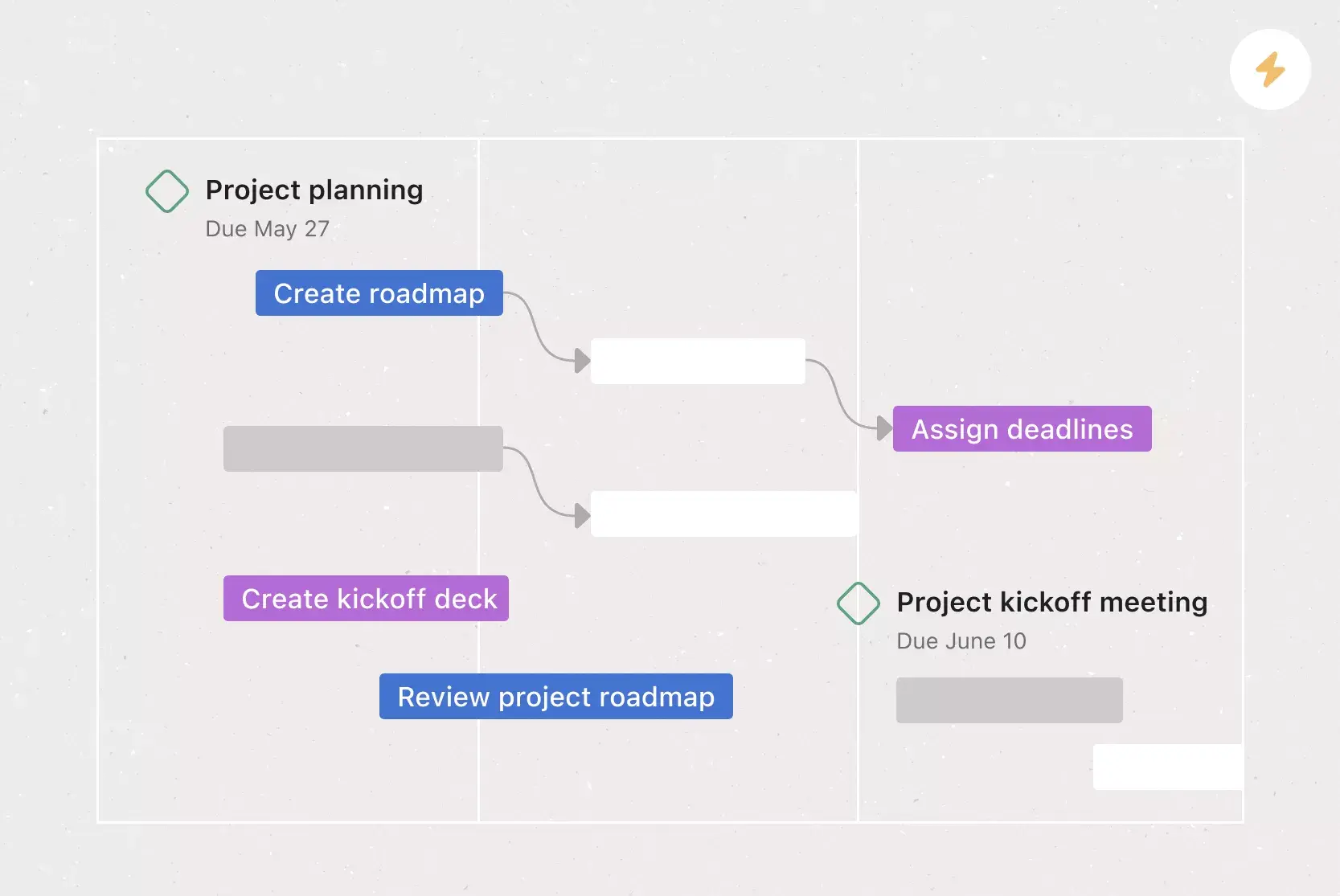
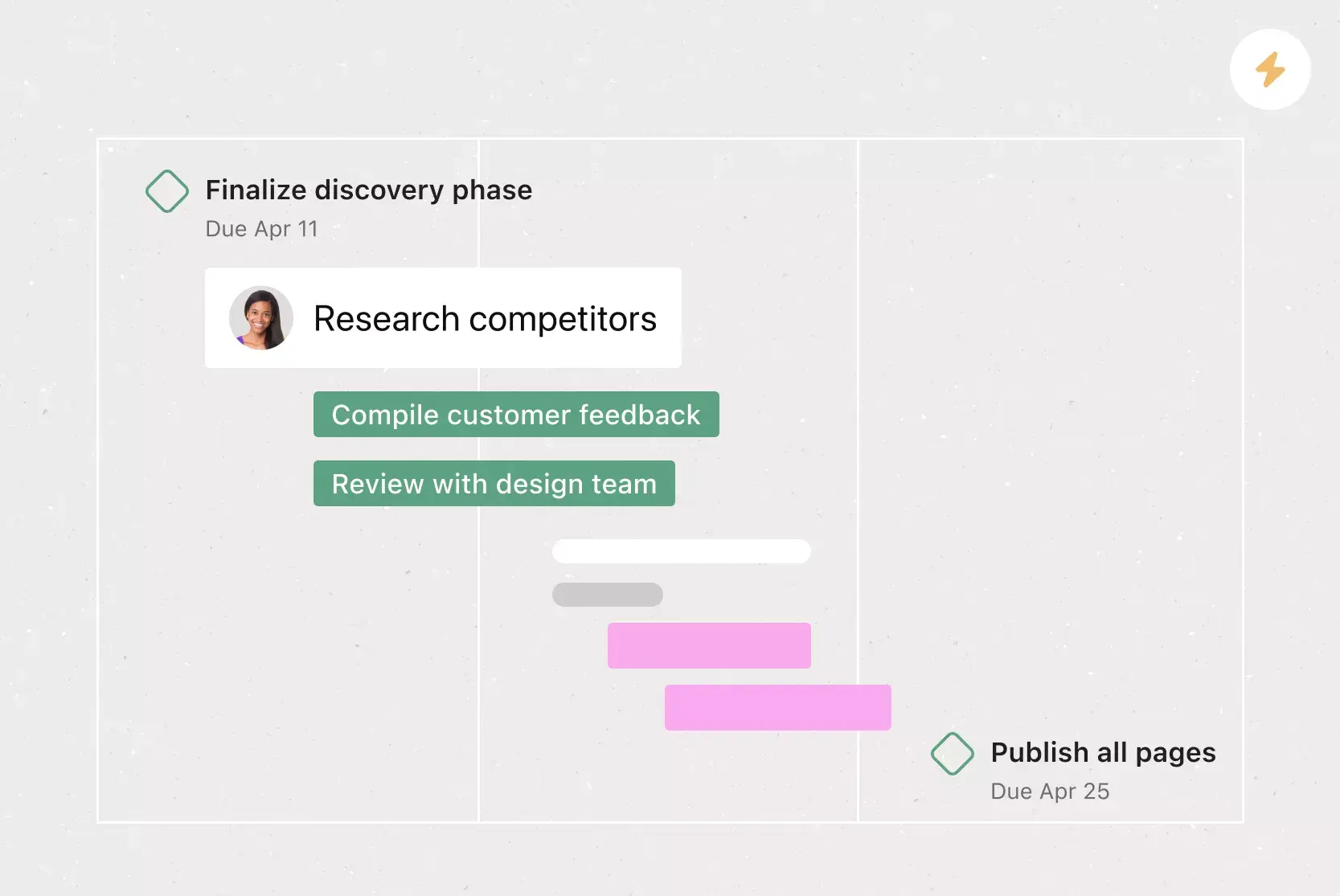
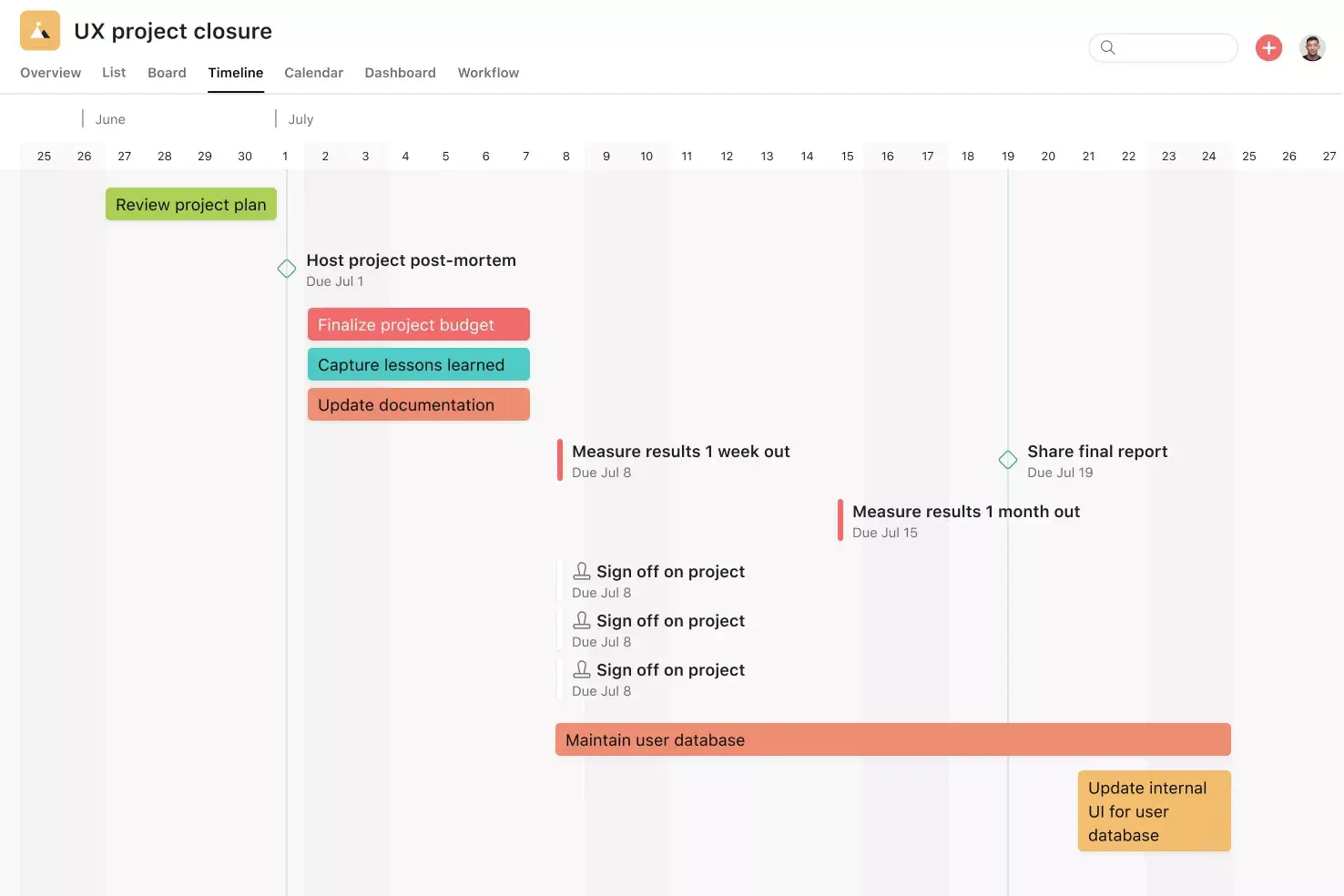
Milestones. Milestones represent important project checkpoints. By setting milestones throughout your project, you can let your team members and project stakeholders know how you're pacing towards your goal. Use milestones as opportunities to celebrate the little wins on the path to the big project goal.
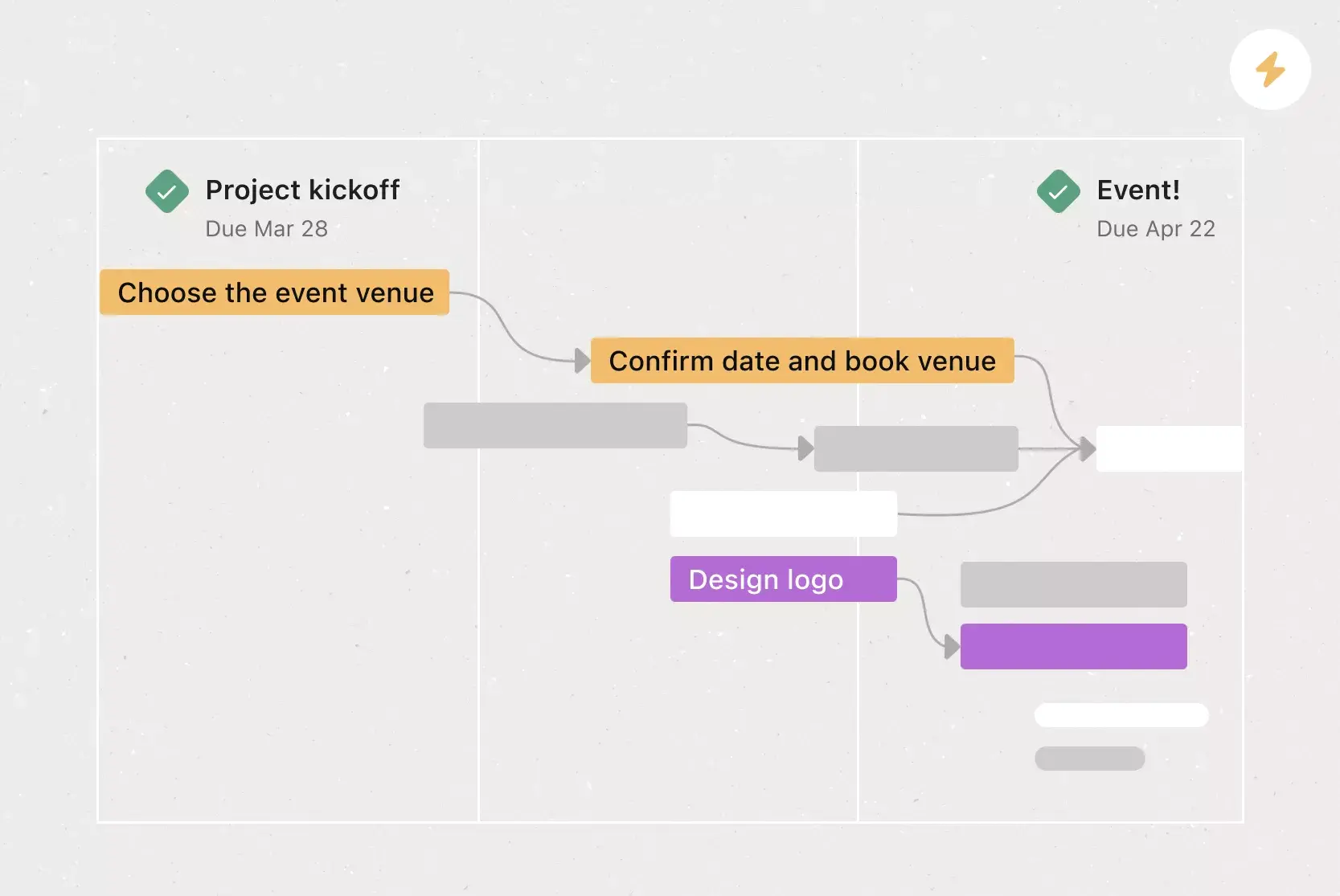
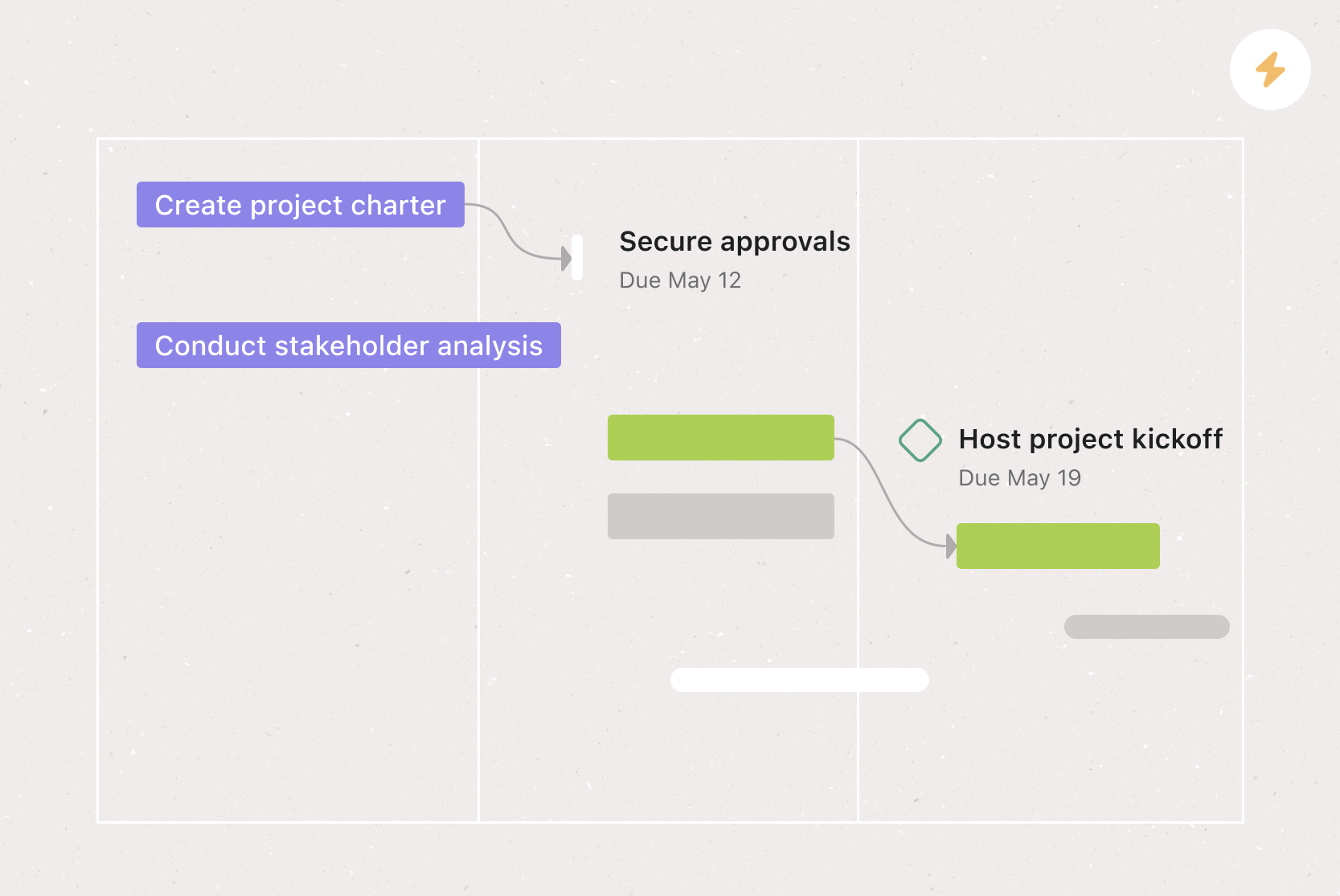
Dependencies. Mark a task as waiting on another task with task dependencies. Know when your work is blocking someone else's work, so you can prioritize accordingly. When the first task is completed, the assignee will be notified that they can begin their dependent task.
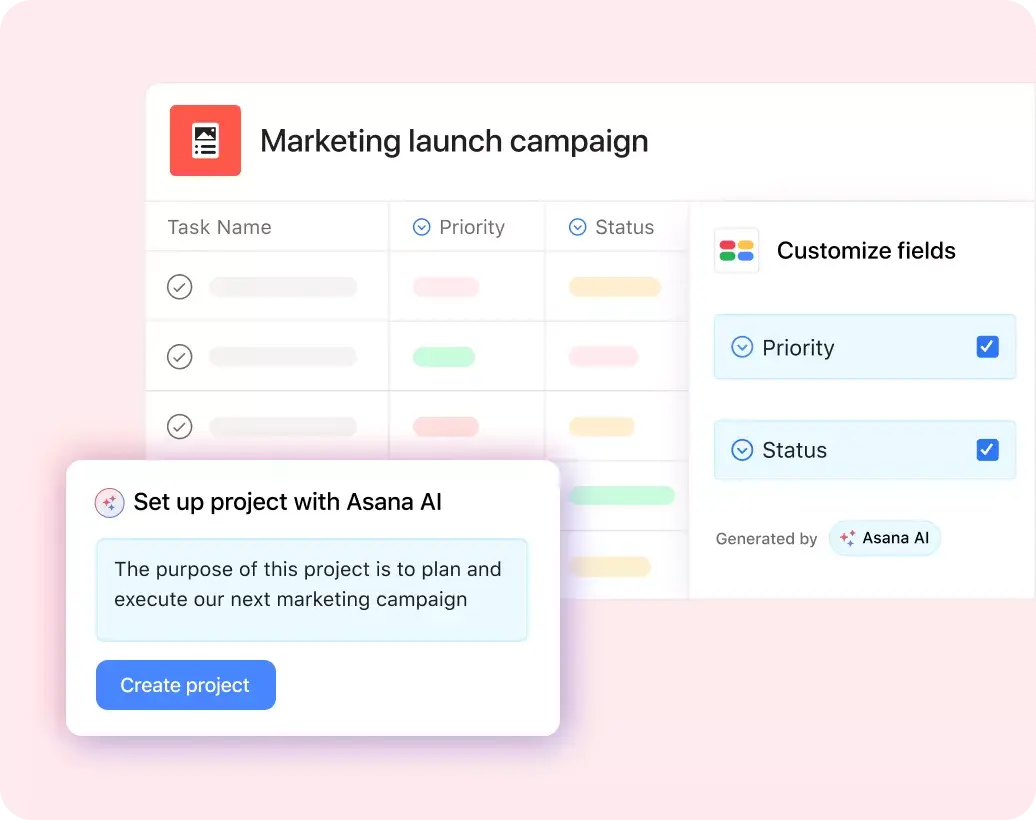
Custom fields. Custom fields are the best way to tag, sort, and filter work. Create custom fields for any information you need to track, including priority and status, as well as email addresses and phone numbers. Plus, share custom fields across tasks and projects to ensure consistency across your organization.
Recommended apps
Dropbox. Attach files directly to tasks in Asana using the built-in Dropbox file chooser in the Asana task pane.
Google Workplace. Attach files directly to tasks in Asana using the Google Workspace file picker, built into the Asana task pane. Easily attach any My Drive file with just a few clicks.
Slack. Turn ideas, work requests, and action items from Slack into Asana tasks and comments that are trackable. Go from quick questions and action items to tasks with assignees and due dates. Easily capture work so requests and to-dos don't get lost in Slack.
Gmail. With the Asana for Gmail integration, you can create Asana tasks directly from your Gmail inbox. Any tasks you create from Gmail will automatically include the context from your email, so you never miss a beat. Need to refer to an Asana task while composing an email? Instead of opening Asana, use the Asana for Gmail add-on to simply search for that task directly from your Gmail inbox.
How to use a short-term goals template
Once you have your basic template set up, you can duplicate it for a specific goal and add goal-specific information, such as tasks, task owners, and project dependencies. Here's a quick rundown of how to set up your project once you have a specific goal in mind:
Read: 10 best goal management software platforms for teamsDefine your short-term goal, ensuring it follows the SMART goal method (specific, measurable, achievable, realistic, and time-bound), is challenging but realistic, and aligns with a long-term goal (if applicable).
Build out your template with the actionable steps your team needs to complete to meet your goal.
Assign each action item an owner and a deadline to keep tasks on track.
Add a priority to each task, so you can easily see how urgent it is and how it affects the progress towards your goal.
Use digital management features, such as task dependencies, to manage your workflow and keep track of anything that's blocking your progress.
Set project milestones to celebrate small wins and keep track of your progress.
Let's say your long-term business goal is to launch your product in a new market by the end of the year. On its own, that goal is too big to act on directly. To make it achievable, break it down into bite-sized goals you can complete over a shorter period. For example, steps to expanding into a new market might include:
Review your current market, product offering, and target audience to identify expansion opportunities.
Conduct competitor research to determine potential markets to expand into.
Select your target market for expansion.
Determine key messaging for expansion and launch.
Pick your launch marketing channels and develop a promotion strategy.
Create a sales and outreach plan.
Set a concrete timeline and define launch goals.
Launch the product in the new market.
Review launch performance.
Turn these steps into short-term goals by assigning each of them a due date. Using your short-term goals template, you can track your progress and map it back to the overall progression of your long-term launch goal.
Short-term goals examples for work
Here are practical short-term goal examples across common business functions. Each one is specific enough to act on and achievable within a few weeks or months.
Professional development goals
Complete a project management certification course by the end of Q2.
Shadow a colleague in a different department for two weeks to build cross-functional knowledge.
Read one industry-relevant book per month for the next quarter.
Team productivity goals
Reduce meeting time by 20% over the next 30 days by auditing recurring meetings.
Establish a weekly stand-up cadence for your team within the next two weeks.
Migrate all active projects into a work management tool by the end of the month.
Sales and marketing goals
Launch a new email nurture campaign within the next six weeks.
Increase qualified leads by 15% this quarter by testing two new channels.
Create and publish a customer case study by the end of the month.
Operations and process goals
Document your team's top five workflows in a shared project by the end of Q1.
Automate one recurring manual process within the next 30 days.
Conduct a quarterly review of vendor contracts to identify cost savings.
Use these as a starting point, then customize them based on your team's priorities and timelines. The key is to make each goal specific, measurable, and connected to a larger objective.
Get started with your short-term goals
Setting short-term goals doesn't have to be complicated. With a reusable template, you can skip the setup and focus on the work that moves your team forward.
Ready to turn your big objectives into achievable milestones? Get started with Asana and use a free short-term goals template to keep your team connected and on track.
Create a short-term goals templateFAQs about short-term goals templates
Start by defining your long-term goal, then break it down into actionable tasks with specific deadlines. For example, if your goal is to increase organic traffic year-over-year, a short-term goal might be to develop a keyword strategy by the end of Q1.
Setting SMART ("specific, measurable, achievable, realistic, and time-bound") goals is a common goal-setting technique, as the structure provides clarity around what needs to get done and when.
Aim to accomplish short-term goals within 12 months or less. Break down goals that take longer than a year into smaller, more manageable steps.
Short-term goals templates are useful for tracking any business objective you want to achieve within a year or less, from strategic goals to company planning objectives. You can also use goal-setting templates to track personal goals, such as your professional development goals, life goals, or smaller, weekly goals.
Related templates

![[Templates] Editorial Calendar (Share image)](https://assets.asana.biz/transform/5fac5de2-17f6-4d69-8cd3-091a887a24bd/TG23-web-thumbnail-042-editorial-resource-management-static-2x?io=transform:fill,width:2560&format=webp)
![[Templates] Marketing Project Plan (Card) image](https://assets.asana.biz/transform/af70ac54-97b9-4639-b639-be3a3d951e3e/TG23-web-thumbnail-016-stakeholderregister-static-2x?io=transform:fill,width:2560&format=webp)
![[Templates] Operations Project Plan (Card)](https://assets.asana.biz/transform/ec3bf1b9-cbcd-413c-a20c-82bf1dbe10d2/TG23-web-thumbnail-008-risk-management?io=transform:fill,width:2560&format=webp)
![[Template] IT project plan (Card image)](https://assets.asana.biz/transform/8aa523a9-4dcb-4053-8e69-7bdf900b48b9/web-product-template-thumbnail-IT-EN-US?io=transform:fill,width:2560&format=webp)
![[Old Product UI] Sprint planning project with t-shirt sizes in Asana (Lists)](https://assets.asana.biz/transform/34817820-b376-4110-a8be-9a2c7c546a77/inline-project-planning-t-shirt-sizing-product-ui-list-view-sprint-planning-en-2x?io=transform:fill,width:2560&format=webp)



![[Templates] RFP Process (Card image)](https://assets.asana.biz/transform/14aa111b-ab22-483f-bfd1-3090acb7d2a5/RFP-process-premium-m?io=transform:fill,width:2560&format=webp)

![[HR Project Plan] template Card Image](https://assets.asana.biz/transform/663b8e5e-89c9-4b0b-b48b-1b17e01d1889/TG23-web-thumbnail-033-process-improvement-static-2x?io=transform:fill,width:2560&format=webp)
![[Templates] Waterfall project management (card image)](https://assets.asana.biz/transform/d87fc21c-53f0-4bc9-9094-9789b963be9b/article-project-management-waterfall-project-management-methodology-2x?io=transform:fill,width:2560&format=webp)
![[Templates] Status report (card image)](https://assets.asana.biz/transform/9c82d399-782b-40d3-9eb1-fd7544bef794/article-project-management-project-management-maturity-model-2x?io=transform:fill,width:2560&format=webp)
![[Templates] Event Marketing Plan (Card image)](https://assets.asana.biz/transform/6c7b9329-b612-4732-910a-7917fa079f0b/TG23-web-thumbnail-014-project-chart-static-2x?io=transform:fill,width:2560&format=webp)

![[Templates] Communication plan (card image)](https://assets.asana.biz/transform/3dc9eadf-9d2d-40a2-a05d-63adb32a1de7/article-collaboration-synchronous-vs-asynchronous-communication-2x?io=transform:fill,width:2560&format=webp)






![[Templates] Design Project Plan (Card image)](https://assets.asana.biz/transform/c768a28c-822f-420f-93f9-f2eea4c93780/TG23-web-thumbnail-032-bill-of-materials-static-2x?io=transform:fill,width:2560&format=webp)
Create a short-term goals template with Asana
See how Asana can help you track progress and achieve short-term business goals.