


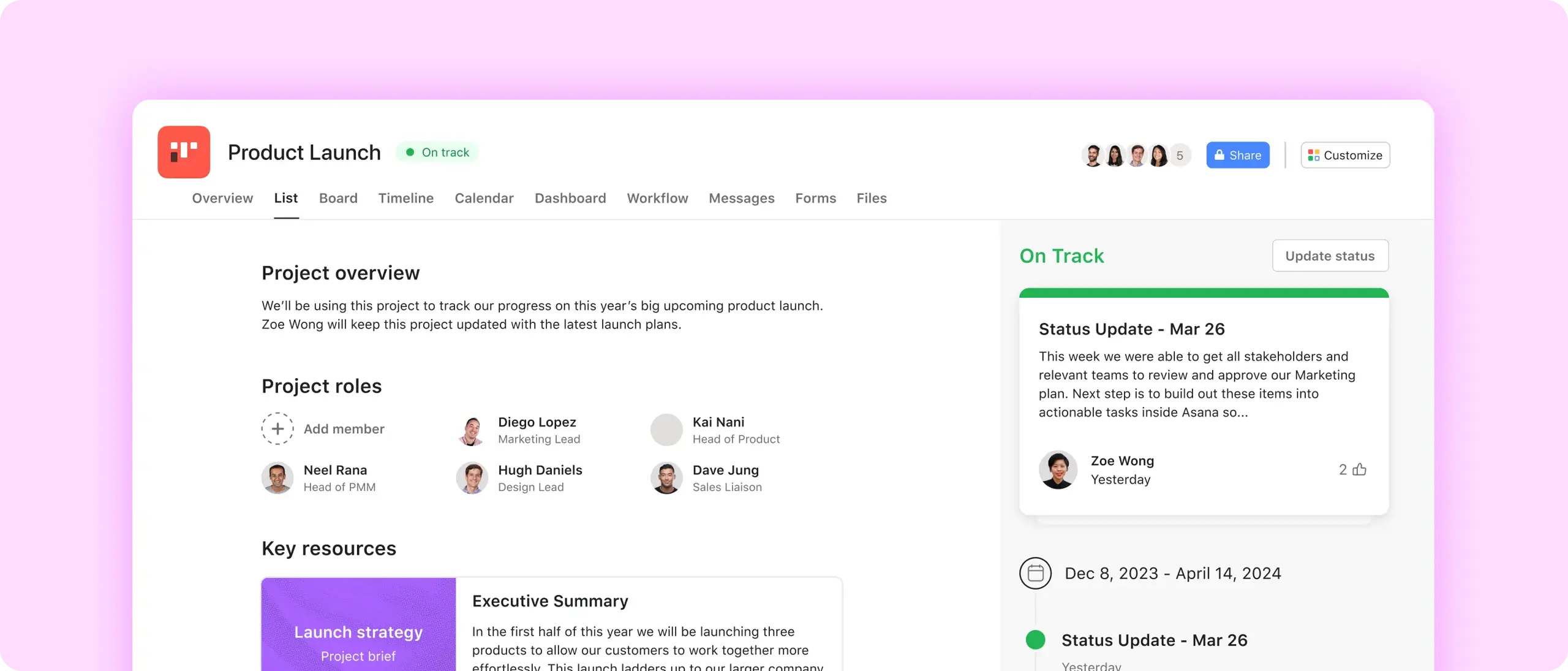
Organize your way
Customize project sections and switch between layouts: gantt, list, calendar, board, or timeline.
Move faster
Kick off instantly with project templates, and add automations to reduce manual work.
Keep work on track
Use automatic reporting to see how your project is performing in real-time.
Plan and structure work strategically
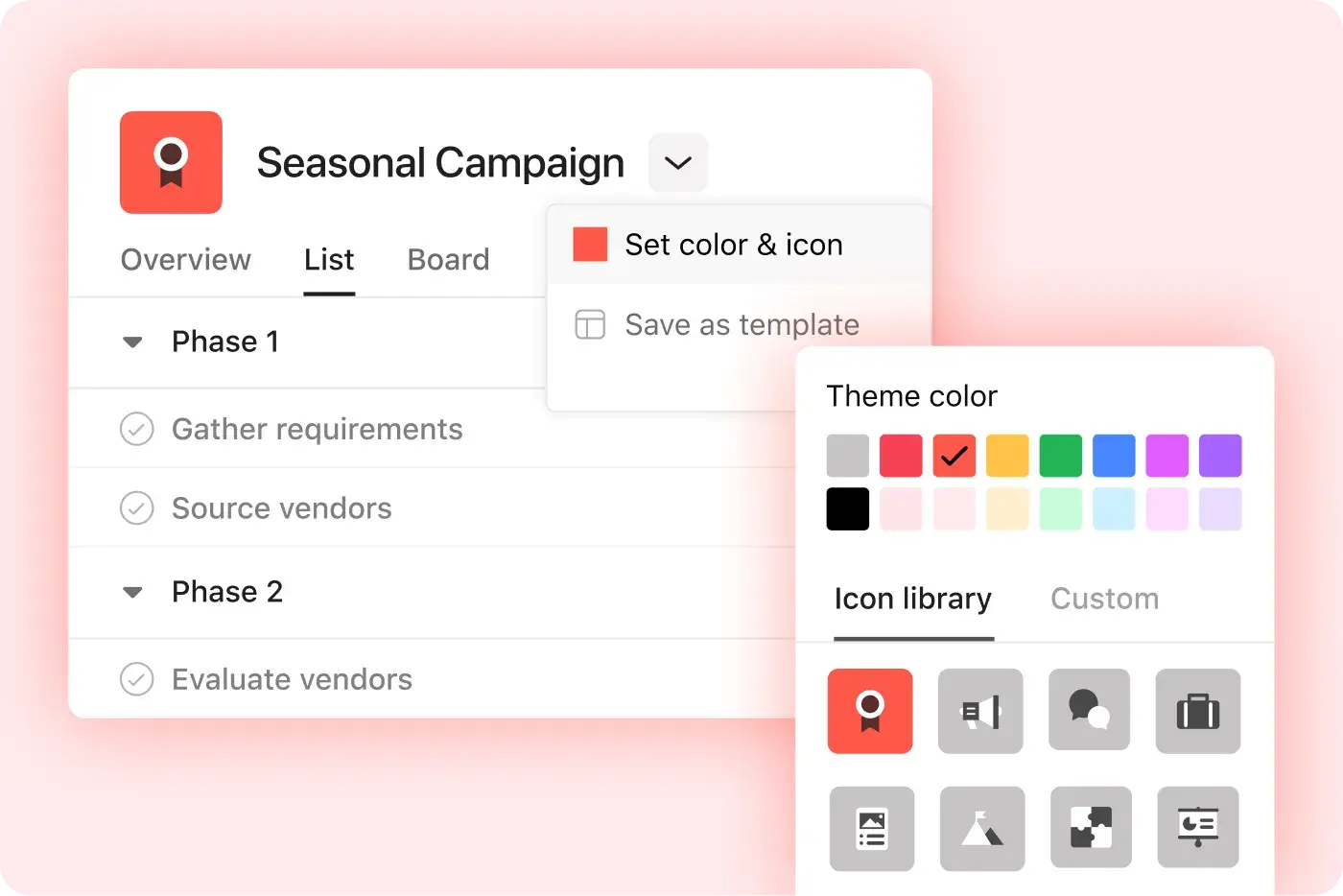
Create sections
Organize tasks however you want with custom sections, and add a project icon to set it apart from other work.
Save your layout
Create a template from any project to save your best practices for the future.
See projects your way
Surface the most relevant information for your team by creating multiple custom views within a project.

Streamline collaboration across teams
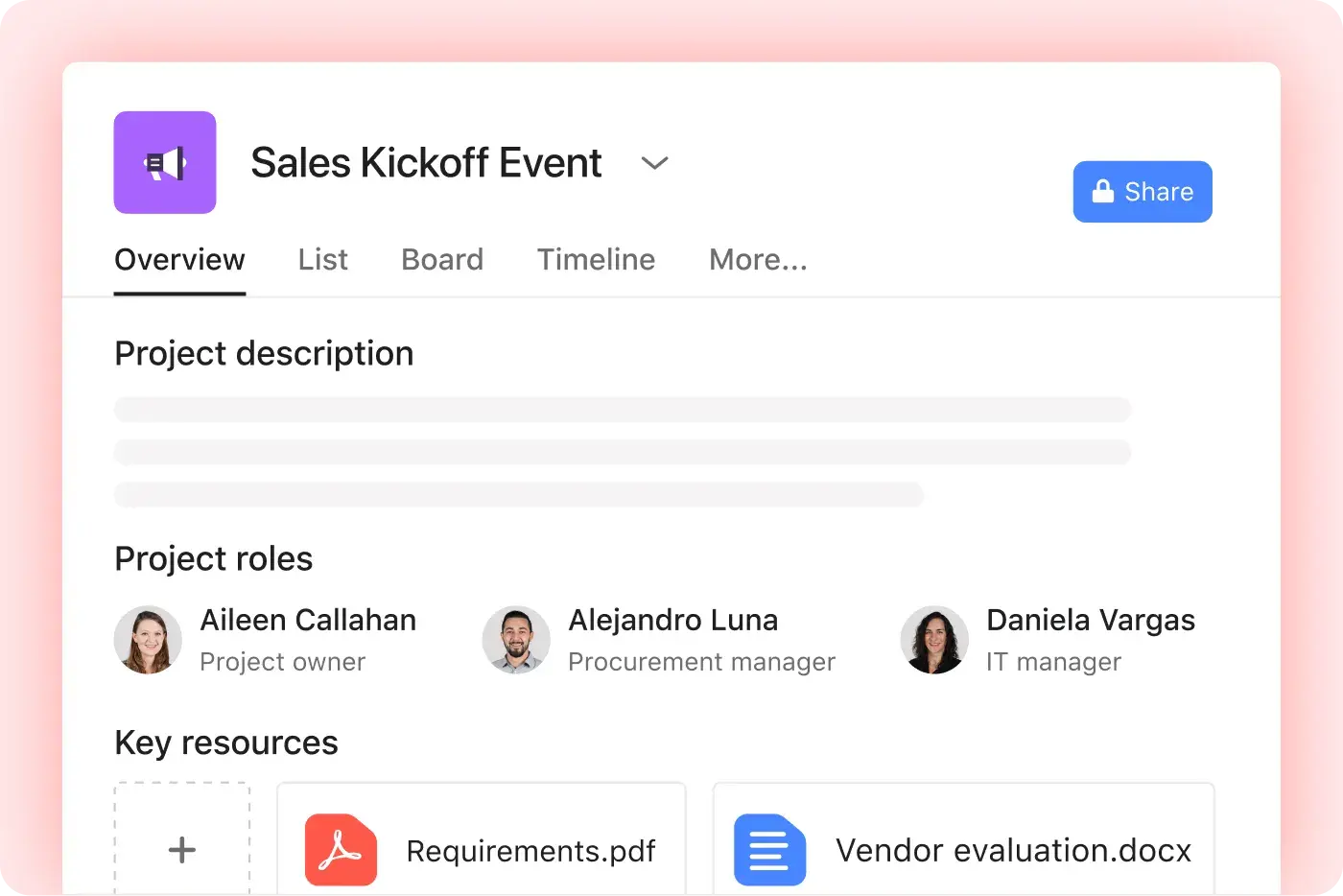
Build your project overview
Assign roles, create a project brief, and add resources so everyone is on the same page.
Manage communications
Choose which project members get notified when you add tasks, publish status updates, or send messages.
Collaborate with external partners
Invite people outside your organization to collaborate on projects in Asana.
Build your project
Create a shared hub for collaborative work with these features.
Still have questions? We have answers.
It depends on the scope of work, and who’s involved. Let’s break it down:
Create a project for large coordinated efforts with lots of steps and stakeholders, like a marketing campaign.
Create a task to capture a single to-do for one person, like writing a blog.
Create a subtask to break a task into smaller pieces or divide the work among multiple people. For example, break a blog request into subtasks for drafting, review, and publishing.
Yes, you can do both. Get started with a few clicks by using a CSV file to import tasks to your Asana project. Then, export your project as a JSON or CSV file.
Create custom sections to divide and organize the tasks in your project. For example, you can bucket tasks according to different workflow stages, priorities, or topics.
You can also organize projects with custom fields, color-coded labels that help you differentiate tasks at-a-glance.
The Asana plans that include the Projects feature are all Asana plans: Personal, Starter, Advanced, and Enterprise.
The project views available include list, board (Kanban), calendar, timeline (Gantt), and custom views.
You can customize sections and layouts. You can create custom sections and save project layouts as templates for reuse.
To automate your project workflows, you can add rules and automation to trigger actions like task assignment, due date updates, and more.
You can invite external collaborators. You can invite guests—external people—to collaborate on specific projects securely.
To view reports on project progress, automatic project reporting provides real-time insights on task completion and project health.
Tasks can belong to multiple projects in Asana. A single task can exist in up to 20 projects and its updates sync across all instances.
To import and export project data, you can import tasks via CSV and export projects as CSV or JSON files.
For managing multiple projects (what might be called a "project of projects"), use Portfolios.
To create a new project, project creation lets you start from templates or blank projects and configure views, sections, custom fields, and settings.
Transform the way you work with Asana
Start your free trial
Try Asana for free. No credit card required.
Watch the demo
See how Asana connects companies at scale.
Speak with a sales rep
Learn how Asana helps teams collaborate seamlessly.