


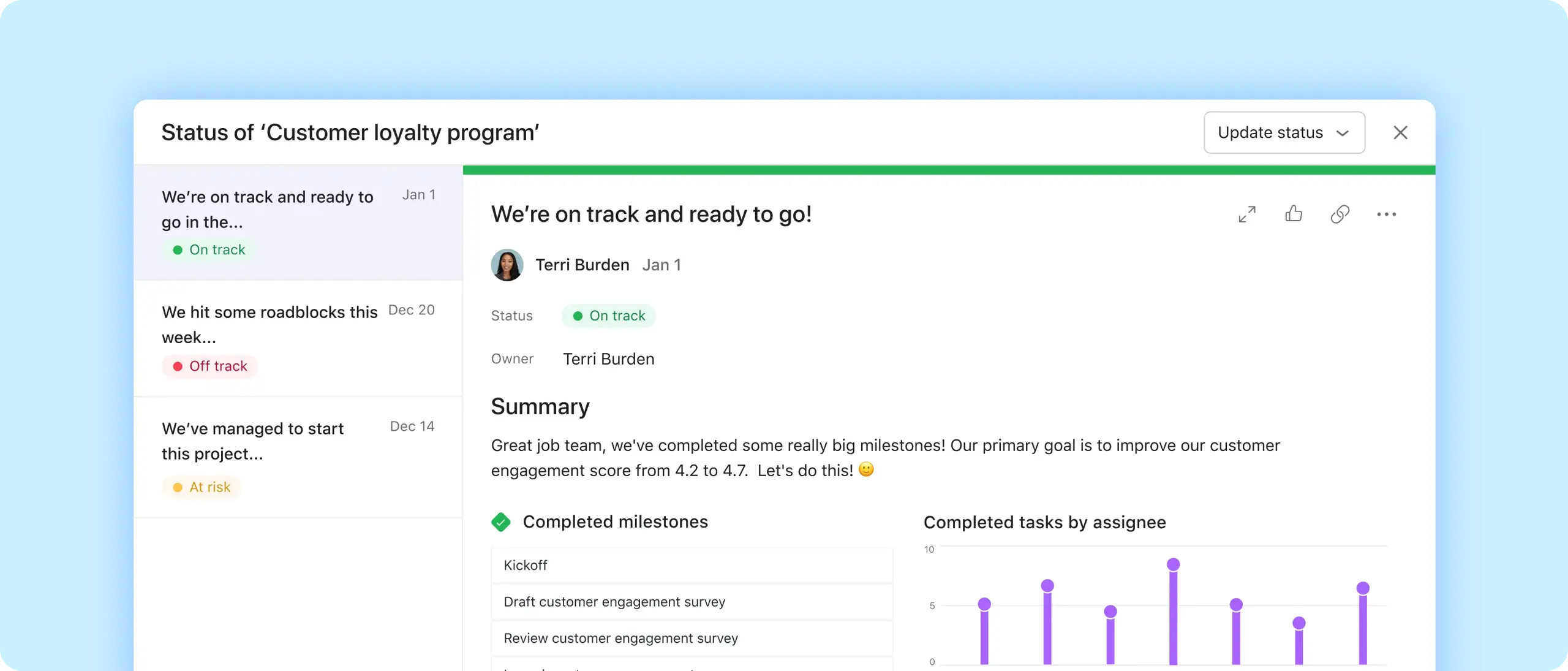
Save time
Drag and drop project highlights like completed milestones and overdue tasks.
See your progress
Automatically create charts to show status in real-time.
Share consistently
Program reminders so your team always knows when to post.
Keep teams updated in real time
Get to the point
Start by selecting a project status: on track, at risk, off track, on hold, or complete.
Use real-time reporting
Drag and drop charts into your update to automatically visualize progress.
Embed task lists
Show completed or in-progress work with a single click.

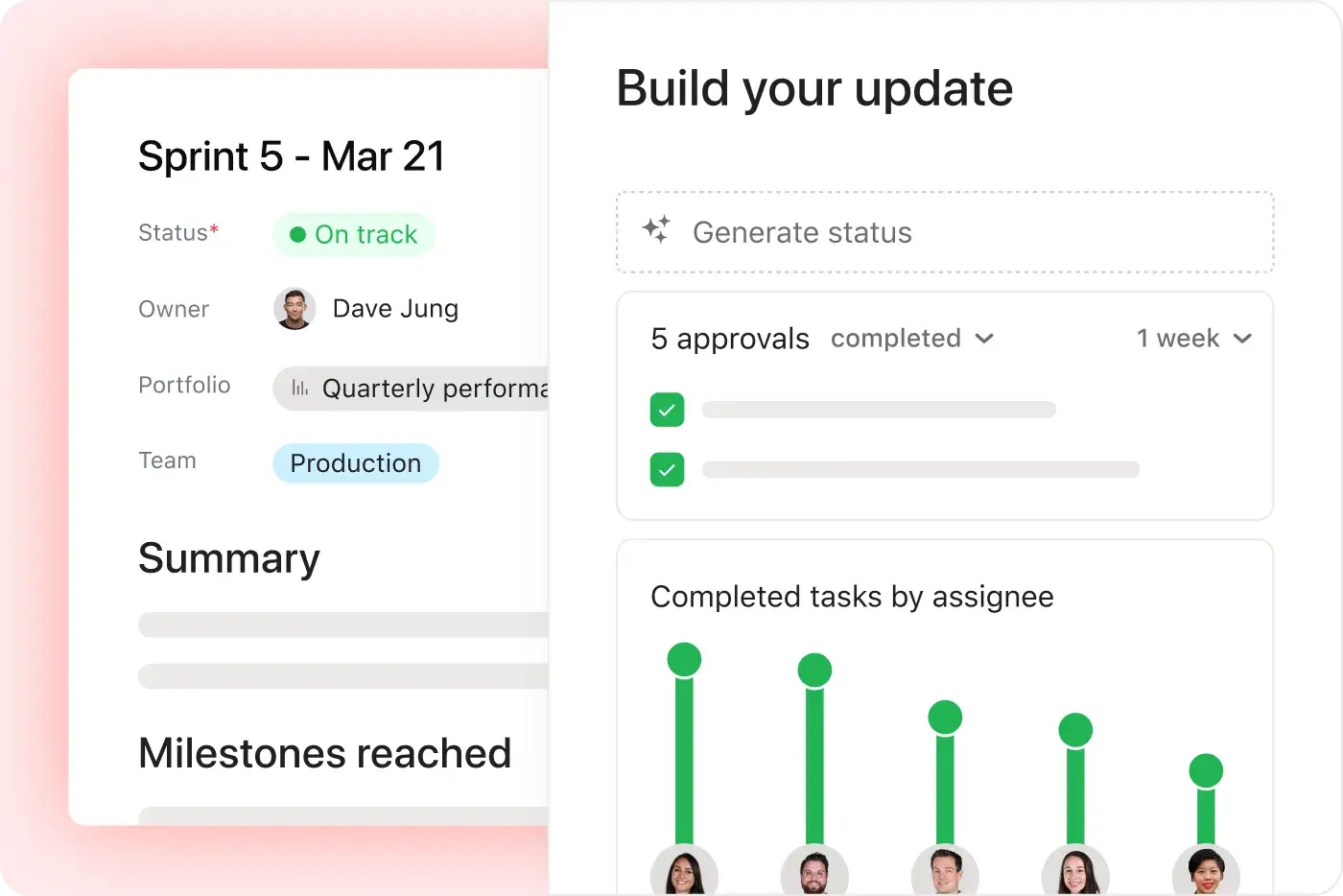
Standardize updates across the org
Notify the right people
Automatically send updates to everyone in your project.
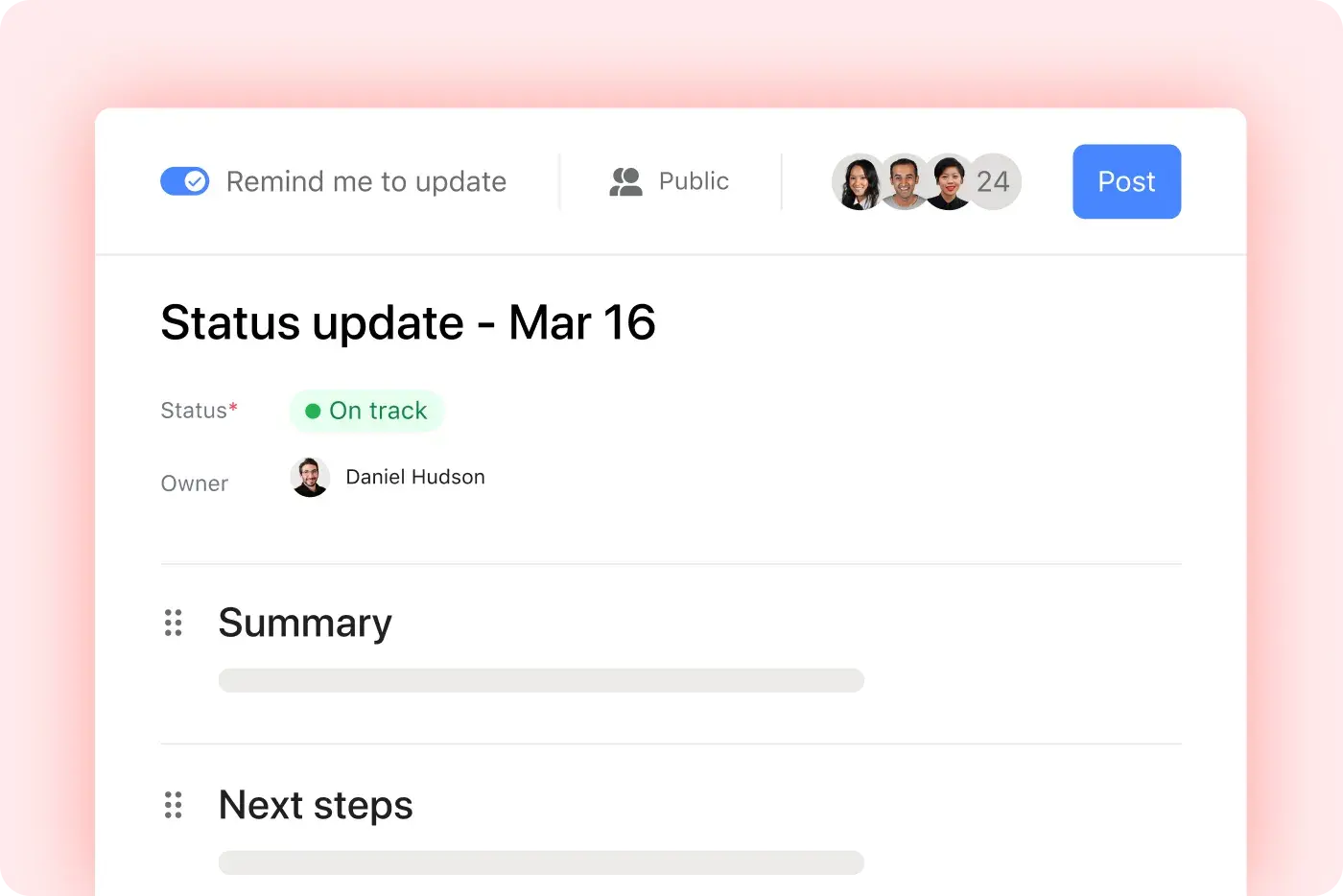
Set a cadence
Program reminders the day before updates are due, so your team can post on schedule.
Establish a format
Save your custom sections and use them for the next update.


Company Size
Enterprise
Industry
Technology
Asana provides consistent visibility that ensures our senior leaders are clear on initiatives and goals across the roadmap. They can comment directly into status updates with any follow-up questions, and can easily click through to the project for more information.
Rhonda Cusack
Senior Project Manager, PMO
Put it all together
Status updates are just the start. Use them with Asana’s other project management features to keep your team in sync.
Still have questions? We have answers.
The Asana plans that include status updates are all Asana plans: Personal, Starter, Advanced, and Enterprise.
Yes, we do. Check out our guide article for in-depth examples and learn about best practices, like how to include highlights, major blockers, and potential risks in your status update.
You can automate reminders for status updates. You can program automatic reminders so your team receives a prompt when it's time to post updates.
To create a status update, you can create one from the project's Progress tab by dragging highlights and charts and selecting a status state before posting.
The status options available include On track, At risk, Off track, On hold, or Complete. You can also use AI to suggest status and draft updates.
You can include charts in your status update. Asana automatically generates charts to show real-time progress that you can drag into your update.
You can embed task lists in status updates. You can include lists of completed or in-progress tasks directly in the update.
You can save status update templates. You can save a template structure to reuse sections, charts, and layout in future updates.
You can collaborate on status updates. Multiple users can collaborate on the same status update. Status updates also allow comments and feedback.
To view previous status updates, previous updates are visible in the project's Progress or Overview tab in chronological order.
Transform the way you work with Asana
Start your free trial
Try Asana for free. No credit card required.
Watch the demo
See how Asana connects companies at scale.
Speak with a sales rep
Learn how Asana helps teams collaborate seamlessly.