


Automate your work
Write your own rules in seconds, so your team can save hours.
Get started quickly
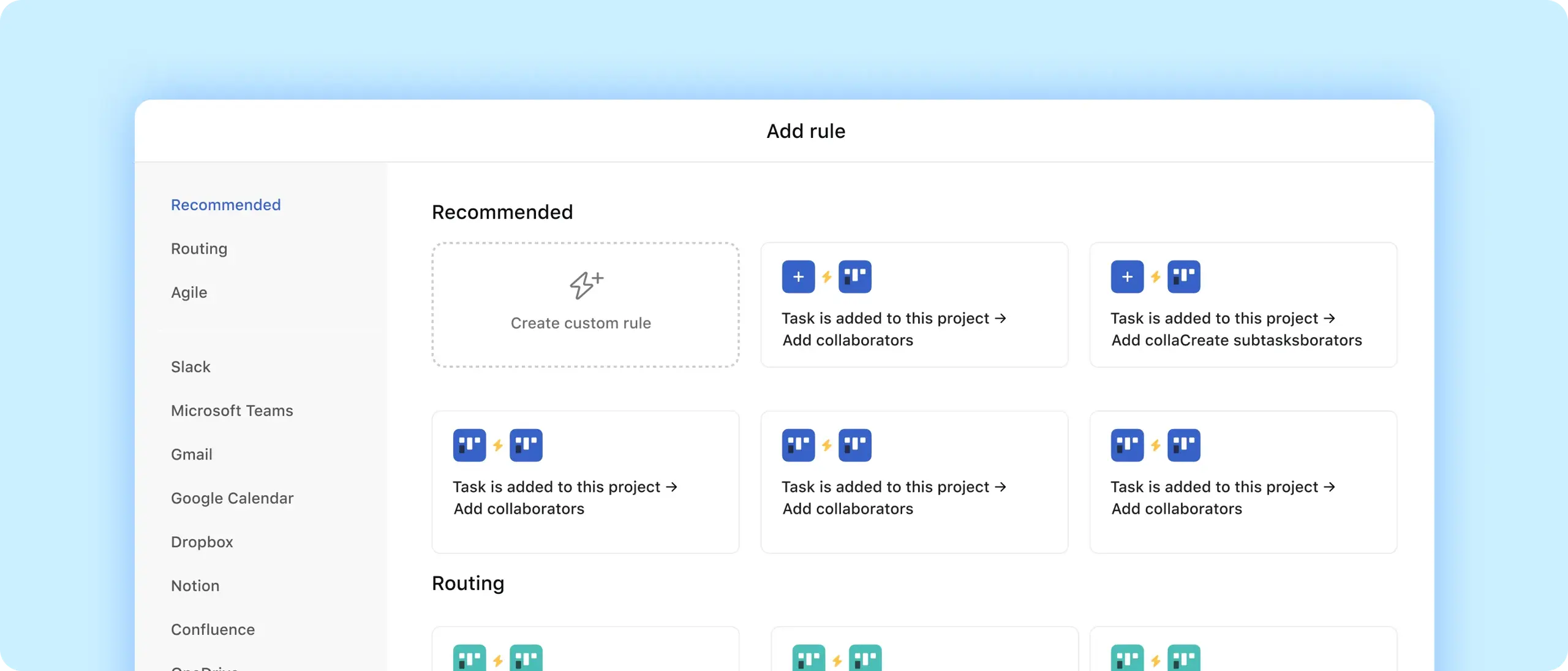
Begin with curated recommendations from our rules library.
Connect your tools
Automate actions across Asana and tools like Slack and Gmail.
Accelerate workflows for every team
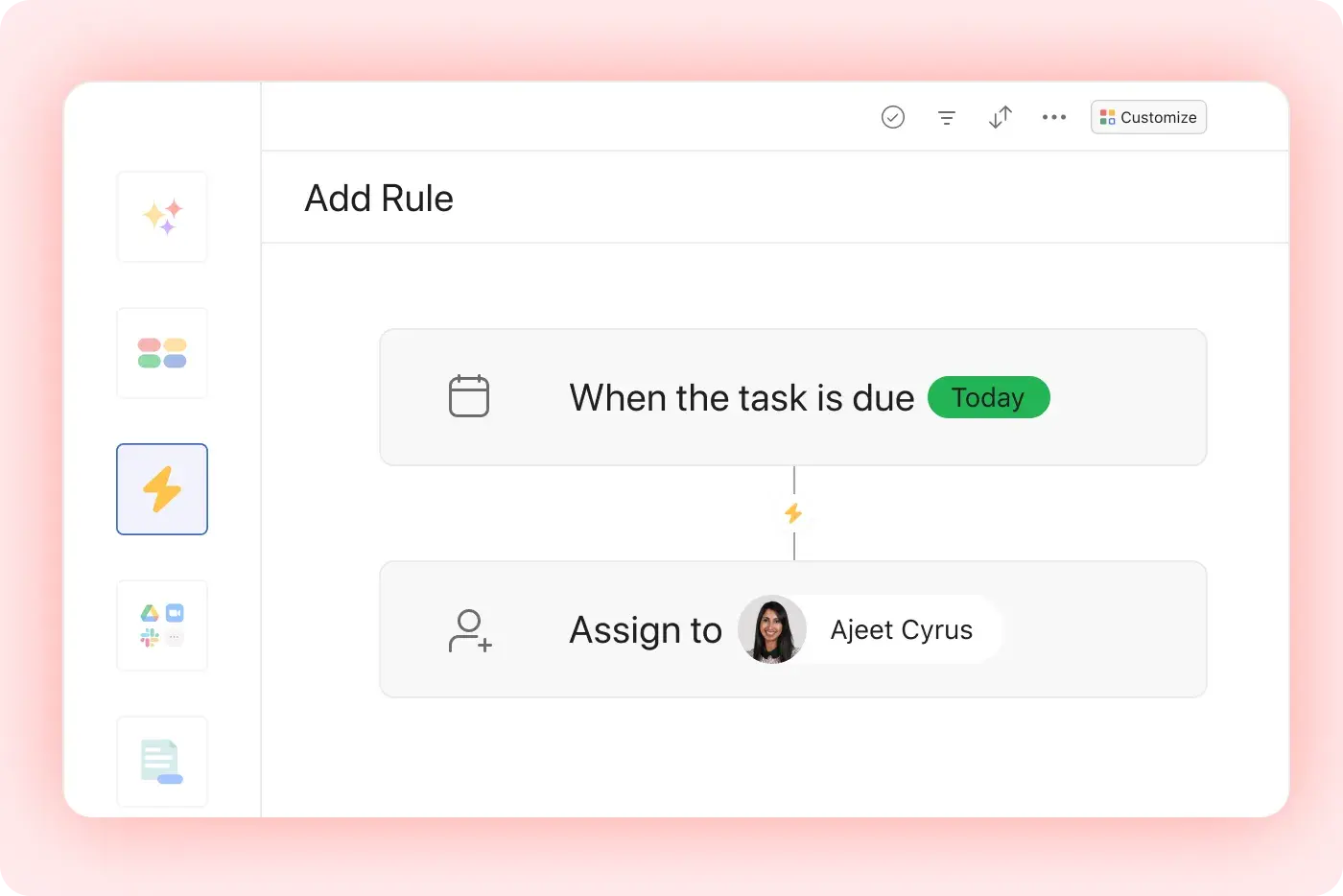
Design your own rules
Use our rule builder to automate actions based on triggers, like automatically moving a task (action) when the due date is approaching (trigger).
Use our recommendations
Browse our rules library to see suggestions for your specific project, including how to automate actions across Asana and other tools in your tech stack.

Simplify complex processes
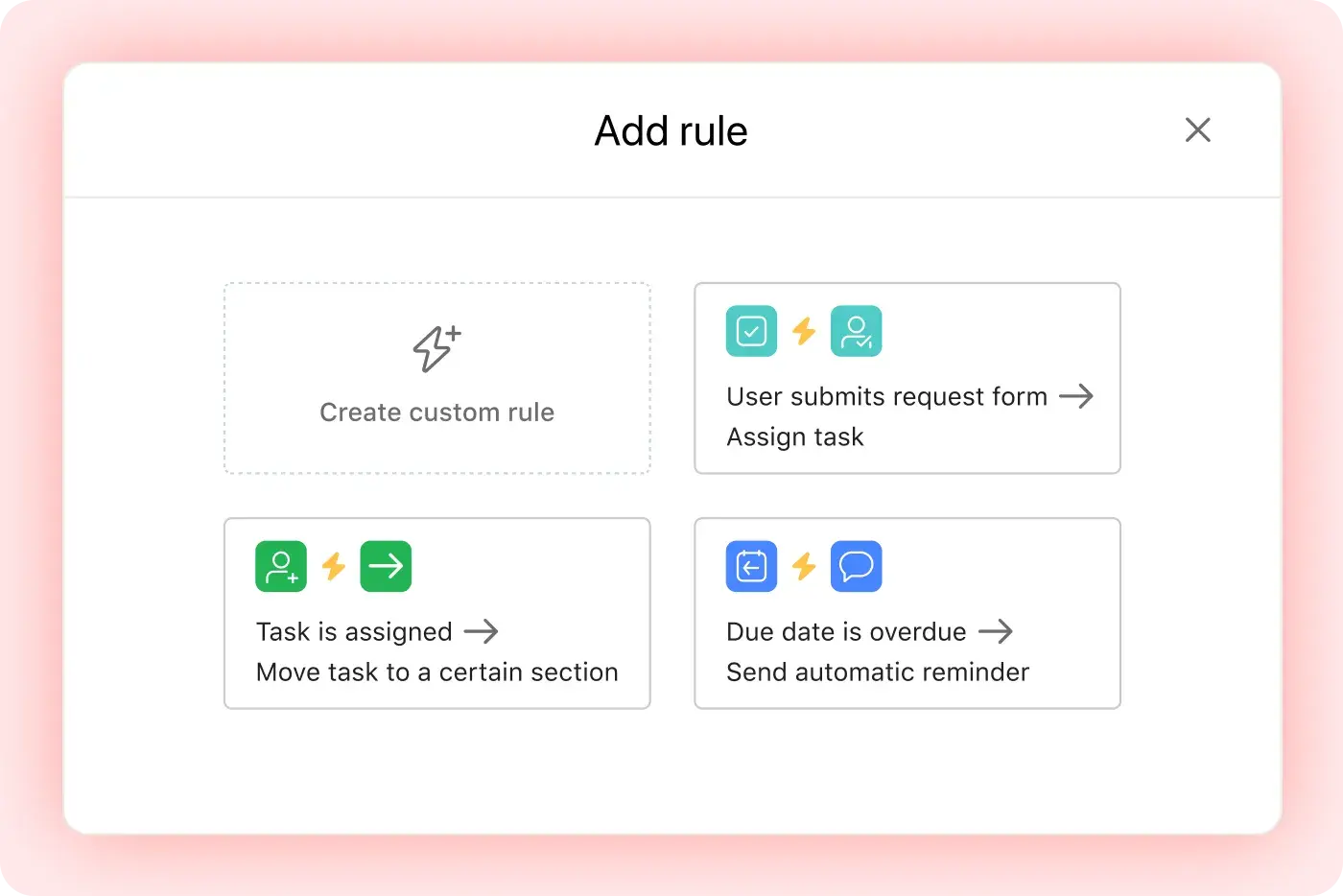
Streamline requests
Instantly assign tasks when users submit a request form.
Keep work moving
Reassign work, ask for approvals, and add tasks to different projects.
Follow up seamlessly
Send automatic reminders when a due date is overdue or approaching.
Automate across tools
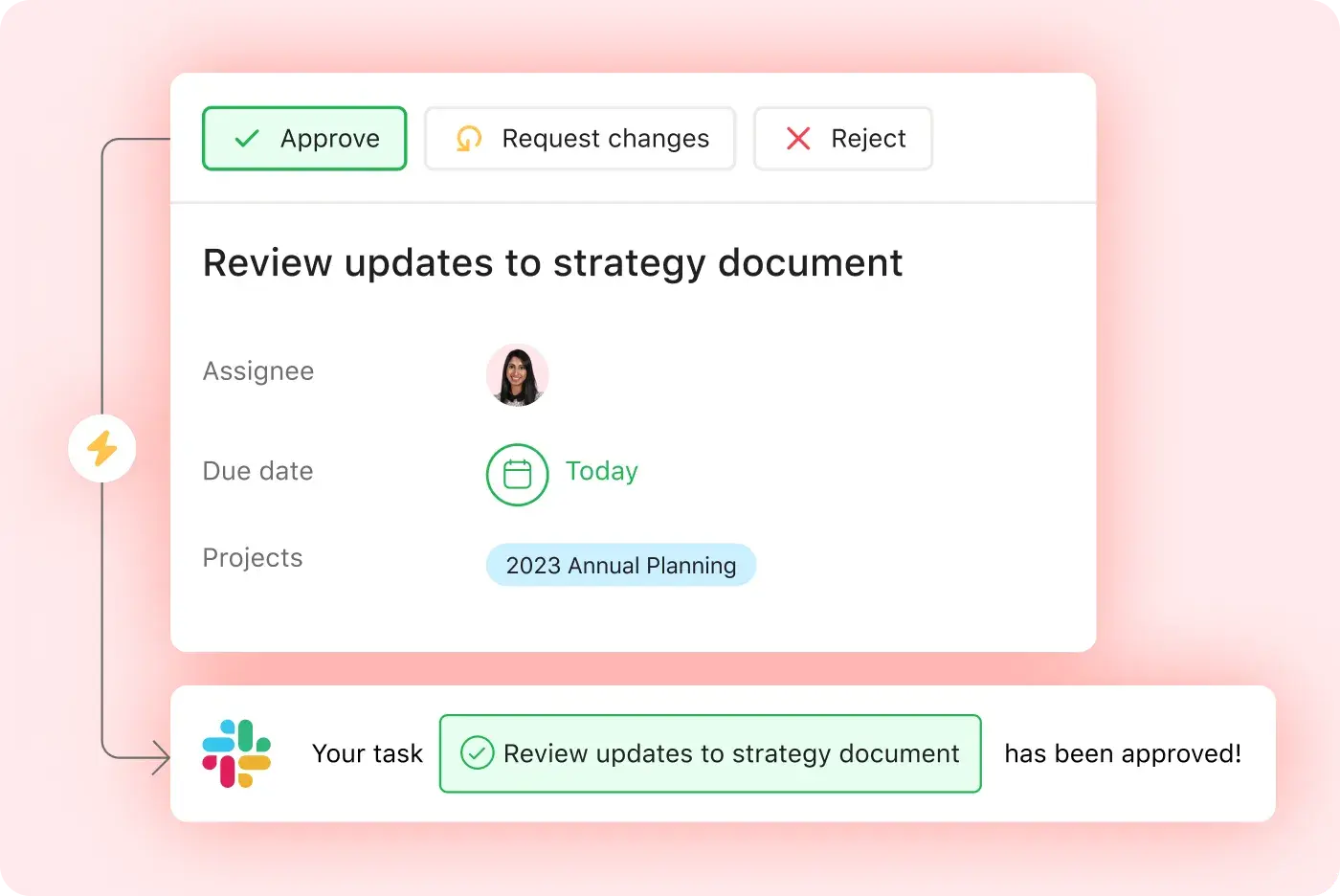
Keep teammates informed
Send emails or Slack notifications when you update tasks.
Kick off work
Create a Microsoft Outlook event when someone adds a task to your project.
Track tickets
Create a new Jira issue when a task is unblocked.


![[Case Study] Yıldız Ventures Logo](https://assets.asana.biz/m/6ca6ebb8e9287933/original/logo-Yildiz-Ventures.svg)
Company Size
Enterprise
Industry
Technology
Asana automates our routine work, allowing us to synchronize across different Yıldız Ventures teams and portfolio companies.
Yahya Ülker
CEO of Yildiz Ventures
Put it all together
Rules are just the start. See how your team can combine automations with other Asana features to get more done with less effort.
Still have questions? We have answers.
The plans that include Rules are Starter, Advanced, Enterprise, and Enterprise Plus plans.
To create a rule in Asana, open the project, click "Customize," select "Add Rule," and configure the trigger and action pair.
You can use rules to automate actions across different apps. The following Asana integrations work well with rules:
Slack
MSFT Teams
Gmail
G Cal
Dropbox
Notion
Confluence
OneDrive
HubSpot
Jira Cloud
Zendesk
PagerDuty
Box
The triggers and actions you can use in rules include triggers like task updates, date changes, or form submissions, and actions like reassigning, moving tasks, changing fields, and sending messages.
You can use rules to update custom fields. Rules can automatically update custom field values when conditions are met.
You can use multiple actions in a single rule. A single rule can perform multiple actions from one trigger.
Rule bundles are reusable sets of automations that can be applied to multiple projects for consistency.
Rules support cross-project automation. Some rule types allow triggering actions in another project, depending on structure and integrations.
There are templates or pre-built rule examples. Asana provides a library of rule templates that users can apply or customize.
You can disable or pause a rule without deleting it. You can temporarily deactivate a rule and re-enable it later.
You can see when a rule was triggered. Rule actions appear in the task activity feed so you can track automation history. They also appear in our new rule activity log at the project or portfolio level.
Transform the way you work with Asana
Start your free trial
Try Asana for free. No credit card required.
Watch the demo
See how Asana connects companies at scale.
Speak with a sales rep
Learn how Asana helps teams collaborate seamlessly.