


Adjust resources to keep work on track
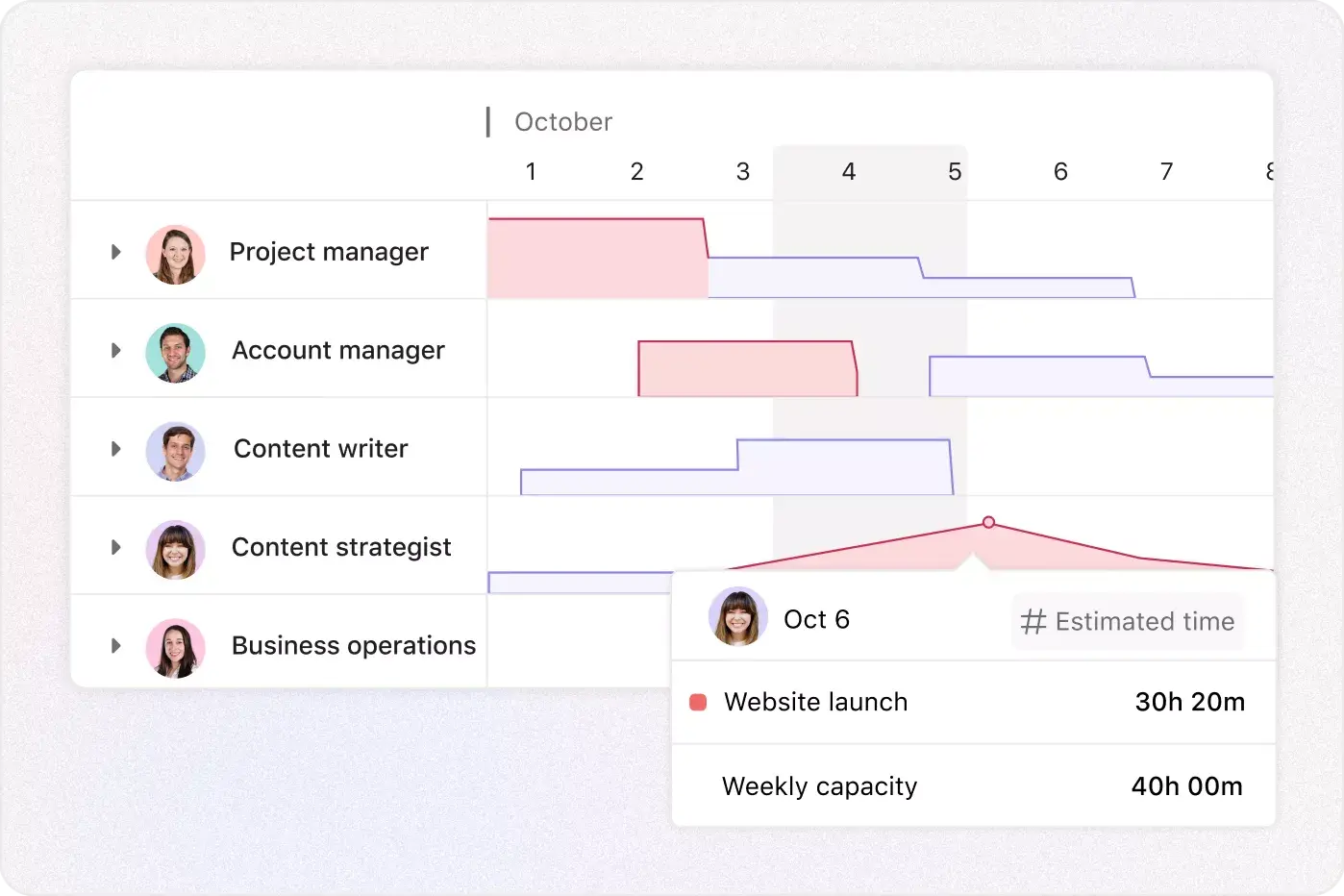
Create long-term plans that align resources and incoming work with goals. When blockers threaten a project’s progress, rebalance tasks without missing a beat.
Align resources to strategy with these features
Understand where teams are spending time so you can make better resourcing decisions, faster.
Agentic work management
Where humans and agents run critical workflows together, from a shared plan, toward the same goals. Put resource management teammates to work: spot overload early, rebalance fast, and keep key resources pointed at what matters.
App integrations
Sync data across tools
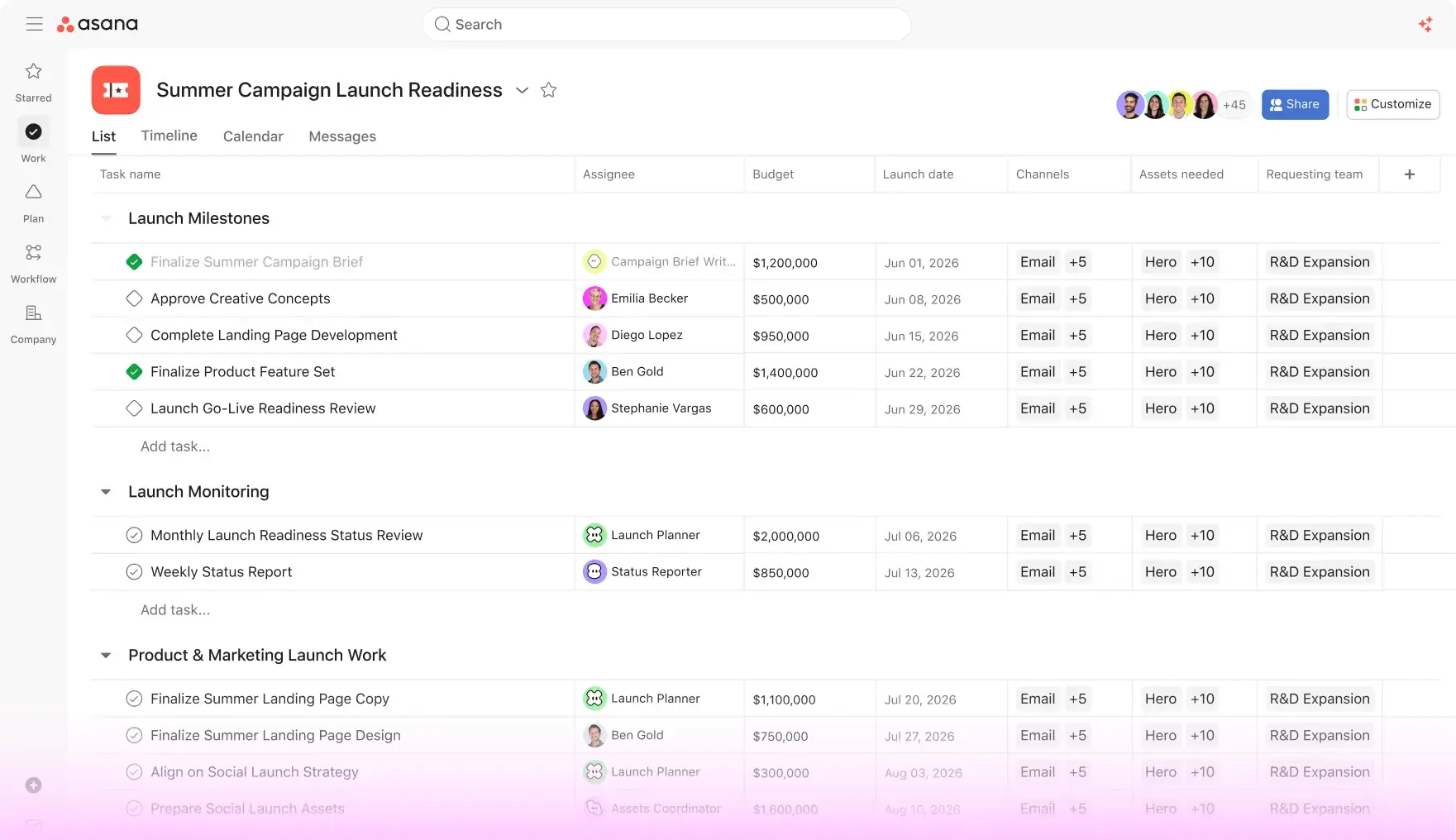
All the resourcing data you need, at your fingertips. Asana integrates with 270+ apps so you can access information seamlessly, no matter how many tools you use.


Nucleus Research: Cut project time in half with Asana
In this independent study, learn how Asana can reduce the time it takes to complete a project by 50%, minimize project errors by up to 90%, and more.


Company Size
Mid-market
Industry
Nonprofit
We can now handle a massively complex workload with Asana. I can sleep well at night, knowing that when I get up in the morning, I can quickly see all my team projects are heading in the right direction.
Jonathan Palmer
Executive Director, Conservation Technology at the Wildlife Conservation Society
Go deeper
Resource management is just the start. See what else you can do with Asana.
Still have questions? We have answers.
The Asana plans that include resource management features such as capacity planning, workload, time tracking, and reporting dashboards are Advanced, Enterprise, and Enterprise Plus plans.
Capacity planning is a feature that lets you allocate team members to projects over time, optimize utilization, and align staffing to strategic goals.
To view team workload in Asana, use the Workload view to see how busy each person is across projects—then rebalance tasks by dragging and dropping.
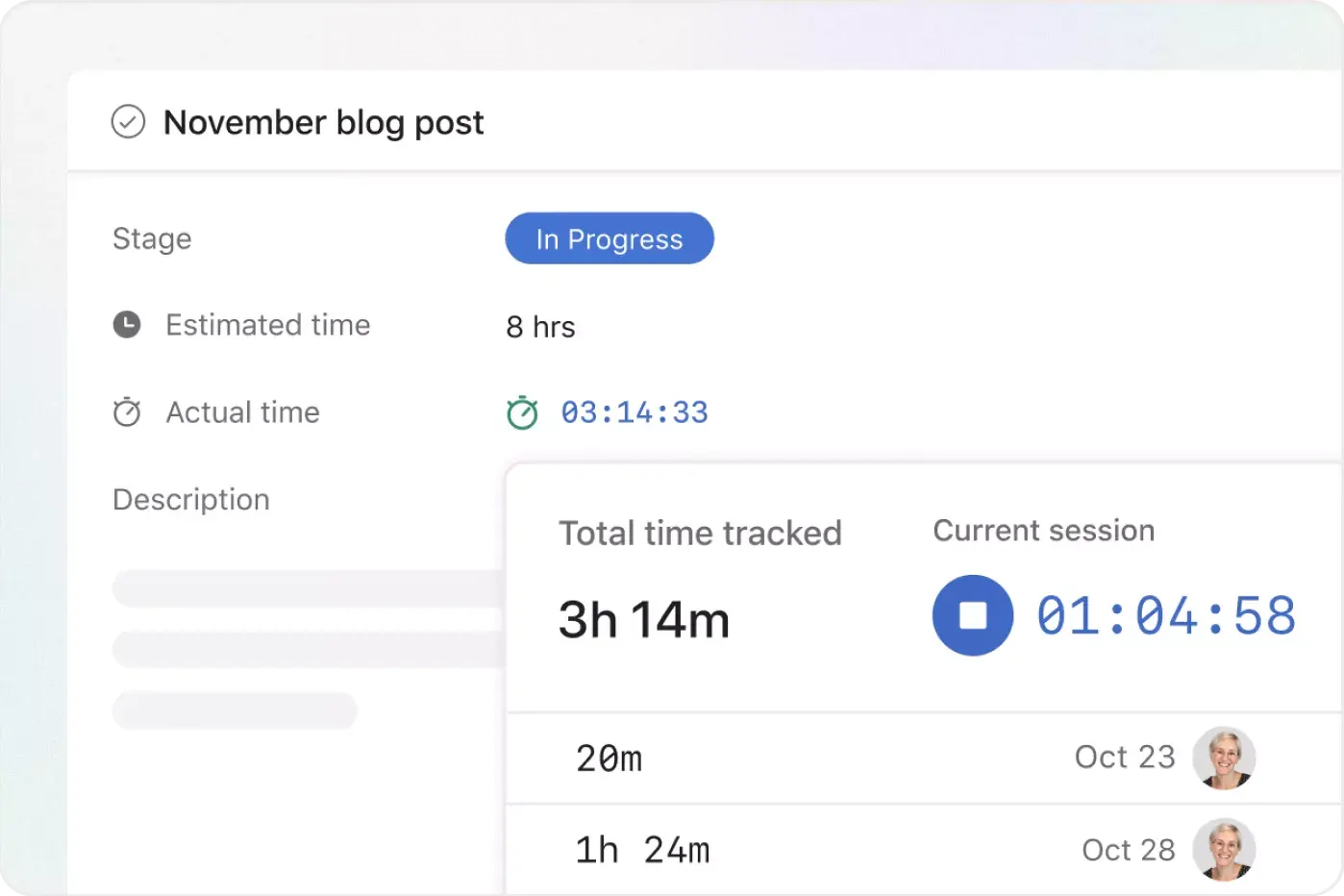
You can track time spent on tasks. Time tracking lets users start a timer or log hours, capturing estimates versus actuals for future planning.
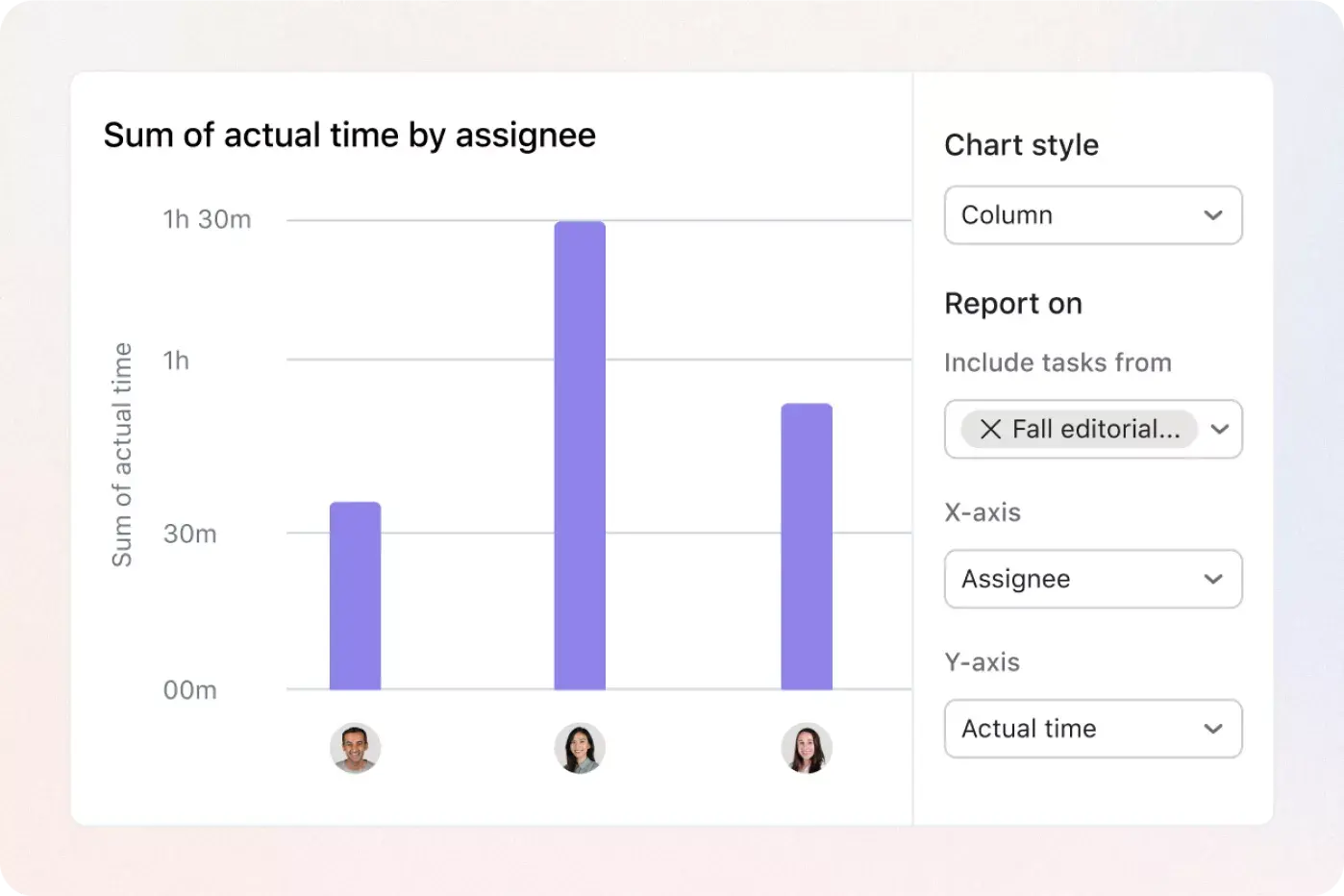
Reporting dashboards support resource planning by surfacing real‑time metrics like capacity usage, hours logged, and workload trends to guide data‑driven decisions. These metrics inform resource scheduling by showing where your team has room for new work and where schedules need adjusting.
You can adjust work assignments to avoid burnout. The Workload view highlights overallocation and lets you reschedule or reassign tasks directly.
Asana supports custom workload units. You can measure workload using task count, estimated hours, or custom effort points to match your planning style.
You can filter resource views by person or project. The Workload and capacity tools allow filtering by team member, project, or skills to focus on specific subsets.
You can plan with resource tools across time ranges from days to months and even quarters or years using workload and capacity planning.
You can export resource data for external analysis. You can include capacity and time tracking metrics in reporting dashboards and export them via integrations. You can also export them via CSV.
Transform the way you work with Asana
Start your free trial
Try Asana for free. No credit card required.
Watch the demo
See how Asana connects companies at scale.
Speak with a sales rep
Learn how Asana helps teams collaborate seamlessly.