


Lesson plan template
Organize training objectives, materials, timelines, tasks, and assessments with our reusable lesson plan template. Use it to plan workshops, webinars, employee training, and session agendas.
Sign up to create your own template.
Lesson plan template
Organize training objectives, materials, timelines, tasks, and assessments with our reusable lesson plan template. Use it to plan workshops, webinars, employee training, and session agendas.
Create your templateSign up to create your own template.
INTEGRATED FEATURES
Recommended apps




Summary
Lesson planning shouldn't take over your evenings. If your thoughts are scattered across random Google Docs and sticky notes, you need a system that consolidates everything, from learning goals to materials, in one location. This lesson plan template provides a repeatable structure that saves time and helps every lesson have a lasting impact.
Instead of piecing together your plans week by week, use this lesson planner to organize everything up front. With built-in fields for learning objectives, materials, differentiation strategies, and assessments, this lesson plan template helps you organize content, gather feedback, and streamline prep. Below, you'll learn what a lesson plan template is, what it should include, who it's for, and how to use one in Asana to free up your time and focus more on engaging your students.
What is a lesson plan template?
A lesson plan template is a structured, reusable document that outlines what you'll teach, how you'll teach it, and how you'll measure whether students learned it. Rather than starting from scratch each time, a template gives you a consistent format to fill in for every lesson, unit, or training session.
Effective templates go beyond listing activities. They connect your learning objectives to instruction, practice, and assessment, prompting you to think through each stage before you step into the classroom. Whether you're a first-year teacher or a corporate trainer, a lesson plan template helps you stay organized and deliver lessons that stick.
Why use Asana lesson plan templates?
If you're still switching between Google Docs and Microsoft Word just to build lesson plans, you're losing valuable time and context. This template brings everything together so you're not stuck copying and pasting from siloed tools.
With this free lesson plan template, you can:
Keep lesson materials, timelines, and objectives in one platform, without needing to switch between multiple apps or file types, such as PowerPoint or Google Slides.
Reduce prep time with reusable task templates and weekly lesson plan templates that eliminate the need to reformat the same Microsoft Word doc every time.
Collect real-time feedback from other teachers, mentors, or stakeholders with a clear communication plan. No need to email around different versions of your lesson plan template in Google Sheets.
Visually track learning goals by lesson, class, or grade level.
Customize plans for various learners using specific fields and filters informed by a needs assessment.
Asana planning features for teachers
Asana features help you track, adapt, and repeat your lesson plans with less stress. Explore more Asana features.
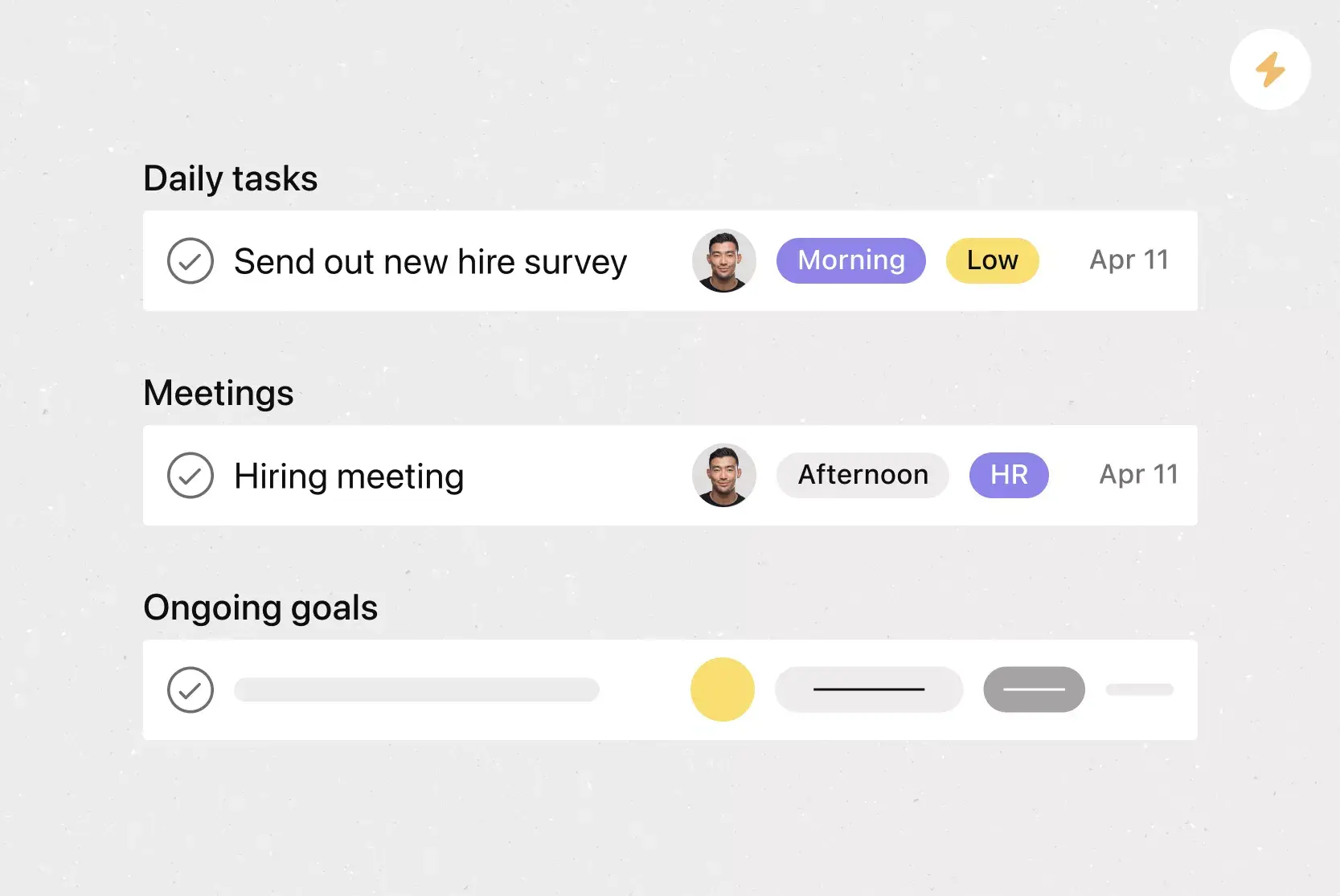
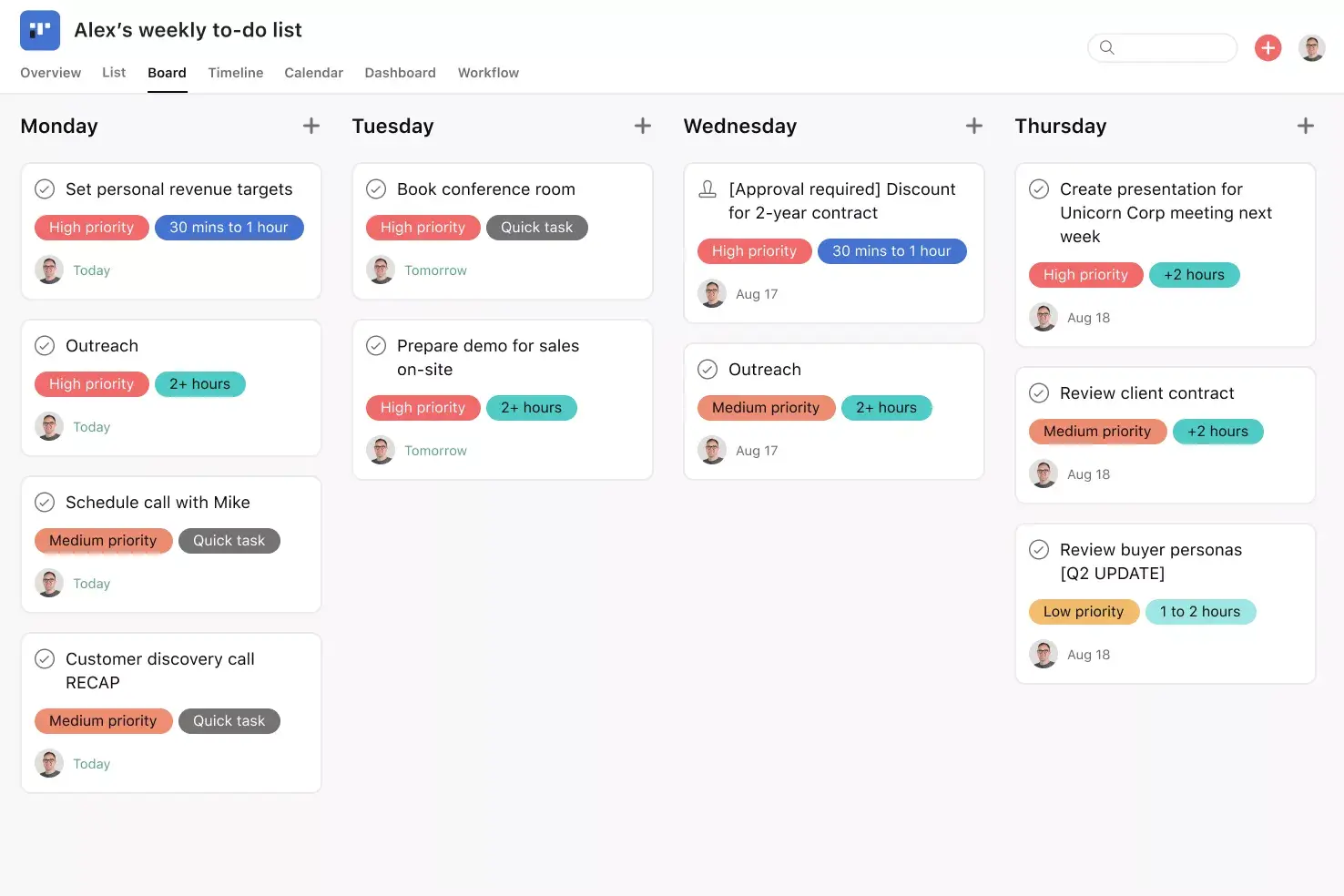
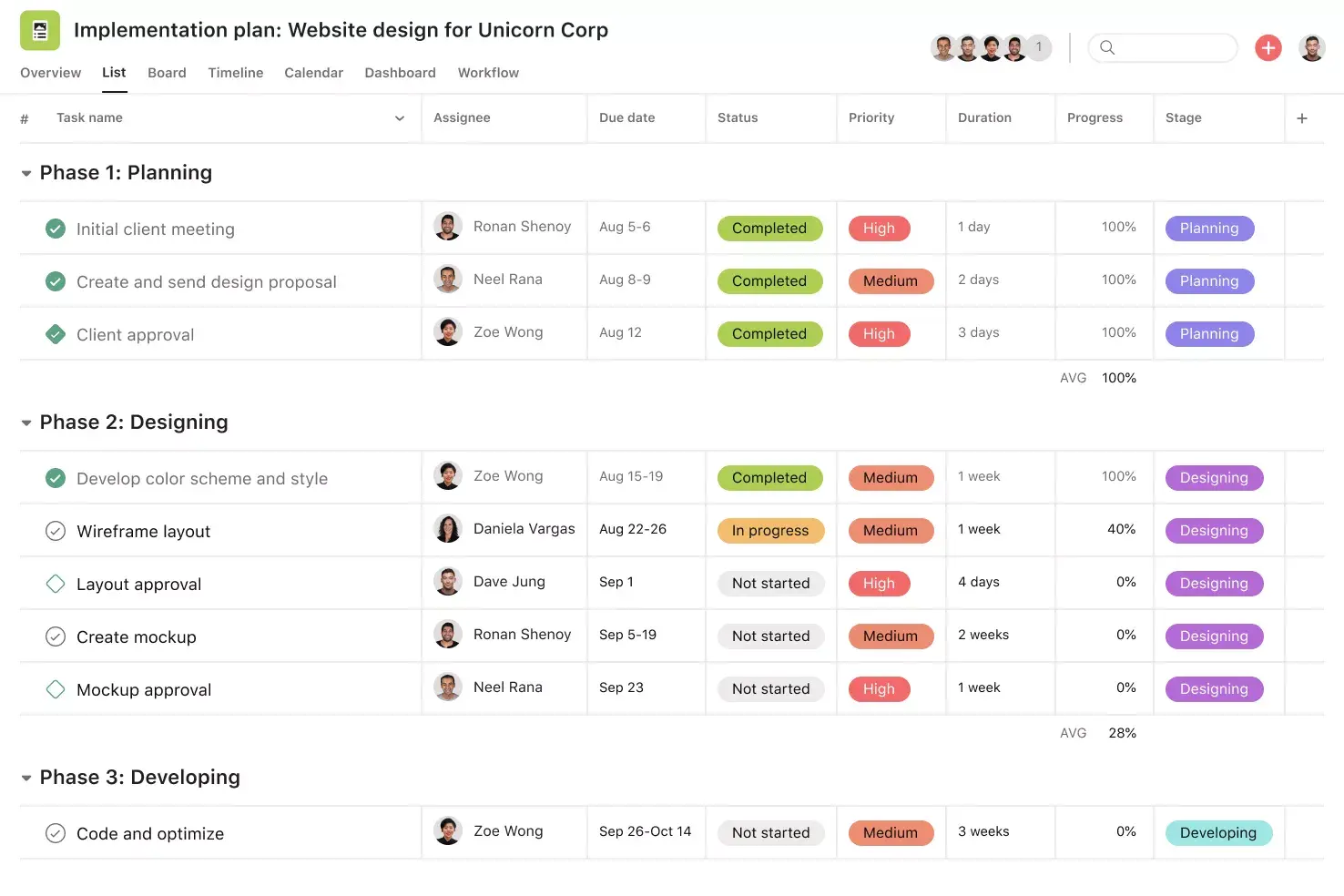
Custom Fields: Add structured inputs for grade level, materials, or assessment type to quickly sort and filter your lesson plans.
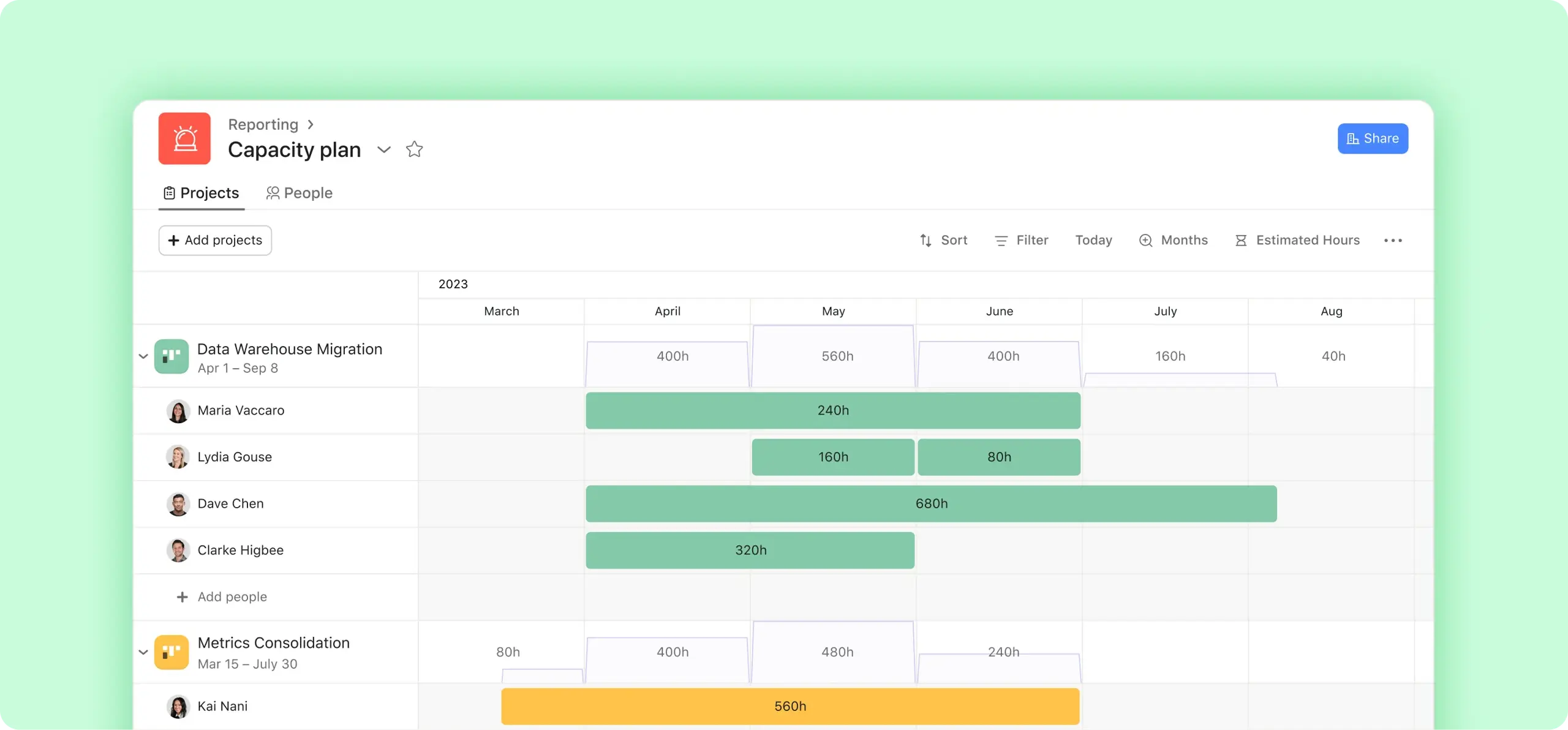
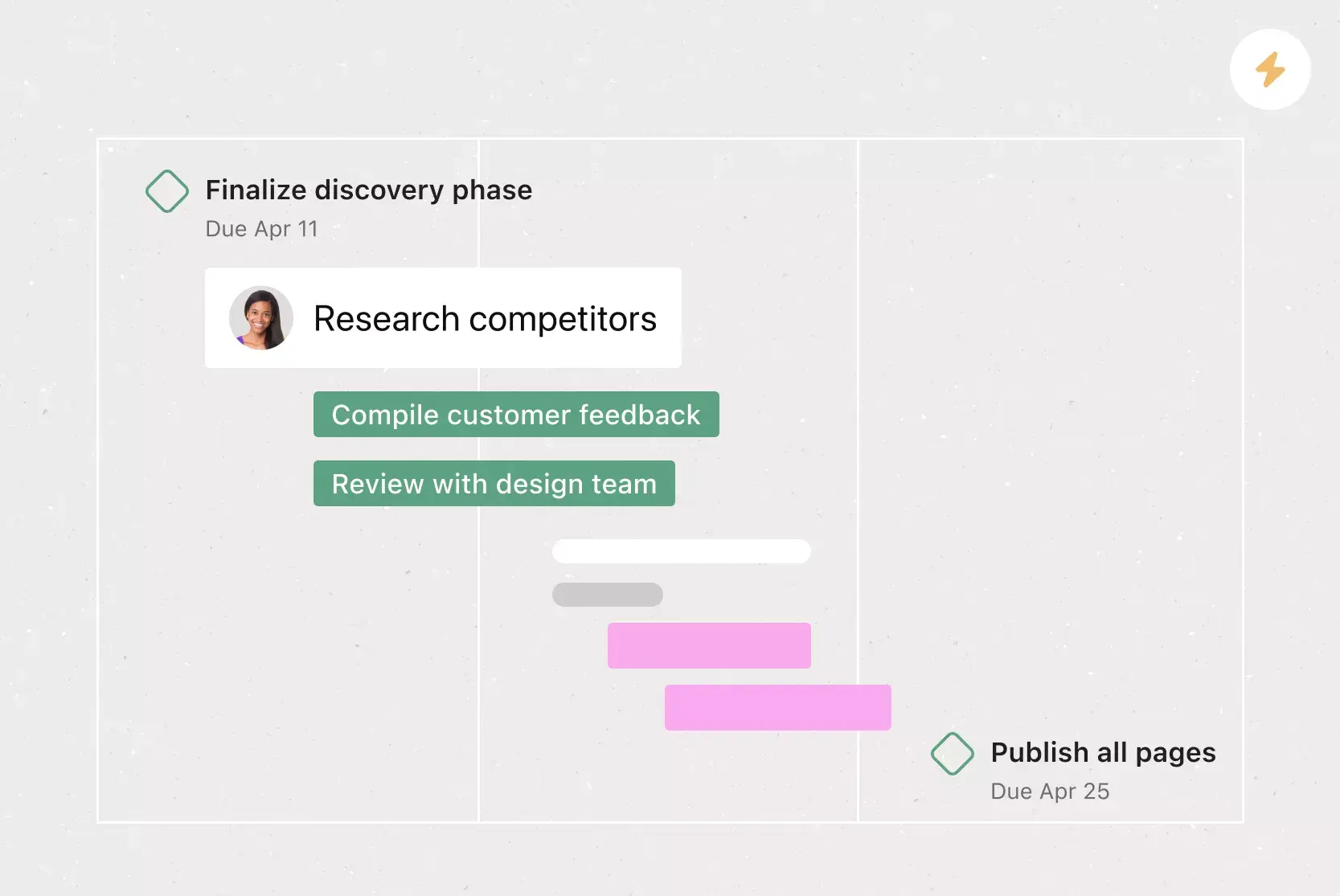
Timeline View: See how your lessons and units unfold over time. It’s perfect for managing a weekly or monthly lesson plan template.
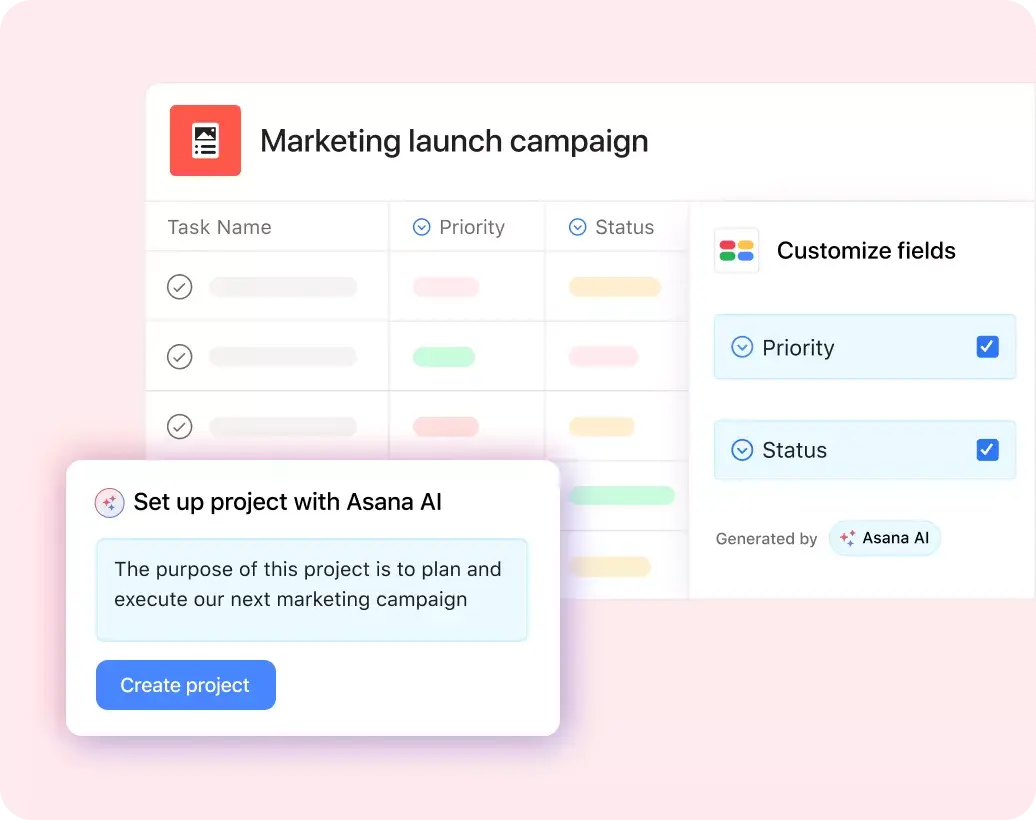
Asana AI: Use Asana AI to instantly generate lesson plans based on past templates, auto-fill recurring sections, and get smart suggestions to optimize pacing and structure.
Attachments: Add worksheets, PowerPoint slides, or Google Docs to each lesson task so that all materials are in one place.
Tasks: Use tasks to document reflections, collect input, or note admin feedback. It’s all connected to the lesson and easy to act on.
Recommended teacher planner integrations
Asana integrates with your favorite teaching tools and platforms to centralize work and reduce prep time. Explore the full app integration library.
Google Drive: Store and share your lesson materials, such as editable lesson plan templates, worksheets, and printables, directly within tasks.
Google Calendar: Keep your schedule in sync. Automatically add lessons or prep blocks to your calendar with Asana rules.
Slack: Get updates or reminders about lesson deadlines right where you're already collaborating with your team.
Zoom: Add meeting links to remote lessons or training sessions, and store recordings for later review.
Microsoft Teams: Turn discussion points from Teams into action items in Asana with linked tasks and follow-up reminders.
How to use this lesson plan template
Start by opening the template from the Asana template library, then follow these step-by-step instructions to customize your lesson plans.
1. Choose a format
Pick the lesson plan format that suits your style. Asana offers options from simple lesson plan templates to detailed breakdowns with materials, activities, and assessments. A teacher might start with a daily lesson plan template, while a trainer building a quarterly curriculum could use a more structured weekly format.
2. Identify learning objectives
Define what students or participants should take away, and add objectives as custom fields in each task. Make sure your goals are SMART and reflect local or national curriculum standards. For example:
Kindergarten: "Recognize basic shapes"
High school: "Analyze tone in a literary passage"
3. Plan the lesson structure
Use Asana sections to organize each phase of your lesson plan book:
Introduction: Begin with a question, image, or brief game to engage students and activate prior knowledge.
Instruction: Add tasks for presentations, videos, or group discussion prompts.
Activities: List individual work or small group projects (e.g., back-to-school essays or math games).
Assessment: Link to printable quizzes, rubrics, or end-of-lesson reflections stored in Google Drive.
Closure: End with a summary task and notes for next time.
Each task can include attachments, time estimates, and assignees to keep you on track.
4. Consider differentiation
Use tags like "pre-K," "ELL," or "special education" to customize your plan for a range of students. Add subtasks for scaffolded support or enrichment extensions. For example, during a middle school reading activity, you might assign different worksheets based on reading level.
5. Gather materials
Plan ahead by centralizing everything you need in one place. Add a "Materials Needed" custom field so nothing gets overlooked:
Physical supplies: Art tools, printed handouts, or lab equipment
Digital resources: Videos, slides, or worksheets from Google Drive or PowerPoint
File attachments: Link files directly to lesson tasks so you're not digging through folders
You'll arrive at each lesson fully prepared, rather than scrambling at the last minute.
6. Reflect and refine
After each lesson, add a comment or subtask labeled "Reflection" with notes on pacing, engagement, or outcomes that can support a professional development plan. Our lessons learned template is especially well-suited for capturing these insights. Over time, this step turns your lesson plan into a reusable, constantly improving system.
Read: Try this story planning template for outlines, characters, and plotsWho should use a lesson plan template?
One middle school teacher told us that she used to spend Sunday nights hurriedly putting together a math lesson plan for the upcoming week. Now she opens her Asana lesson plan template, updates a few fields, and she's done. We created this template to transform a time-consuming chore into a manageable routine.
This lesson plan template is an ideal teaching resource for:
New teachers who want to spend less time planning and more time teaching.
Experienced educators looking to update lessons without starting from scratch.
Homeschool parents manage multiple subjects and grade levels in a single day.
ESL and special education instructors who need to customize learning paths for different learners.
Corporate trainers and L&D teams creating repeatable sessions that win quick client approval.
Whether you're creating a daily lesson plan template or designing a monthly workshop, this Asana lesson planner turns blank lesson plans into learning goals.
Read: Use our free study schedule template for daily and weekly learningKey components of a lesson plan
Before you start filling in a template, it helps to understand the building blocks of an effective lesson plan. While formats vary by subject and grade level, most strong lesson plans share these core components:
Learning objectives: Measurable objectives that define what students should know or be able to do by the end of the lesson. Well-written objectives guide every other decision in your plan.
Materials and resources: A list of everything you need to deliver the lesson, from handouts and slides to digital tools and physical supplies. Gathering these in advance prevents last-minute scrambling.
Lesson structure: The sequence of instruction, typically broken into an introduction (or hook), direct instruction, guided practice, independent activities, and closure. This flow keeps students engaged and learning on track.
Differentiation strategies: Adjustments that make the lesson accessible to all learners, including scaffolding for students who need extra support and extensions for those ready for more challenge.
Assessment: The methods you'll use to check understanding, whether through formative checks during the lesson (such as exit tickets or quick polls) or summative assessments afterward (such as quizzes or projects).
Reflection notes: A space to capture what worked, what didn't, and what you'd change next time. This turns each lesson into a learning opportunity for you, too.
When these components are built into your template, planning becomes faster and more consistent, and your lessons are more likely to hit their mark.
Start planning your next lesson
A good lesson plan template gives you a reliable system that reduces stress, keeps your teaching focused, and improves over time. With a clear structure for objectives, materials, activities, and assessments, you spend less time on prep and more time helping your students learn.
Asana brings all of that together in one place, with the flexibility to adapt your plans for any subject, grade level, or training session. Ready to simplify your lesson planning? Get started with a free Asana account and try the template today.
FAQs about lesson plan templates
A lesson plan template is a reusable planning guide for organizing what a session needs to teach, how the material will be delivered, and how you’ll measure whether participants understood it. It typically includes learning objectives, materials, agenda items, activities, timing, assignments, and assessments.
For corporate teams, a lesson plan template can support webinars, workshops, onboarding sessions, employee training, and customer education. Instead of rebuilding the plan for every session, teams can start with the same structure and adjust the details for each audience, topic, or delivery format.
A Google Docs template works well for writing an outline, but it can become harder to manage once the session needs owners, deadlines, approvals, materials, and review steps. Asana’s lesson plan template turns the plan into trackable work, so teams can assign tasks, set due dates, attach materials, and monitor what still needs to be done before the session.
That matters for business training because lesson planning often involves more than one person. A training manager may own the agenda, a subject matter expert may review the content, a designer may prepare slides, and a facilitator may run the session. Asana assigns each person a specific task and deadline, rather than leaving the plan buried in a document.
Yes, you can customize the template for different training topics, audiences, experience levels, or learning goals. For example, you might create one version for new hire onboarding, another for manager training, and another for customer webinars.
You can adjust the template by changing:
Learning objectives
Session agenda
Activities or discussion prompts
Required materials
Timing for each section
Assessment method
Owners and approval steps
For business use, you can also customize it by audience type, such as employees, managers, customers, partners, or internal facilitators.
Yes, you can structure a lesson plan template around a single session, a multi-day training, a weekly learning series, or a monthly enablement program. The right format depends on how often the training happens and how much preparation each session requires.
Use a daily or single-session format for webinars, workshops, or one-time trainings. Use a weekly format for onboarding programs, cohort-based learning, or recurring team training. Use a monthly format for enablement calendars, leadership development programs, or ongoing customer education.
Yes, if you use the lesson plan template in Asana, you can review and update it from the mobile app. That helps facilitators and training teams check tasks, update deadlines, review materials, or add notes before a session.
This can be useful when last-minute details change, such as a speaker update, room change, revised agenda, or new training material. Instead of waiting to update a document later, team members can make quick updates from their phone and keep the plan current for everyone involved.
Related templates

![[Templates] Editorial Calendar (Share image)](https://assets.asana.biz/transform/5fac5de2-17f6-4d69-8cd3-091a887a24bd/TG23-web-thumbnail-042-editorial-resource-management-static-2x?io=transform:fill,width:2560&format=webp)
![[Templates] Marketing Project Plan (Card) image](https://assets.asana.biz/transform/af70ac54-97b9-4639-b639-be3a3d951e3e/TG23-web-thumbnail-016-stakeholderregister-static-2x?io=transform:fill,width:2560&format=webp)
![[Templates] Operations Project Plan (Card)](https://assets.asana.biz/transform/ec3bf1b9-cbcd-413c-a20c-82bf1dbe10d2/TG23-web-thumbnail-008-risk-management?io=transform:fill,width:2560&format=webp)
![[Template] IT project plan (Card image)](https://assets.asana.biz/transform/8aa523a9-4dcb-4053-8e69-7bdf900b48b9/web-product-template-thumbnail-IT-EN-US?io=transform:fill,width:2560&format=webp)
![[Old Product UI] Sprint planning project with t-shirt sizes in Asana (Lists)](https://assets.asana.biz/transform/34817820-b376-4110-a8be-9a2c7c546a77/inline-project-planning-t-shirt-sizing-product-ui-list-view-sprint-planning-en-2x?io=transform:fill,width:2560&format=webp)
![[Templates] RFP Process (Card image)](https://assets.asana.biz/transform/14aa111b-ab22-483f-bfd1-3090acb7d2a5/RFP-process-premium-m?io=transform:fill,width:2560&format=webp)

![[HR Project Plan] template Card Image](https://assets.asana.biz/transform/663b8e5e-89c9-4b0b-b48b-1b17e01d1889/TG23-web-thumbnail-033-process-improvement-static-2x?io=transform:fill,width:2560&format=webp)
![[Templates] Waterfall project management (card image)](https://assets.asana.biz/transform/d87fc21c-53f0-4bc9-9094-9789b963be9b/article-project-management-waterfall-project-management-methodology-2x?io=transform:fill,width:2560&format=webp)
![[Templates] Status report (card image)](https://assets.asana.biz/transform/9c82d399-782b-40d3-9eb1-fd7544bef794/article-project-management-project-management-maturity-model-2x?io=transform:fill,width:2560&format=webp)
![[Templates] Event Marketing Plan (Card image)](https://assets.asana.biz/transform/6c7b9329-b612-4732-910a-7917fa079f0b/TG23-web-thumbnail-014-project-chart-static-2x?io=transform:fill,width:2560&format=webp)
![[Templates] Communication plan (card image)](https://assets.asana.biz/transform/3dc9eadf-9d2d-40a2-a05d-63adb32a1de7/article-collaboration-synchronous-vs-asynchronous-communication-2x?io=transform:fill,width:2560&format=webp)


![[Templates] Design Project Plan (Card image)](https://assets.asana.biz/transform/c768a28c-822f-420f-93f9-f2eea4c93780/TG23-web-thumbnail-032-bill-of-materials-static-2x?io=transform:fill,width:2560&format=webp)
Create templates with Asana
Learn how to create a customizable template in Asana. Get started today.