


Weekly to-do list template
Plan tasks by day, make changes quickly, and achieve your weekly goals with a customizable weekly to-do list template.
Sign up to create your own template.
Weekly to-do list template
Plan tasks by day, make changes quickly, and achieve your weekly goals with a customizable weekly to-do list template.
Create your templateSign up to create your own template.
INTEGRATED FEATURES
Recommended apps




Summary
Keeping track of your weekly tasks can be a challenge, especially when priorities shift and new work comes in unexpectedly. A paper planner or static spreadsheet might capture your intentions at the start of the week, but it can't keep up when things change. That's where a digital weekly to-do list template comes in.
A weekly to-do list template gives you a flexible, reusable system to organize tasks for your week so you can focus on the work that matters most. In this article, you'll learn what a weekly to-do list template is, how to set one up, what to include, who benefits most from using one, and why going digital makes all the difference.
![[Product ui] Weekly to-do list project in Asana, spreadsheet-style project view (List)](https://assets.asana.biz/transform/046d6085-bce3-4bcf-b750-9f958a1bebe7/TG23-web-hero-019-weeklytodo2-static-2x?io=transform:fill,width:2560&format=webp)
What is a weekly to-do list template?
A weekly to-do list template is a predesigned layout that organizes your tasks by day, helping you plan, prioritize, and track what you need to complete each week. Instead of starting from scratch every Monday, you reuse the same structure and simply update it with your current tasks.
Unlike a general to-do list that can grow endlessly, a weekly template keeps your work within a defined timeframe. This makes it easier to manage your workload, set realistic expectations, and stay on top of deadlines. Whether you use it for work projects, personal errands, or both, a weekly to-do list template brings structure and focus to your planning routine.
Create a weekly to-do list templateHow to use a weekly to-do list template
Creating and using a weekly to-do list template is simple, especially when it's digitized. Follow these steps to launch your own in a matter of minutes:
Create a new project (if you're using a project management software, set this up as a Kanban board for easy viewing).
Create sections for each day of the week.
Add your list of tasks to each weekday section.
Assign team members, due dates, and project dependencies as needed.
Get things done!
The beauty of a digital template is that you can customize these fields to match your weekly schedule and workflow. Start with the basics and adjust as you learn what works best for your routine. For more ideas on structuring your time, explore Asana's collection of free time management templates.
Who should use a weekly to-do list template
Weekly to-do list templates are useful for a wide range of people and teams. Here are some common use cases:
Project managers and team leads who need to coordinate task management across multiple team members and keep projects on schedule.
Small business owners juggling administrative tasks, client work, and strategic planning in a single week.
Freelancers and independent professionals managing their own schedules and deadlines without a dedicated support team.
Marketing and creative teams balancing recurring tasks like content calendars, campaign launches, and review cycles.
Anyone looking to build better habits around planning, whether for work projects or personal goals.
If you find that daily to-do lists feel too granular or monthly plans are too broad, this weekly planner hits the right balance. It gives you enough structure to stay organized without overwhelming you with detail.
5 benefits of using a digital weekly to-do list template
Printable to-do list templates might work for simple personal tasks, but they're not flexible enough to keep up with your workflow. A digital weekly to-do list template in a project management platform gives you a reusable system you can update in seconds.
A printable template requires reprinting each week and uses a fixed layout, which limits flexibility. It does not support task reassignment or automation, and it relies on manual goal tracking. A digital template, on the other hand, duplicates with one click, offers multiple views such as list, board, or calendar, and allows drag-and-drop task reassignment. It also supports automation through rules and recurring tasks and connects tasks to larger goals.
Note: if you have many daily tasks, a weekly view could feel overwhelming. In that case, a daily to-do list template may be a better fit.
Read: Track tasks, owners, and deadlines with our action log templateWith a weekly to-do list template, you can:
1. Create a new weekly to-do list in seconds
Create a custom template once and reuse it forever. By creating your weekly to-do list template in a project management platform, you can automatically create a new one every week with the click of a button.
2. See your entire week with a single glance
Organize your week in one sitting, then pull up your to-do list anytime to review what's done and what still needs attention. A digital platform also lets you switch between multiple views, like list, board, or calendar, something a printable template can't offer.
![[Product ui] Weekly to-do list in Asana, Kanban board style view (Boards)](https://assets.asana.biz/transform/fa01bebd-28a4-44d3-bd55-1759171408af/TG23-web-hero-019-weeklytodo1-static-2x?io=transform:fill,width:2560&format=webp)
3. Reorganize and restructure with a few simple clicks
Over time, your workload will change. Whether it's a new role or shifting priorities, you want a template that's as flexible as you are. By setting it up in a work management platform, you can adjust sections, move tasks, and update priorities as your needs evolve.
4. Automate weekly work
Automating your weekly work with a template is helpful with recurring tasks, where you can add project dependencies and documents directly to them. You can also connect your workflows to your to-do lists and design them so that all your tasks fall into place exactly where you want them.
5. Connect tasks to a larger objective
In day-to-day work, it's easy to lose sight of the big picture. Connecting the weekly tasks in your template to your goals lets you track progress and celebrate larger project milestones in real time.
Integrated features
Board View. Board View is a Kanban board-style view that displays your project's information in columns. Columns are typically organized by work status (like To Do, Doing, and Done), but you can adjust column titles depending on your project needs. Within each column, tasks are displayed as cards, with a variety of associated information, including task title, due date, and custom fields. Track work as it moves through stages and get an at-a-glance insight into where your project stands.
Automation. Automate manual work so your team spends less time on the busywork and more time on the tasks you hired them for. Rules in Asana function on a basis of triggers and actions, essentially "when X happens, do Y." Use Rules to automatically assign work, adjust due dates, set custom fields, notify stakeholders, and more. From ad hoc automations to entire workflows, Rules gives your team time back for skilled and strategic work.
Dependencies. Mark a task as waiting on another task with task dependencies. Know when your work is blocking someone else's work, so you can prioritize accordingly. Teams with collaborative workflows can easily see which tasks they're waiting on from others and know when to get started on their portion of the work. When the first task is completed, the assignee will be notified that they can begin their dependent task. Or if the task your work depends on is rescheduled, Asana will notify you, letting you know whether you need to adjust your dependent due date as well.
My Tasks. My Tasks is a personalized view that shows you every task that's assigned to you, regardless of which project or team it lives in. By visualizing all of your to-dos in one place, you can sort and prioritize work and ensure nothing falls through the cracks. With My Tasks, you can toggle between list, board, and calendar views to work the way you want.
Recommended apps
Clockwise. With the Clockwise + Asana integration, you can add Asana tasks as time blocks in your Google Calendar. The Clockwise + Asana integration lets you specify task duration, when they occur, and whether Clockwise can automatically reschedule them. Add tasks to your calendar and make time to get work done.
OneDrive. Attach files directly to tasks in Asana using the Microsoft OneDrive file chooser, built into the Asana task pane. Easily attach files from Word, Excel, PowerPoint, and more.
Google Workplace. Attach files directly to tasks in Asana using the Google Workspace file picker, built into the Asana task pane. Easily attach any My Drive file with just a few clicks.
Dropbox. Attach files directly to tasks in Asana using the Dropbox file chooser, built into the Asana task pane.
Get started with your weekly to-do list template
A weekly to-do list template gives you a simple, repeatable way to plan your week and stay focused on what matters. With a digital template in Asana, you also get:
Flexibility: Reorganize priorities with a few clicks when plans change.
Automation: Set up recurring tasks so your template is ready every week.
Goal connection: Link weekly tasks to larger goals and objectives to track progress in real time.
Ready to bring more structure to your week? Build your weekly to-do list template in Asana and get organized in minutes. Get started
Create a weekly to-do list templateFAQs about weekly to-do list templates
The easiest way is to set up a digital Kanban board in a project management tool like Asana. This lets you move tasks between days, assign work to teammates, and link items to larger projects.
A regular to-do list template is an open-ended checklist with no fixed timeframe, while a weekly to-do list template organizes your tasks by day across a single week. The weekly format helps you stay on a clear timeline instead of managing an ever-growing list.
At a minimum, include task names, due dates, priority levels, and a daily breakdown. From there, customize with fields like task owners, status labels, or attached files to match your workflow.
Yes. Asana is flexible enough to manage both work and personal to-dos, from grocery lists and meal planning to habit tracking and daily routines.
Related templates

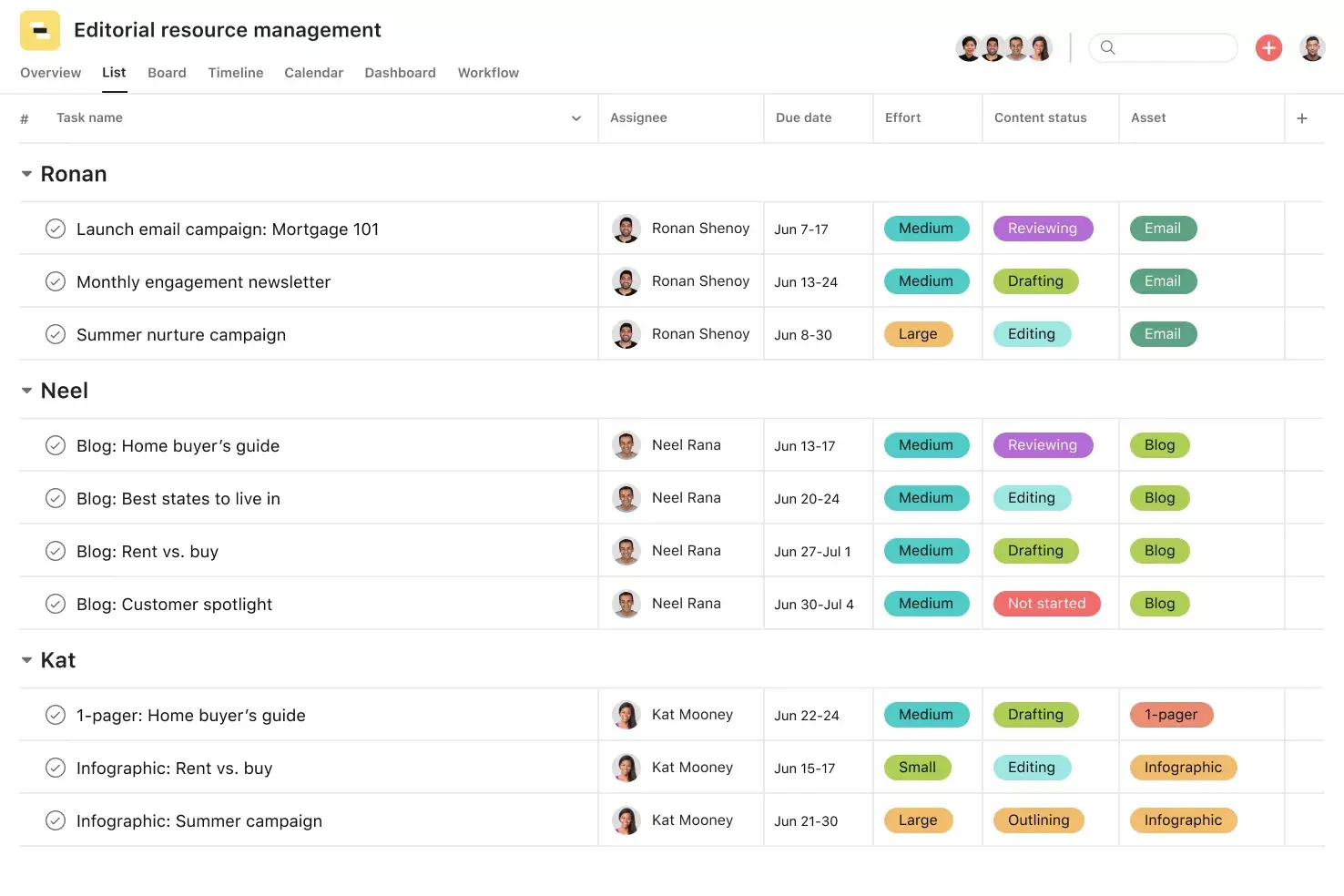
![[Templates] Editorial Calendar (Share image)](https://assets.asana.biz/transform/5fac5de2-17f6-4d69-8cd3-091a887a24bd/TG23-web-thumbnail-042-editorial-resource-management-static-2x?io=transform:fill,width:2560&format=webp)
![[Templates] Marketing Project Plan (Card) image](https://assets.asana.biz/transform/af70ac54-97b9-4639-b639-be3a3d951e3e/TG23-web-thumbnail-016-stakeholderregister-static-2x?io=transform:fill,width:2560&format=webp)
![[Templates] Operations Project Plan (Card)](https://assets.asana.biz/transform/ec3bf1b9-cbcd-413c-a20c-82bf1dbe10d2/TG23-web-thumbnail-008-risk-management?io=transform:fill,width:2560&format=webp)
![[Template] IT project plan (Card image)](https://assets.asana.biz/transform/8aa523a9-4dcb-4053-8e69-7bdf900b48b9/web-product-template-thumbnail-IT-EN-US?io=transform:fill,width:2560&format=webp)
![[Old Product UI] Sprint planning project with t-shirt sizes in Asana (Lists)](https://assets.asana.biz/transform/34817820-b376-4110-a8be-9a2c7c546a77/inline-project-planning-t-shirt-sizing-product-ui-list-view-sprint-planning-en-2x?io=transform:fill,width:2560&format=webp)
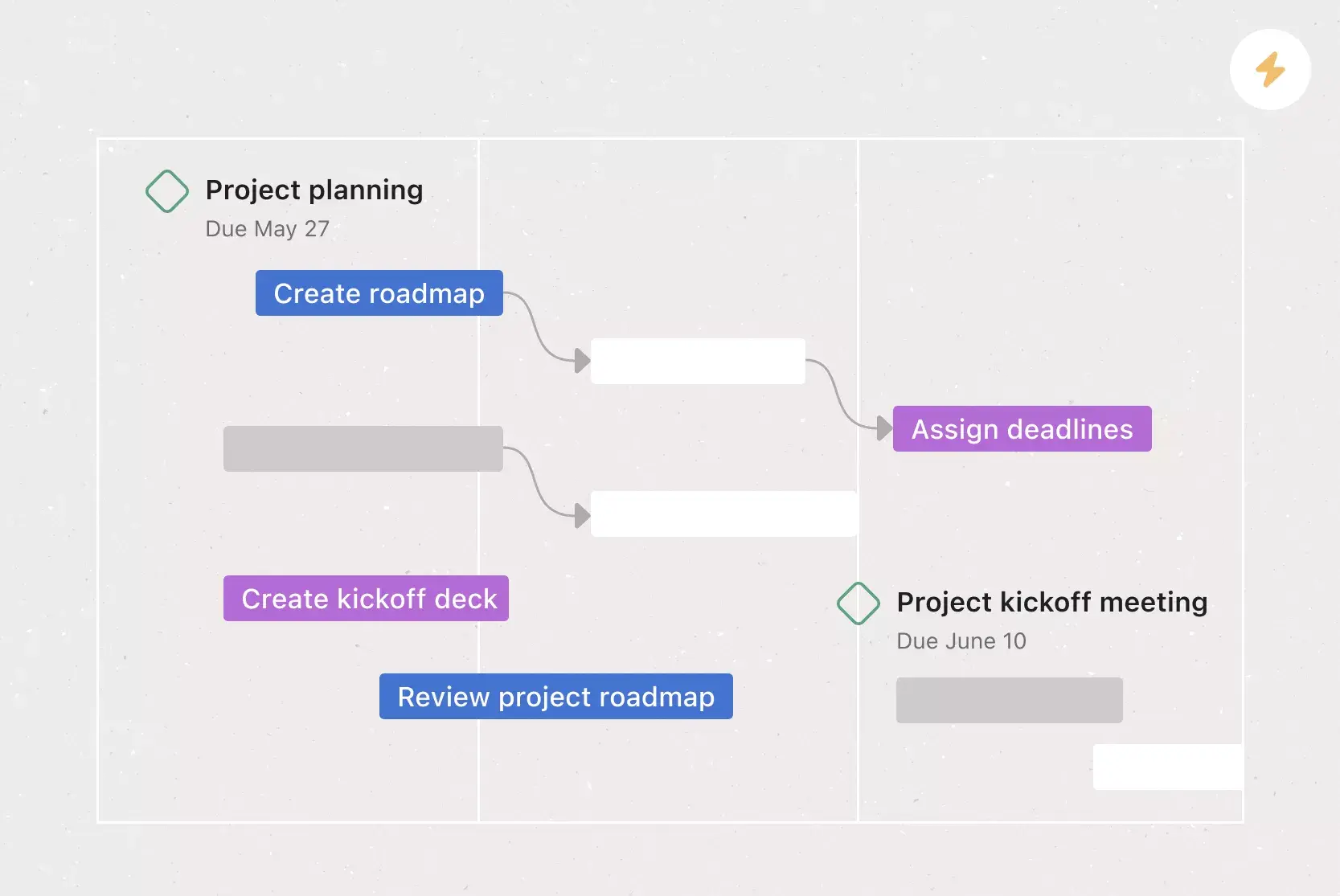

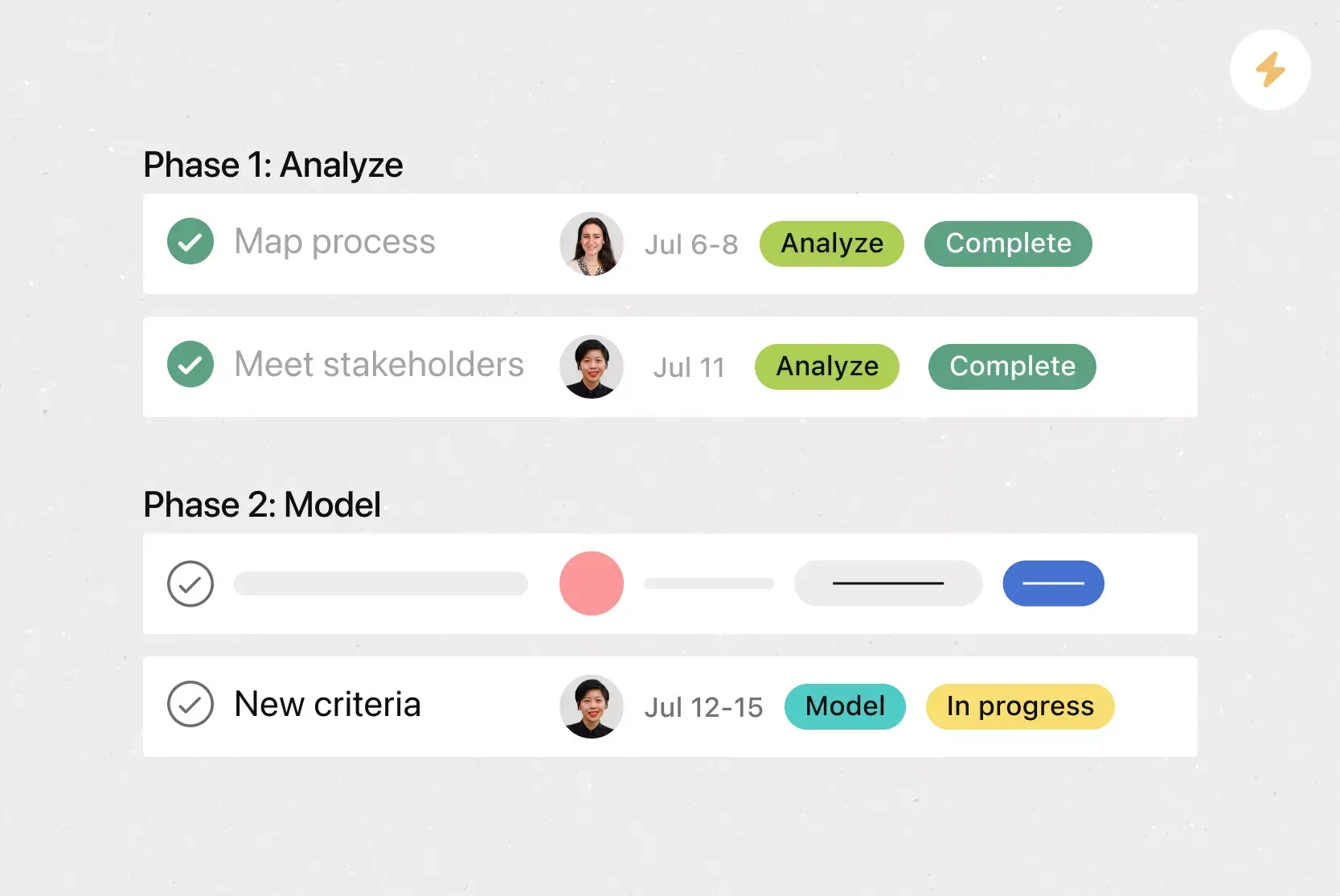
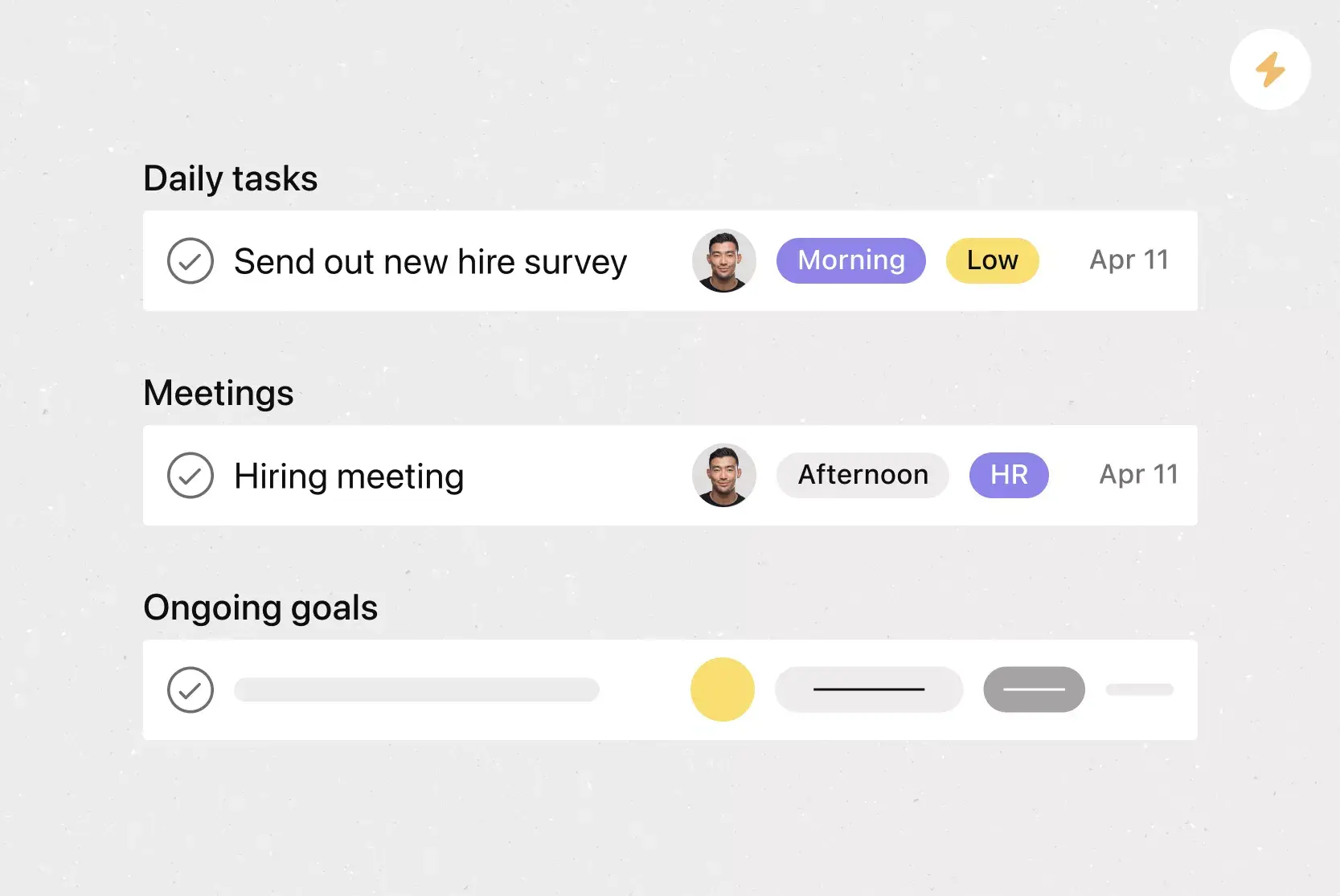

![[Templates] RFP Process (Card image)](https://assets.asana.biz/transform/14aa111b-ab22-483f-bfd1-3090acb7d2a5/RFP-process-premium-m?io=transform:fill,width:2560&format=webp)

![[HR Project Plan] template Card Image](https://assets.asana.biz/transform/663b8e5e-89c9-4b0b-b48b-1b17e01d1889/TG23-web-thumbnail-033-process-improvement-static-2x?io=transform:fill,width:2560&format=webp)
![[Templates] Waterfall project management (card image)](https://assets.asana.biz/transform/d87fc21c-53f0-4bc9-9094-9789b963be9b/article-project-management-waterfall-project-management-methodology-2x?io=transform:fill,width:2560&format=webp)
![[Templates] Status report (card image)](https://assets.asana.biz/transform/9c82d399-782b-40d3-9eb1-fd7544bef794/article-project-management-project-management-maturity-model-2x?io=transform:fill,width:2560&format=webp)
![[Templates] Event Marketing Plan (Card image)](https://assets.asana.biz/transform/6c7b9329-b612-4732-910a-7917fa079f0b/TG23-web-thumbnail-014-project-chart-static-2x?io=transform:fill,width:2560&format=webp)

![[Templates] Communication plan (card image)](https://assets.asana.biz/transform/3dc9eadf-9d2d-40a2-a05d-63adb32a1de7/article-collaboration-synchronous-vs-asynchronous-communication-2x?io=transform:fill,width:2560&format=webp)



![[Templates] Design Project Plan (Card image)](https://assets.asana.biz/transform/c768a28c-822f-420f-93f9-f2eea4c93780/TG23-web-thumbnail-032-bill-of-materials-static-2x?io=transform:fill,width:2560&format=webp)
Create templates with Asana
Learn how to create a customizable template in Asana. Get started today.