


Web production process template
Plan website workflows with Asana’s free web production template. Assign owners, set deadlines, manage approvals, and track dependencies in one place.
Sign up to use this template.
Web production process template
Plan website workflows with Asana’s free web production template. Assign owners, set deadlines, manage approvals, and track dependencies in one place.
Use templateSign up to use this template.
INTEGRATED FEATURES
Recommended apps



![[Old product ui] Web production process template, Kanban style project view in Asana (Boards)](https://assets.asana.biz/transform/16bbcdee-aa00-46e9-8d0a-c41bc956c891/Web-Production-planning-Asana?io=transform:fill,width:2560&format=webp)
Summary
Coordinating a web production schedule when producers and web developers use different tools usually leads to ineffective handoffs and misaligned timelines. Instead, web production teams can rely on Asana to establish a clear process and timeline so business and technical teams can get on the same page, even if they're using different tools. In this article, you'll learn what a web production process template is, the key steps involved, and how to use a free template to keep your projects on track from discovery to launch.
What is a web production process template?
A web production process template is a pre-built project plan that maps every phase, task, and milestone involved in building or updating a website. It gives your team a repeatable structure you can duplicate for every new project, so you never have to start from scratch.
Instead of tracking work across scattered tools, a template brings everything into one place. Here's what it typically outlines:
Ownership: Who's responsible for each task and deliverable
Timeline: When each phase begins and ends
Dependencies: How tasks connect across design, development, and content teams
Whether you're launching a new site, redesigning an existing one, or rolling out a series of landing pages, this template helps you move from concept to launch with fewer surprises.
Use templateWhy use a web production process template
Web production involves many moving parts, from content creation and design to development and QA. Without a plan, it's easy for deadlines to slip, feedback to get lost, and teams to duplicate effort. A web production process template helps you avoid those pitfalls by giving every project a consistent starting point:
Reduce miscommunication. When every task, deadline, and owner is visible in one place, your team spends less time chasing updates and more time doing meaningful work.
Stay on schedule. A template breaks the project into clear phases with milestones, so you can spot delays early and adjust before they snowball.
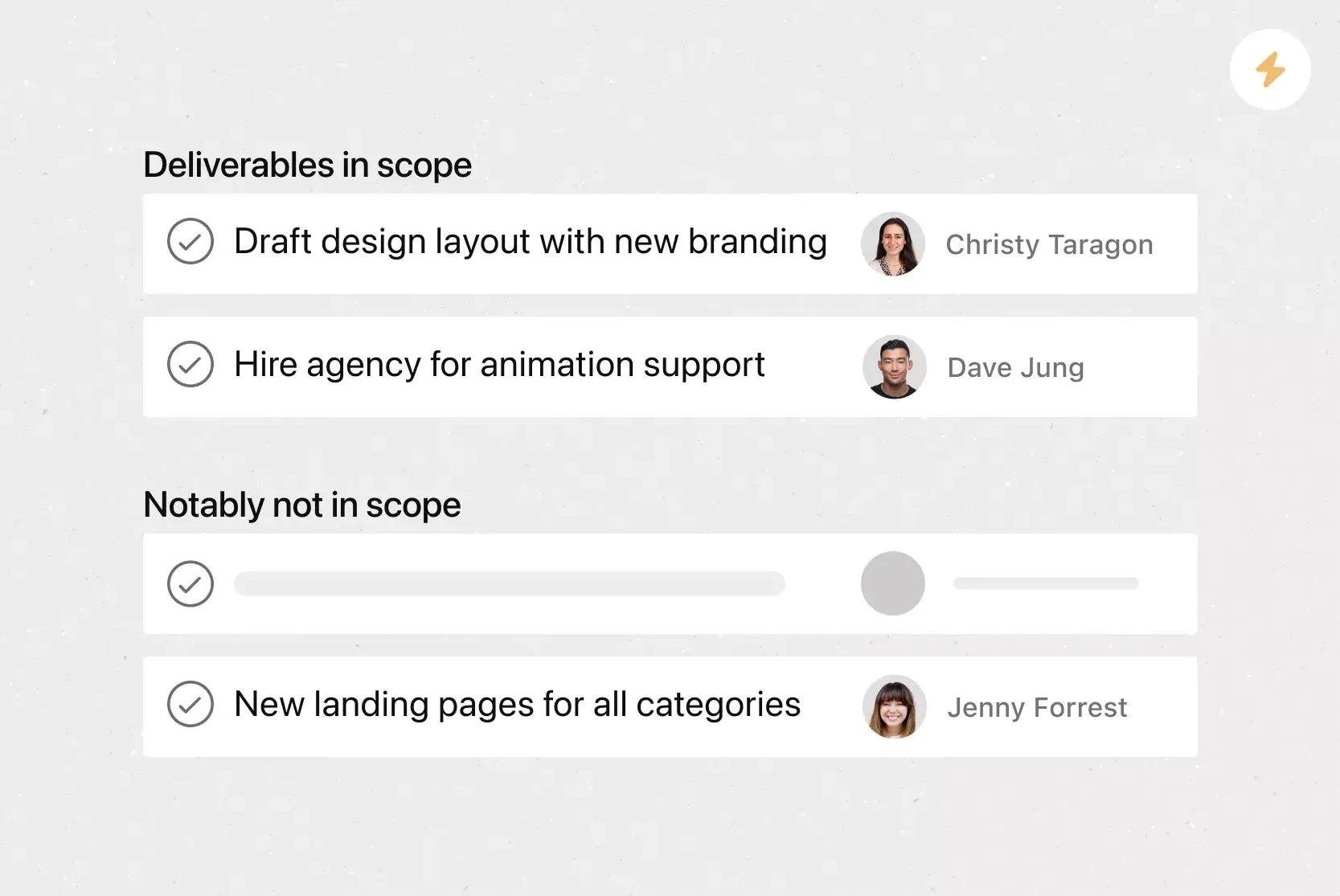
Avoid scope creep. With a scope management plan, defined phases, and clear deliverables, it's easier to keep the project focused and manage new requests without derailing your timeline.
Save time on future projects. Once your template is set up, you can duplicate it for every new web project, so your team doesn't have to rebuild the process each time.
Keep stakeholders informed. A shared template supports cross-functional collaboration by giving leadership, clients, and partners real-time visibility into progress, eliminating the need for extra status meetings.
Key steps in the web production process
Every web project is different, but most follow a similar series of phases that can be organized in a process map. Here are the seven steps you'll want to include in your web production process template.
1. Discovery and goal setting
Before any design or development work begins, take time to understand the project's purpose. Identify who the site is for, what goals it should support, and what success looks like.
This phase often includes:
Stakeholder interviews to align on priorities
Competitive research to identify opportunities
Defining key performance indicators and team goals so the team shares a clear measure of success
2. Scope definition and planning
Once you've established your goals, define the project's scope. This is where your template becomes especially valuable, giving your team a shared view of the full project plan from day one.
During this phase, you'll want to:
Outline what pages, features, and functionality the site will include
Create a timeline with milestones for each phase
Assign ownership so every task has a clear responsible party
3. Sitemap and wireframe creation
Map out the site's structure with a sitemap that shows how pages relate to each other. Then create wireframes, simplified layouts that define the placement of key elements on each page. This step helps your team align on navigation, content hierarchy, and user flow before investing time in visual design.
4. Content creation
Great websites are built on clear, purposeful content. Aligning content creation with your wireframes helps ensure that design and messaging work together from the start.
Typical deliverables in this phase include:
Page copy and headlines
Images, graphics, and video assets
Metadata and SEO copy
Content review and approval workflows
Use content calendar software to coordinate page copy, metadata, creative assets, review steps, and publishing dates within a single shared workflow.
5. Visual design and development
With wireframes and content in place, this phase brings your site to life. Keeping designers and developers connected through a shared project plan prevents misalignment and reduces rework.
Design: Use a design project plan to create mockups that define color, typography, and layout based on approved wireframes
Development: Build the front-end and back-end functionality once designs are approved
6. Testing and QA
Before launch, rigorously test the site across browsers, devices, and screen sizes. Build time into your template for at least one round of revisions based on testing feedback.
Your QA checklist should cover:
Functionality (forms, links, interactive elements)
Performance (load times, responsiveness)
Accessibility (screen readers, keyboard navigation, color contrast)
Content accuracy (copy, images, metadata)
7. Launch and post-launch optimization
Once testing is complete and final approvals are in, it's time to go live. But launching the site isn't the end of the process, so plan for these post-launch tasks:
Monitor site performance and uptime
Fix bugs or issues that surface after launch
Make iterative improvements based on user behavior and analytics
How to use this web production process template
Getting started with this template is straightforward. Here's how to set it up so your team can begin working right away:
Duplicate the template. Start by adding the free web production process template to your Asana workspace. This gives you a ready-made project with phases, tasks, and milestones already built in.
Customize phases and tasks. Every web project is a little different. Adjust the template's sections to match your workflow, whether that means adding a content review phase or removing steps that don't apply.
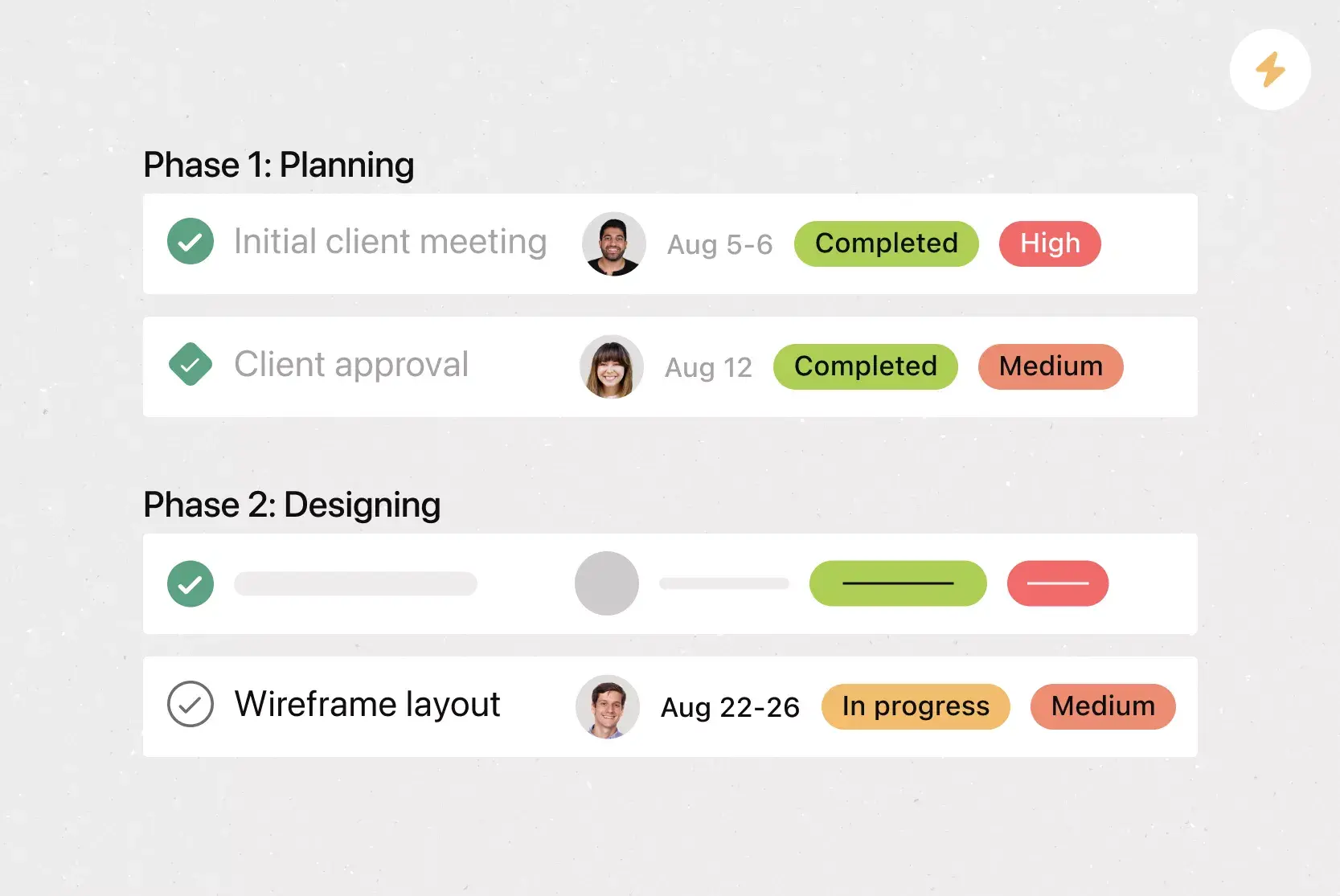
Assign owners and deadlines. For each task, assign a team member and set a due date. This makes it clear who's responsible for what and when it needs to be done.
Add context where it's needed. Attach briefs, design files, reference links, and project documentation directly to tasks, so your team has everything they need without digging through email or chat.
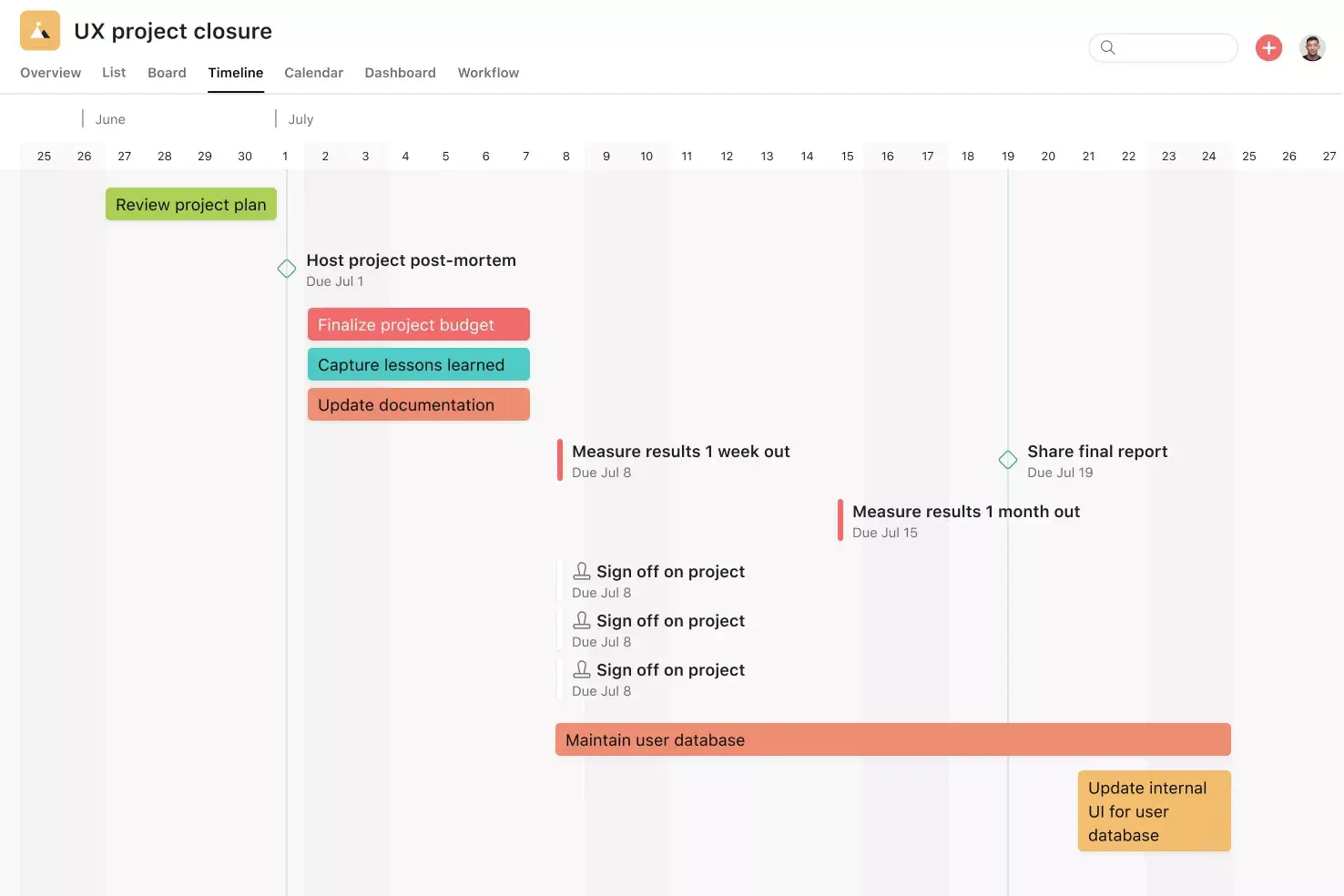
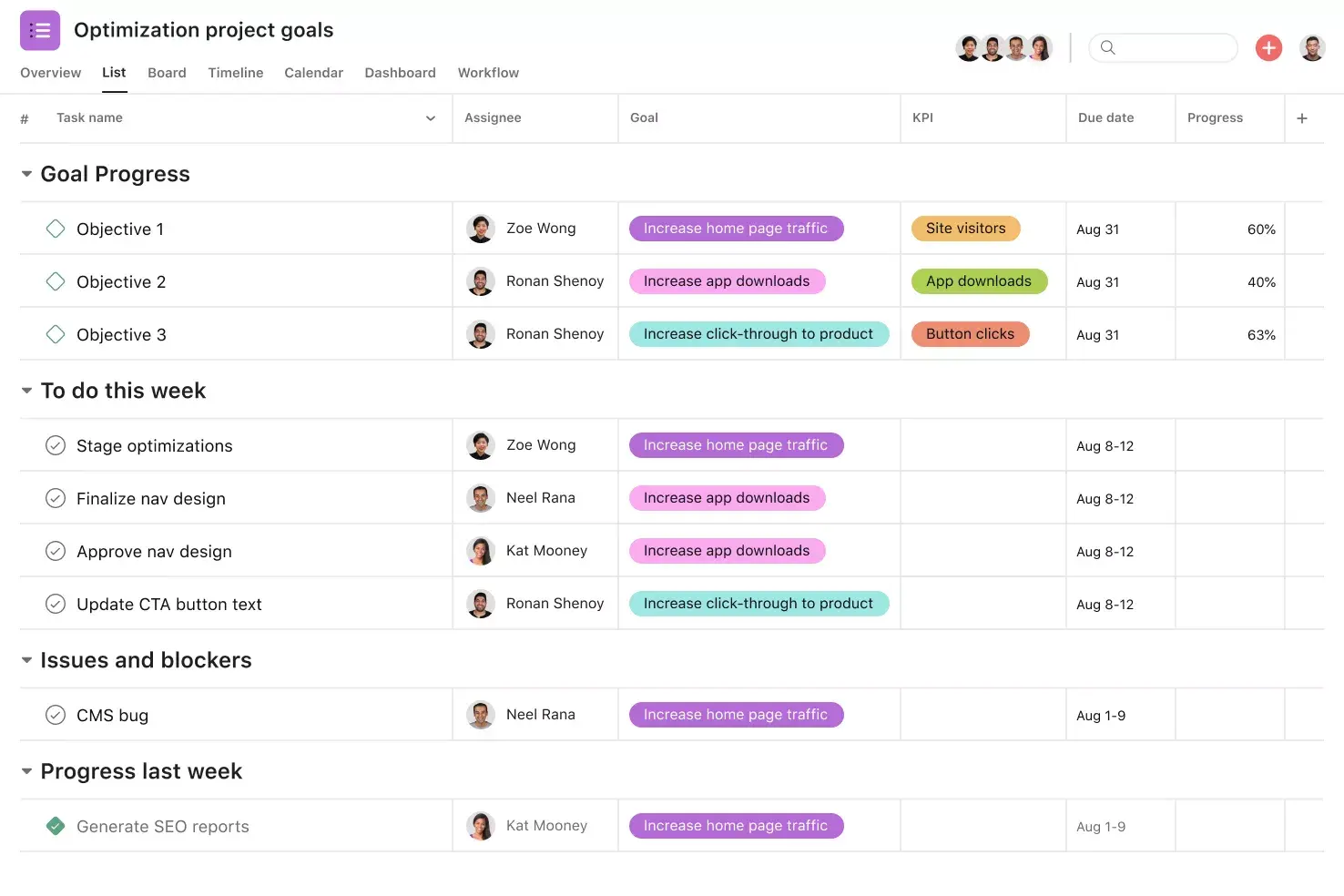
Track progress and adjust. Use project views such as boards, timelines, and lists to monitor how work is progressing. If something falls behind, you'll see it early and can reassign or reschedule before it affects the rest of the project.
Tips for managing web production with our template
Make deadlines and responsibilities clear. Tasks with deadlines show who's responsible for what and by when, while tracking instructions and attachments to speed up production.
Save time with automation. As new requests come in or work progresses, project owners can set up rules to automate tasks and save time and steps in the process.
Create one source of truth. Does your web development team work in Slack or other tools? No problem. Keep work connected by setting up an integration.
Tools to manage your web production process
Web production spans multiple tools. Designers work in Figma or Adobe Creative Cloud, developers push code through GitHub, and teams communicate in Slack or Microsoft Teams. The key is keeping those tools connected so nothing gets lost.
Asana integrates with over 300 apps, so your team can work where they prefer while keeping project updates centralized. Here are a few integrations especially useful for web production:
Slack. Turn messages into tasks and get project updates in your team's channels without leaving the conversation.
Adobe Creative Cloud. Share design files and manage creative reviews directly within your Asana project.
GitHub. Link pull requests and commits to Asana tasks to sync developers and project managers.
Google Drive. Attach docs, sheets, and presentations to tasks for easy access to shared resources.
Jira. Connect engineering work in Jira with project plans in Asana so technical and non-technical teams have visibility into each other's progress.
Streamline your web production process with Asana
Whether you're managing a simple landing page or a full website build, a clear process makes all the difference. With the free web production process template from Asana, you can assign work, set deadlines, track progress, and collaborate across teams in one place.
No more scattered spreadsheets, missed handoffs, or status meetings that could have been a task update. Get started today and give your web production team the structure they need to deliver great work on time.
Use templateFAQs about web production process templates
The web production process typically includes seven phases: discovery and goal setting, scope definition and planning, sitemap and wireframe creation, content creation, visual design and development, testing and QA, and launch with post-launch optimization.
Timelines vary based on the size and complexity of the project. A simple landing page might take two to four weeks, while a full website redesign could take three to six months.
A typical web production team includes a project manager, designer, developer, content creator, and a QA tester. Depending on the project, you may also involve stakeholders from marketing, brand, or product teams.
Web design focuses on the visual and user experience aspects of a website, such as layout, typography, and interaction design. Web production is the broader process of planning, building, testing, and launching a website, with design as one phase within it.
Related templates
![[Templates] Editorial Calendar (Share image)](https://assets.asana.biz/transform/5fac5de2-17f6-4d69-8cd3-091a887a24bd/TG23-web-thumbnail-042-editorial-resource-management-static-2x?io=transform:fill,width:2560&format=webp)
![[Templates] Marketing Project Plan (Card) image](https://assets.asana.biz/transform/af70ac54-97b9-4639-b639-be3a3d951e3e/TG23-web-thumbnail-016-stakeholderregister-static-2x?io=transform:fill,width:2560&format=webp)
![[Templates] Operations Project Plan (Card)](https://assets.asana.biz/transform/ec3bf1b9-cbcd-413c-a20c-82bf1dbe10d2/TG23-web-thumbnail-008-risk-management?io=transform:fill,width:2560&format=webp)
![[Template] IT project plan (Card image)](https://assets.asana.biz/transform/8aa523a9-4dcb-4053-8e69-7bdf900b48b9/web-product-template-thumbnail-IT-EN-US?io=transform:fill,width:2560&format=webp)
![[Old Product UI] Sprint planning project with t-shirt sizes in Asana (Lists)](https://assets.asana.biz/transform/34817820-b376-4110-a8be-9a2c7c546a77/inline-project-planning-t-shirt-sizing-product-ui-list-view-sprint-planning-en-2x?io=transform:fill,width:2560&format=webp)
![[Templates] RFP Process (Card image)](https://assets.asana.biz/transform/14aa111b-ab22-483f-bfd1-3090acb7d2a5/RFP-process-premium-m?io=transform:fill,width:2560&format=webp)
![[HR Project Plan] template Card Image](https://assets.asana.biz/transform/663b8e5e-89c9-4b0b-b48b-1b17e01d1889/TG23-web-thumbnail-033-process-improvement-static-2x?io=transform:fill,width:2560&format=webp)
![[Templates] Waterfall project management (card image)](https://assets.asana.biz/transform/d87fc21c-53f0-4bc9-9094-9789b963be9b/article-project-management-waterfall-project-management-methodology-2x?io=transform:fill,width:2560&format=webp)
![[Templates] Status report (card image)](https://assets.asana.biz/transform/9c82d399-782b-40d3-9eb1-fd7544bef794/article-project-management-project-management-maturity-model-2x?io=transform:fill,width:2560&format=webp)
![[Templates] Event Marketing Plan (Card image)](https://assets.asana.biz/transform/6c7b9329-b612-4732-910a-7917fa079f0b/TG23-web-thumbnail-014-project-chart-static-2x?io=transform:fill,width:2560&format=webp)
![[Templates] Communication plan (card image)](https://assets.asana.biz/transform/3dc9eadf-9d2d-40a2-a05d-63adb32a1de7/article-collaboration-synchronous-vs-asynchronous-communication-2x?io=transform:fill,width:2560&format=webp)


![[Templates] Design Project Plan (Card image)](https://assets.asana.biz/transform/c768a28c-822f-420f-93f9-f2eea4c93780/TG23-web-thumbnail-032-bill-of-materials-static-2x?io=transform:fill,width:2560&format=webp)
Productive and powerful by design
What could your design team achieve if it were 45% more efficient? Find out with a free trial of Asana.