


Market research template
Use a repeatable market research template to set goals, gather data, organize findings, and share useful insights. It gives your team a practical way to manage research projects without rebuilding the process each time.
Sign up to create your own template.
Market research template
Use a repeatable market research template to set goals, gather data, organize findings, and share useful insights. It gives your team a practical way to manage research projects without rebuilding the process each time.
Create your templateSign up to create your own template.
INTEGRATED FEATURES
Recommended apps


Summary
You're preparing to launch a new product, adjust pricing, or reposition in a fast-moving market. However, without a precise market analysis, your team is scrambling. One person is pulling old survey data, another is building a slide deck from scratch, and leadership is still waiting for insights to inform their strategy. Without a structured market research template, it's easy for timelines to slip and key findings to get lost in disconnected Google Docs and Excel spreadsheets.
This template gives you a repeatable system for planning, collecting, analyzing, and presenting market research. It includes predefined sections for setting research goals, defining your buyer personas, selecting methods, capturing data, and summarizing results.
Your team spends less time reinventing the process and more time generating insights that drive confident decisions. Below, you'll learn what a market research template is, who it's built for, how to use it step by step, and which Asana features and integrations make your research workflow even smoother.
What is a market research template?
A market research template is a prebuilt document that gives your team a repeatable structure for planning, conducting, and presenting market research. Instead of starting from scratch, a template provides predefined sections so every team member follows the same process from initial questions to actionable insights.
A typical market research template includes sections for:
Research goals: What you want to learn and why it matters.
Target audience: The demographics, segments, or personas you're studying.
Methodology: The surveys, interviews, or focus groups you'll use to collect data.
Data collection: Where and how you'll capture raw findings.
Final reporting: How you'll summarize and share insights with stakeholders.
Who benefits from market research templates?
Asana teams use market survey templates to guide everything from product launches to messaging. An organized template ensures consistency, cultivates collaboration, and helps stakeholders stay connected throughout every stage of the process.
We designed this market research template for:
Startups validating their business plan or early product ideas with real data.
Marketing teams conducting market research, interviews, or focus groups to understand their ideal customer better.
Product teams exploring customer behavior to develop roadmaps and optimize user experiences.
Consultants and agencies conducting market or competitive analysis to guide client strategy.
Cross-functional teams planning a broader market research project to drive internal initiatives.
Each use case benefits from a centralized, repeatable research workflow that enhances transparency, reduces delays, and improves the quality of the final output.
Create your templateWhy use Asana's market research template?
Teams often struggle to strike a balance between asking the right questions and gathering useful market trends. A disorganized research process can lead to missed opportunities, duplicated work, and unclear recommendations.
This template helps you streamline the end-to-end research process and create work that inspires action. You'll gain a single workspace to manage your research project, from brainstorming goals to final reporting. You can also use it as a repeatable foundation for future projects or client work.
Use this market research report template to:
Align stakeholders: Clarify your objectives and align stakeholders before research begins.
Define your audience: Identify your target audience and gather insights through interviews, surveys, or focus groups.
Organize findings: Structure research data with graphs, charts, and key takeaways.
Standardize execution: Build a repeatable research workflow for faster, more consistent results.
Collaborate in real time: Share findings as they develop to drive better decision-making.
Deliver a polished report: Present a centralized market research report that informs next steps.
Asana research features
These built-in Asana features help you organize, track, and deliver research insights more efficiently. For a complete list of Asana's features, visit our product features page.
Use custom fields to label research methods, audience types, or response categories. They make it easy to filter responses, compare segments, highlight qualitative feedback, and track survey response types over time. Custom fields ensure your research stays structured and searchable.
Standardize incoming submissions with forms for internal feedback or external surveys to ensure consistency and accuracy. Form responses automatically create tasks, ensuring no insights are lost or overlooked. You can route responses to specific sections in your project or assign them directly to researchers for review.
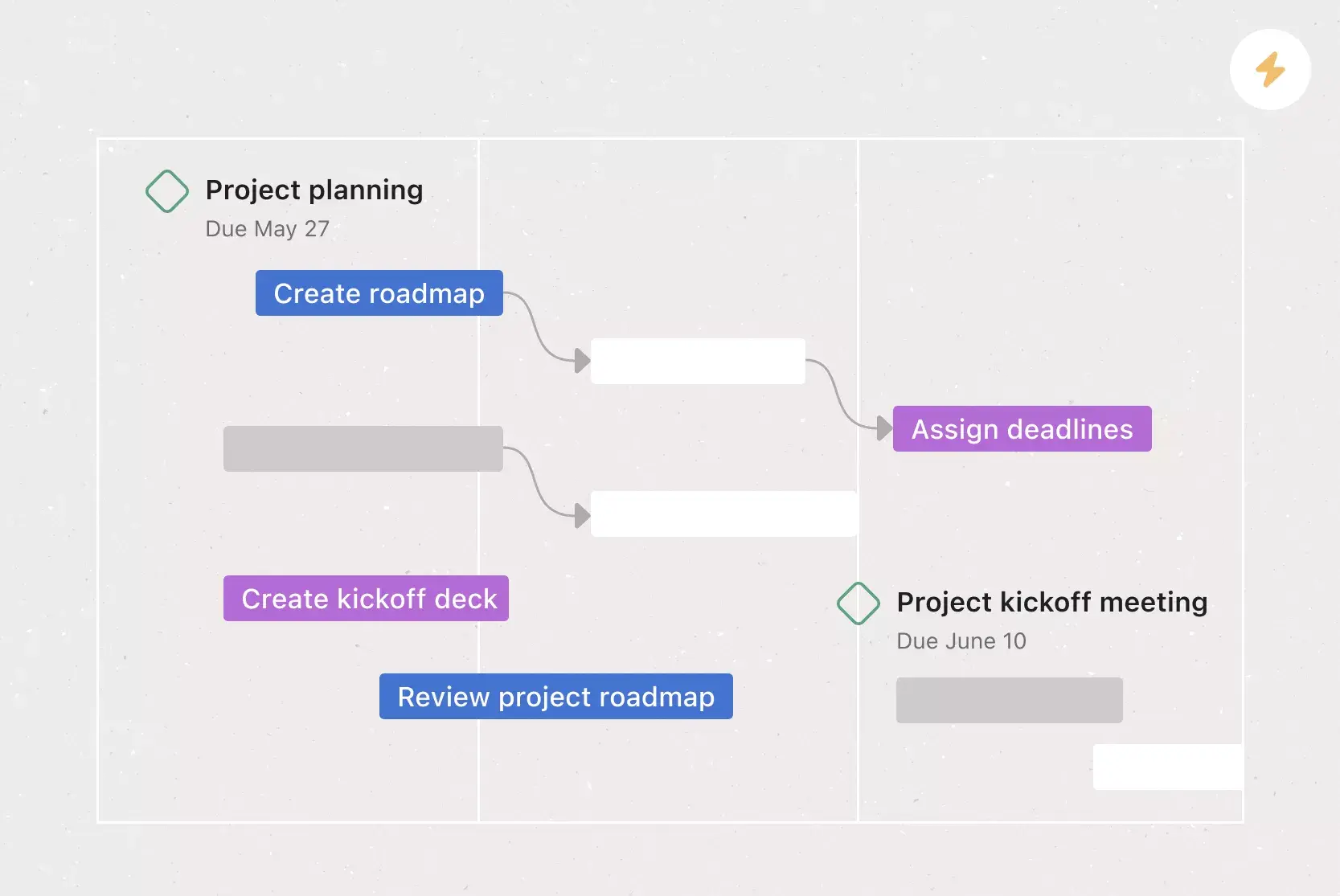
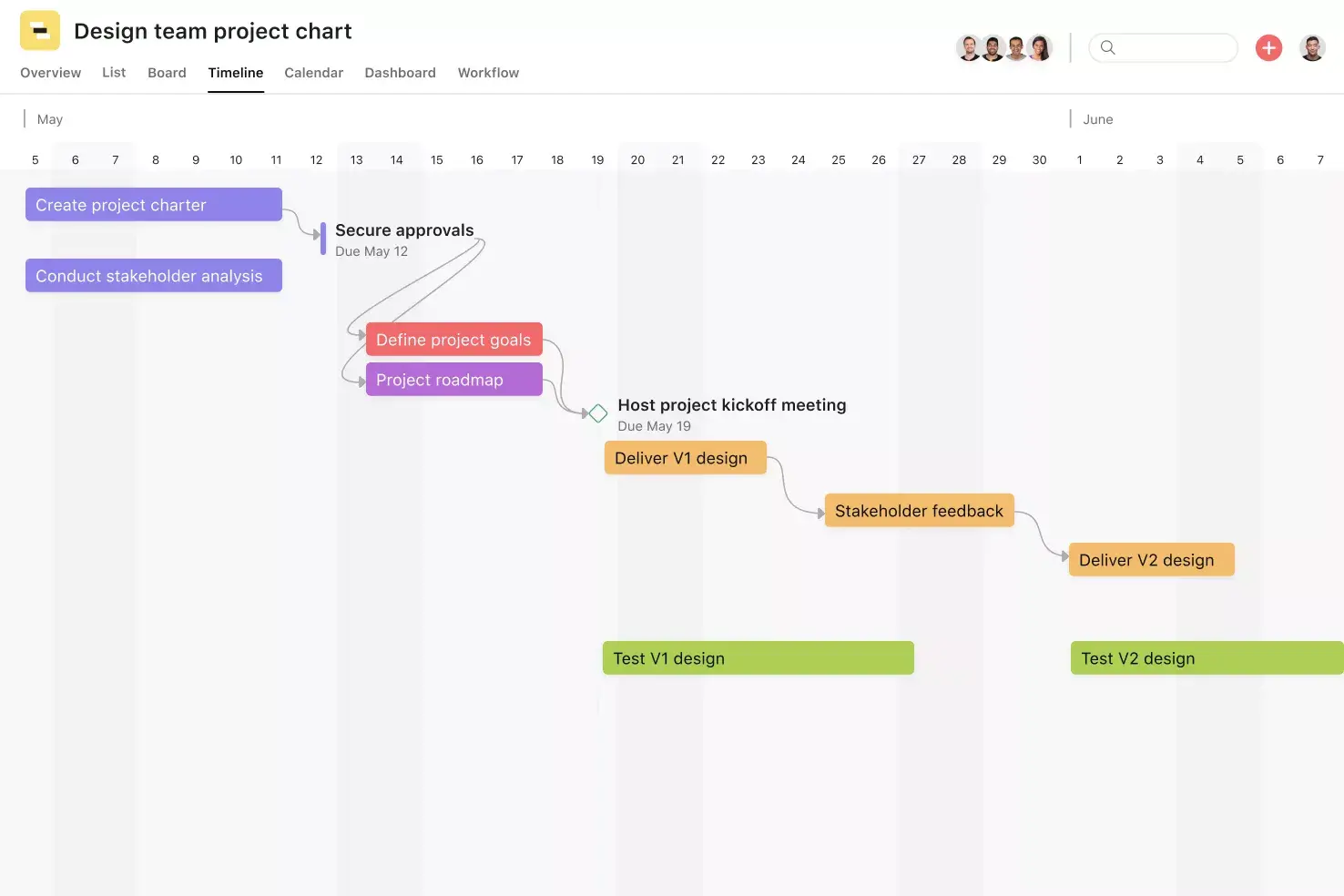
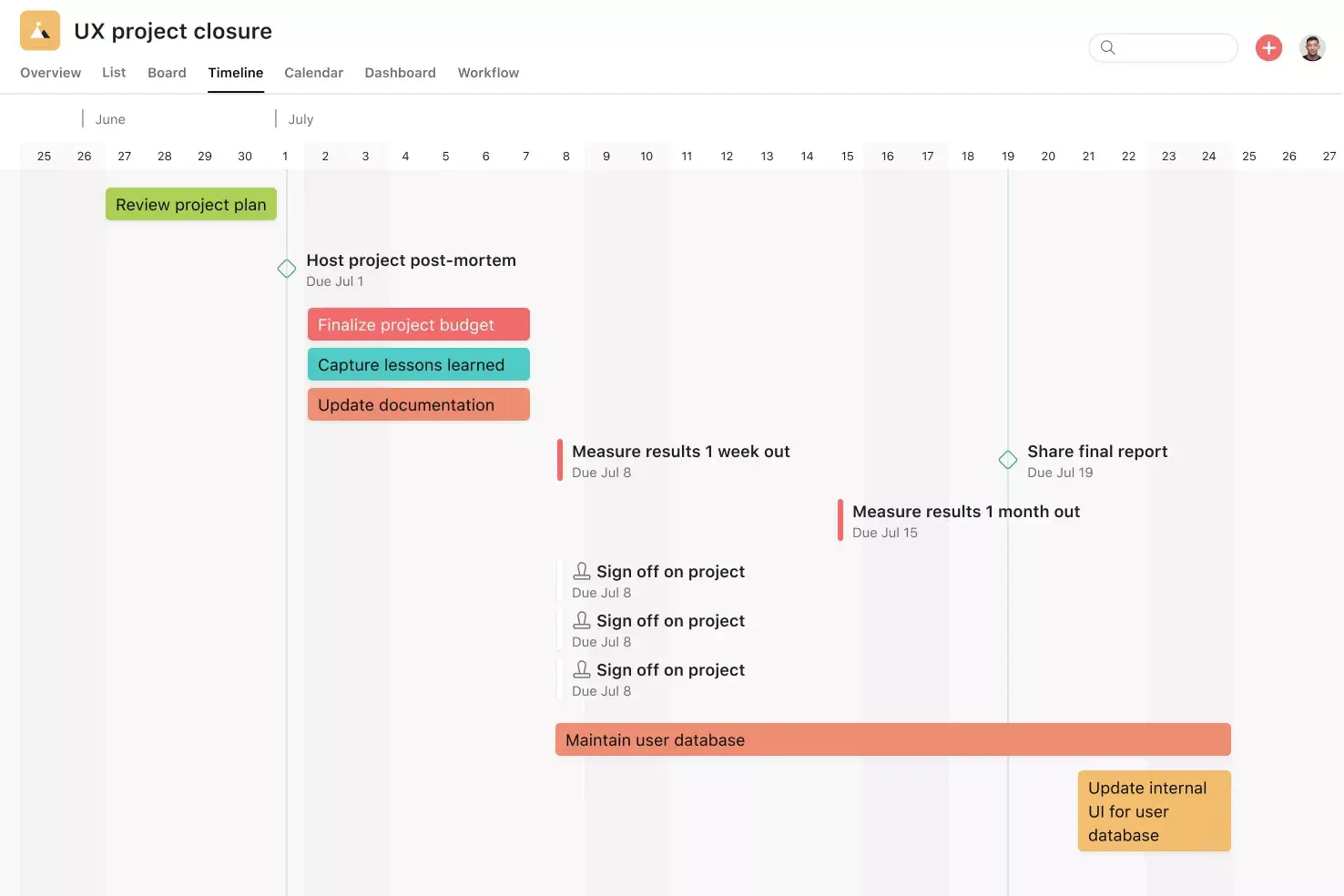
Map your entire research project visually, from kickoff through delivery. Track dependencies, identify overlap between research stages, and adjust your timeline in real time. This view is ideal for planning multi-phase research initiatives and ensuring everything stays on track.
Turn data into visuals with dashboards that highlight progress, sentiment trends, or open questions. Dashboards are ideal for stakeholder check-ins and high-level reviews. Use them to track how findings evolve or to present progress at executive meetings.
Save time by using automations to trigger task handoffs, status updates, or notifications when new data is uploaded or tagged. These rules keep your research moving without manual follow-up. Automations also ensure that repeatable actions happen consistently.
Recommended integrations
These recommended integrations enhance your workflow by connecting your research data to the tools your team already uses. For more options, visit the Asana App Directory.
Analyze large datasets, store exports, and link relevant metrics to Asana tasks. Great for tracking market share or pricing comparisons. You can also use Sheets to back up insights or calculate trends before adding findings to your report.
Keep collaborators updated by automatically posting notifications when team members share findings or mark reports as "ready for review." These automated updates help maintain momentum without needing additional meetings. Customize messages to include relevant task links or next steps as required.
Design high-quality visuals for your market research report. Attach infographics, charts, or presentation slides directly to your final output. These visuals improve readability and make reports more engaging for stakeholders.
Use wireframes, flowcharts, or mind maps to visualize research questions, customer journeys, or strategic insights. Whimsical diagrams can be attached to Asana tasks to support planning and cross-functional alignment during the analysis phase.
Manage creative reviews and approvals for visual research outputs, such as infographics or final presentations. Ziflow integrates directly with Asana, helping teams centralize feedback, track version changes, and streamline the final delivery process.
How to use this market research template
This section guides you through a step-by-step process for using the template effectively. Each stage helps clarify direction, document your process, and share insights with your team. For more workflows like this, explore Asana's complete template library.
Read: Free research plan template for any team1. Set your research objectives
Begin by clearly defining what you want to learn and why, whether you're evaluating a product opportunity, analyzing customer satisfaction, or sizing a market segment. Establishing a research goal keeps your process focused and ensures alignment across team members. Use the Overview tab to document objectives, deadlines, and key questions before you begin.
2. Define your target audience and research methods
Outline who you want to research, whether that's a specific demographic, segment, or persona, and select the most effective method to reach them. Common methods include:
Surveys: Gather broad, quantitative feedback from a large audience.
Focus groups: Collect qualitative insights through guided group discussions.
Interviews: Interview customers for detailed, one-on-one perspectives.
Clearly defining your target market improves the accuracy of your findings. Document your methods as subtasks or custom fields so your team can follow a shared plan.
3. Collect and organize data
Gather your raw data in one place. Attach survey exports, focus group notes, competitor snapshots, quotes, screenshots, and uploaded transcripts directly to tasks for easy reference. Use integrations like Google Forms or Google Sheets to automate data collection and eliminate version control issues.
4. Analyze and summarize findings
Highlight key insights and patterns using tags, labels, or custom fields, then sort your findings by research method, theme, or segment. Build dashboards or embed graphs to show performance trends, market size, or standout customer feedback. At this stage, your market research analysis template should begin to tell a story that connects back to your original objective.
5. Deliver the final report
Use the Status tab to draft and publish a summary of your market research report. Include context, visuals, significant learnings, and recommendations to support product development, marketing strategy, or strategic planning. Review the report with stakeholders and tag next-step owners so your insights lead to follow-through, not just documentation.
Start winning new customers with market research
A structured market research template removes the guesswork in understanding your market, competitors, and customers. When your team follows a repeatable process, you spend less time organizing and more time uncovering insights that move your business forward.
With Asana, you can manage every phase of your research in one place, from setting objectives to delivering a polished final report. Built-in features like custom fields, dashboards, and automations keep your workflow organized, while integrations connect your research to the tools you already use. Ready to bring structure and clarity to your next research project? Get started with Asana today.
Create your templateFAQs about market research templates
A market research template is a repeatable document with predefined sections for planning, conducting, and presenting research so your team stays consistent and organized from start to finish.
Yes, you can adapt this template to compare competitor features, pricing, and customer reviews by setting up dedicated sections or custom fields. This helps you evaluate the competitive landscape and position your product or service effectively.
This template supports both qualitative and quantitative methods, including interviews, surveys, focus groups, and social media analysis. It's flexible enough for exploratory and structured studies alike.
Absolutely. Product teams use this template to understand customer needs, test concepts before launch, and evaluate user feedback, helping reduce risk and keep product, design, and marketing aligned.
Yes, Asana lets you build and share a centralized report using tasks, dashboards, and attachments with charts, key metrics, and recommendations included. Sharing your research this way improves transparency and speeds up decision-making.
Related templates
![[User Research Sessions] template banner Card Image](https://assets.asana.biz/transform/f9fa4005-1bcf-43d0-b78a-55f8f84c3569/TG23-web-thumbnail-026-kickoff-meeting-static-2x?io=transform:fill,width:2560&format=webp)
![[Templates] Usability Testing (Card image)](https://assets.asana.biz/transform/83417d59-585c-4e30-8851-69b7a8a51d9c/TG23-web-thumbnail-034-process-improvement-static-2x-2x?io=transform:fill,width:2560&format=webp)
![[Templates] Customer Feedback (card image)](https://assets.asana.biz/transform/9f02c069-de33-4d0c-a4e0-c2ac6a793622/-Template-customer-feedback?io=transform:fill,width:2560&format=webp)
![[Templates] Product launch (card image)](https://assets.asana.biz/transform/d0767f76-b214-4852-9055-85259f5dcd32/Template_ProdLaunch_Thumb?io=transform:fill,width:2560&format=webp)
Create templates with Asana
Learn how to create a customizable template in Asana. Get started today.