


Production schedule template
List each production step along with its timeline, who is responsible, and when it is due. This helps your team stay organized, catch delays early, and deliver orders on time.
Sign up to create your own template.
Production schedule template
List each production step along with its timeline, who is responsible, and when it is due. This helps your team stay organized, catch delays early, and deliver orders on time.
Create your templateSign up to create your own template.
INTEGRATED FEATURES
Recommended apps




Summary
Timely production and deliveries matter. Most companies use a schedule to track progress, set realistic completion dates, and plan shipping. However, simply adding dates to a calendar is not enough. An effective production schedule should include the key steps in your process.
A set schedule helps you plan and estimate timing, but production can be unpredictable. Supply chain issues or longer build times can cause delays. This article explains what a production schedule template is, why it’s useful, what to include, the types available, and how to use one with the right tools.
What is a production schedule template?
A production schedule template is a tool you can use again and again to outline each step in your process, from raw materials to finished product, with target dates for each stage. It helps your team see what’s being made, when it’s due, and who is in charge of each part.
Production schedule templates are typically used in manufacturing production, where it's common to produce hundreds, or even thousands, of products a day. But any team, organization, or industry that builds products can benefit from using a template. Once you save your master production schedule template, you can build and launch a new schedule in just a few minutes.
Use a production schedule template to reduce delays and unnecessary costs.Why do you need a production schedule template?
Your production schedule helps you track the process, manage supply and demand, and deliver products to customers on time. Using a template for your schedule offers several benefits:
Save time on planning: Reuse the same template instead of building a new schedule from scratch for every product or order.
Keep scheduling consistently: When multiple production teams use the same template, everyone structures their work in the same way.
Track trends and supply chain movements: A well-built template helps you monitor forecasting data alongside your production timeline.
Traditionally, manufacturing businesses have relied on static schedules in Google Sheets or Excel, but these don't let you visualize production or collaborate across teams in real time. A work management platform lets you view your production schedule as a Gantt chart or calendar, making it easier to catch bottlenecks before they slow you down. You can also compare planned vs. actual production to identify opportunities to make your cycle more efficient.
What does a production schedule include?
A good production schedule template includes all the details your team and stakeholders need to stay on the same page. When creating your template, use sections to show what you’re making and when it will be finished. Key components to include are:
Order details: List the order number, item description, customer name, and other identifying information for each order, so it's easy to reference what's in production.
Production status: Update it as you move through the process to show stakeholders where each order is and whether it's on track.
Work schedule and due dates: Build a work schedule with clear due dates indicating when production will start and end. Be sure to include the tasks and milestones in between these dates, and list any dependencies, from pre-production all the way through completion.
Orders (quantity): How many products do you need to make? Tracking this helps show the expected production rate versus the actual rate. If there's a difference, you can adjust your process to ensure each production schedule meets your quota.
Raw materials needed/used: What do you need to make your products? Use these numbers for resource management and capacity planning to get more accurate estimates of what it takes to produce specific items or fulfill orders.
Including these components in your template gives everyone a clear picture of what’s happening in production and what’s coming up next.
Types of production schedule templates
Production schedules can serve different purposes. The type of template you need depends on how complex your operations are and what you want to track.
Use a basic schedule when you need a simple way to track orders and deadlines
Use a master schedule when you manage multiple products and need a big-picture view
Use a daily schedule when you track production at the shift or hourly level
Pick the template type that fits your team size, process complexity, and number of orders. You can also mix templates, using a master schedule for long-term planning and a daily schedule for day-to-day tracking.
How to use a production schedule template
The key to an effective production schedule isn't just the template; it's the software behind it. When you build your template in work management software, you get access to automations, real-time tracking, and reporting that keep your production process moving.
Here are some tips to help you get the most from your template:
Start with your most critical orders: Prioritize orders with the tightest deadlines or highest impact. This helps your team focus on what matters most and prevents last-minute scrambles.
Assign owners to each stage: Ensure every step in the production process has a responsible party. This creates accountability and makes it easy to see who to follow up with if something falls behind.
Use automations to reduce manual updates: Set up rules that automatically change a task's status, notify stakeholders, or adjust due dates when certain actions are completed. This reduces busywork and keeps your schedule accurate in real time.
Review and adjust regularly: Production rarely goes exactly as planned. Build in regular check-ins to compare your planned schedule against actual progress, and adjust timelines or resources as needed.
Integrations and apps to use with your template
Use these features and app integrations to customize your production schedule template for your team’s needs.
Integrated features
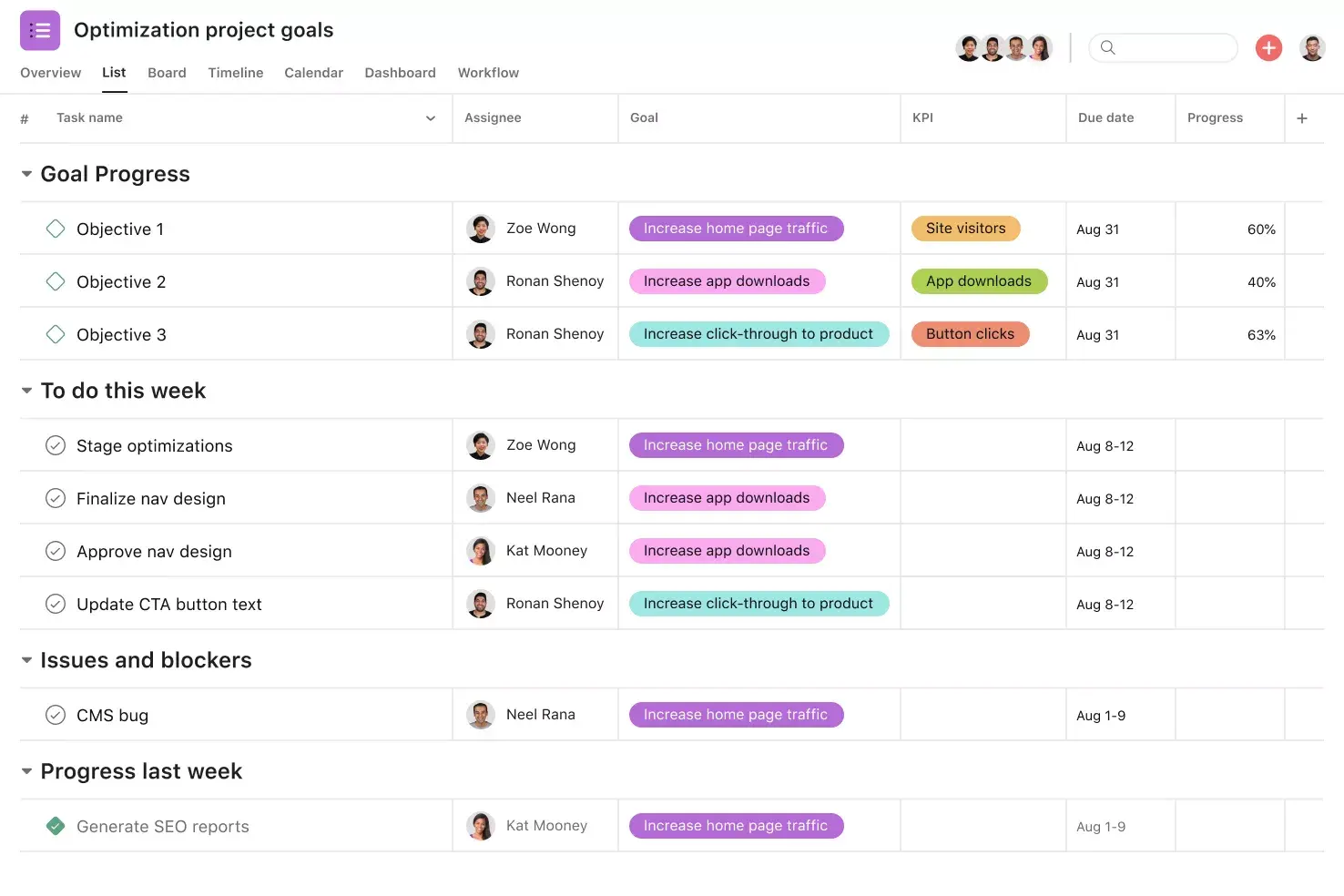
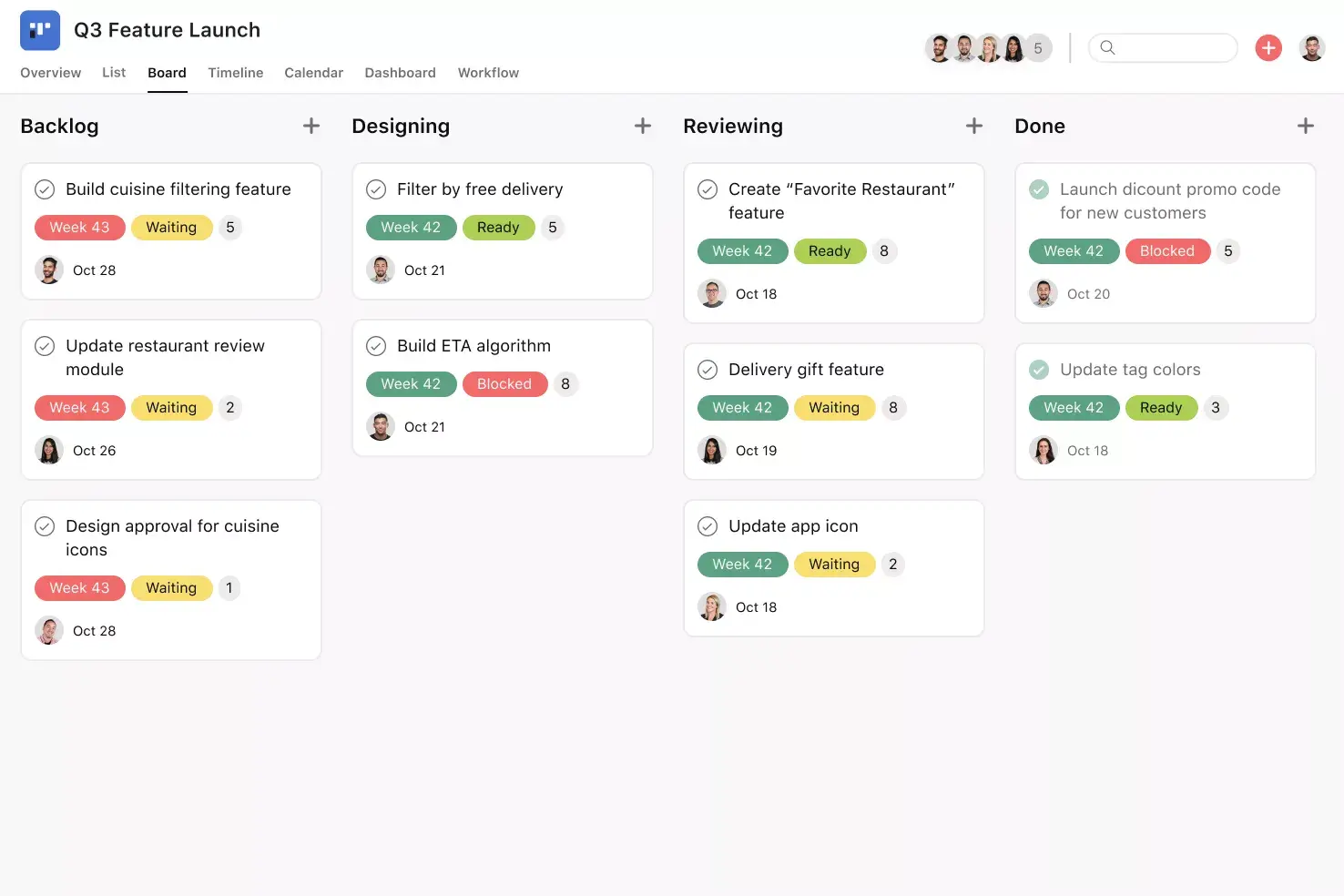
List View. List View is a grid-style view that lets you see all your project's information at a glance. Like a to-do list or a spreadsheet, List View displays all your tasks at once so you can not only see task titles and due dates, but also view any relevant custom fields, such as Priority, Status, and more. Unlock effortless collaboration by giving your entire team visibility into who's doing what by when.
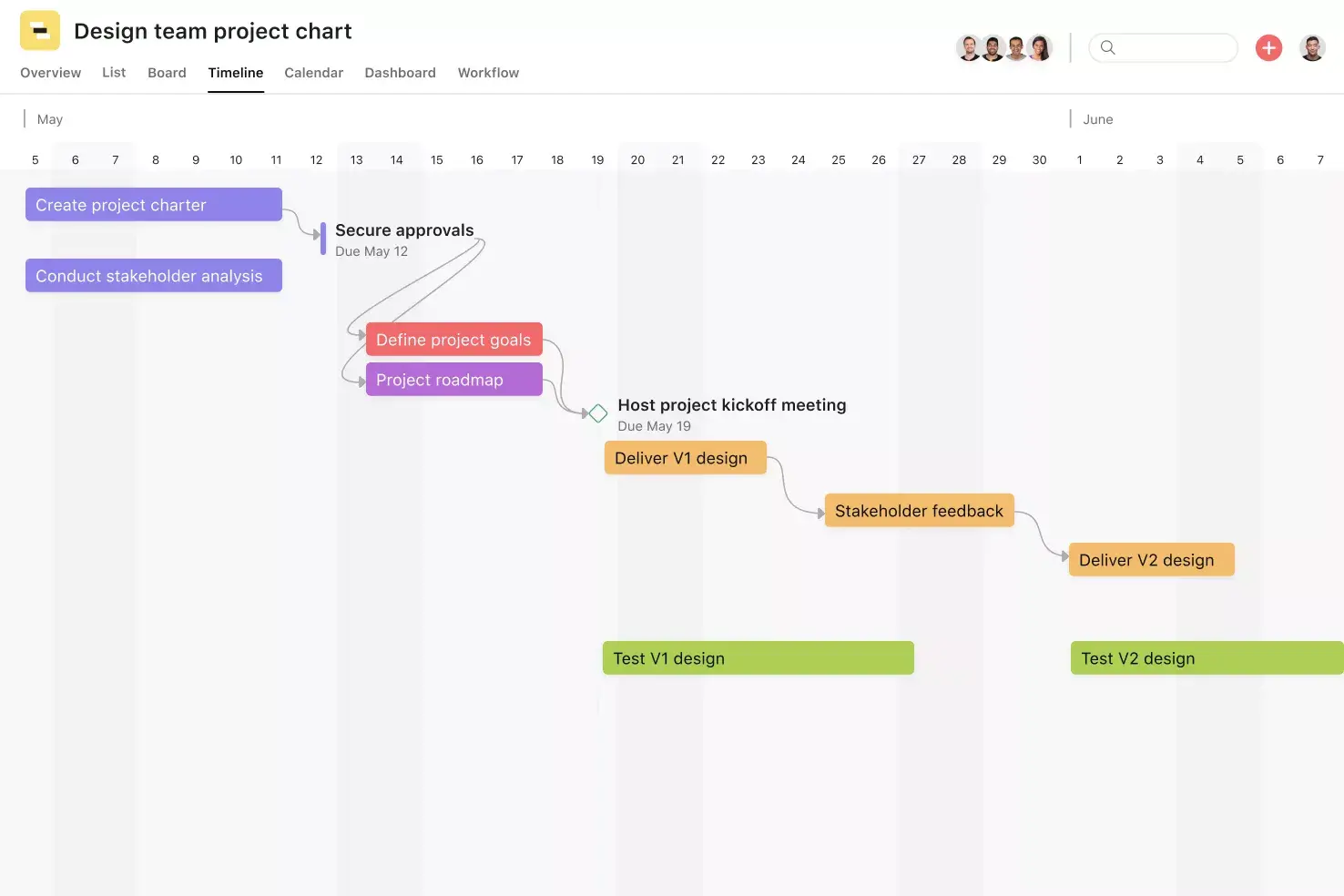
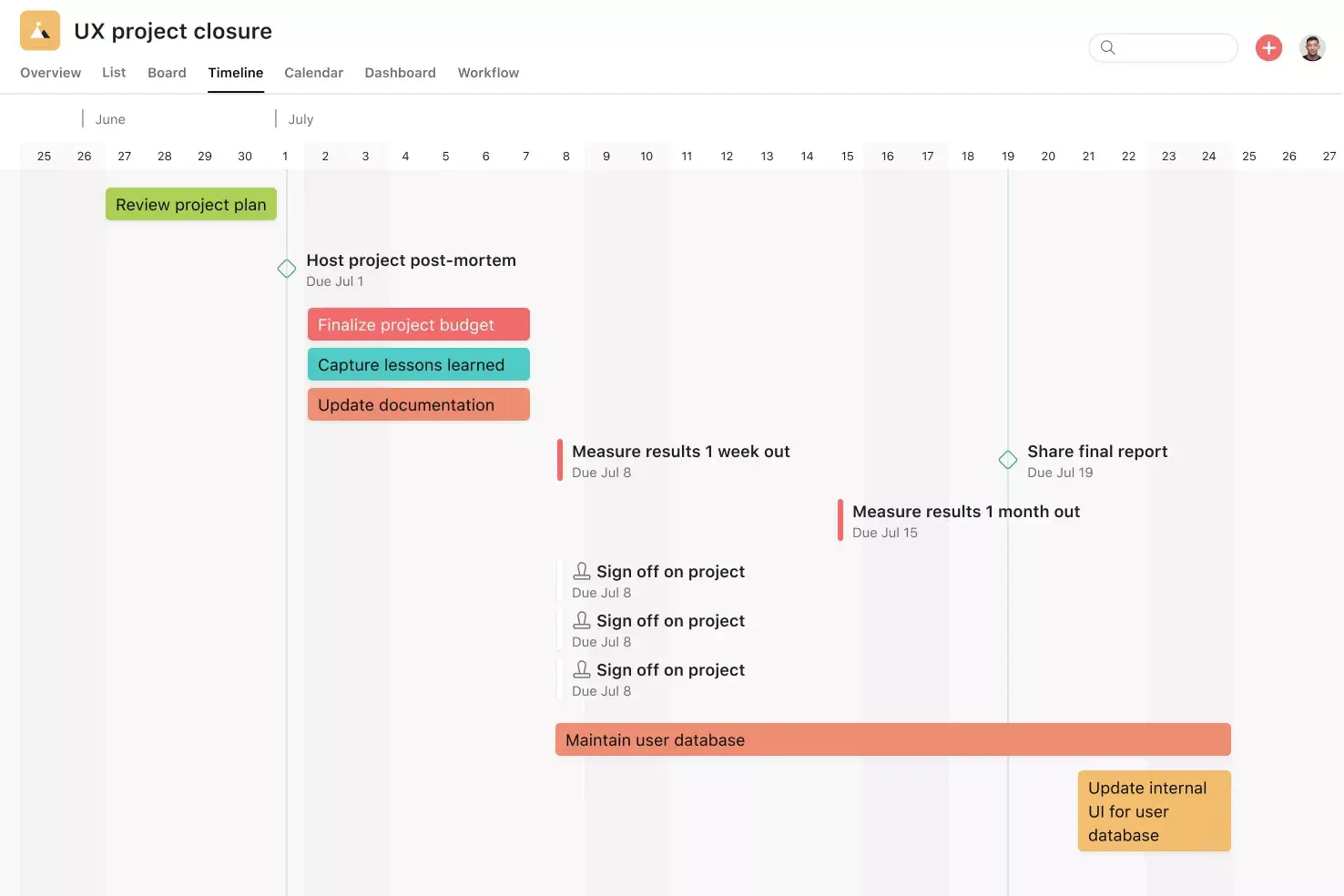
Timeline View. Timeline View is a Gantt-style project view that displays all of your tasks in a horizontal bar chart. Not only can you see each task's start and end date, but you can also see dependencies between tasks. With Timeline View, you can easily track how the pieces of your plan fit together.
Automation. Automate manual work so your team spends less time on busywork and more time on the tasks you hired them for. Rules in Asana function on a basis of triggers and actions, essentially "when X happens, do Y." Use Rules to automatically assign work, adjust due dates, set custom fields, notify stakeholders, and more.
Custom fields. Custom fields are the best way to tag, sort, and filter work. Create custom fields for any information you need to track, from priority and status to email addresses and phone numbers. Use custom fields to sort and schedule your to-dos so you know what to work on first.
Recommended apps
Google Workplace. Attach files directly to tasks in Asana using the Google Workspace file picker, built into the Asana task pane. Easily attach any My Drive file with just a few clicks.
Dropbox. Attach files directly to tasks in Asana using the Dropbox file chooser, built into the Asana task pane.
OneDrive. Attach files directly to tasks in Asana using the Microsoft OneDrive file chooser, built into the Asana task pane. Easily attach files from Word, Excel, PowerPoint, and more.
Gmail. With the Asana for Gmail integration, you can create Asana tasks directly from your Gmail inbox. Any tasks you create from Gmail will automatically include the context from your email, so you never miss a beat. Instead of opening Asana, use the Asana for Gmail add-on to search for that task directly from your Gmail inbox.
Streamline production scheduling with Asana
A production schedule template helps your team stay organized, meet deadlines, and keep production on track. The real advantage comes when you use it with a platform designed for collaboration and visibility.
With Asana, you can create and customize production schedule templates, automate repetitive updates, and give every stakeholder a clear view of what's in progress and what's coming next. Get started today and see how Asana can simplify your production scheduling.
Use a production schedule template to reduce delays and unnecessary costs.FAQs about production schedule templates
Build your template in a work management platform so you can use automations, tracking, and reporting features. Include order details, customer information, production status, and due dates for each stage.
Templates keep scheduling consistent across teams and save time because you don't have to build a new schedule from scratch for every product. They also make it easier to spot bottlenecks and recurring issues so you can improve your process over time.
The five components of production scheduling in manufacturing are planning, routing, scheduling, dispatching, and execution. If you're using your production schedule template for manufacturing, you'd create it during the production planning stage.
Yes, AI and automation reduce manual updates and help teams respond faster to changes. For example, automation rules can update statuses, reassign tasks, or notify stakeholders the moment a production step is completed.
Related templates
![[User Research Sessions] template banner Card Image](https://assets.asana.biz/transform/f9fa4005-1bcf-43d0-b78a-55f8f84c3569/TG23-web-thumbnail-026-kickoff-meeting-static-2x?io=transform:fill,width:2560&format=webp)
![[Templates] Usability Testing (Card image)](https://assets.asana.biz/transform/83417d59-585c-4e30-8851-69b7a8a51d9c/TG23-web-thumbnail-034-process-improvement-static-2x-2x?io=transform:fill,width:2560&format=webp)
![[Templates] Customer Feedback (card image)](https://assets.asana.biz/transform/9f02c069-de33-4d0c-a4e0-c2ac6a793622/-Template-customer-feedback?io=transform:fill,width:2560&format=webp)
![[Templates] Product launch (card image)](https://assets.asana.biz/transform/d0767f76-b214-4852-9055-85259f5dcd32/Template_ProdLaunch_Thumb?io=transform:fill,width:2560&format=webp)
Create templates with Asana
Learn how to create a customizable template in Asana. Get started today.