


Powered by AI
Kanban board template
Visualize your workflow with a Kanban board template. Quickly see the stage and progress of each task, so your team knows exactly what’s on track—and what needs attention.

![[Templates] Kanban board - hero](https://assets.asana.biz/transform/926840f9-3863-4962-877c-221c6964e0e8/Kanban-board-use-case-template-AI-rules?io=transform:fill,width:2560&format=webp)
Powered by AI
Kanban board template
Visualize your workflow with a Kanban board template. Quickly see the stage and progress of each task, so your team knows exactly what’s on track—and what needs attention.



Manage development in a central hub to ship faster
Asana’s Kanban board template transforms your workflow into a simple, card-based system that clearly displays the status of your projects. Drag tasks through stages, automate routine steps, and continuously improve your processes.
See all tickets on one board.
The board template displays all tickets in one place and uses custom status types to indicate whether work is new, in progress, or completed. AI scans for duplicate tickets and missing details to keep the board organized without needing extra cleanup.
Give each team member a focused view of their work.
Custom views, swimlanes, and a saved My tasks view help team members focus on their next steps. The board displays everyone’s work, not just individual tasks, so you always see how your work relates to others’ efforts.
Track team progress as work moves across the board.
The performance dashboard shows how tasks and subtasks progress through each stage and reveals where work bottlenecks. Use Dashboard to identify patterns and refine your workflows.
Ready-made Kanban board workflows
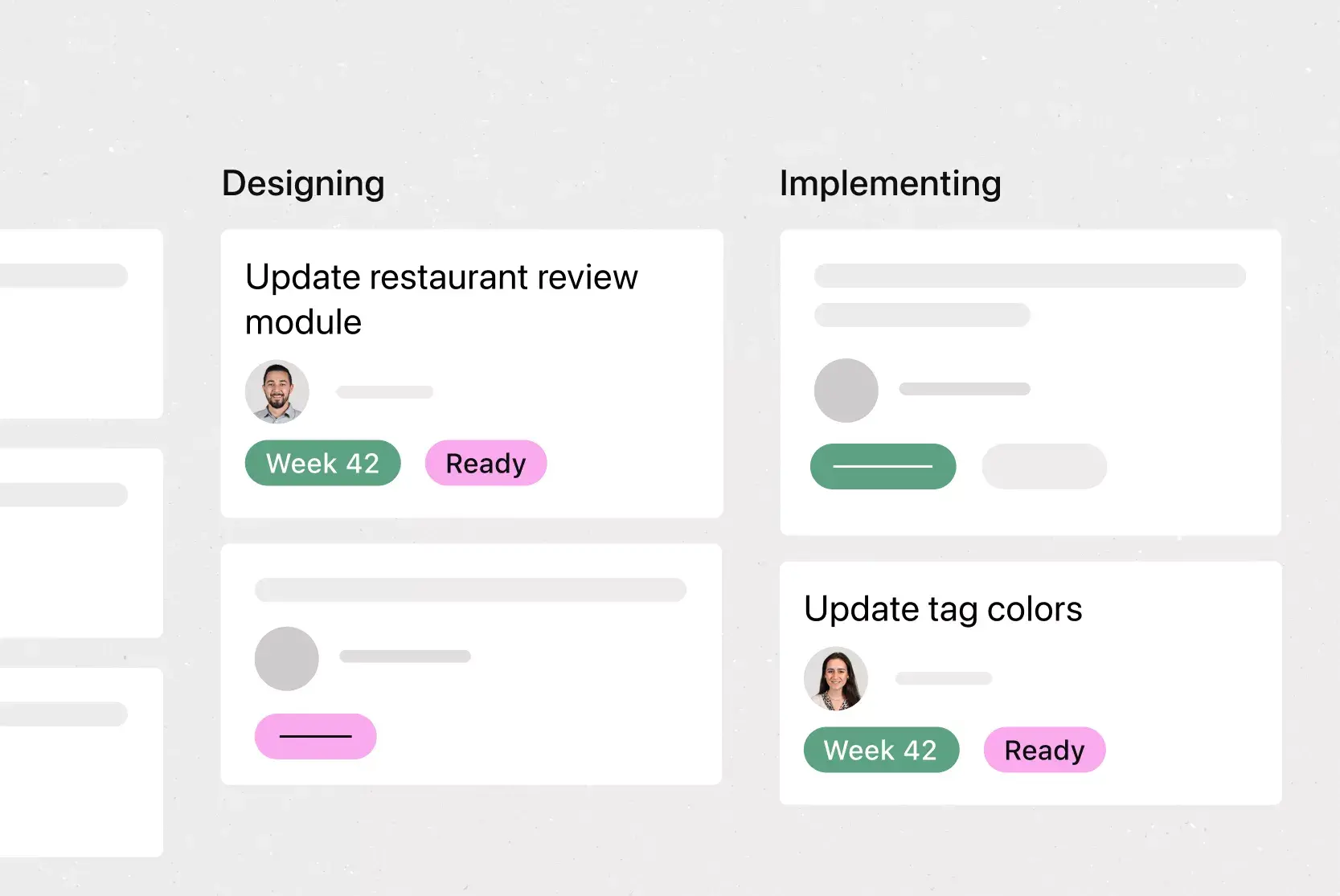
Asana’s Kanban board template automates work through preconfigured workflows and rules. The template triggers actions when tasks move between sections, when teams apply task types, and when someone creates a new task. These automations move bugs and user stories from submission through resolution without manual handoffs.
User Story workflow stages (section trigger): Automatically updates user stories based on the section you place them in. Use this when your process depends heavily on moving tasks through board columns.
Bug workflow stages (section trigger): Advances bug tasks to the correct lifecycle stage as soon as they land in a new section. Ideal for teams that track bug progress primarily through board movement.
User Story workflow stages (task type trigger): Applies the right workflow steps the moment you mark a task as a user story. This works well if your team relies on task types to categorize work rather than board placement.
Bug workflow stages (task type trigger): Assigns the proper bug workflow steps as soon as you label a task as a bug. Choose this when you want consistency in how bugs behave the moment they’re created.
Bug intake submission process: Guides new bug reports through an initial setup flow, capturing details and directing them to the appropriate starting point. This is useful when you need structure at the moment a bug enters your system, before it moves through stages.
How to use Asana’s Kanban board template
Asana’s Kanban board template helps teams visualize their workflow, prioritize tasks, and manage projects more efficiently. Whether you're an Agile team tracking sprints, managing marketing campaigns, or planning software development, a Kanban board in Asana makes it easy to see what’s happening, what’s next, and where things are getting stuck.
Visualize every task in one place
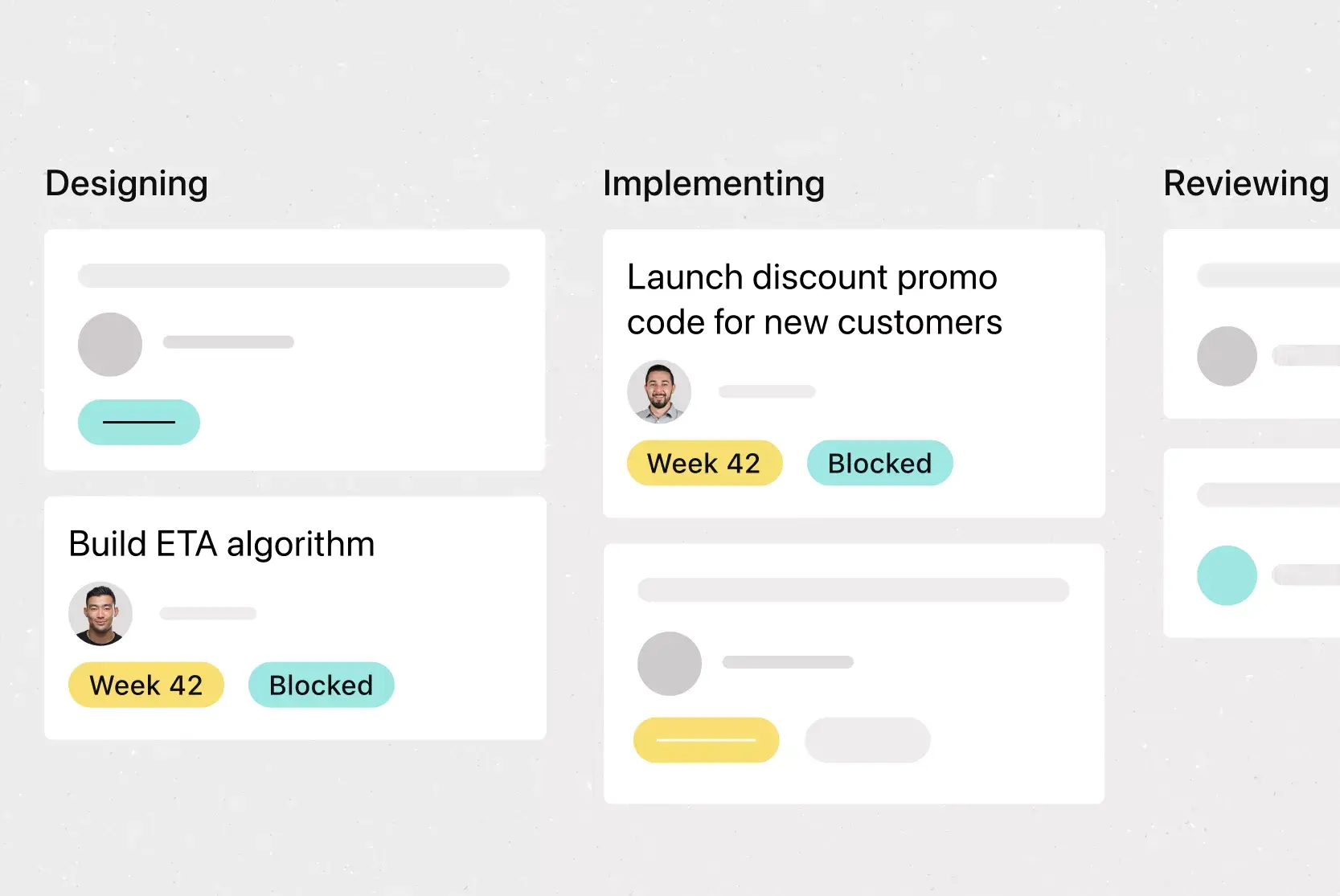
Asana’s board template shows each work item as a card and assigns a task status before adding it to your workflow. Custom status types indicate where work begins, advances, and ends, while AI detects duplicate tasks or missing info before issues arise. For example, when two people submit the same request, the board highlights the overlap so the team can address it once instead of twice.

Give each team member a personal workspace
Custom views help each person focus on their own work, while the primary board view tracks everyone else’s work. Swimlanes separate tasks by priority or category, and a saved My tasks view highlights what needs immediate attention. For example, a support rep can open their saved view to work through assigned tickets while still keeping an eye on how other requests move across the board.
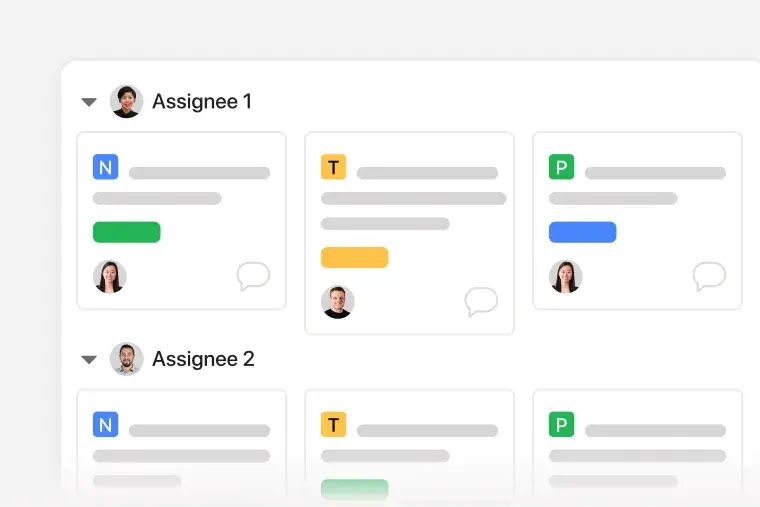
Track progress across the entire board
The performance dashboard displays how work flows across the board over time. Charts summarize volume, provide real-time metrics, and reveal completion trends so teams can identify where work slows down or accumulates. For example, if tickets accumulate in a single status, the dashboard highlights the roadblock so the team can rebalance the task list.
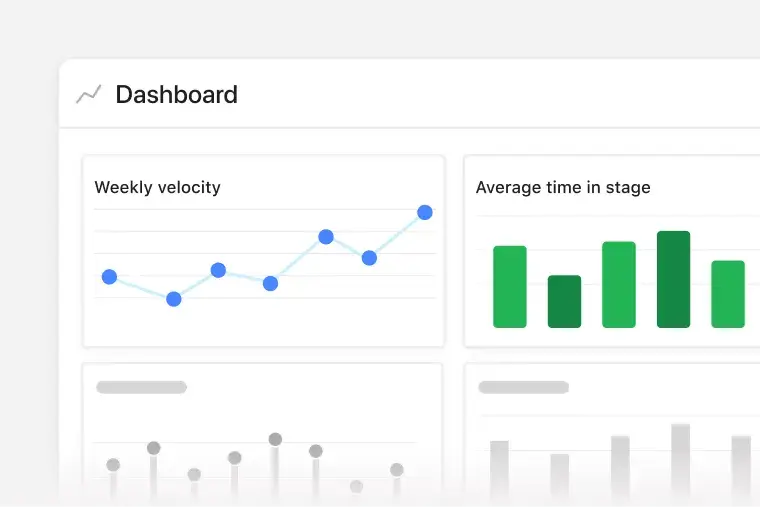
Asana’s Kanban features offer a wide range of workflows beyond simple task tracking. You can modify project views, drag-and-drop tasks, set dependencies, and analyze performance data as your project plan evolves. The template gives you everything you need to report to stakeholders and prepare for sprint retrospectives, while improving team collaboration and task management.
Asana’s Kanban board template gets even smarter with AI features that automate checks and reduce manual oversight. These AI features reduce repetitive tasks, accelerate coordination, and keep your work moving forward.
AI detects duplicate tickets. Catch repeated work before it clutters your board. Asana’s AI scans new tasks and notifies you if it detects potential duplicates, so you can resolve overlaps.
AI flags tickets missing key details. Never lose momentum due to incomplete task entries. If a ticket is missing critical info like assignee or deadline, Asana’s AI will highlight the gap and prompt action.
These AI Kanban features run in the background to help you organize and execute tasks without micromanaging your team.
Customers that use Asana templates to work



![[Logo] Affirm](https://assets.asana.biz/transform/5c33f186-151e-4999-b0b5-4081f236b3cd/Affirm_logo-svg?io=transform:fill,width:2560&format=webp)





Related templates
![[Templates] Sprint Retro (Card image)](https://assets.asana.biz/transform/889d64ca-6f95-485f-888a-b015a0932852/TG23-web-hero-049-launch-post-mortem-thumbnail-2x?io=transform:fill,width:2560&format=webp)
![[Templates] Web Design Process (Card image)](https://assets.asana.biz/transform/91cfb3ee-da0a-44d4-82a4-3cc08d1d6451/TG23-web-thumbnail-035-changelog-static-2x?io=transform:fill,width:2560&format=webp)
![[Agile Daily Standup] template Card Image](https://assets.asana.biz/transform/0df37b8d-d69a-42af-b4ac-c0fc41658276/TG23-web-thumbnail-019-weeklytodo1-static-2x?io=transform:fill,width:2560&format=webp)

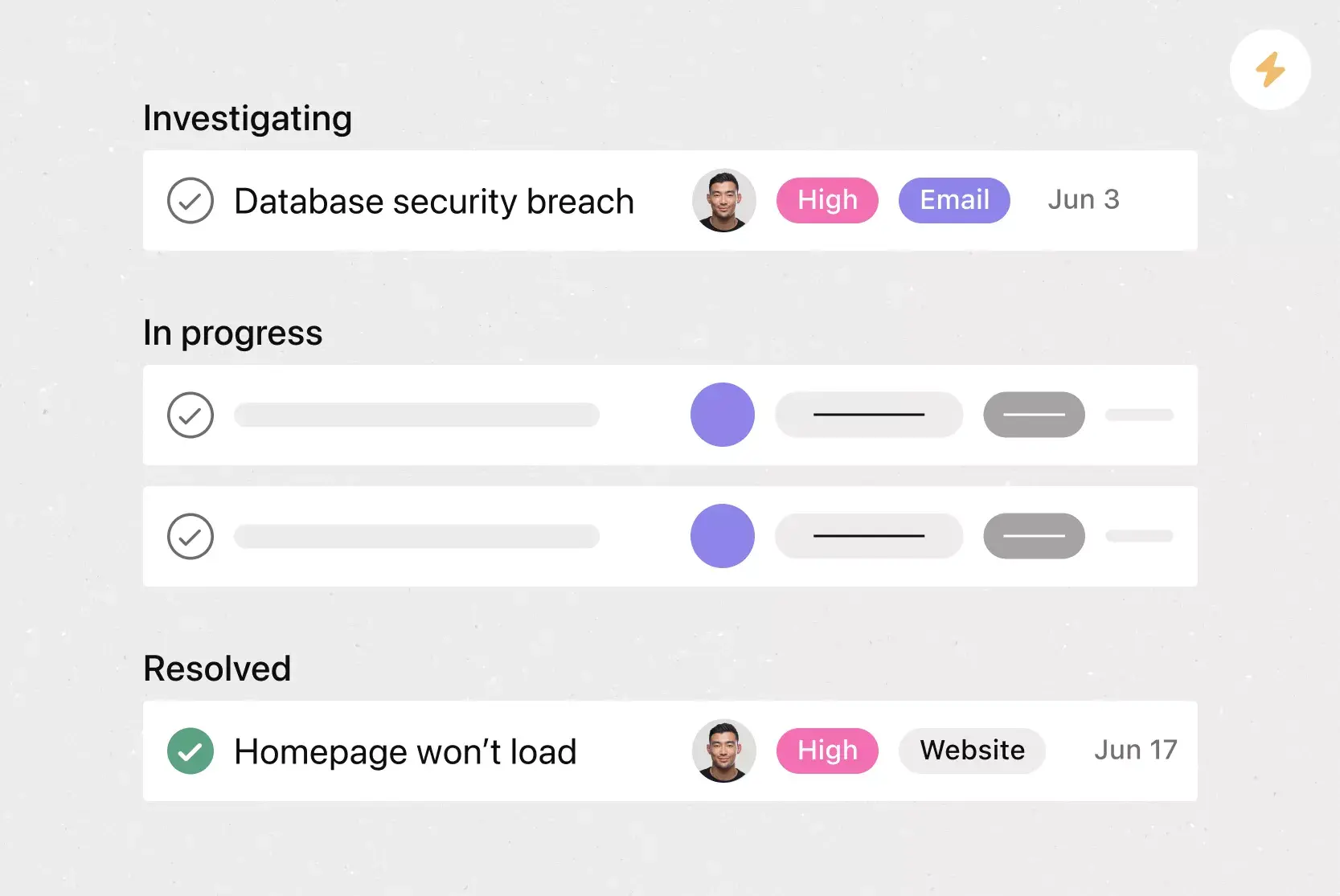
![[Templates] Software and System Deployment (Card image)](https://assets.asana.biz/transform/8b9bb024-d81b-48ec-8cd8-148453823fbe/software-and-system-deployment?io=transform:fill,width:2560&format=webp)
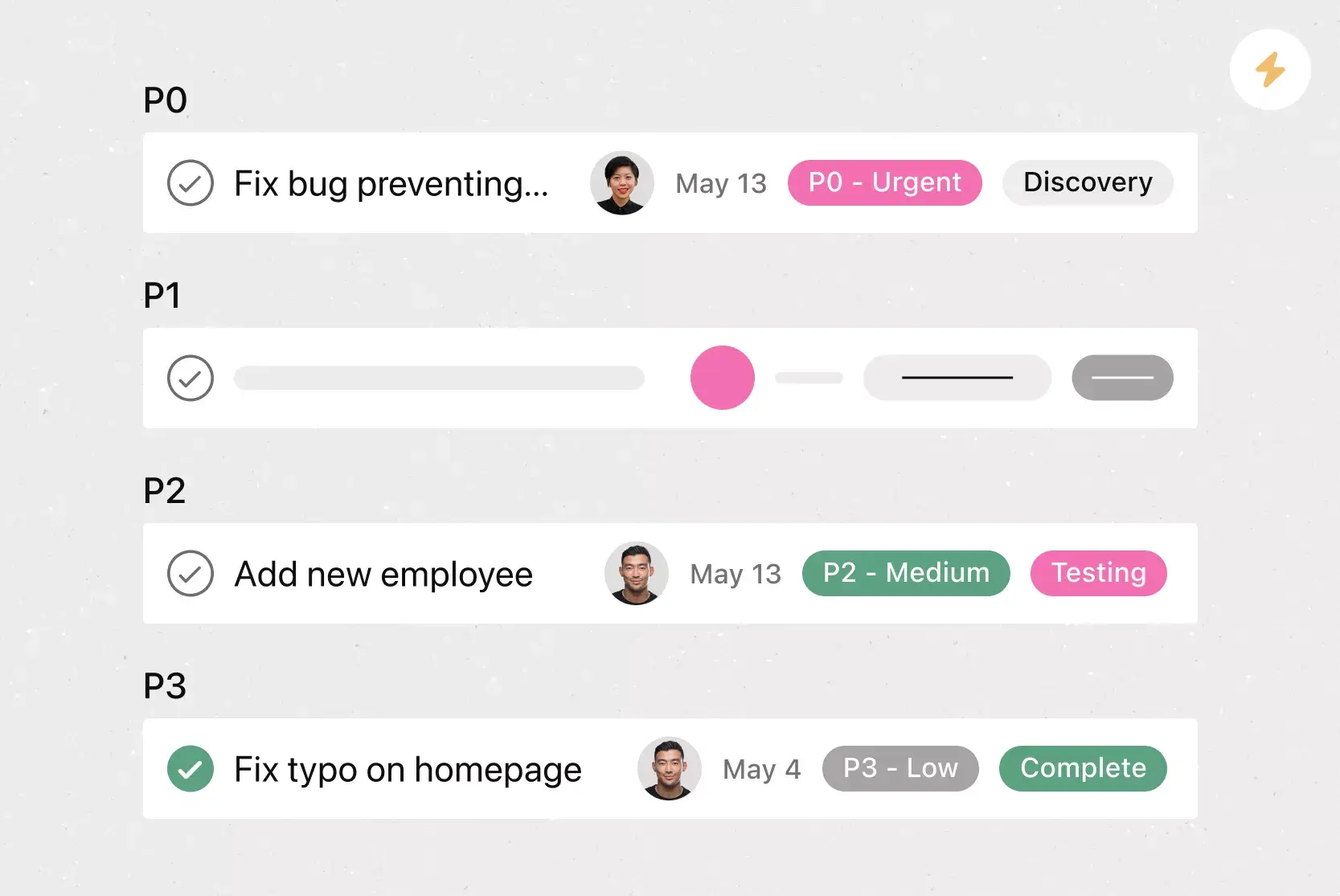
Frequently asked questions about task management tools
A Kanban board is a visual project management tool that helps teams manage tasks as they move through each stage of work. It uses columns such as “To do,” “In progress,” and “Done” to show steps in a process. Teams use cards to represent tasks and move them across the board as work advances.
To set up a Kanban board in Asana, start a new project and select the Board view. Add columns that match your workflow, such as backlog, in progress, and completed. Create tasks for each item or task, and move them from one column to the next as you finish work. Use automation to assign tasks, update fields, or trigger reminders. Connect tools like Microsoft Teams or Google Drive to manage files and handoffs without switching between platforms.
A Kanban board template is a pre-built layout that helps teams manage work using the Kanban method. It includes a set of columns — “To do,” “In progress,” and “Done” — that represent stages of work, along with sample tasks to illustrate how items move through a workflow. Instead of creating a board from scratch, teams can use a Kanban template to quickly set up a visual task-tracking system.
In Asana, a Kanban board template includes built-in features such as assignee fields, due dates, and automation options, so teams can start organizing and executing work right away.
Kanban board templates help teams start faster and work more efficiently by providing a ready-made layout for managing tasks. Instead of building a board from scratch, teams can use a Kanban template to organize work into stages, define task types, and apply standard workflows across projects.
Scrum board templates are a type of Kanban board template. Scrum boards are more structured and rigorous than Kanban, because the Scrum framework has more roles and rules to follow. A Scrum board template is always set up as a progression, whereas a Kanban board template can be used in any number of ways (for example, team members can each have a column).
Asana’s board templates help teams apply core Kanban methods such as limiting work in progress, continuous improvement, and creating repeatable systems. With features like automation, assignee tracking, due dates, and custom fields, teams can manage their workload efficiently within a fully customizable Kanban board template.
The five rules of Kanban are core practices that help teams manage and improve their workflow over time. These include: (1) visualize the workflow, (2) limit work in progress, (3) manage flow, (4) make process policies explicit, and (5) improve collaboratively and evolve experimentally.