


Go-to-market strategy template
Use a repeatable GTM strategy template to define your audience, messaging, launch goals, channels, and sales plan. It helps product, marketing, and sales teams plan each stage of a go-to-market launch without missing key decisions.
Sign up to create your own template.
Go-to-market strategy template
Use a repeatable GTM strategy template to define your audience, messaging, launch goals, channels, and sales plan. It helps product, marketing, and sales teams plan each stage of a go-to-market launch without missing key decisions.
Create your templateSign up to create your own template.
INTEGRATED FEATURES
Recommended apps




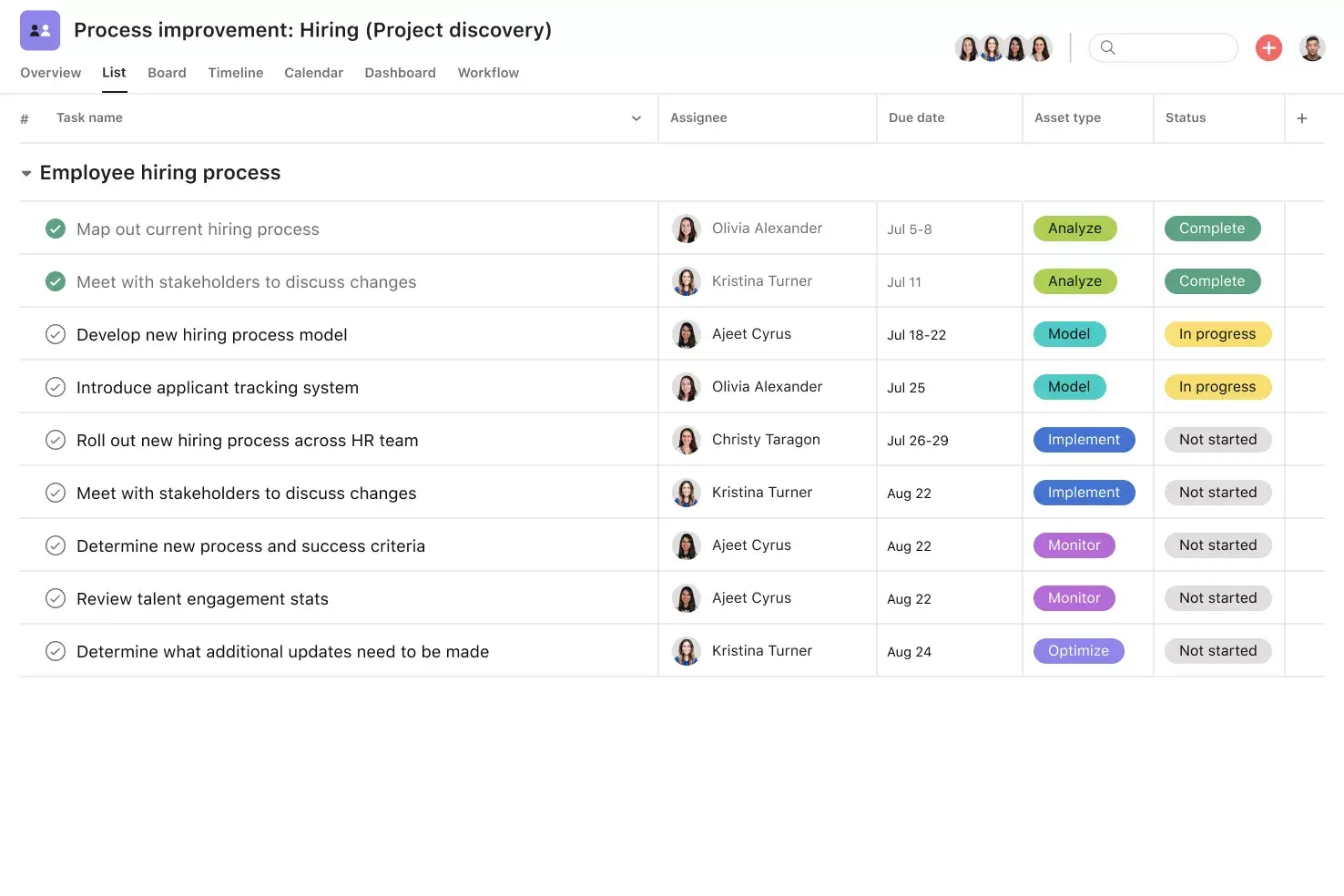
![[product ui] Go-to-market strategy template in Asana (list view)](https://assets.asana.biz/transform/61714faa-ba32-47a6-8b9f-49c23c502bd3/TG23-web-hero-006-go-to-market-static-2x-en?io=transform:fill,width:2560&format=webp)
Summary
Launching a new product or entering a new market involves coordinating cross-functional teams, aligning stakeholders, and managing countless moving parts. Without a plan, it's easy for details to slip through the cracks before the real work even begins.
A go-to-market (GTM) strategy template provides a repeatable process for organizing the entire launch, from initial research through launch day. Below, you'll learn what a GTM strategy is, its key components, how to build a reusable template, common mistakes to avoid, and real-world examples to guide your next launch.
What is a go-to-market strategy?
A go-to-market (GTM) strategy is a step-by-step plan for launching a new product or entering a new market. It defines your target audience, messaging, pricing, sales process, and promotion plan so your team can reach the right buyers at the right time.
You might need a GTM strategy when you're:
Launching a new product or service
Expanding an existing product into a new market
Relaunching a product with updated positioning
Targeting a new customer segment
A strong go-to-market plan helps you launch at the right time, with the right messaging, to the right audience. These plans are typically broken down into phases, from research and planning to development and launch, with each phase tied to specific goals and owners.
What's the difference between a go-to-market strategy and a marketing plan?
While similar, GTM strategies and marketing plans serve different purposes:
GTM strategy
Focuses on a single launch or market entry
Runs on a defined timeline with an end date
Helps teams bring a product to market and drive early adoption
Marketing plan
Covers all marketing activities over a set period
Runs over a longer, ongoing timeline
Helps teams build brand awareness and reach broader marketing goals
In short, a GTM strategy supports a specific, timed initiative (such as a new product launch), while a marketing plan is a wider roadmap for achieving your marketing goals over time.
What is a go-to-market strategy template?
A go-to-market strategy template is a reusable, prebuilt structure that helps you create, organize, and track your GTM strategy in real time. By building your template in a project management tool, you can view your plan at a high level, customize it for each launch, and shift due dates as needed.
Because templates are duplicable, you can quickly adjust them for future launches without starting from scratch each time.
Use templateWhy do you need a go-to-market strategy template?
Launches have many moving parts. Before you can get to the real work, like competitor research, key messaging, and your launch plan, you have to kick-off the project.
GTM strategy templates simplify this upfront work by standardizing kick-off and planning repetitive tasks, so you don't have to start from scratch every launch. Other benefits include:
Easily break down your strategy into phases
Align cross-functional teams on your launch goals
Visually track work as the team completes tasks
Quickly view upcoming initiatives at a glance
Track progress across an interactive timeline
Shift due dates as priorities change
Ensure every phase of your go-to-market plan is on track
Visualize upcoming to-dos in multiple views, including timelines and Kanban boards
Key components of a go-to-market strategy
Every strong GTM strategy is built on six core components. Understanding each one helps you build a template that keeps your team aligned from start to finish.
Ideal customer profile (ICP): Before anything else, define exactly who you're selling to. A strong ICP goes beyond broad demographics to identify the specific buyer who will benefit most from your product, including their industry, company size, pain points, and buying behavior. Validating your ICP early with real customer data prevents you from building a strategy around the wrong audience.
Product analysis: Define what you're selling and the specific problem it solves for your customers. This includes identifying your unique value proposition and how your product stands out from existing options in the market.
Product messaging: Once you know what makes your product valuable, craft messaging that communicates those benefits to your audience. Your brand voice should be consistent across every channel and speak directly to your buyers'needs.
Sales proposition: Define why a customer should choose your product over the competition. This goes beyond features and focuses on the tangible value and outcomes your product delivers.
Marketing strategy: Map out how you'll create demand and reach your target audience. This covers the channels, campaigns, and tactics you'll use to build awareness and generate interest before and during your launch.
Sales strategy: Outline how your sales team will convert interest into customers. This includes your pricing approach, sales process, lead qualification criteria, and the tools your team will use to close deals.
GTM motion: Decide whether your approach will be sales-led, product-led, marketing-led, or partner-led. The right motion depends on factors like your average deal size, sales cycle length, and buyer preferences.
By including each of these components in your GTM strategy template, you'll create a comprehensive plan that guides your team from initial research through post-launch follow-up.
How to create a go-to-market strategy template
When creating a go-to-market strategy template, remember that you're crafting a reusable template for future launches. The template should cover the kick-off and planning process, and you'll want to keep it generic enough to apply to launches with different goals. Here are a few quick steps to get you started:
Review past launches and identify common themes and tasks, such as competitor research, messaging planning, and lead generation strategy.
Build out your template using these repeated phases or tasks.
Adjust and update your template with tasks and due dates for each specific launch.
Once you've built out your generic template, customize it for each launch using custom sections and tags.
Integrated features
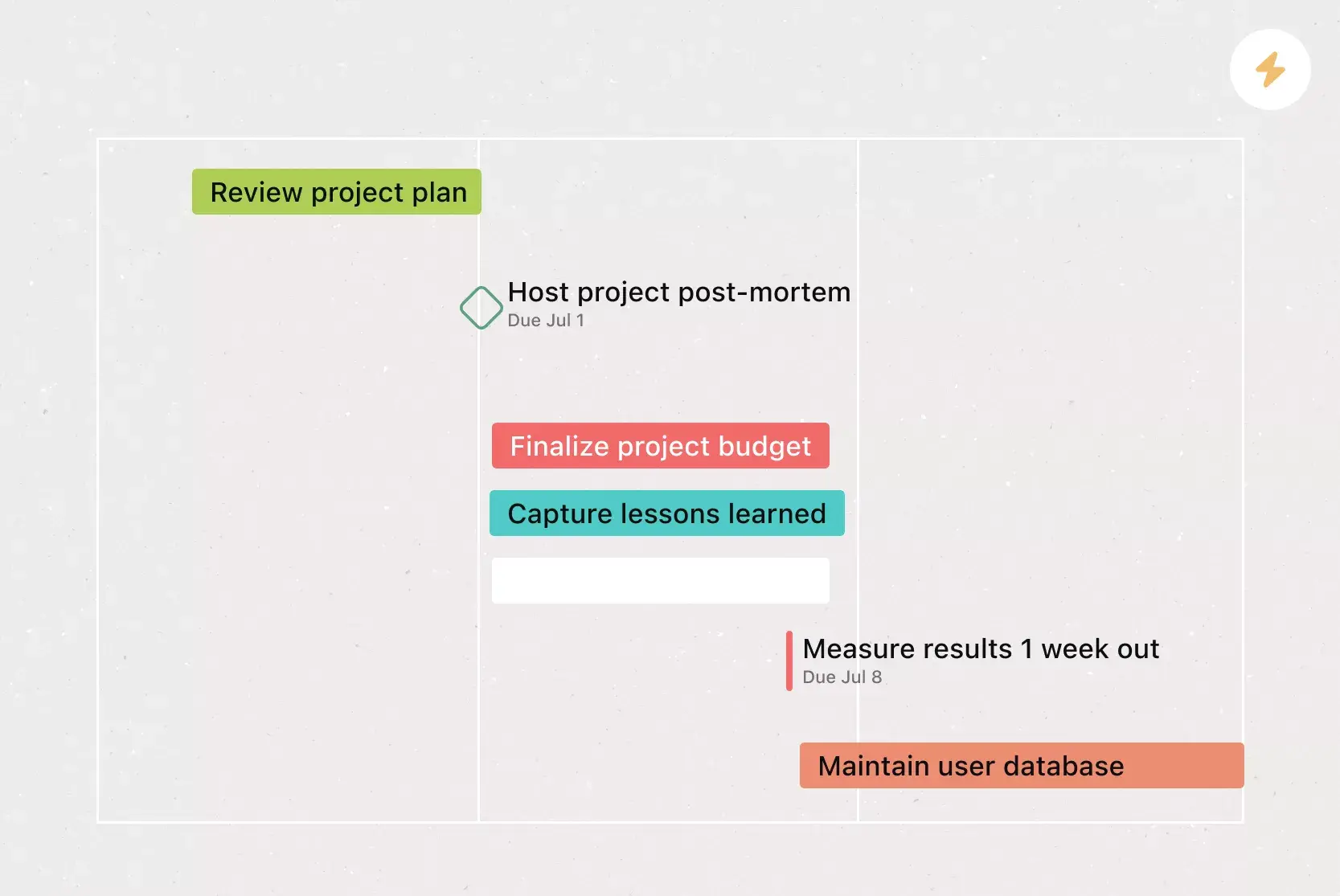
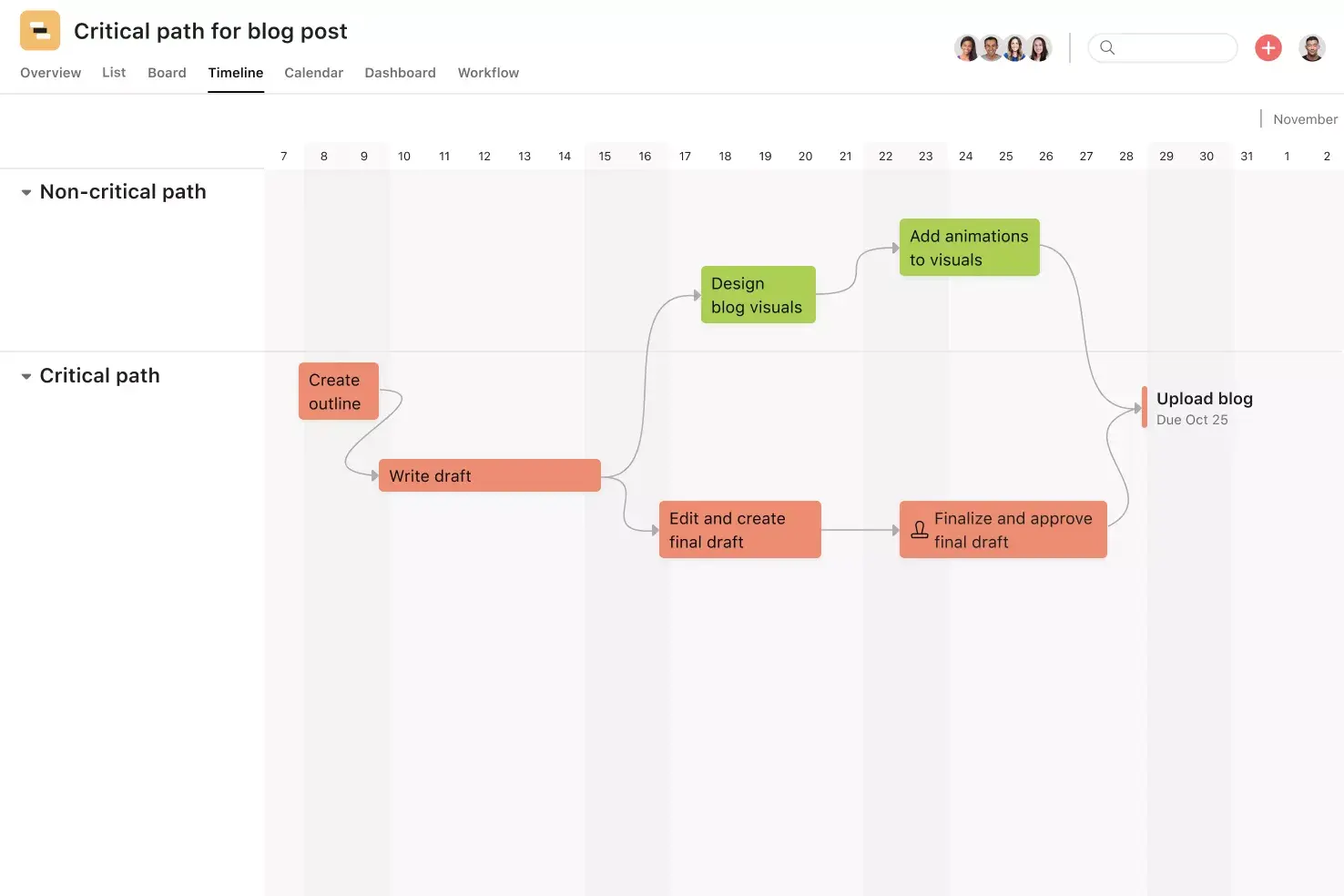
Timeline View. Timeline View is a Gantt-style project view that displays all your tasks as horizontal bars. Not only can you see each task's start and end date, but you can also see dependencies between tasks. With Timeline View, you can easily track how the pieces of your plan fit together.
Milestones. Milestones represent important project checkpoints. By setting milestones throughout your project, you can let your team members and project stakeholders know how you're pacing towards your goal.
Dependencies. Mark a task as waiting on another task with task dependencies. Know when your work is blocking someone else's work, so you can prioritize accordingly. When the first task is completed, the assignee will be notified that they can begin their dependent task.
Add tasks to multiple projects. The nature of work is cross-functional. Teams need to be able to work effectively across departments. Asana makes it easy to track and manage tasks across multiple projects, helping your team see tasks in context, view who's working on what, and keep tasks and team members connected.
Recommended apps
Dropbox. Attach files directly to tasks in Asana using the Dropbox file chooser built into the Asana task pane.
Google Workplace. Attach files directly to tasks in Asana using the Google Workplace file chooser built into the Asana task pane. Easily attach any My Drive file with just a few clicks.
Slack. Turn ideas, work requests, and action items from Slack into trackable tasks and comments in Asana. Go from quick questions and action items to tasks with assignees and due dates.
Figma. Teams use Figma to create user flows, wireframes, UI mocks, prototypes, and more. Now, you can embed these designs in Asana, so your team can reference the latest design work alongside related project documents.
Common GTM strategy mistakes to avoid
Even a well-structured template won't save a launch if your team falls into common traps. Here are a few GTM mistakes that can derail your progress, and how to steer clear of them.
Read: 10 best strategic planning software for teamsSkipping ICP validation: Defining your ideal customer profile is only the first step. Validate it with real customer data, interviews, or early testing before you commit resources.
Misaligning sales and marketing: When these teams plan in silos, messaging gets inconsistent, and handoffs break down. Align both teams on your target audience, value proposition, and lead qualification criteria before launch.
Choosing the wrong GTM motion: A product-led approach works for low-cost tools with short sales cycles, but enterprise products with longer buying processes often need a sales-led motion. Match your motion to your deal size, buyer expectations, and team strengths.
Treating your template as a one-time document: Your GTM template should evolve with every launch. After each one, review what worked, update the template, and give your next launch a stronger starting point.
Go-to-market strategy examples
Seeing how other teams approach their GTM strategies can help you shape your own. Here are a few examples of how different businesses might structure a go-to-market plan.
SaaS product launch: A software company developing a project management tool for remote teams could focus on channels where those workers already spend time, such as collaboration forums and LinkedIn groups. Messaging would highlight pain points such as async communication and task visibility, while a targeted free trial would drive early adoption.
Expansion into a new market: An established e-commerce brand entering the Spanish market could focus its GTM strategy on local messaging, regional partnerships, and campaigns that resonate with the local culture. The plan would include competitor research, new pricing, and a phased rollout starting with one product category.
Existing product relaunch: A consumer electronics company updating a device might base its GTM strategy on its current customers. The plan could include email campaigns to existing users, content comparing new features, and a pre-order offer to boost early sales.
Launch your next product with Asana
A well-built go-to-market strategy template takes the guesswork out of your next launch. By standardizing your planning process, aligning your cross-functional teams, and tracking every phase in one place, you can focus on the work that moves your product forward.
Ready to put your GTM strategy into action? Get started with a free go-to-market strategy template in Asana and give your team the clarity they need to launch with confidence.
Use templateFAQs about go-to-market strategy templates
The core components are your ideal customer profile (ICP), product analysis, product messaging, sales proposition, marketing strategy, sales strategy, and GTM motion. Together, they define who you're selling to, what you're offering, and how you'll generate demand and close deals.
A software startup launching a project management tool for remote teams could focus its GTM strategy on advertising through remote-work platforms and collaboration forums. By narrowing the audience and choosing channels where potential users already gather, the startup maximizes a limited budget and drives higher conversion rates.
A go-to-market strategy template outlines the high-level phases of your overall plan, from planning to launch. Since GTM strategy templates are duplicatable, they jumpstart your planning process, allowing you to bypass the busywork that comes with setting up a strategy and kick off the real work faster.
Any team involved in a product launch or market expansion benefits from a GTM strategy template, from product marketing and sales to brand, web, social media, SEO, and PR. Templates give every team, and the decision-makers overseeing them, clarity around responsibilities, deadlines, and progress.
Yes. Since GTM strategy templates are customizable, they work across different business models and industries, whether you're a small business expanding into a new category or an enterprise team launching a major product.
The 4 Ps are product (what you're offering and its value), price (your pricing model and strategy), place (the channels and markets where you'll sell), and promotion (the marketing activities that build awareness and drive demand). While rooted in traditional marketing, the 4 Ps provide a helpful starting point for organizing the core decisions in your GTM plan.
Related templates


![[Templates] Product Roadmap (Card image)](https://assets.asana.biz/transform/2728edf4-eb35-4dd5-8d03-25ba8cbe5864/TG23-web-thumbnail-028-scrumban-feature-static-2x?io=transform:fill,width:2560&format=webp)




Create templates with Asana
Learn how to create a customizable template in Asana. Get started today.