


Powered by AI
Goal setting template
Create goals you can implement, measure, and refine over time. This goal-setting template gives you a simple way to plan your objectives and follow through on them.

![[Templates] Goal setting - hero](https://assets.asana.biz/transform/8a0d5964-8794-4b02-affa-ac4e0ac0bdcd/Goals-setting-operations-use-case-template-AI-rules?io=transform:fill,width:2560&format=webp)
Powered by AI
Goal setting template
Create goals you can implement, measure, and refine over time. This goal-setting template gives you a simple way to plan your objectives and follow through on them.




Streamline your goal-setting process to achieve your objectives
An Asana goal-setting template helps teams plan and share goals in one central location. It provides a structured way for teams to define objectives, collaborate on drafts, and monitor progress as work advances from initial ideas to final outcomes. By connecting goals to daily tasks and making them visible organization-wide, teams can coordinate goal setting and prioritize shared objectives
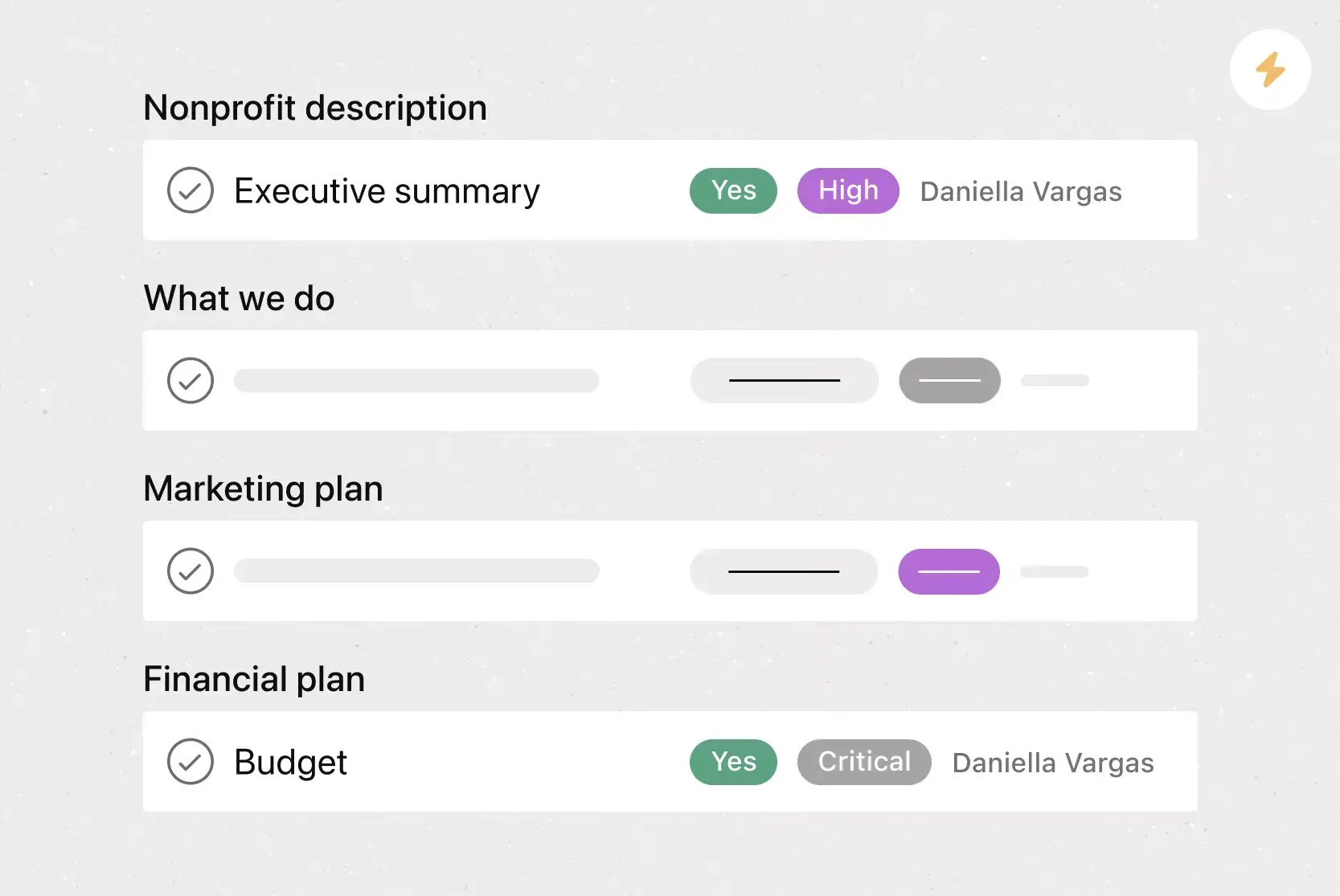
Share guidance for setting goals across teams.
The template provides a shared workspace where teams assign goal-setting tasks, add reference documents, and collaborate on writing and reviewing their work.
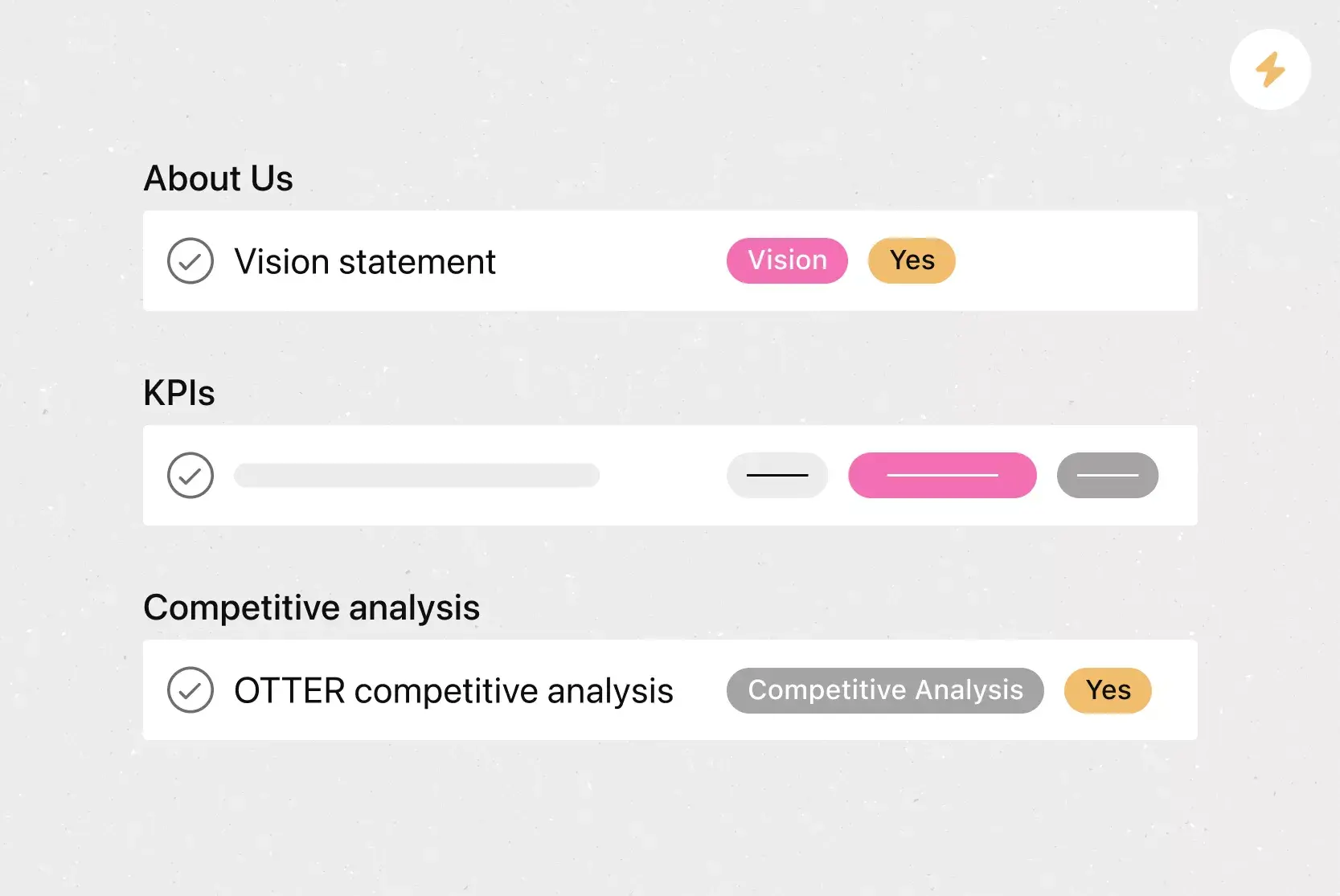
Draft and organize goals within a preconfigured workflow.
Custom status types and a draft-goal task template guide team members from initial ideas to finalized objectives.
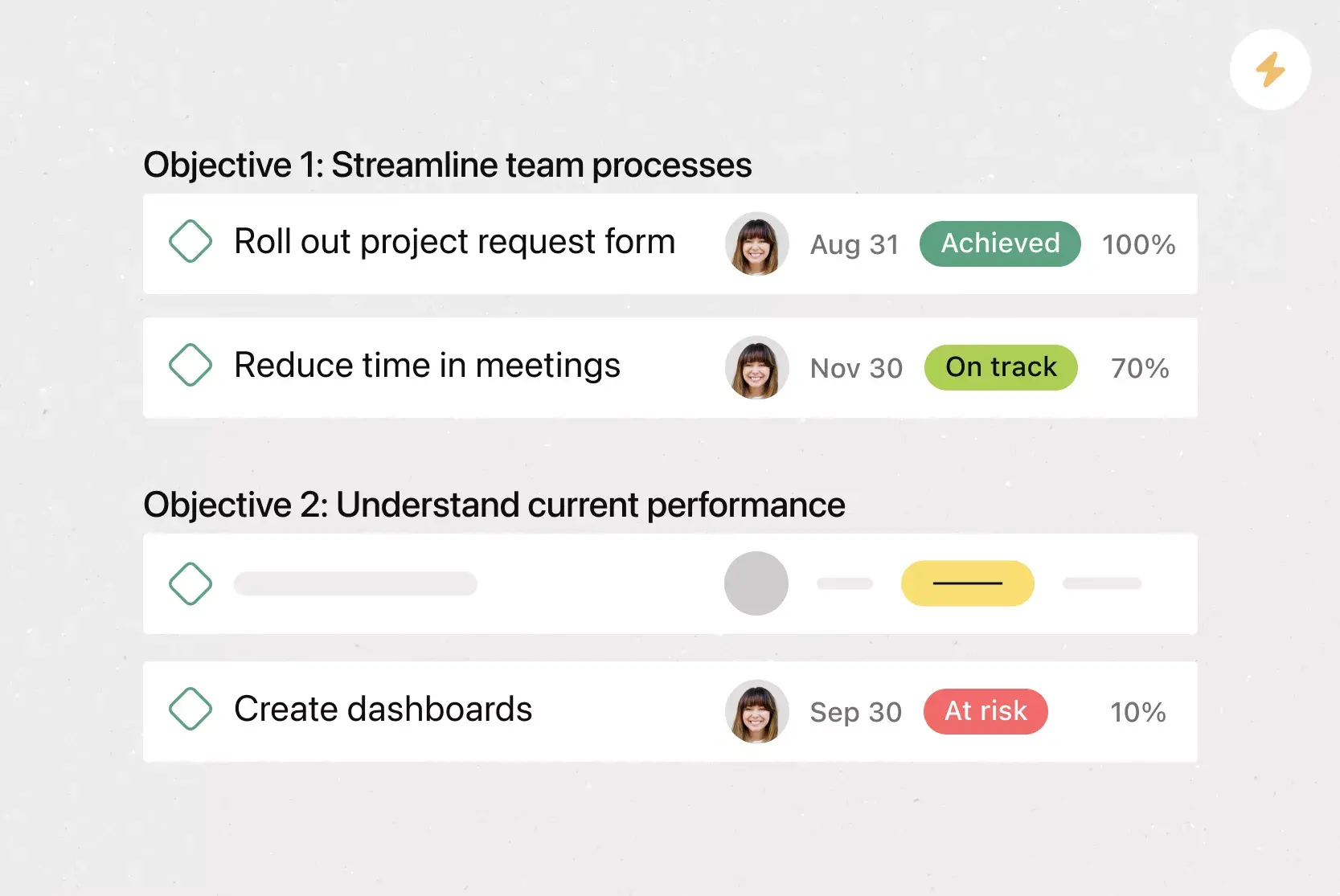
Review and refine goals with AI assistance.
AI applies consistent formatting to personal and team goals and identifies overlap as teams revise them.
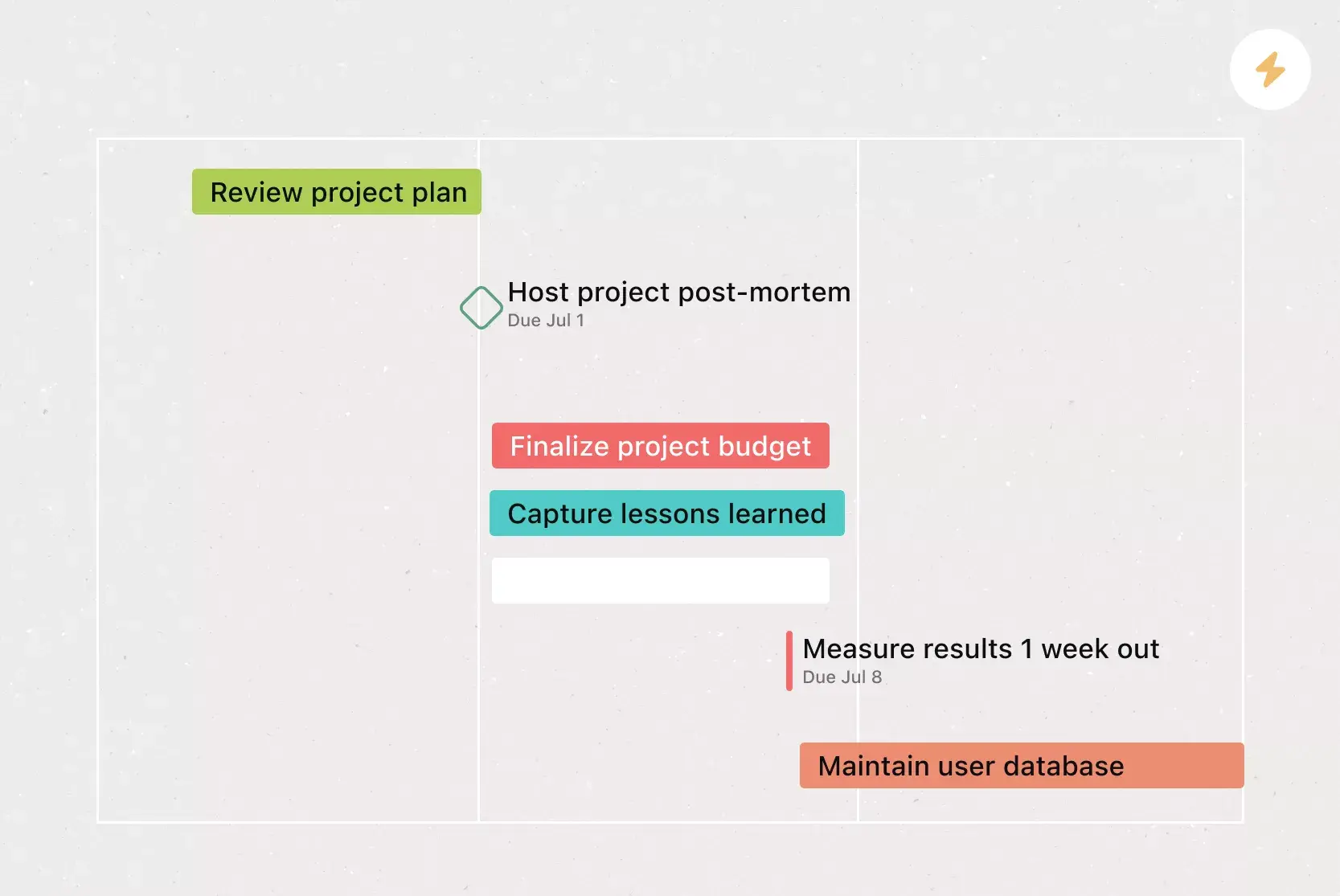
Share goals with the entire organization.
The template builds a strategy map by linking goal-setting tasks to Asana Goals to show how day-to-day work drives company-wide performance.
Why use a goal-setting template?
If you’ve ever set a goal and lost track of it, this workflow is for you. Asana’s goal-setting templates are perfect for individuals, teams, and businesses aiming to simplify their goal-setting process.
Use this goal-planning template to:
Break long-term goals into manageable, time-bound tasks, such as opening three new retail locations within 12 months.
Plan strategic business objectives or objectives and key results (OKRs), such as launching a podcast or migrating all operations to a new platform.
Note that you’ll use this project-based template to set goals within a standard Asana project. It operates independently from Asana Goals, so goals stay within the project workspace rather than the Goals feature.
How to use Asana’s goal-setting template
Our goal template helps your team turn early brainstorming into approved goals with a repeatable workflow. It structures how teams write, review, and share SMART goals, OKRs, and KPIs, while offering a visual overview to monitor progress.
Set shared direction for goals
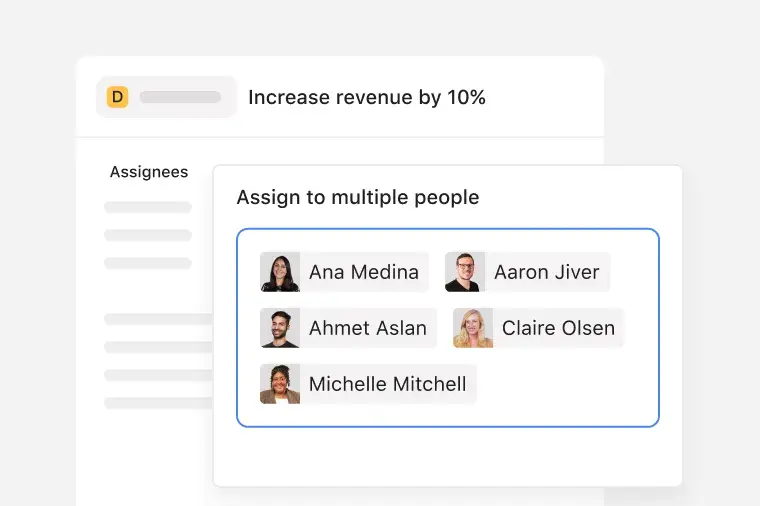
The template lets teams assign goal-related tasks to multiple people so everyone contributes at the right stage. Team members attach reference files from Google Drive or Microsoft OneDrive directly to each goal. For example, a project manager can link a planning doc to a revenue goal to guide contributors as they define and refine the objective.
Draft and organize goals as work progresses
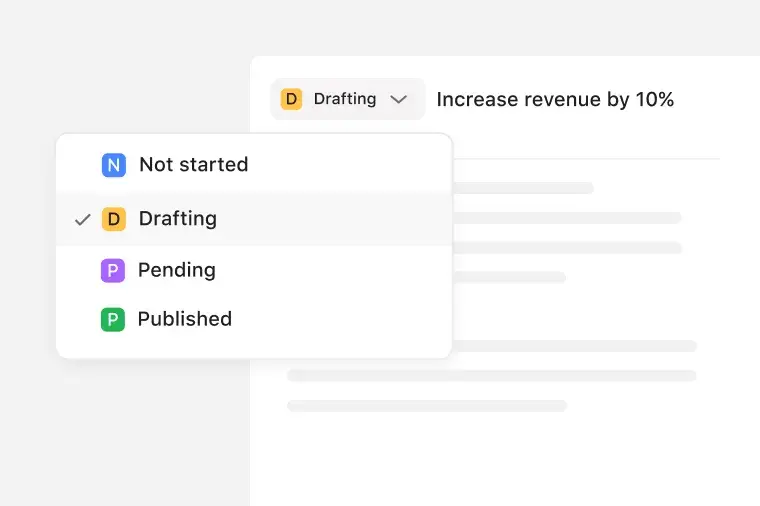
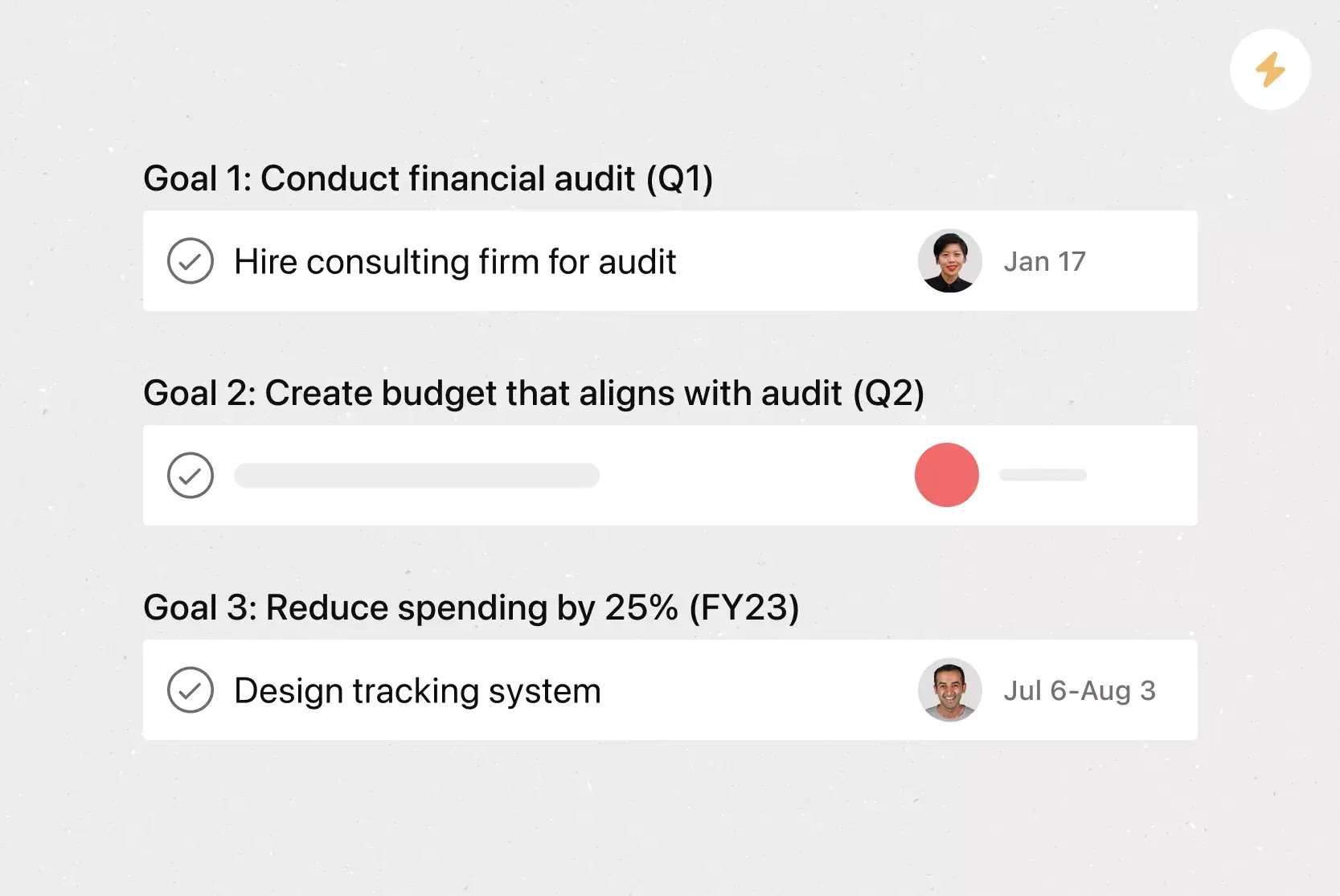
The workflow uses custom status types and a draft-goal task template to guide goals from early drafts to approved objectives. Teams move goals through specific stages, so everyone knows whether a specific goal is still being discussed or is ready for review. For example, a team can advance a goal from “Drafting” to “Pending” once stakeholders have weighed in.
Review goals with built-in AI support
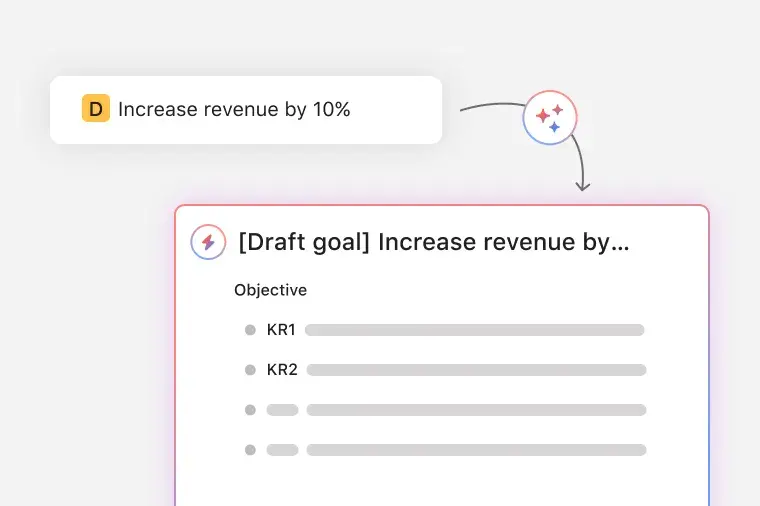
AI helps teams standardize goal formatting and detect duplicates across the project. It reduces revision and prevents similar objectives from conflicting. For instance, AI can identify two monthly goals aiming for the same outcome before teams spend time developing both.
Share goals across the organization
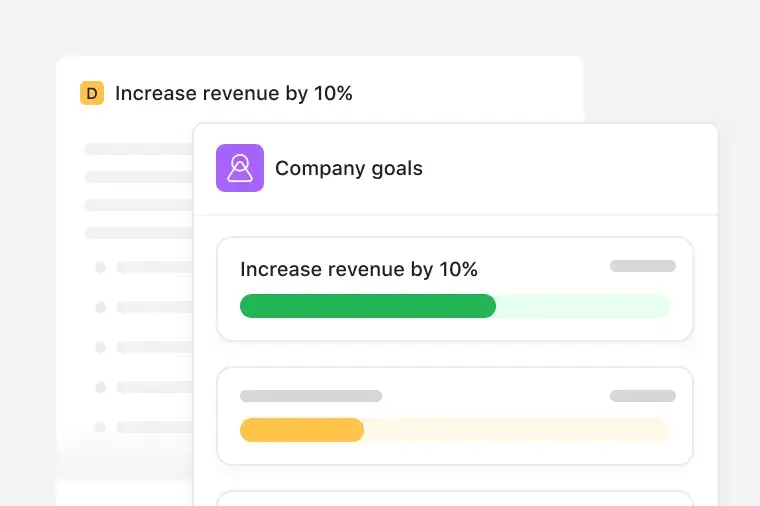
The template connects goal-setting tasks with Asana Goals to create a strategy roadmap. Teams can see how individual goals contribute to achieving company milestones. For example, a department can link its quarterly objectives to company-wide targets and automatically share progress.
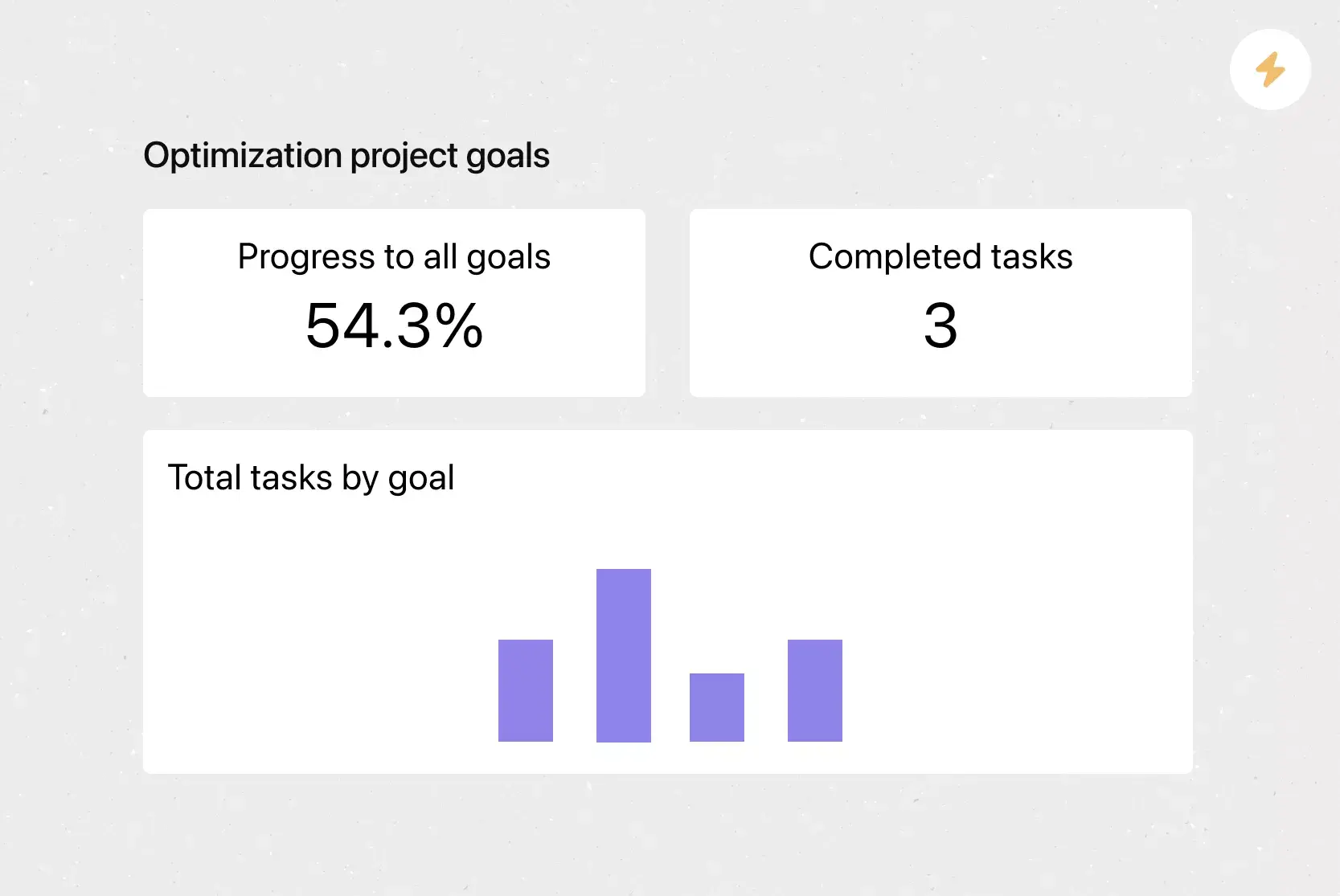
Beyond goal creation, the goal-setting template includes performance dashboards, status updates, and reporting to track progress over time. You can send and review updates, monitor completion trends, and share changes without relying on separate documents.
Asana’s goal-setting template becomes even more effective with AI features that help you review and refine goals as you work.
Create stronger goals with less effort. Asana’s AI can rewrite or format your draft to make the goal easier to understand and act on, so your team knows exactly what you want to achieve.
Avoid rewriting work that already exists. AI scans new goals and notifies you when it finds a potential duplicate so you can combine similar efforts or refine what you already have.
These AI features work quietly in the background so you can focus on setting meaningful goals and moving them forward.
Customers that use Asana templates to work



![[Logo] Affirm](https://assets.asana.biz/transform/5c33f186-151e-4999-b0b5-4081f236b3cd/Affirm_logo-svg?io=transform:fill,width:2560&format=webp)





Related templates


![[Templates] Product Roadmap (Card image)](https://assets.asana.biz/transform/2728edf4-eb35-4dd5-8d03-25ba8cbe5864/TG23-web-thumbnail-028-scrumban-feature-static-2x?io=transform:fill,width:2560&format=webp)





Frequently asked questions
A goal-setting template provides a structured framework for defining your objectives, outlining next steps, and staying focused on what matters. It works the same way a good goal-setting worksheet does by helping you organize ideas, break work into smaller steps, and track progress over time. You can use the same template for quarterly planning, annual goals, or any ongoing goals that need consistency.
Unlike a spreadsheet, an Asana goal-tracking template updates in real time. You can track metrics, map work to your timeline, manage workloads, and give stakeholders a shared view of progress. There’s no need to distribute a new version each time something changes; everyone sees the same live view.
Yes, you can import goal-related data from Excel directly into Asana. Use the CSV import feature to turn rows into tasks within your goal-making template. It’s a quick way to get started setting effective goals if you’re moving from a spreadsheet-based system.
To set business goals in Asana, outline the outcomes you want to achieve, such as expanding your customer base or strengthening your business plan. Add fields to categorize goals by department, priority, or timeframe, then break each one into manageable steps. Assign owners, add timelines, and use the project as a roadmap that guides progress throughout the year.
You can find a free goal-setting template in Asana’s template library, where you can add it to your workspace with one click. The library gives you access to free templates you can customize for personal goals, team planning, or long-term initiatives, so you can start working toward what matters without building a template from scratch.