Powered by AI
Event planning template
Never lose sight of important event planning details. Track all your event information in one place, from your budget and vendor information to upcoming tasks and day-of to-dos.

Powered by AI
Event planning template
Never lose sight of important event planning details. Track all your event information in one place, from your budget and vendor information to upcoming tasks and day-of to-dos.



Plan and execute your events with ease
Planning an event means juggling budgets, coordinating with vendors, and tracking lots of details before the big day. To keep everything running smoothly, organize your tasks and information in one place. Asana’s event planning template lets you see your entire timeline and collaborate easily with your team. It’s event management at its best.
Prepare for your event with a coordinated workflow.
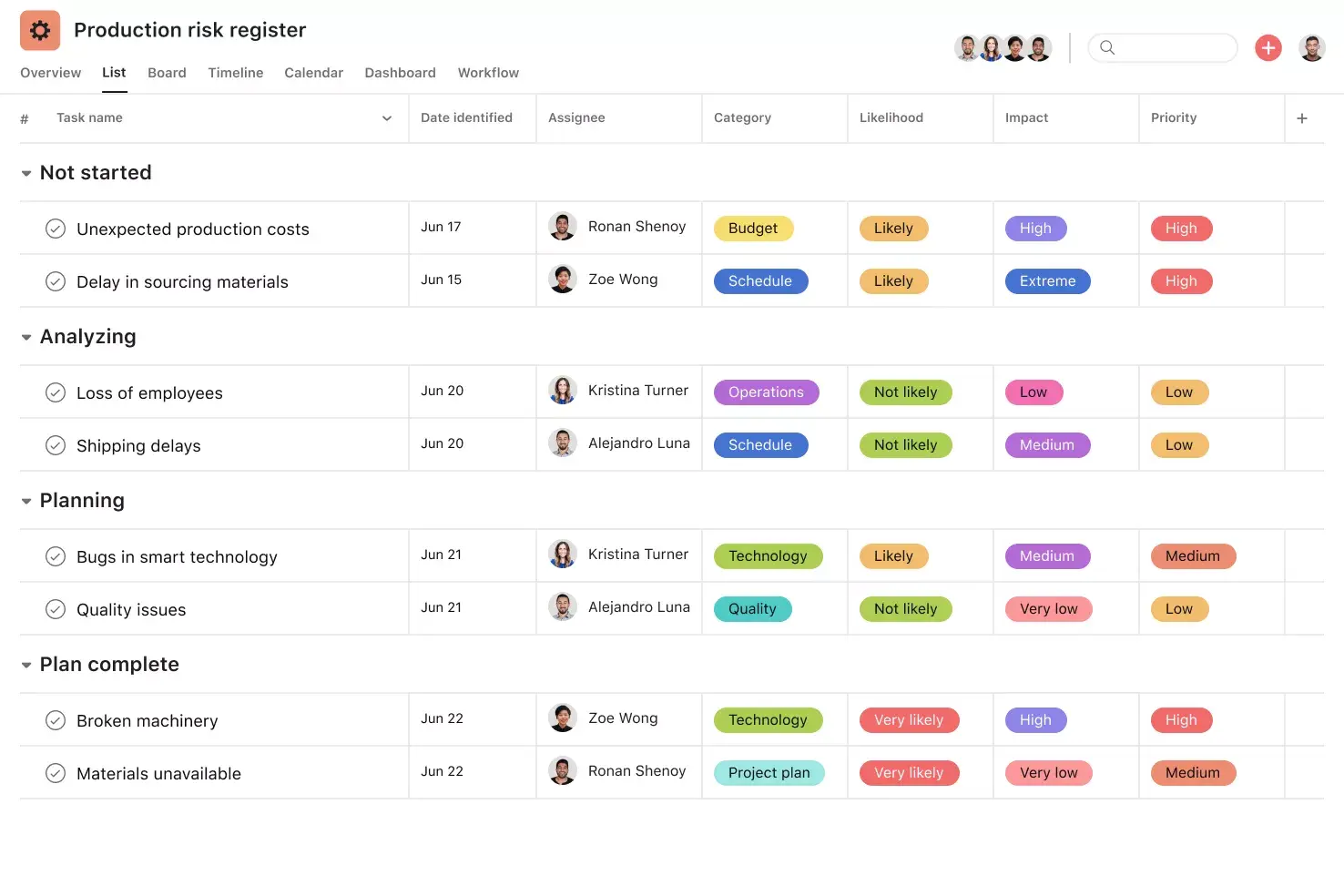
Assign tasks across teams, organize event logistics early, and set the budget so everyone works from the same plan.
Draft event content faster with built-in AI assistance.
AI produces first-draft copy for agendas, scripts, and attendee materials, and it translates content into additional languages when you need versioned assets.
Organize your run of show in a structure everyone understands.
You outline start times, transitions, and key cues so speakers and staff follow a shared schedule.
When should you use Asana’s event planning template?
With Asana’s event planning template, you can keep all your event details in one place and use features you won’t find in Excel or Google Sheets. Whether you’re tracking your budget or coordinating with venue staff, our free template helps keep your event plan on track.
Here’s how our event planner template can help you:
Plan your event budget in advance.
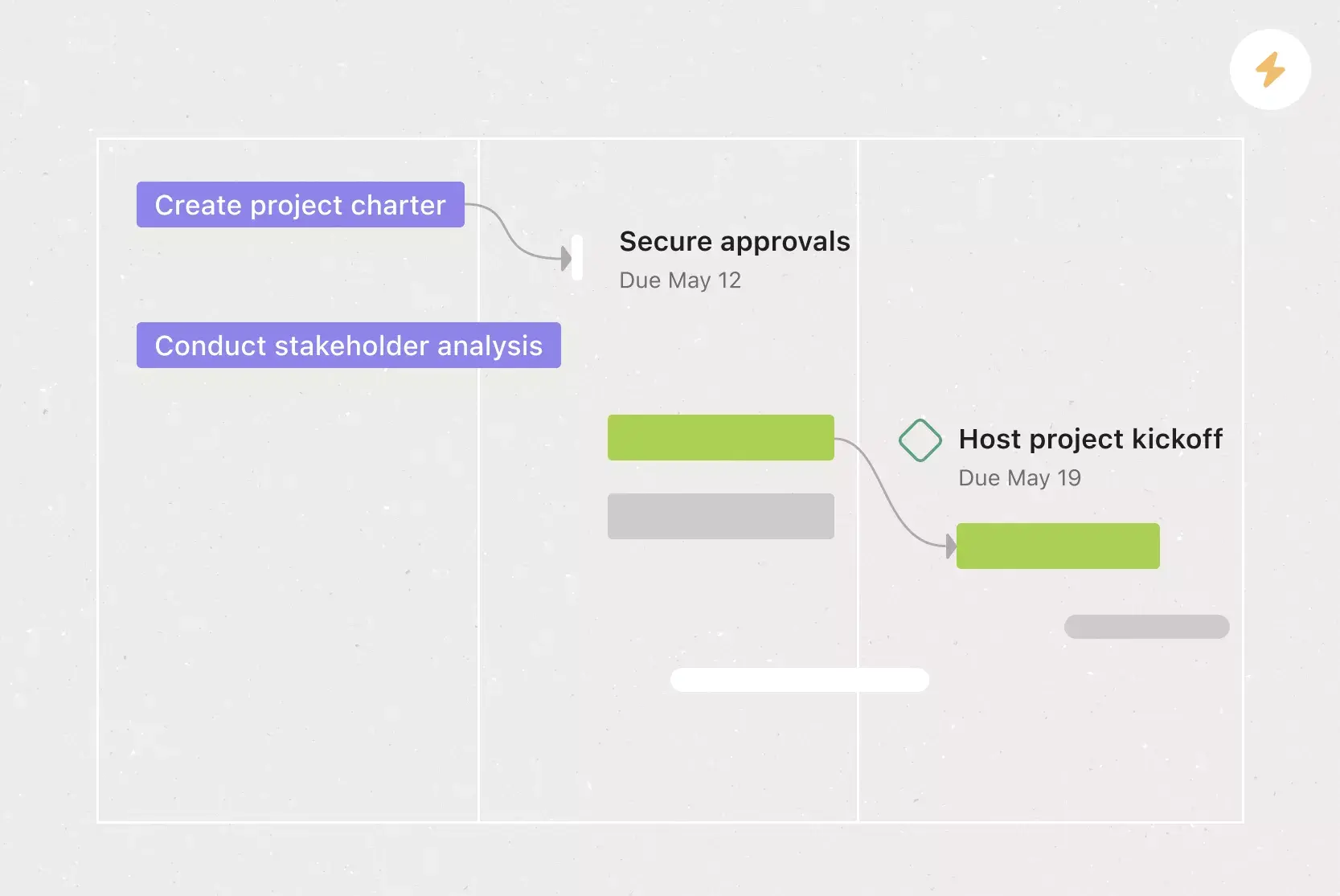
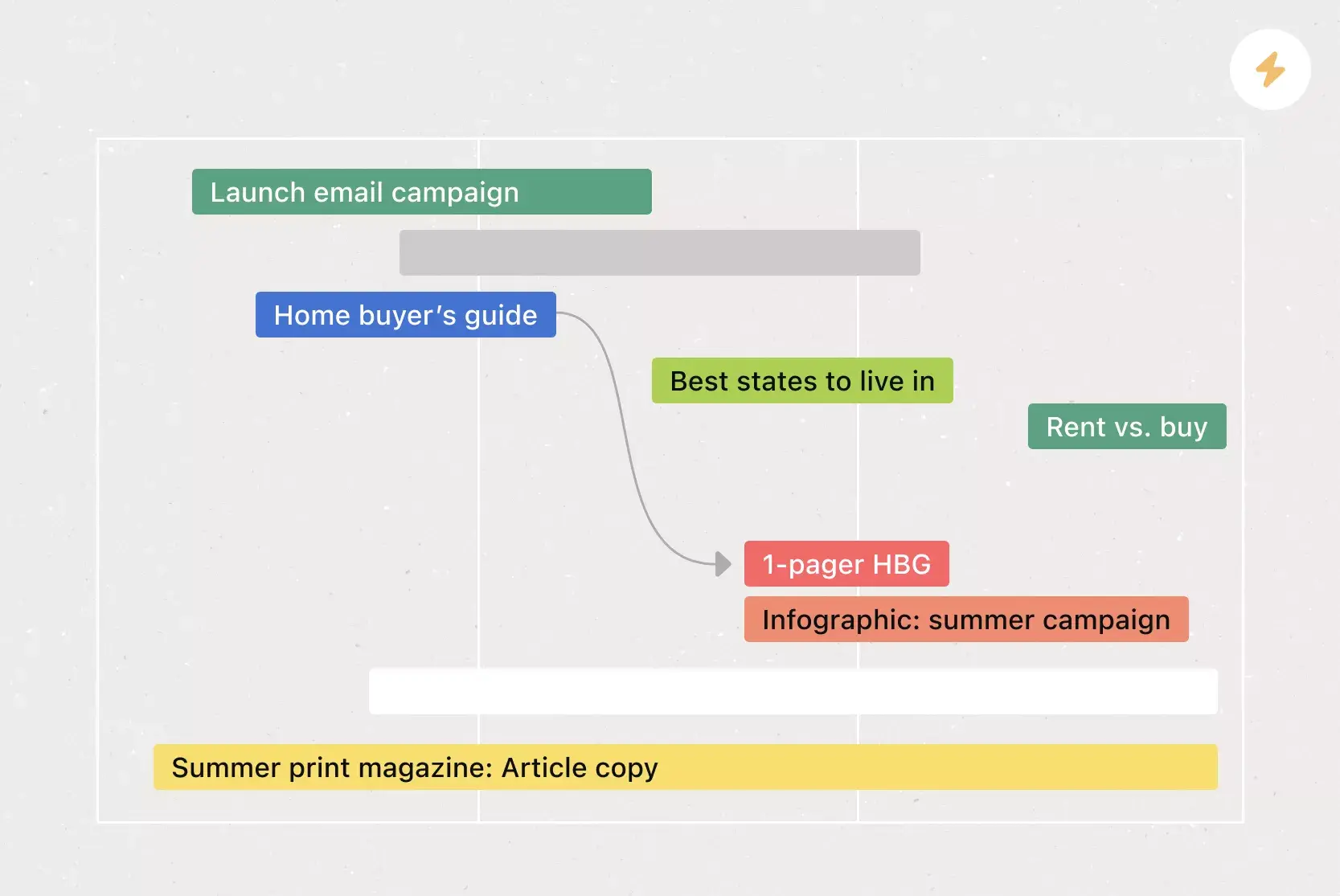
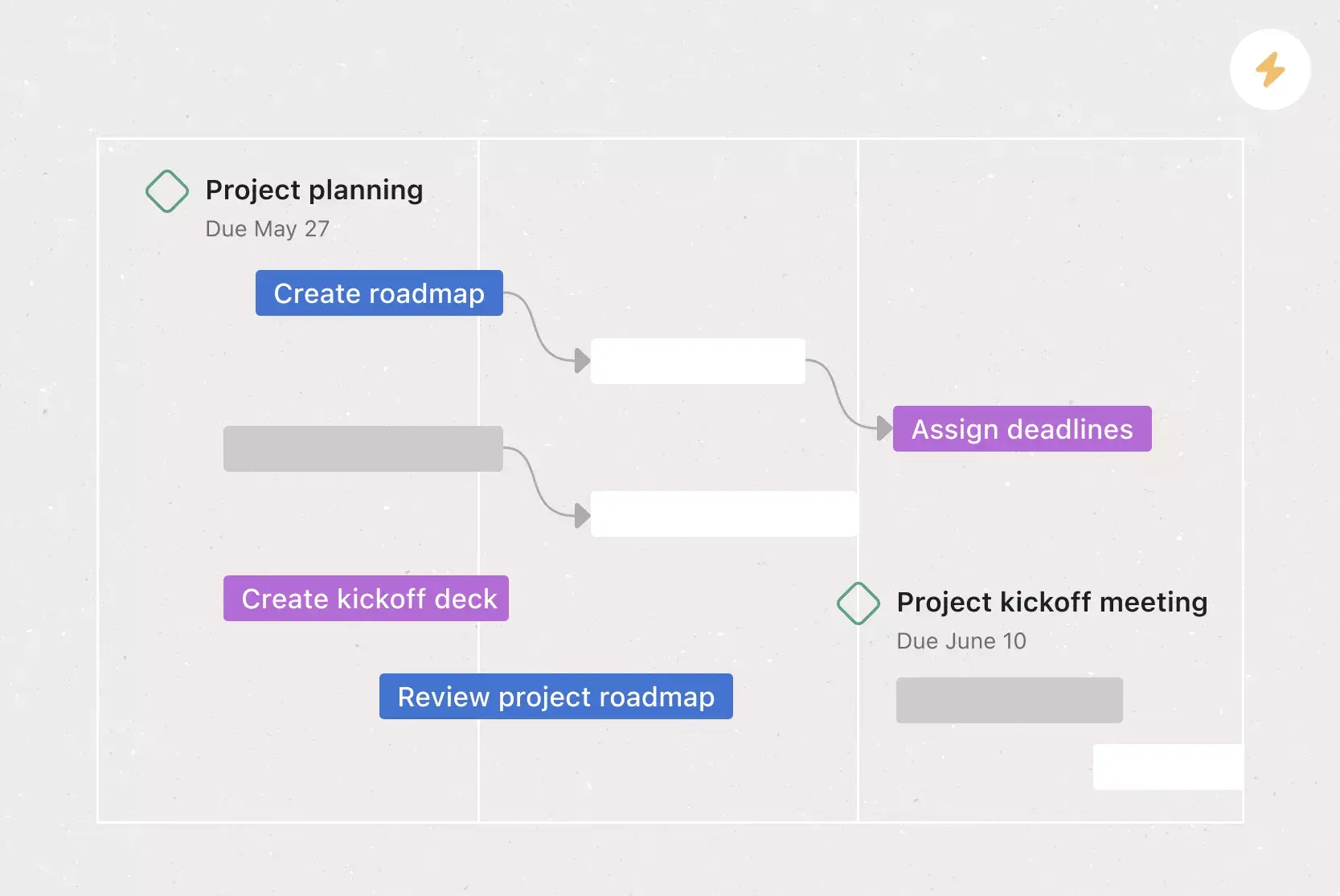
See your event plan laid out on a timeline.
Make a checklist to track tasks and keep your planning organized.
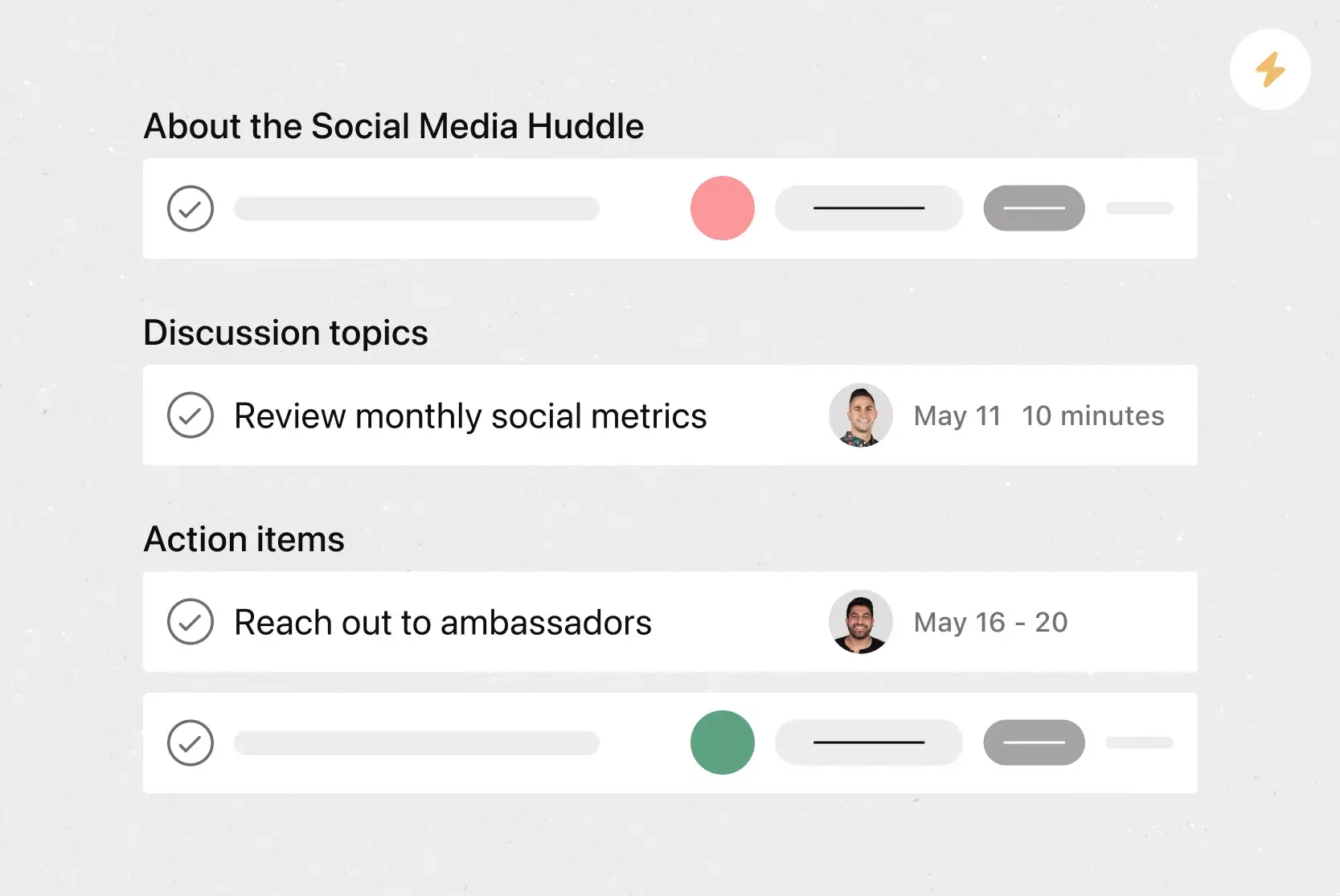
Share status updates and event progress right from the project.
Use milestones to track progress and identify deliverables.
Use Asana’s integrated apps, such as Outlook, Gmail, and Slack, to turn messages into actionable tasks and track critical event planning documents.
What to include in an event planning template
A strong event planning template keeps big-picture plans and day-of logistics in one place. Asana's template includes:
Event overview and goals: the event name, date, owners, and the success metrics you'll report on afterward.
Budget: expected and actual costs for venue, catering, production, and travel.
Timeline and milestones: every task and deadline from early planning through the day of the event.
Team roles: who owns promotion, room setup, spending approvals, and vendor contact.
Vendors and guests: contacts, contracts, and the guest list.
Run of show: start times, run times, and cues for the event itself.
Post-event follow-up: performance metrics and lessons for the next event.
How to use an event planning template
This event planning template helps your team get organized by providing a ready-made workflow for preparing, scheduling, and running your event. It brings together task planning, content creation, timing, and day-of details in one place, making it easier to coordinate everything for a successful event.
Prepare for your event
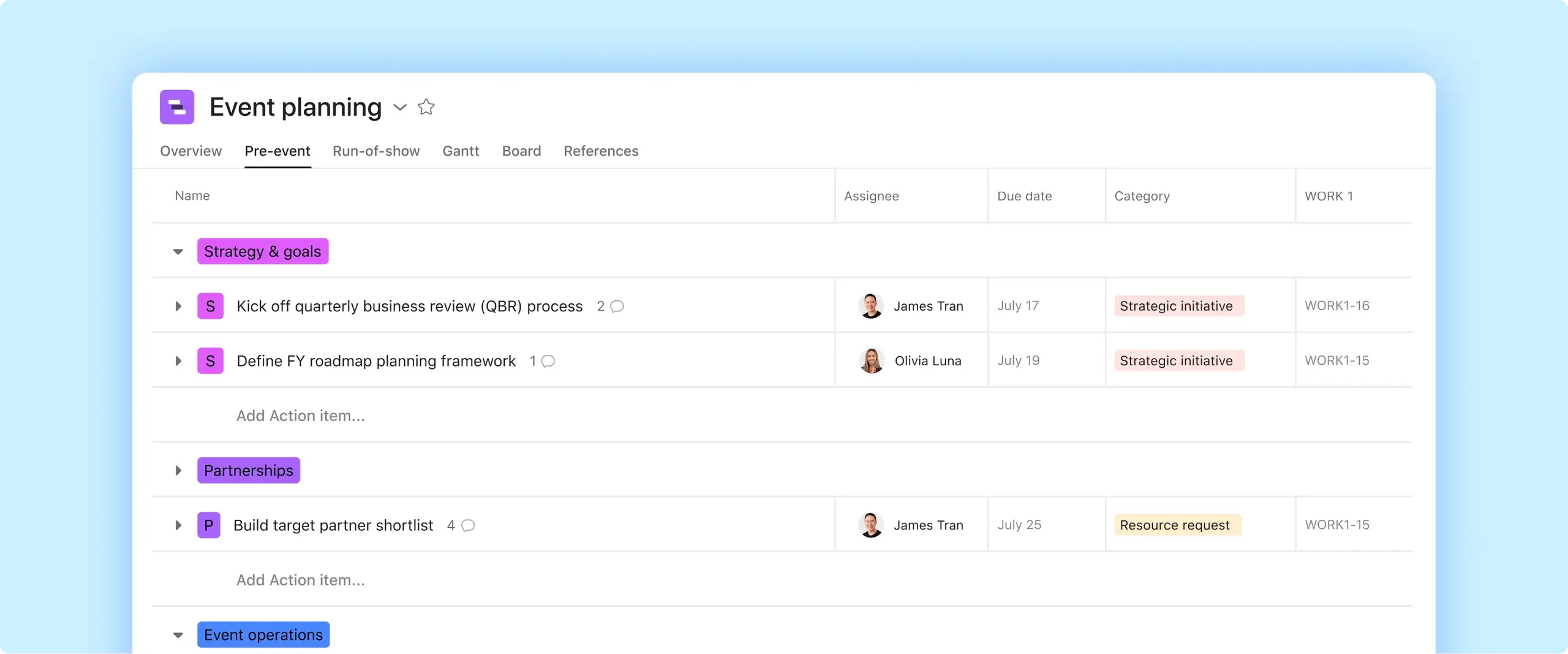
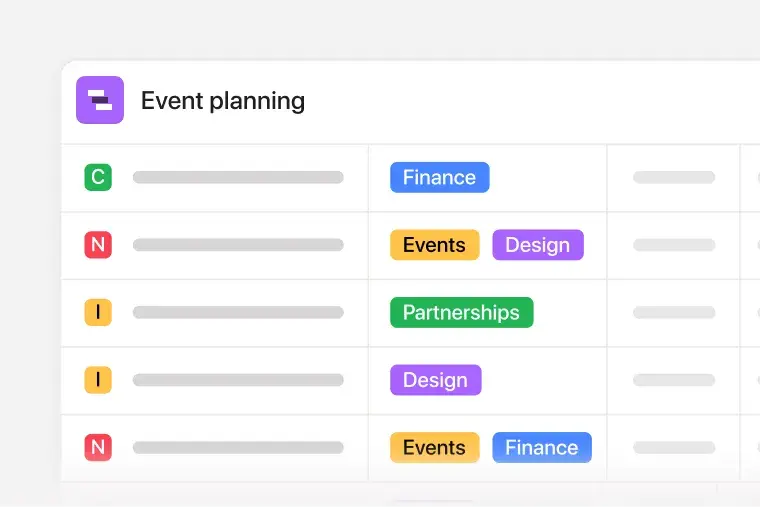
Use the template to assign tasks to team members so marketing, operations, finance, and vendor partners know exactly what they own. For example, you can assign marketing to manage promotions, facilities to handle room setup, and finance to approve spending for each activity in the plan. Add budget fields for items like venue, catering, production, and travel so you can define expected costs alongside actual costs.
Draft event content with AI
AI writes initial drafts for agendas, scripts, emails, and event materials. When you need attendee messages in multiple languages, AI drafts the translations, so your team can review and approve them before they go out, instead of rewriting each one by hand.

Organize your run of show
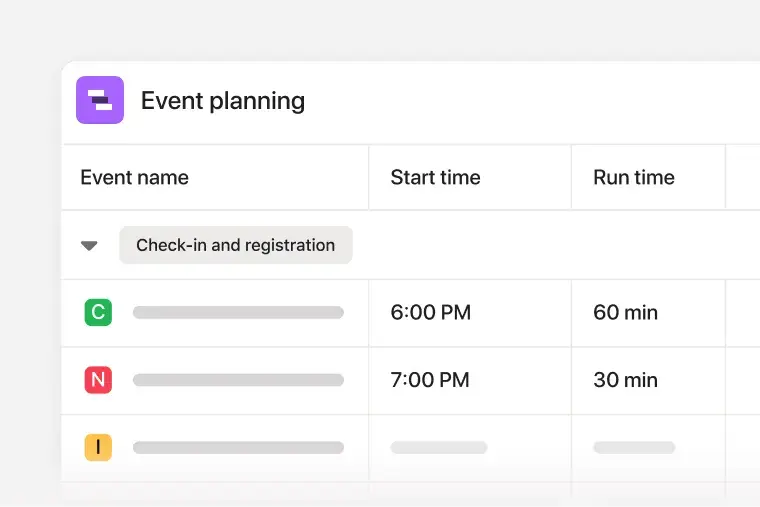
Use start and run time fields to organize your event schedule to show your team when activities begin and how long each lasts. If you have a keynote followed by a panel, the run-of-show table clearly displays the order and timing.
With this event planning template, your team can assign tasks, add subtasks, set deadlines, and link related steps so everyone knows what to do and when.
The Dashboard shows real-time updates on workload, timing, and activity, making it easy to spot delays and adjust before they affect your schedule. For example, if design approvals slow down or registration tasks start to pile up, the dashboard will flag these issues so you can step in and keep things moving.
Asana’s event planning template uses AI to help you communicate faster, reduce repetitive tasks, and stay organized as plans change. You can create content, translate updates, and improve your messaging all in one place, without starting from scratch.
After moving event organization into Asana, G2 cut event planning time by 80% and saved more than 40 hours per quarter on event check-in meetings.
Asana AI features include:
Use AI to draft event content, such as descriptions, speaker bios, and promotional blurbs. AI gives you a first draft to edit and finish, saving you time when planning gets busy.
AI can suggest wording for invitations, status updates, or agenda summaries. These prompts help you share information quickly and keep your messaging consistent everywhere.
AI can translate your content for international attendees, sponsors, or vendors. This makes it easier to share instructions and event details in different languages, with your team reviewing each version before it's shared.
For example, if your team confirms a keynote speaker, you can ask AI to draft the event announcement, translate it for different regions, and create versions for email and social media. With Asana AI, you can spend less time on wording and more time on event logistics.
FAQs about event planning templates
An event planning template is a ready-made, reusable workflow that outlines the steps your team needs to take to plan and execute a successful event. Asana’s free event planning template comes pre-populated with sections, automations, and custom fields that help you manage important details. Plus, our event template is duplicatable, so you can follow the same planning steps for similar events.
Your event planning template should cover the big-picture planning information and in-depth logistical details. Create your event planning template before you kick off your planning process so you can confirm all dates and deadlines. Use the template to align with your team on a budget and create an event task timeline. Then track who’s doing what and by when so everything gets done on time.
You can use Asana’s event planning template to track key planning details, including your event’s budget and timeline, guest list, and critical logistics. By using Asana’s pre-populated sections, you can track your event tasks from the months leading up to the event through the day of. You can also use the template to track event success and performance metrics.
You can use our event planning template to plan and manage small and large events, including conferences, seminars, webinars, virtual events, trade shows, product launches, and more.
Successful events rely on different templates that support each stage of planning, promotion, execution, and follow-up.
Event marketing plan template: Outline your promotional strategy, channels, messaging, and campaign milestones so you attract the right audience for your next event.
Event budget template: Track costs like venue fees, catering, rentals, staffing, and marketing expenses to keep spending aligned with financial goals.
Event timeline template: Map out every task, dependency, and deadline leading up to the event so your team knows what to do and when.
Run of show template: Organize the sequence of speakers, timing, transitions, cues, and production moments that occur during the event itself.
Event checklist template: An event to-do list that confirms every task, detail, or follow-up item is covered.
Yes, Excel or Google Sheets can work for a simple guest list or budget. But spreadsheets don't assign owners, link dependent tasks, or automatically share status updates. Asana's event planning template keeps tasks, timelines, budgets, and vendor details in one shared project, and you can duplicate it for every similar event.
An event checklist is a to-do list that confirms every task and detail is covered. An event planning template is the full plan: budget, timeline, owners, vendors, and run of show. In Asana, the checklist lives inside the template, so every item has an owner and a due date.
A run-of-show template is the minute-by-minute schedule for the event itself. It lists start times, run times, transitions, and cues so speakers and staff follow the same plan. In Asana's event planning template, the start and run time fields show the order and timing of each session, such as a keynote followed by a panel.