


カンバン方式でタスク管理ができるオンラインツール
仕事の進捗をデジタルかんばんボードで視覚化して、どの作業がどのフェーズにあるのか、チームと効率的に共有しましょう。
かんばんツールとは?
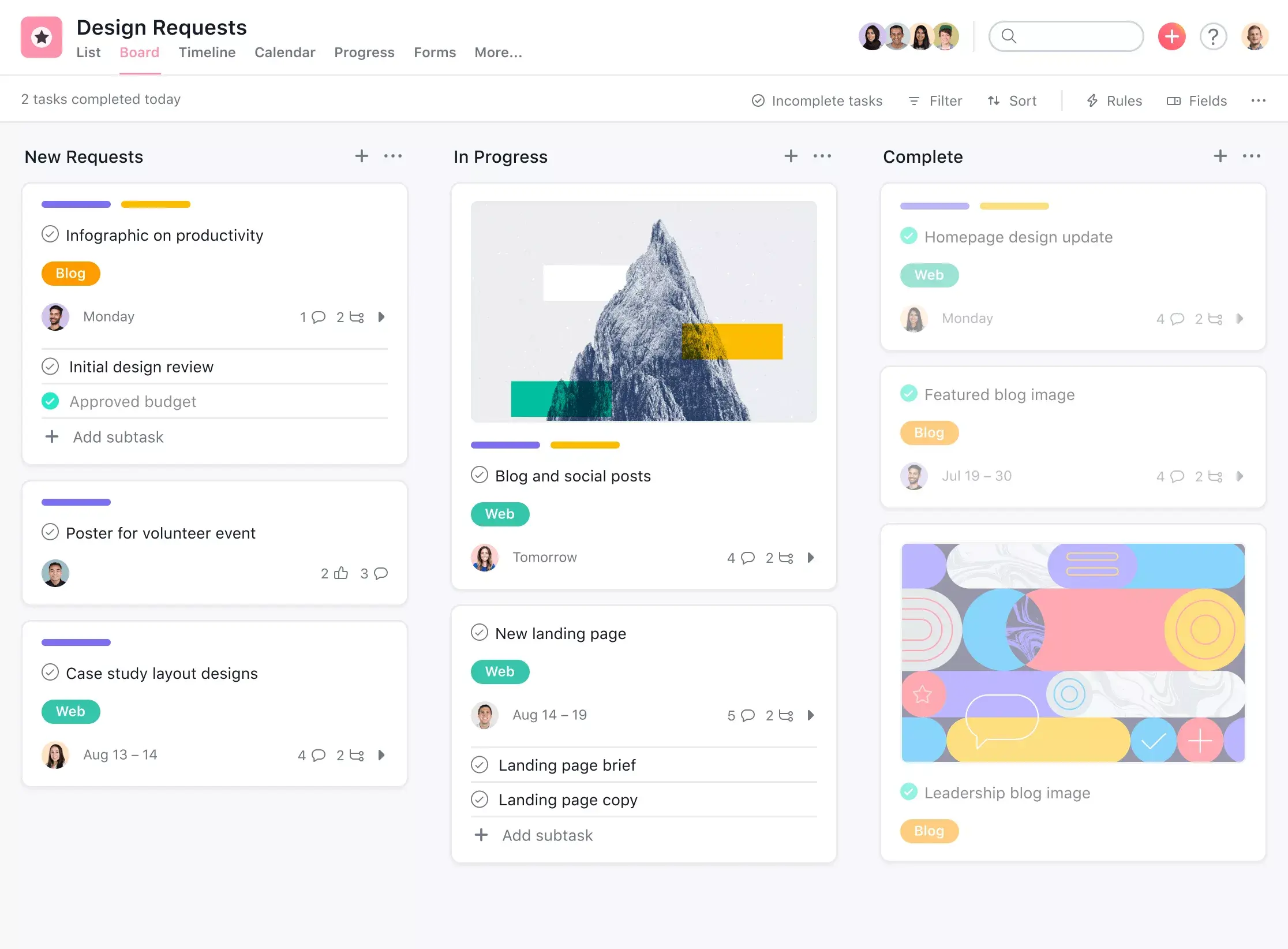
「要対応」「進行中」「完了」などと書かれたボードに付箋が貼りついているのを見たことはありませんか?あれは、同僚が自分で編み出した手法ではなく、かんばん方式というものです。 ソフトウェア開発チームでよく使われているかんばん方式は、チームが抱える作業を可視化するのに役立ちます。かんばんボードでは、列やカードを使ってプロジェクトやワークフローを視覚的に管理します。
スクラムやアジャイルマネジメントでよく使用されるかんばんツール・ソフトウェアは、プロジェクトの進捗状況を可視化し、タスクに優先順位をつけ、障害を特定したいアジャイルチームに最適です。Asana のプロジェクト管理ツールなら、オンラインで作成することができます。
Asana がかんばんツールとして選ばれる理由

ワークフローを計画して、チームのコラボレーションを促進
タスク管理がかつてないほど合理的で整理整頓されます。全プロジェクトのタスクを 1 か所に集めれば、明確なプロセスが作成でき、ワークフローの各ステージに沿ってタスクを確実に進められるようになります。

仕事の進捗状況をリアルタイムで把握
ワークフローのステージに合わせて列にラベルを付け、かんばんカードを次のステージにドラッグ & ドロップするだけで、チームメンバーが各タスクの進捗状況を把握できます。各カードには期日、担当者、サブタスクが記載されているので、ボードを見ればリアルタイムの情報が一目瞭然です。

ボトルネックやバックログを簡単に特定
ワークフローに合わせて進行中の列をカスタマイズし、適切なレベルの情報を表示することで、どこにタスクが溜まっているかを簡単に把握することができます。ボトルネックがどこにあるのかを知ることで、ワークフロー管理を最適化し、今後起こる可能性のあるバックログを防ぐことができます。

タスクの表示方法を切り替えて柔軟性を高める
かんばんツールの中には、ボードビューのみに限定されているものもありますが、Asana では、かんばんボードビューからリスト、ガントチャートのタイムライン、カレンダービューへとすばやく切り替えることができるので、各自思い通りに仕事を可視化することができます。

ルールを設定してワークフローを自動化
Asana の Premium プランでは、カスタマイズ可能なルールを使って、日常的なタスク管理を合理化することができます。トリガーを設定すると、かんばんカードを自動的に別の列に移動させたり、特定のチームメンバーにタスクを割り当てたりすることができるようになります。
デジタルかんばんボードの使用例

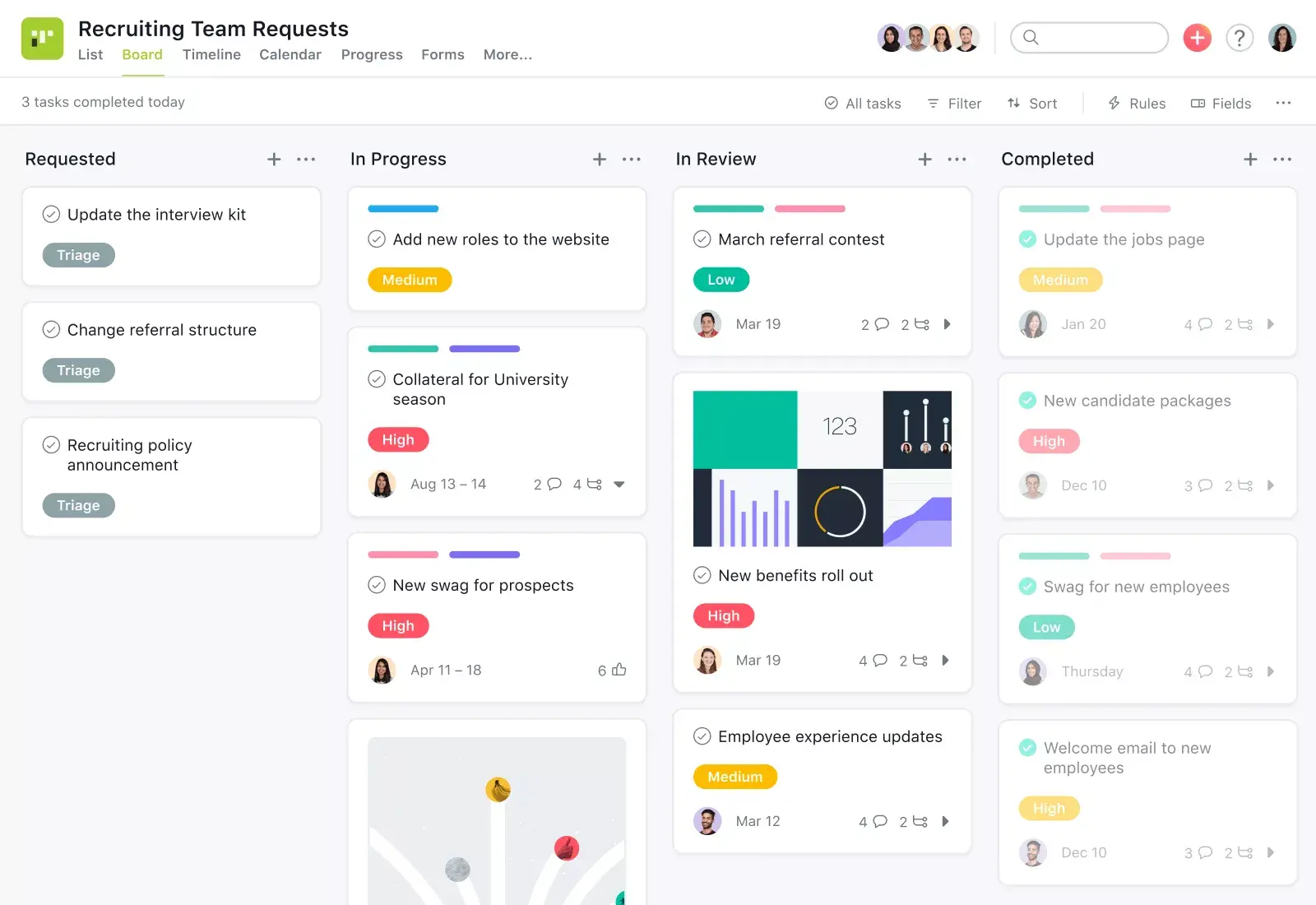

クリエイティブアセットからバグの修正まで、届いたリクエストを管理、確認して、チームのメンバーに割り当てます。
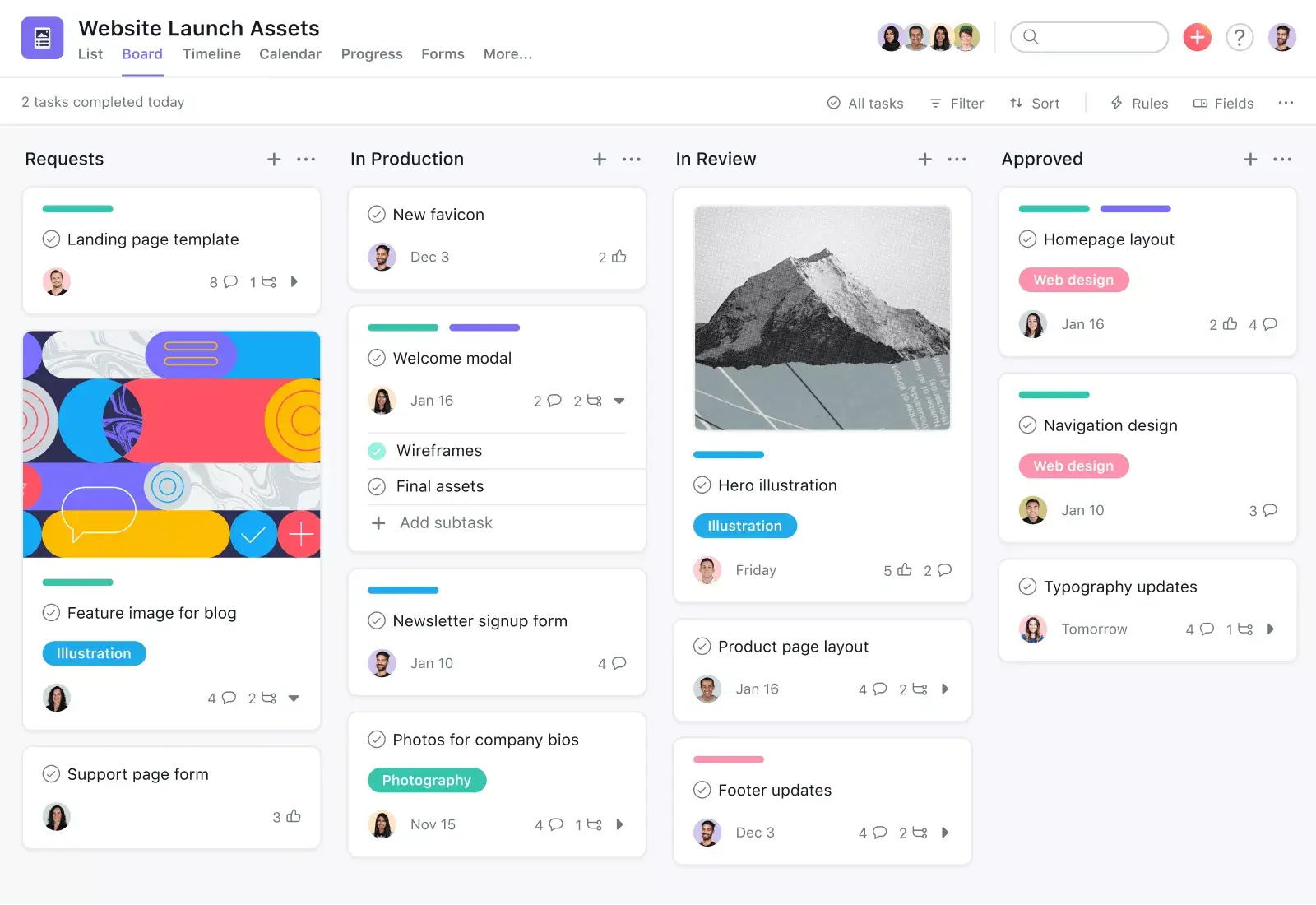
ワークフローが明確で直線的な場合は、各ステージに列を作成し、進行に合わせてタスクを次の列に動かします。
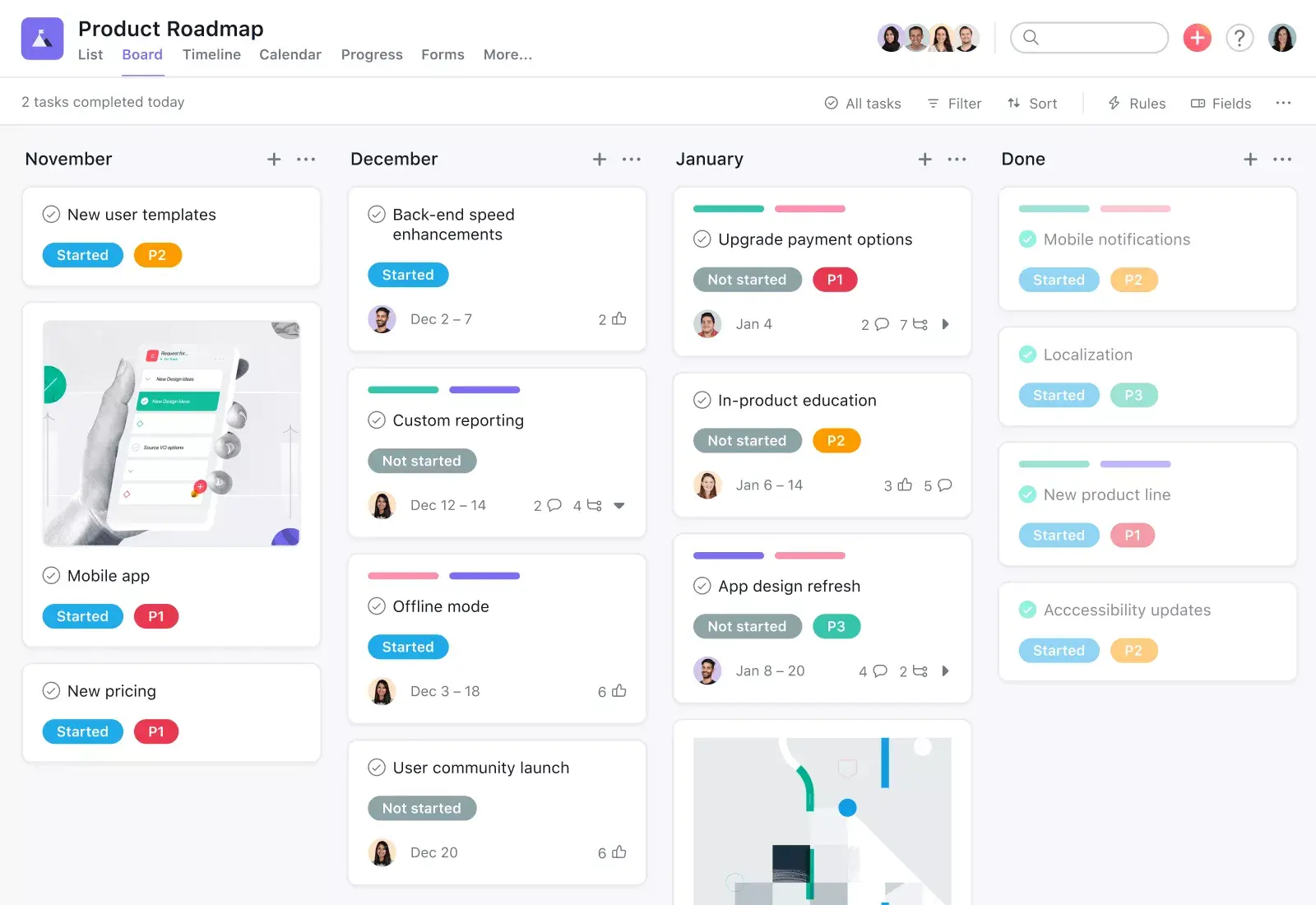
製品ロードマップを計画し、各イニシアチブを列にまとめれば、チームの全員が仕事の内容とスケジュールを把握できます。
ボードビューでは、デザインスプリントの各マイルストーンの進捗状況を簡単に追跡することができます。
世界中の企業が Asana を使って目標を達成しています











ご不明な点がある場合は、 お答えします。
Asana のかんばんボードは、列を作成してタスクを視覚化し、ステージを移動させることができるボードビューです。
はい。ワークフローのステップに合わせて、列の追加、名前の変更、並べ替えを行うことで、列をカスタマイズできます。
はい。ルールを使って、期日や完了などのトリガーに基づいて列間でタスクを移動することで、カードの移動を自動化できます。
進行中の作業を制限するには、カスタムフィールドとルールを使って WIP の上限を設定し、そのしきい値に達したときにチームに通知します。
はい。ボードは権限を管理することで、チームや組織を横断して共有できるため、かんばんはチームを横断して使用できます。
はい、依存関係はボード上で確認できます。カード上でタスクの依存関係を確認でき、ボードビューではリンクされたタスクのタイムラインを確認できます。
はい。画像、文書、コメントをボードカードに直接添付することで、カードにファイルを添付できます。
はい。カスタムフィールドやルールを使用して開始日と終了日を記録し、ダッシュボードで報告することで、サイクルタイムを管理できます。
はい。ボードの「To-Do」「進行中」「完了」などの列や、振り返り用のテンプレートを使って、チームの振り返りを行えます。
はい。ボードにゲストを追加し、権限設定に基づいてタスクにアクセスできるようにすることで、外部ゲストもボードを使用できます。
Asana で働き方を変革する
無料トライアルを始める
Asana を無料でお試しください。クレジットカード情報は不要です。
デモを見る
大規模な企業をつなぐ Asana の仕組みをご覧ください。
セールス担当者に相談する
Asana を活用したスムーズなチーム連携の方法についてご案内します。