


Marketing project management software that gets every campaign out the door
Your campaign launched on time, but the landing page didn’t because the plan, feedback, and launch date sat in three different places. With a marketing project management tool like Asana, your team can plan campaigns and manage work in one place.
Why marketing projects slip

Requests arrive from everywhere
Sales asks for a one-pager in chat. A product manager emails a request for launch copy. Design doesn’t see either communication until they overhear a conversation the day before they’re due. When requests aren’t kept in an organized project management tool, they show up rushed and half-done.

Creative review runs in email
Your reviewers leave notes on three different drafts of the same project spread across multiple email threads and a hallway chat. Without workflow management software to keep every review round together, you end up with conflicting feedback and a real risk of shipping the wrong version.

Nobody sees the whole campaign calendar
Your team schedules two launches for the same week, and they both need the same designer. No one checks the spreadsheet, and you don’t catch the overlap until the assets are late. You can’t see your deadlines and workloads side by side.
How Asana works as marketing project management software
Asana gives each part of a campaign its own home, with every launch on a single calendar.
Take every request through one front door

Run creative review as a workflow
Asana works as marketing workflow software, keeping all your review rounds in a single task. Attach an asset to its task and assign an approval. Each reviewer requests changes, rejects the task, or approves the work (with Advanced plans), and the requester always knows where the asset stands. With proofing for higher-tier Asana users, reviewers pin comments to an exact spot on an image or PDF, so any requests from your reviewers point directly to the part of the project that needs updating.

See every campaign on one calendar
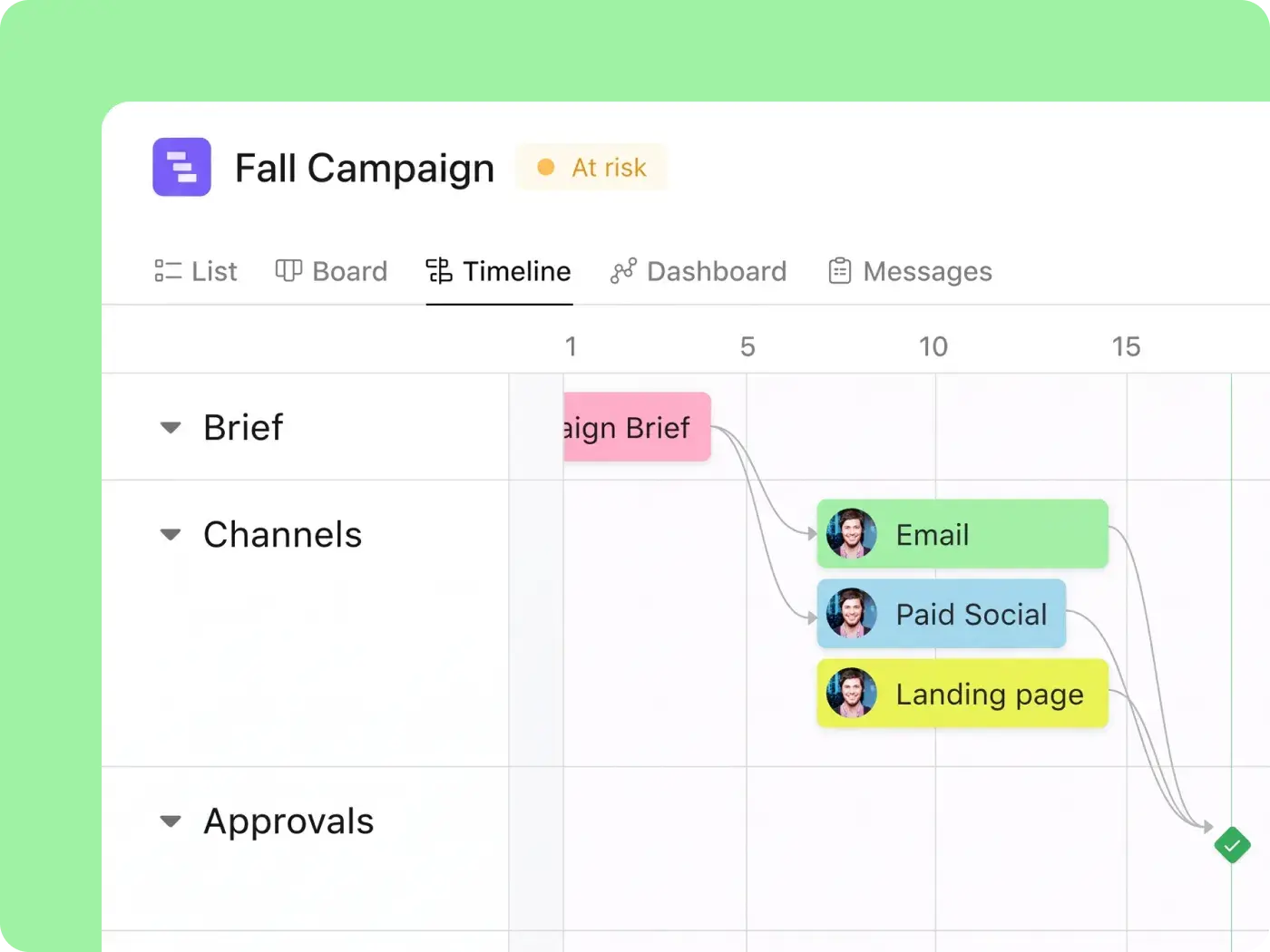
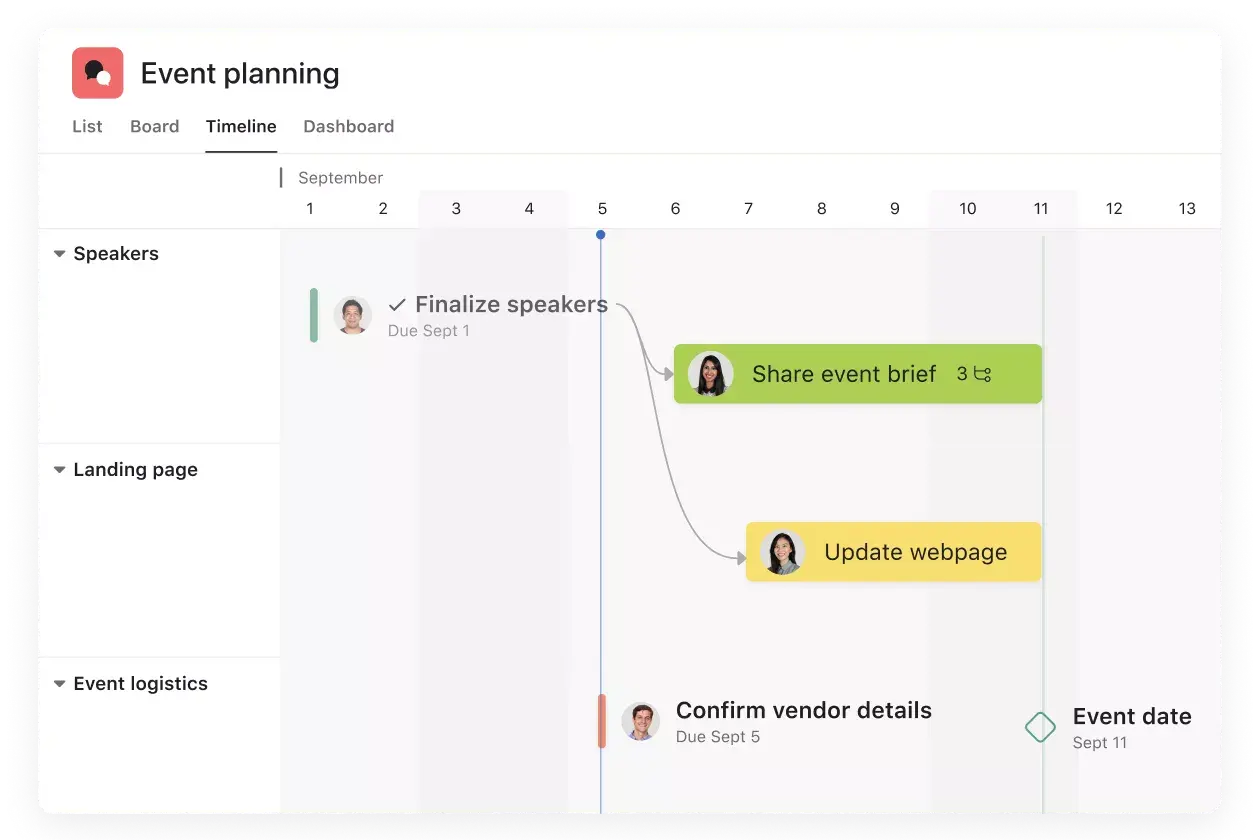
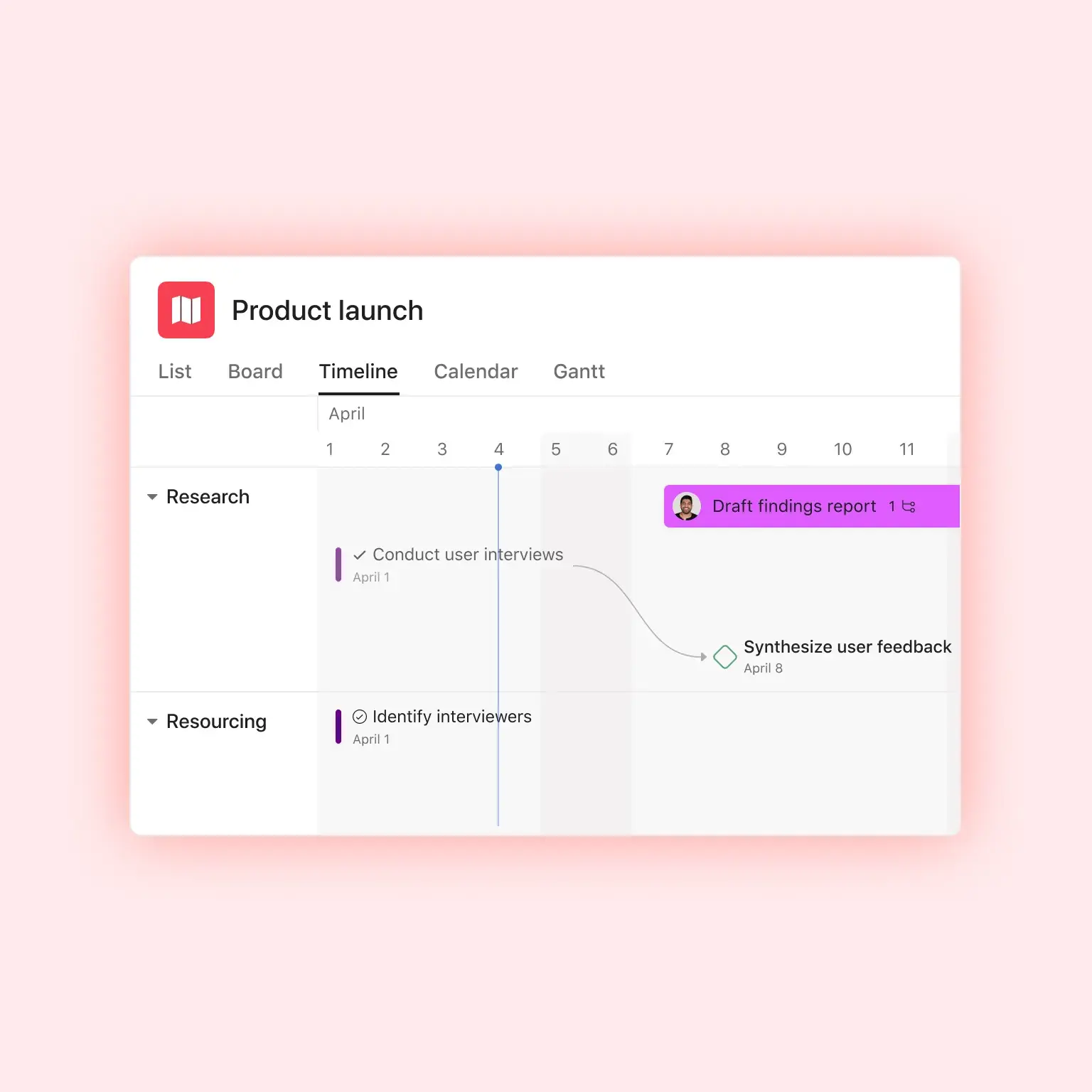
Choose your project view in Asana and keep up to date on your campaigns, launch dates, milestones, and deadlines. The marketing project management tool’s calendar view shows your work across the month, and the timeline view maps dependencies. Advanced users can also access workload with Asana, which shows what each person is carrying across all the projects in a portfolio. To get started, use the marketing project plan template, or see how campaign management tracks every initiative in a single place.

Scale campaigns with templates and AI
Turn your best campaign into a custom template, and your next launch will start with its tasks already in place. You can also bring in marketing AI Teammates. These 30+ prebuilt business AI agents, like the Campaign Coordinator that sets up campaign plans, the Creative Ops Manager that consolidates stakeholder feedback into a single revision list, and the Content Strategist that writes briefs for approved topics, work for and with you.

Built for every marketing team that ships campaigns
You create the assets and set the launch date, and Asana for marketing teams ensures every role gets the same plan from the angle they need.



Fix bottlenecks before they cost you
With Asana, all your approval steps and campaign calendars are in a single place, so you can focus on owning the campaign process without chasing down status updates. You can see where briefs stall and where reviews pile up, then fix the process itself. And then reporting dashboards can turn your data into something leadership can read.
Spotify supports 2x the number of campaigns with Asana
The Creative Operations team at Spotify, a music industry revenue driver with a listener base of more than 450 million users, moved post-sale campaign production out of scattered email threads and into one Asana workflow. Since then, the team has seen a 100% increase in the number of campaigns each project manager can handle per month.

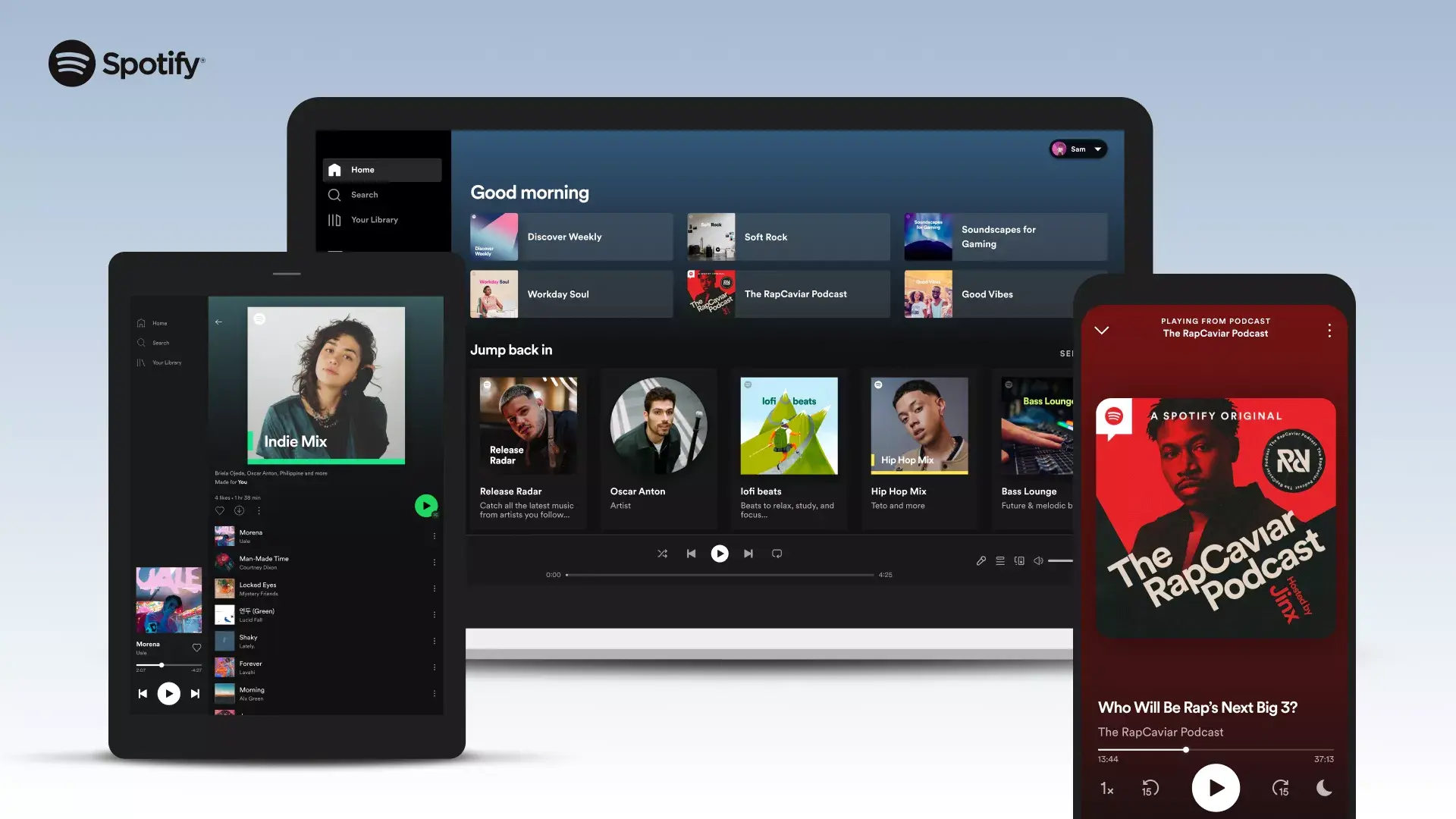
We track the progress of campaigns in Asana as they move through production, which gives us visibility, because we can track granular details without losing anything.Blair Wilson
Senior Manager, Project Management, Spotify
Plan your next campaign in Asana
Launch week looks different when the landing page and assets are already approved because everyone worked from the same plan. With marketing project management software like Asana, you can start your next campaign from a cohesive plan.
Frequently asked questions about marketing project management software
Marketing project management software helps marketing teams plan campaigns, including review management and launch tracking. Unlike marketing automation tools, which send emails and nurture leads, it manages the work behind the campaign. Asana is marketing project management software that organizes your team's work into a single shared plan and allows visibility into tasks as you move projects forward.
Marketing project management is the practice of planning, running, maintaining, and tracking marketing work, including campaigns and launches, to meet deadlines and achieve goals.
Your marketing project management tool should accept requests and convert them into tasks, linking them directly to your campaign calendars and timelines. It should offer visibility into your workload to simplify capacity planning and provide templates for repeatable campaigns. The best marketing project management tools, like Asana, also connect to the apps your team already uses and offer a deep catalog of integrations.
Yes. You can start for free with Asana, then add team features as you grow. Access to additional features, like forms and unlimited automations, begins on Starter plans. Check Asana pricing for additional feature availability.
Yes. Paid plans include unlimited free guests, so you can invite an agency or freelancer into a specific campaign project without buying extra seats. And with the agency collaboration template, you have access to a ready-made project structure.
Yes. Asana connects with 200+ apps, including Figma, Slack, Google Workspace, and Microsoft 365. For example, with the HubSpot integration, deal and email campaign information shows up directly in Asana.
Marketing automation launches your campaigns, and Asana is where your team plans and produces them. Asana isn’t a customer relationship management (CRM) tool or an ad manager, and it doesn’t send emails for you. But teams can run both: a marketing automation tool to send campaigns and Asana to plan and produce them.
Yes. Asana AI is built into the platform, helping teams run workflows and campaigns together. AI Teammates, specifically the marketing-focused prebuilt agents, work inside your projects, building campaign timelines, creating content briefs, running launch checks, and building post-campaign reports. Additional AI-powered features, including Dash and AI Studio, are available on paid plans.