


Agency collaboration template
Organize and track deliverables, due dates, and approvals in a single template so your team can manage client work, reduce email back-and-forth, and meet all deadlines.
Sign up to use this template.
Agency collaboration template
Organize and track deliverables, due dates, and approvals in a single template so your team can manage client work, reduce email back-and-forth, and meet all deadlines.
Use templateSign up to use this template.
INTEGRATED FEATURES
Recommended apps




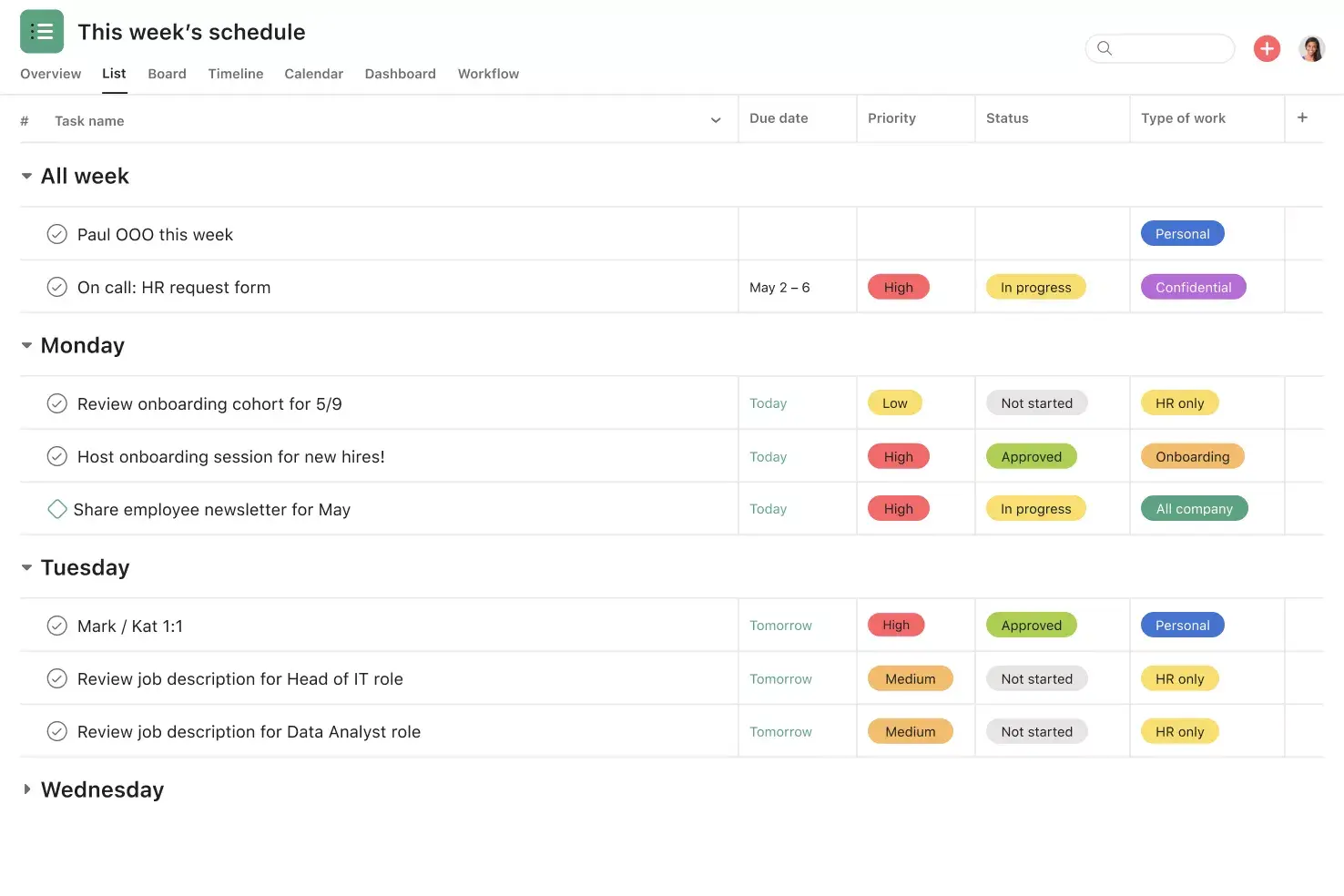
![[Product UI] Agency collaboration project example (Lists)](https://assets.asana.biz/transform/a19ffe46-ab51-40d4-9bd3-56d741054ca7/inline-lists-agency-collaboration-2x?io=transform:fill,width:2560&format=webp)
Summary
When you work with an external agency, keeping everyone aligned across teams, timelines, and deliverables can feel like a full-time job on its own. Scattered email threads, unclear priorities, and slow approvals make it easy for important work to slip through the cracks. An agency collaboration template gives you a single, organized place to manage all of that work, so you and your agency partners can focus on what matters most.
In this article, you'll learn:
What an agency collaboration template is and why it's worth using
Key features to look for in an effective template
How to set up your template step by step
Tips for managing agency collaboration more effectively
What is an agency collaboration template?
An agency collaboration template is a pre-built project that provides your team and external agency with a shared space to organize deliverables, set deadlines, assign owners, and track progress. Instead of gathering updates from multiple sources, you manage all project details in one location.
This type of template works for any agency relationship, whether you're partnering with a creative agency on a brand campaign, a digital agency on paid media, or a PR firm on a product launch. It keeps both sides aligned through cross-functional collaboration on priorities, timelines, and expectations from day one.
Unlike a proposal or creative brief, an agency collaboration template supports ongoing work and serves as the system for managing deliverables once the agreement is established.
Agency collaborationBenefits of using an agency collaboration template
Creating a new process for each agency project is inefficient and increases risk. A template addresses these challenges in several ways:
Save time on setup. A ready-made structure means you can launch new projects with your agency faster. Instead of building a project from a blank canvas, you start with the right fields, stages, and views already in place.
Keep things consistent. When every agency project follows the same structure, your team can find information quickly and onboard new agency partners without confusion.
Improve clarity. A shared template removes ambiguity about who's responsible for what, when deliverables are due, and where work stands at any given moment.
Speed up approvals. Built-in approval stages help you review and sign off on work faster, so campaigns and projects launch on time.
Reduce miscommunication. By attaching all conversations, files, and updates to the relevant tasks, you avoid the back-and-forth that comes with managing work across email threads and disconnected tools.
Key features of an effective agency collaboration template
The best agency collaboration templates include features that address the unique challenges of collaboration in the workplace across organizations. Here's what to look for:
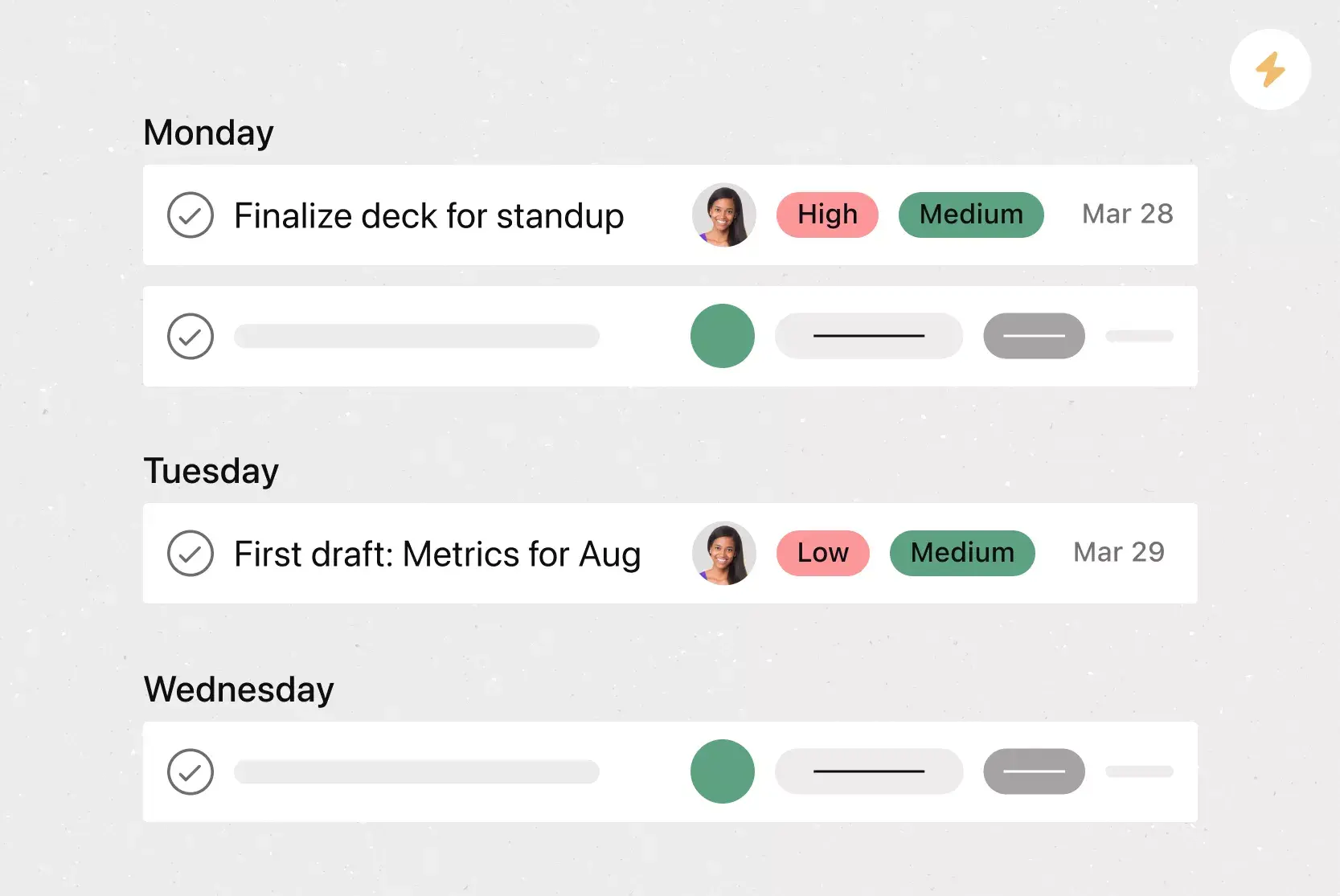
Task status and progress tracking: Shows both your team and the agency where every deliverable stands, from “Not started” to “Complete.”
Priority levels: Helps your agency see which deliverables need attention first.
Due dates and milestones: Helps everyone plan workloads and meet project deadlines.
Approval stages: Gives your team a way to review deliverables before they go live, so nothing ships without the required sign-off.
Centralized communication: Keeps feedback, questions, and assets connected to the right work.
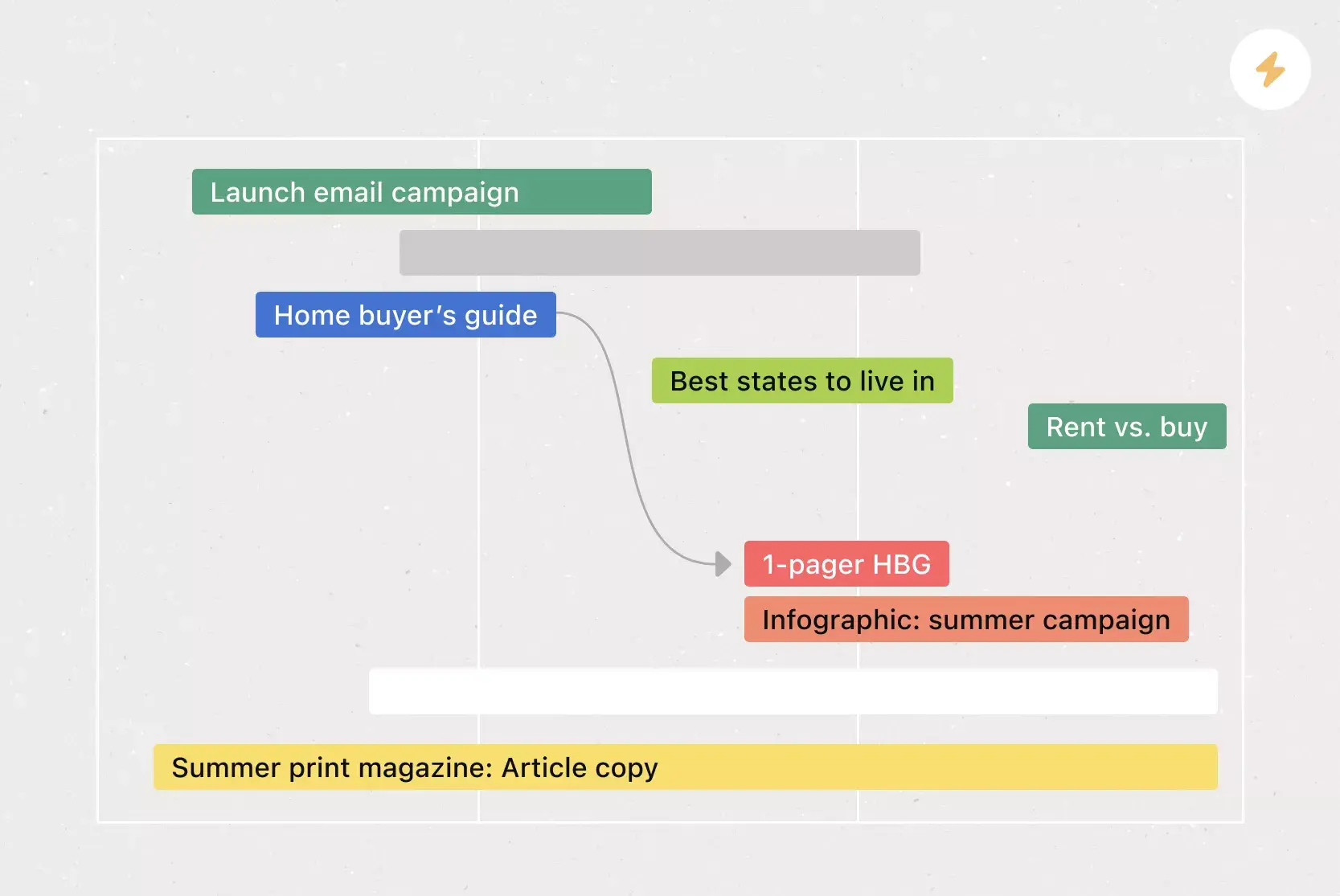
Customizable views: Offers list, board, timeline, and calendar views so every stakeholder can review work in the format that works best for them.
How to set up your agency collaboration template
Getting started with an agency collaboration template in Asana takes just a few steps. Here's how to set yours up:
Start with the template. Use the free agency collaboration template to create a new project with pre-built sections, fields, and views.
Invite your agency as guests. Add your agency contacts as guest collaborators so they can see relevant tasks, leave comments, and upload deliverables.
Define deliverables and assign owners. Break the project into individual tasks and assign a clear owner to each one.
Set priorities and deadlines. Use custom fields to assign a priority level to each task and add due dates to keep everything on schedule.
Establish approval stages. Set up approval workflows so deliverables move through review stages before they're marked complete.
Schedule regular status updates. Share progress with stakeholders regularly so everyone stays informed.
Tips for managing agency collaboration
Working with an external agency means managing everything from pitches and plans to deliverables and budgets. Our agency collaboration template gives you a high-level view of everything your agency is working on, so you can collaborate on projects from idea to launch. Here are three tips to get the most out of it:
Align on priorities and timing. Ensure that your agency is clear on expectations by setting priority levels and deadlines for all deliverables.
Communicate progress. Share regular status updates so everyone understands how agency work is progressing and where it's off track.
Streamline approvals. Launch campaigns more quickly and ensure nothing gets shipped without the required signoff by tracking and moving agency work through approval stages.
Get started with your agency collaboration template
Managing agency relationships doesn't have to mean juggling emails, chasing approvals, and losing track of deliverables. With a shared agency collaboration template, you and your agency partners can stay aligned on priorities, track progress in real time, and move work forward faster.
Ready to bring clarity to your next agency project? Get started with the free agency collaboration template and see how easy it is to keep your team and your agency on the same page.
Agency collaborationFAQs about agency collaboration templates
Yes, you can invite external agency contacts as guest collaborators in Asana so they can view tasks, leave comments, and upload files without needing a full license.
At a minimum, include sections for deliverables, task owners, due dates, priority levels, approval stages, and a space for comments and file attachments.
Create a project from the template, invite your agency contacts as guests, and walk them through the project structure in a brief kickoff meeting.
Asana connects with over 300 tools, including Slack, Google Drive, Adobe Creative Cloud, and Microsoft Teams, making it easy to centralize your agency's work alongside your existing workflows.
Related templates
![[Templates] Social Media Calendar (Card)](https://assets.asana.biz/transform/3d20dd82-f67c-47be-a595-0d0019ee7e98/Social-media-calendar-m?io=transform:fill,width:2560&format=webp)
![[Templates] Editorial Calendar (Card image)](https://assets.asana.biz/transform/5fac5de2-17f6-4d69-8cd3-091a887a24bd/TG23-web-thumbnail-042-editorial-resource-management-static-2x?io=transform:fill,width:2560&format=webp)
![[Templates] Creative Asset Feedback and Approval (card image)](https://assets.asana.biz/transform/c768a28c-822f-420f-93f9-f2eea4c93780/TG23-web-thumbnail-032-bill-of-materials-static-2x?io=transform:fill,width:2560&format=webp)
![[Templates] Campaign management plan template banner image](https://assets.asana.biz/transform/d0762c4d-c7d8-49bc-823b-4b93513e6b48/Template_CampaignMgmt_Thumb?io=transform:fill,width:2560&format=webp)
![[Templates] Creative Requests (Card image)](https://assets.asana.biz/transform/963f258c-f2d0-4281-a9ff-b2244ee2e670/Template_CreativeReq_Thumb?io=transform:fill,width:2560&format=webp)
Power your agency partnerships with Asana
Get our agency collaboration template and more in Asana today.