


![[Compare - Monday] Hero](https://assets.asana.biz/transform/e2c8d0ab-d011-42c3-ae49-73a3f261c188/Wrike-Hero?io=transform:fill,width:2560&format=webp)
スタートアップからフォーチュン 100 企業まで、Asana は 17 万以上のチーム*から高い評価を受けています。





![[ロゴ] Goodrx - AI](https://assets.asana.biz/m/464cae48ddeaf94a/original/WEB-AI26-buyer-goodrx-logo.svg)
![[ロゴ] Clear Channel Outdoor](https://assets.asana.biz/transform/9120e59d-a371-4090-96b7-7c05b4a46876/WEB-AI26-builder-clear-channel-outdoor?io=transform:fill,width:2560&format=webp)


FEATURES
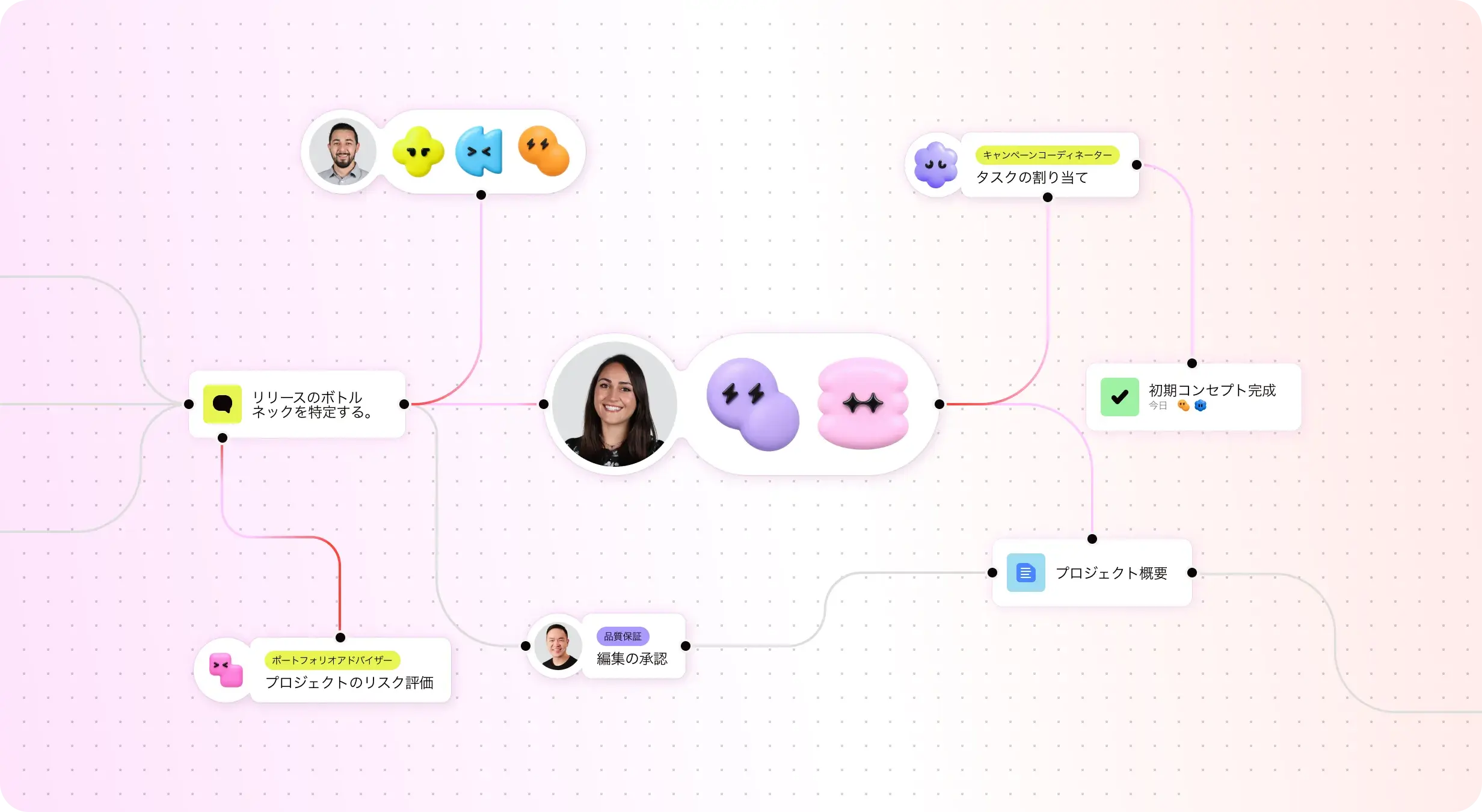
チームのための AI
Asana AI チームメイトは、Work Graph を基盤とする AI エージェントです。チームの目標やプロジェクト、タスク間の依存関係など、業務に必要なコンテキストを把握し、導入初日からチームの業務をサポートします。さらに、AI チームメイトが実行したアクションはすべて可視化され、履歴を確認できるため、透明性を確保しながら監査にも対応できます。詳しくはこちら
組織全体で使える直感的なレポート機能
Asana は、ビジネスの規模に応じて拡張可能なリアルタイムのレポート機能を提供します。 チームは、数千件に及ぶプロジェクトやタスクにわたって目標、ポートフォリオ、パフォーマンス指標を追跡できます。また、戦略と実行を結びつけるダッシュボードとインサイトも利用できます。 詳しく見る
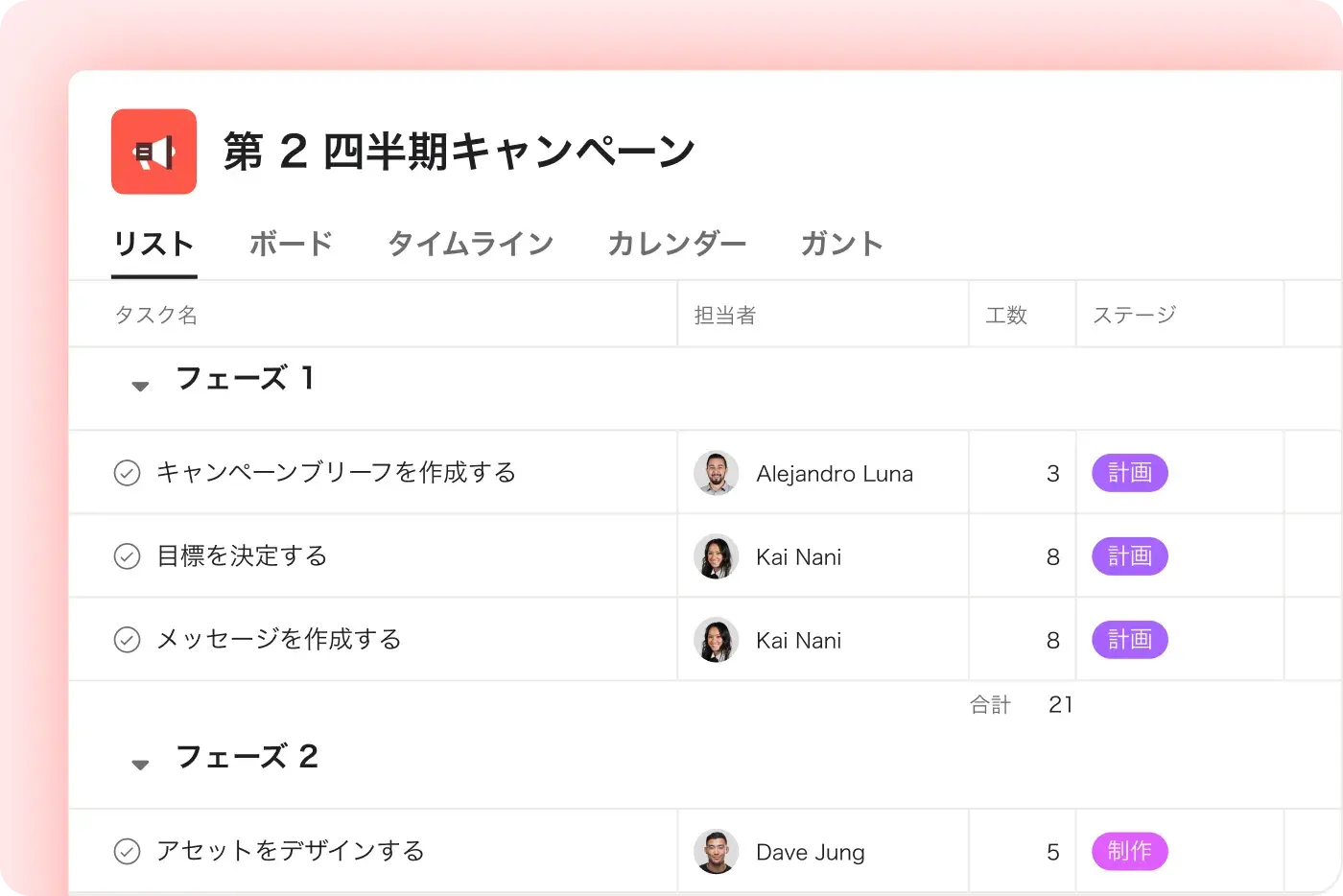
プロジェクトとワークフローのカスタマイズ
Asana では、カスタムフィールド、複数のプロジェクトビュー、テンプレートを使用して、体系的で使いやすいカスタマイズが可能です。そのため、チームは複雑さを増やすことなく、すばやく対応し、ワークフローを効率的に管理できます。 詳しく見る
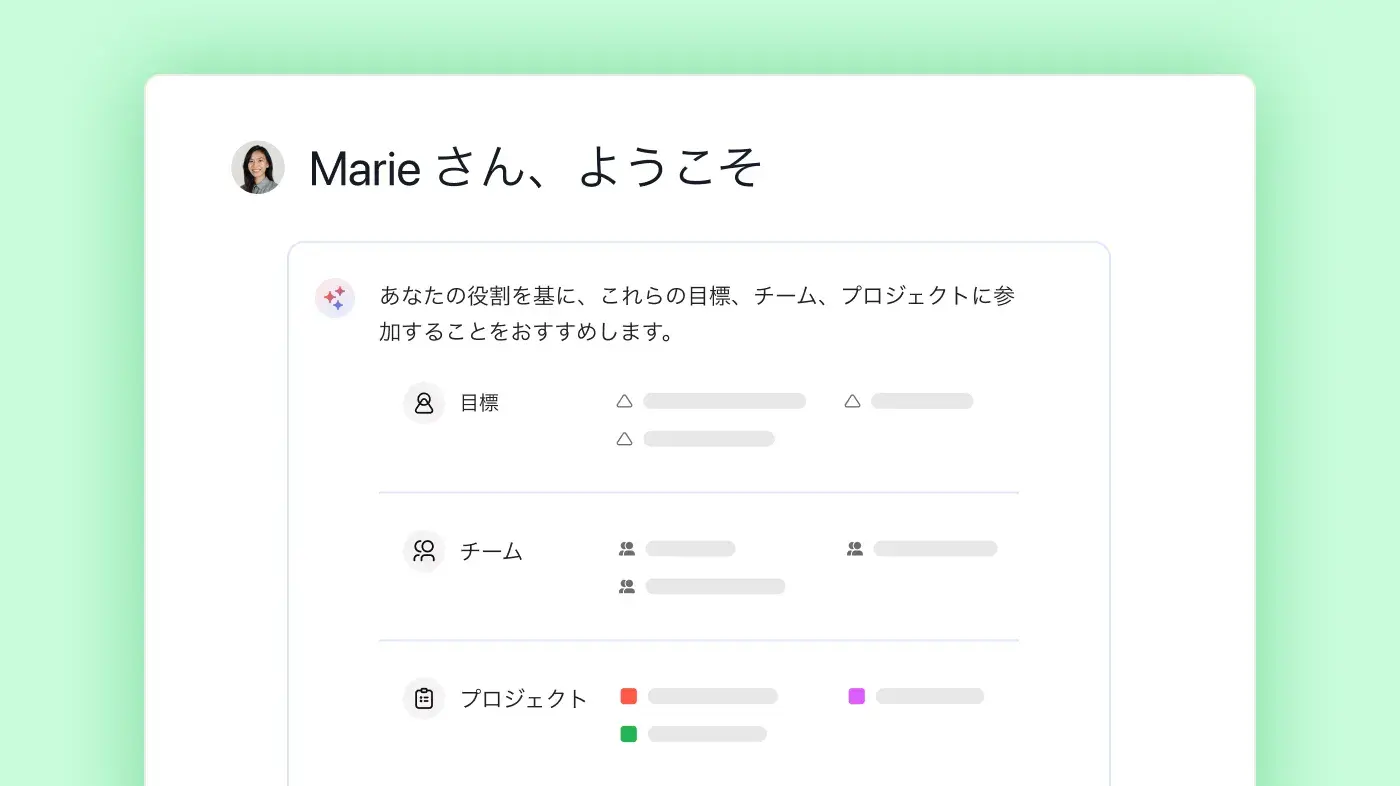
迅速な導入のための体系的なオンボーディングとガイダンス
Asana では、直感的なインターフェイスに加え、包括的なオンボーディング、アプリ内ガイダンス、テンプレート、チェックリスト、Asana アカデミーのトレーニングが提供されているため、チームは 1 つのプラットフォームで、タスクの追跡から企業ポートフォリオの管理まで、幅広い業務を遂行できます。 詳しく見る
400 以上のアプリとの連携で業務を効率化
Asana は、Slack、Microsoft Teams、Google ドライブ、Salesforce などの一般的に使われているツールを含む 400 種類以上のアプリと連携できます。これにより、チームはプロジェクトや部署を横断するワークフローをつなぎ、よりスムーズに協力して業務を進められます。 詳しく見る
仕事全体の更新を一元管理
Asana なら、コミュニケーションとプロジェクトの最新情報を 1 か所でつなげられます。 コメント、ファイル共有、一元化された受信トレイにより、全員に必要な情報を届けることができます。また、タスクを複数のプロジェクトに登録できるため、最新情報がチーム間で自動的に共有されます。 詳しく見る
Asana が お客様に選ばれる理由


“Smartsheet や Monday など、他のプラットフォームも試してみましたが、Asana は最もクリーンでユーザーフレンドリーなデザインが特徴で、長時間のトレーニングも必要ありません。Asana AI スタジオは、ワークフローの自動化と調整に大きな変化をもたらします。"
- Brandon H. 氏、CFO
“Smartsheet や Monday など、他のプラットフォームも試してみましたが、Asana は最もクリーンでユーザーフレンドリーなデザインが特徴で、長時間のトレーニングも必要ありません。Asana AI スタジオは、ワークフローの自動化と調整に大きな変化をもたらします。"
- Brandon H. 氏、CFO
“Smartsheet や Monday など、他のプラットフォームも試してみましたが、Asana は最もクリーンでユーザーフレンドリーなデザインが特徴で、長時間のトレーニングも必要ありません。Asana AI スタジオは、ワークフローの自動化と調整に大きな変化をもたらします。"
- Brandon H. 氏、CFO
“Smartsheet や Monday など、他のプラットフォームも試してみましたが、Asana は最もクリーンでユーザーフレンドリーなデザインが特徴で、長時間のトレーニングも必要ありません。Asana AI スタジオは、ワークフローの自動化と調整に大きな変化をもたらします。"
- Brandon H. 氏、CFO
Asana の柔軟で拡張性の高いワークフローで、チームの成長を支援
プロジェクトのカスタマイズからツール連携、進捗管理まで。あらゆる規模のチームが、Asana で仕事を一元管理できます。


![[比較 - Monday] 機能タブ (レポートと分析)](https://assets.asana.biz/transform/8aa41d60-779d-45ab-b1a1-c3405c6b42e3/compare-monday-fy26-features-reporting?io=transform:fill,width:2560&format=webp)
![[比較 - 月曜日] 機能タブ (カスタマイズとパーソナライズ)](https://assets.asana.biz/transform/9320191e-4027-40b5-afaf-ce7577cafad0/compare-monday-fy26-features-customization?io=transform:fill,width:2560&format=webp)


チーム全体で実用できる AI
Asana の AI チームメイトは、使い始めたその時から、チームの目標、プロジェクト、依存関係まで把握します。monday.com のボード形式では、こうした仕事のつながりまで捉えることはできません。
Asana の AI チームメイトは、チーム全体のナレッジや仕事の文脈を共有し、使うほど賢くなっていきます。monday.com のエージェントはセッションごとに記憶がリセットされるため、毎回ゼロから始めることになります。
Asana では、AI による操作も人間が行った操作と同じように、すべてアクティビティログに記録されます。一方、monday.com ではエージェントの操作が人間のユーザーに紐づくため、責任の所在が見えづらくなります。
専門家からの Asana の評価
Asana は業界アナリストや大企業のお客様から、ワークマネジメントプラットフォームの決定版としての評価を頂いています。

Projects are spread across tools and inboxes
コラボレーティブワークマネジメントのリーダー企業に 3 年連続で選出

No shared view of progress and deadlines
12,000 件を超えるユーザーレビューにより、ワークマネジメントと OKR ソフトウェアのリーダー企業に選出

Status updates eat the week
Every Friday, you chase updates and paste them into a deck. Then Monday's check-in runs on Friday's information, because that's the last time anyone pulled it all together. It's stale before anyone reads it. Across every project you run, manual reporting turns into a second job.
This is exactly what we built Asana to fix.


会社の規模
Enterprise 以上
業界
テクノロジー
事業を拡大していく上で必要なのは、プロジェクトマネージャーが逐一管理することなく、個人が Asana を使いこなせる環境を整えることです。 私たちは、社員がそれぞれプロジェクトを作成できるように、必要最低限のガイドラインを設けて、あとは柔軟に対応したいと考えています。
Marc Seitz 氏
脅威および脆弱性管理部門、シニアセキュリティプログラムマネージャー



FAQ (よくある質問)
Migrating your projects to Asana is straightforward, with dedicated onboarding resources and step-by-step guides to walk teams through the process. For larger teams or complex projects, Asana also provides professional services and guided support to reduce the risk of data loss and ensure a smooth transition.
Wrike migrations often require more manual setup and technical knowledge, which can slow adoption for teams with many projects. Asana’s structured onboarding, built-in guidance, and additional professional services make it easier to move work into a single platform, enabling teams to begin managing projects and tracking tasks quickly without disrupting ongoing workflows.
Asana provides a comprehensive suite of onboarding resources to help teams learn the platform quickly, including Asana Academy. Teams can access self-paced courses, live webinars, and in-app onboarding checklists to reduce the learning curve and make project management accessible, even for larger teams or those with limited IT support. These resources support efficient adoption and help teams master key features at their own pace.
Wrike has a less intuitive interface, which can slow adoption and make it harder for teams to get started. Asana’s structured learning tools and step-by-step guidance make it easier for teams to understand workflows, standardize practices, and begin managing projects effectively from day one.
Asana protects your organization’s data with enterprise-grade security controls and maintains a robust set of compliance certifications suitable for regulated industries. Teams can access detailed security and compliance documentation to understand how Asana meets requirements for data privacy, auditability, and regulatory standards, helping ensure a secure and compliant transition when migrating from Wrike to Asana.
Wrike offers security features, but Asana’s transparent documentation and compliance framework make it easier for organizations to verify regulatory adherence, manage sensitive data, and maintain secure workflows across teams, especially during onboarding and migration.
You can keep your existing workflows when moving to Asana, thanks to native integration with over 400 tools and robust support resources. Asana also provides integration guides and workflow templates to help you connect your current project management software and processes without major disruption.
Wrike supports integrations but often requires additional configuration or add-ons to fully connect tools and workflows, which can make it harder to maintain established processes. Asana’s flexible platform and native integrations allow teams to transition smoothly while preserving how they already work and improving overall efficiency.
あらゆるチームや組織で、AI エージェントとの協働を実現するエージェント型ワークマネジメントプラットフォーム
*2025年 12月時点のデータに基づきます。