


スタートアップからフォーチュン 100 企業まで、Asana は 17 万以上のチーム*から高い評価を受けています。









Asana と Jira の違いとは?
機能
チームのための AI
Asana AI チームメイトは、Work Graph を基盤とする AI エージェントです。チームの目標やプロジェクト、タスク間の依存関係など、業務に必要なコンテキストを把握し、導入初日からチームの業務をサポートします。さらに、AI チームメイトが実行したアクションはすべて可視化され、履歴を確認できるため、透明性を確保しながら監査にも対応できます。詳しくはこちら
400 以上のネイティブ連携機能で仕事のつながりを維持
Asana は、Slack、Microsoft Teams、Google ドライブ、Salesforce など、一般的なツールとの 400 種類以上のネイティブなファーストパーティ連携を提供しているため、チームは部署間のワークフローをつなぎ、効率的にコラボレーションを拡大できます。 詳しく見る
プロジェクトとワークフローのカスタマイズ
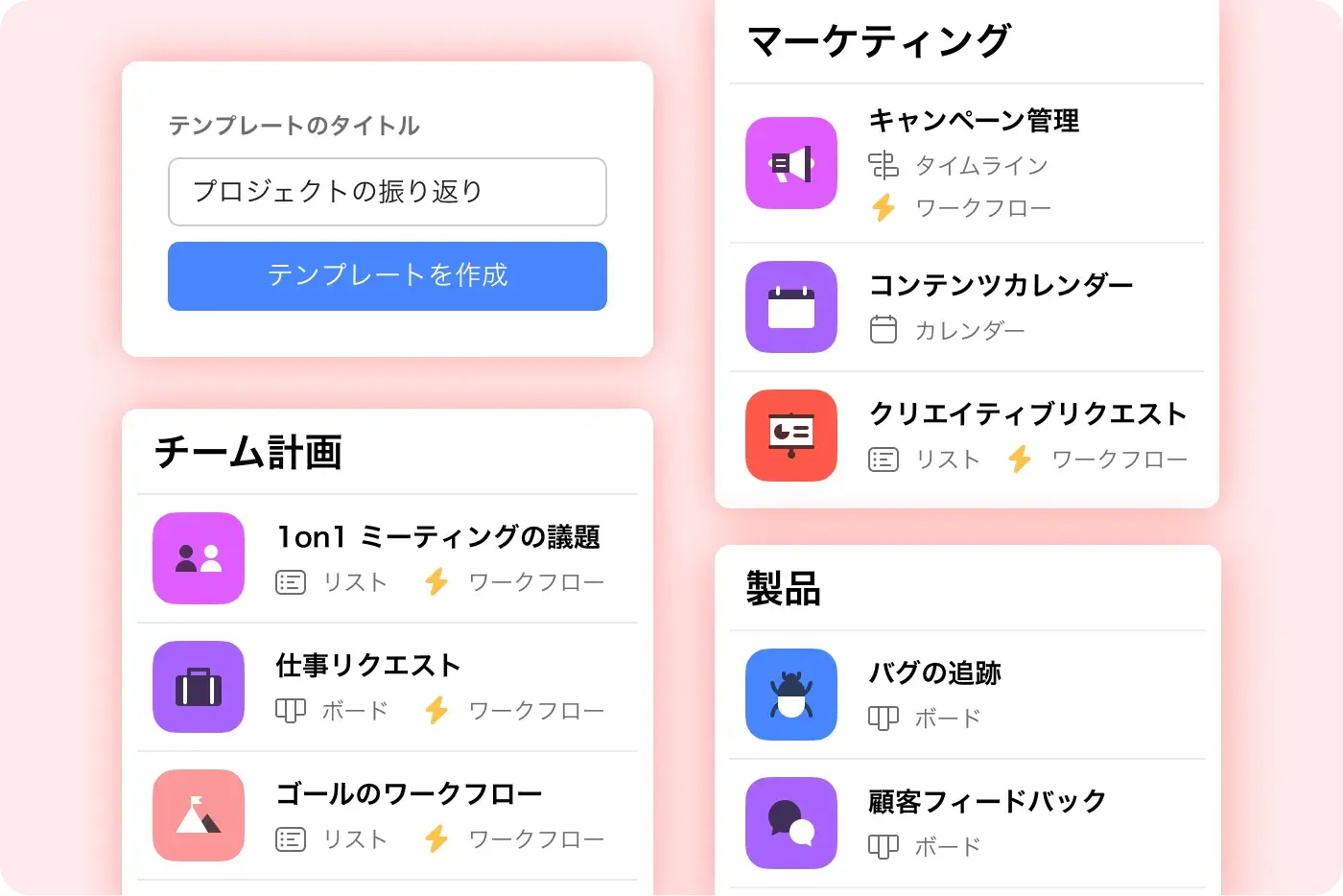
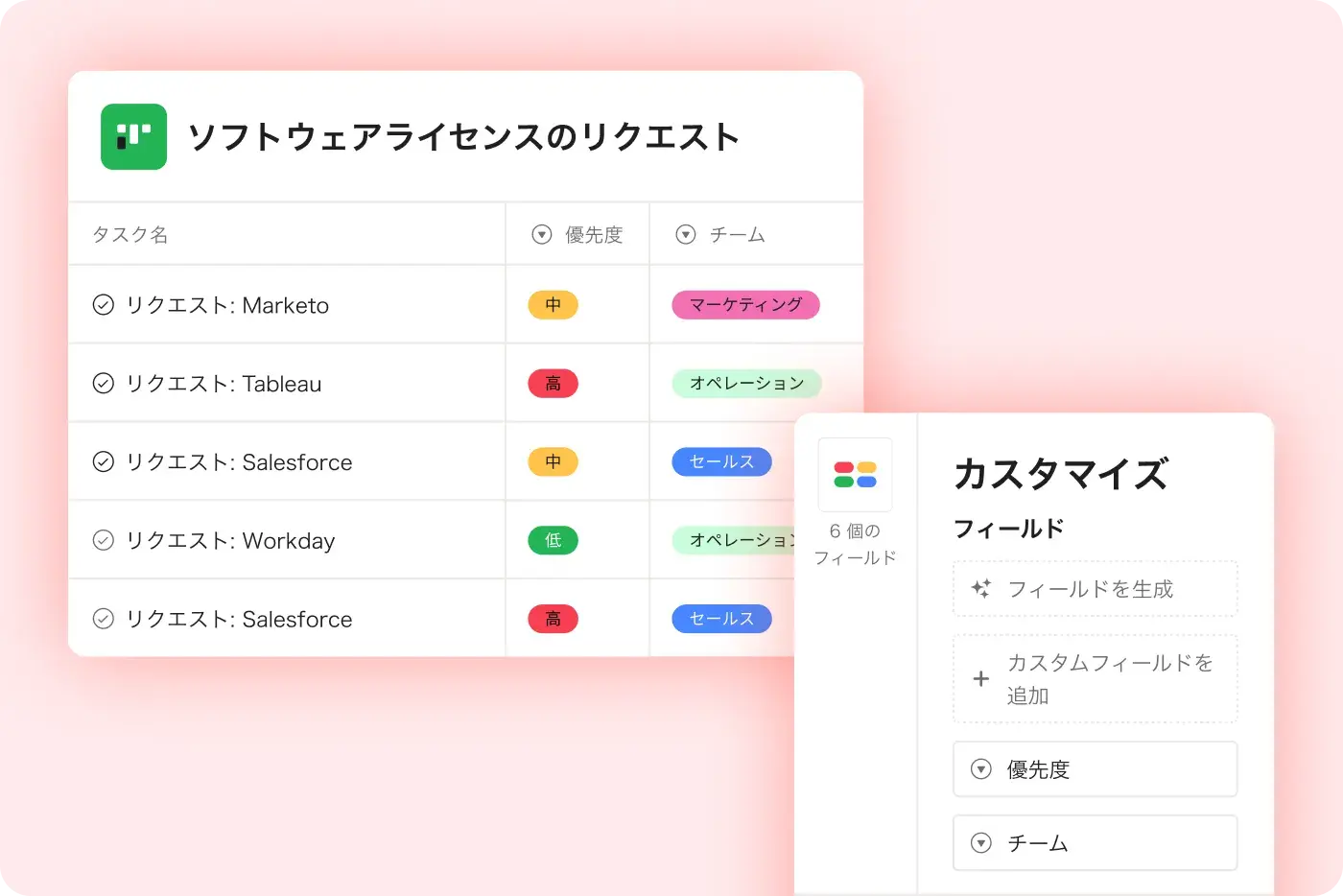
Asana では、カスタムフィールド、複数のプロジェクトビュー、テンプレートを使用して、体系的で使いやすいカスタマイズが可能です。そのため、チームは複雑さを増やすことなく、すばやく対応し、ワークフローを効率的に管理できます。 詳しく見る
マルチホーミング
会社の目標に向けてスケールアップする際に、チームの効率化を支える情報ハブを作成できます。
高度な目標とレポート
組織戦略の実行をシームレスに標準化、視覚化、管理、報告できる、AI により強化された目標。Asana を使用すると、リアルタイムで可視化でき、会社の目標とそれを支える仕事をつなげることができます。
1 つのプラットフォームを明快な価格設定で
Asana のプランは明快で、購入した場合のコストの総額を確認できます。追加のソフトウェアなどは一切不要で、費用は 100% 表示価格そのままです。
企業向けプラットフォーム
Asana は、自由自在なオートメーション、幅広い連携サポート、組織全体でのプロセスの統一を備えた、統一された使いやすいプラットフォームを提供します。これにより、チームは業務の複雑さを増やすことなく、効率的に規模を拡大できます。 詳しく見る
Asana が お客様に選ばれる理由


I find Asana incredibly valuable for managing product teams, planning, and handling daily tasks due to its user-friendly interface, which is a significant improvement over my team's previous experience with Jira.
I love the ease of use that Asana offers, making it simple to set up boards and manage projects. … Compared to Jira, Asana's streamlined project management strongly appeals to me as a designer.

Asana を使えば、OKR の管理や進捗の追跡が簡単になります。全社の重要な優先事項を把握したうえで、それに沿って業務を計画、追跡、報告できます。Asana のおかげで業務効率が大幅に向上し、施策の実行や事業の拡大もよりスピーディーに進められるようになりました。
Dian Rosanti 氏、プロダクトマネジメント

Zoom の成長に伴い、優先順位付けやビジネス上の意思決定に活かせるよう、全社の状況を一目で把握できる仕組みを求めていました。具体的には、可視性、説明責任、仕事の進め方の一貫性、そしてチーム間の知識共有が必要でした。
Ariel Chavan 氏、セキュリティ部門責任者
Asana の柔軟で拡張性の高いワークフローで、チームの成長を支援
プロジェクトのカスタマイズからツール連携、進捗管理まで。あらゆる規模のチームが、Asana で仕事を一元管理できます。




![[比較 - Monday] 機能タブ (連携と拡張性)](https://assets.asana.biz/transform/2090e635-5343-4f52-a1ee-4e4a04a8f67e/compare-monday-fy26-features-integrations?io=transform:fill,width:2560&format=webp)
AI your whole team can actually use
Asana AI Teammates understand your goals, projects, and dependencies from day one—Jira’s AI is siloed within technical tickets, missing the cross-functional context of your business goals.
Asana AI Teammates build shared memory that compounds across your whole team—Atlassian Intelligence focuses on summarizing issues rather than maintaining a persistent "brain" for your organization.
Every AI action is visible in your activity log, just like a human teammate—Jira often attributes AI suggestions to the user who accepted them, creating accountability gaps.
専門家からの Asana の評価
Asana は業界アナリストや大企業のお客様から、ワークマネジメントプラットフォームの決定版としての評価を頂いています。

Projects are spread across tools and inboxes
コラボレーティブワークマネジメントのリーダー企業に 3 年連続で選出

No shared view of progress and deadlines
12,000 件を超えるユーザーレビューにより、ワークマネジメントと OKR ソフトウェアのリーダー企業に選出

Status updates eat the week
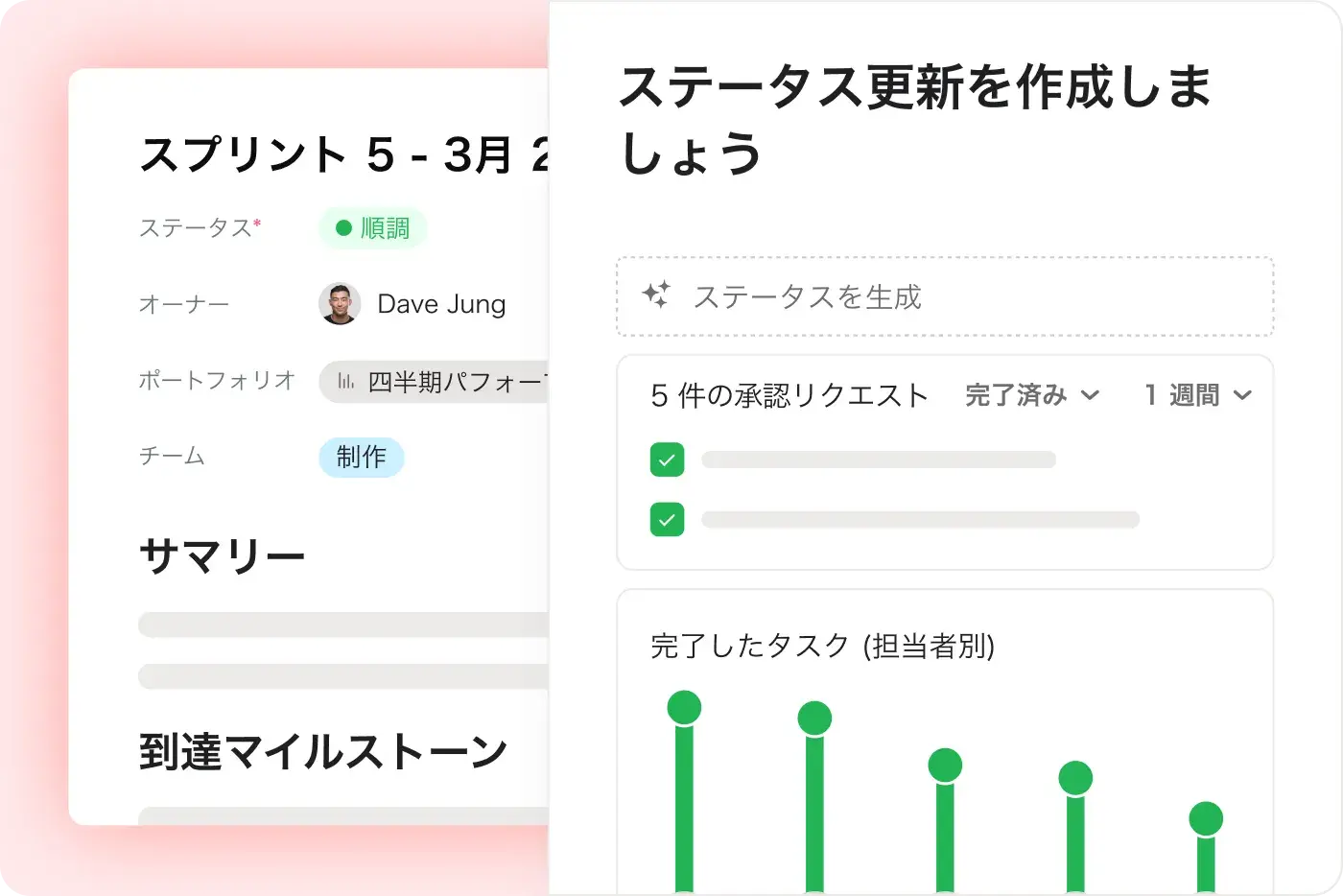
Every Friday, you chase updates and paste them into a deck. Then Monday's check-in runs on Friday's information, because that's the last time anyone pulled it all together. It's stale before anyone reads it. Across every project you run, manual reporting turns into a second job.
This is exactly what we built Asana to fix.
FAQ (よくある質問)
Switching from Jira to Asana is straightforward for teams of all sizes, thanks to Asana’s intuitive interface and robust onboarding resources, including step-by-step migration guides and in-product education through theAsana Academy. Teams can quickly import projects and tasks, learn new workflows, and start collaborating without the need for technical administrators or complex setup. Guides on creating tasks in Asana help teams adopt best practices immediately.
Jira is often described as having a steep learning curve and requiring more admin involvement, which can slow down adoption and increase migration anxiety. Asana’s project management features help teams maintain structured workflows, collaborate across departments, and adopt advanced features quickly, allowing teams to stay productive without relying on IT support.
Asana offers a full range of training and support resources, including the Asana Academy for on-demand courses, a comprehensive Help Center, and live support options for all users. These resources are designed to help teams of any size quickly learn, troubleshoot, and optimize their use of the project management platform, regardless of technical background.
Jira’s support ecosystem is often more complex and less accessible for smaller teams. Asana’s structured learning and responsive support make ongoing training straightforward and approachable, allowing teams to get answers quickly, improve project management skills over time, and maintain productivity without relying heavily on IT support.
Asana is designed for rapid onboarding across both technical and business teams, with an intuitive interface and in-product education that help everyone get started quickly—no technical administrator required. Flexible workflows and clear project management features make it easy for marketing, operations, and engineering teams to collaborate from day one, regardless of their background, supported by resources like the getting started guide.
Jira is often tailored for software development teams and can require more technical setup, making onboarding less accessible for non-technical users. Asana’s structured approach, cross-functional support, and accessible onboarding resources allow all team members to start managing projects efficiently from day one.
Yes, you can import your existing projects and data into Asana using built-in import tools for CSV files, Jira, and other platforms, with step-by-step guidance available in the Help Center. This makes it straightforward for teams—including those moving from Jira—to bring their project management data into Asana without manual re-entry or data loss, supporting a smooth onboarding experience for both technical and non-technical users.
Jira typically requires more manual migration steps or technical expertise, while Asana provides dedicated import resources and onboarding support through features like project importing and exporting and CSV import.
Asana helps teams get up to speed quickly by offering an intuitive user interface, built-in onboarding resources, and ready-to-use templates that require no technical admin support. This approach enables teams—including those new to project management software—to start organizing projects, assigning tasks, and collaborating right away, with in-product education and help articles available at every step.
Jira often requires more setup time and administrative involvement before teams can begin managing projects, making Asana a faster choice for organizations seeking rapid adoption and immediate value.
フォーチュン 100 企業の 85% が Asana を採用**。あなたも仲間入りしませんか
**2025年 12月時点のデータに基づきます。無料ユーザーと有料ユーザーが含まれます。