


Kickoff meeting template
Use a repeatable kickoff meeting template to coordinate your team around goals, roles, and next steps so every project starts off organized.
Sign up to create your own template.
Kickoff meeting template
Use a repeatable kickoff meeting template to coordinate your team around goals, roles, and next steps so every project starts off organized.
Create your templateSign up to create your own template.
INTEGRATED FEATURES
Recommended apps




Summary
A project kickoff meeting helps your team align on goals, roles, and expectations before work begins. A project kickoff meeting template provides a repeatable structure for planning, running, and documenting the meeting without starting from scratch. Below, you'll learn what to include in your template, how to structure the agenda, and common mistakes to avoid.
![[Product ui] Kickoff meeting project in Asana, spreadsheet-style view (List)](https://assets.asana.biz/transform/9170a22c-5222-47e9-bc10-44edbe56e10e/TG23-web-hero-026-kickoff-meeting-static-2x?io=transform:fill,width:2560&format=webp)
What is a project kickoff meeting template?
A project kickoff meeting template is a reusable document that lists the agenda, roles, and main topics your team needs for a successful kickoff. It helps you organize the discussion, record decisions, and assign next steps, so every meeting follows a proven format. With a template, it’s easier to set goals, mark key milestones, and keep your team working together from the beginning.
Benefits of a digital project kickoff meeting template
Organizing a project kickoff meeting involves many moving pieces. A digital template helps you track everything in real time as you coordinate with stakeholders and prepare for the big day. You can plan the meeting, share your project launch agenda, assign action items, and take meeting notes all in one place.
With Asana's digital project kickoff meeting templates, you can:
Standardize kickoff planning so every meeting covers the same core agenda items.
Plan, run, and manage follow-up work in a single Asana project, rather than across multiple tools.
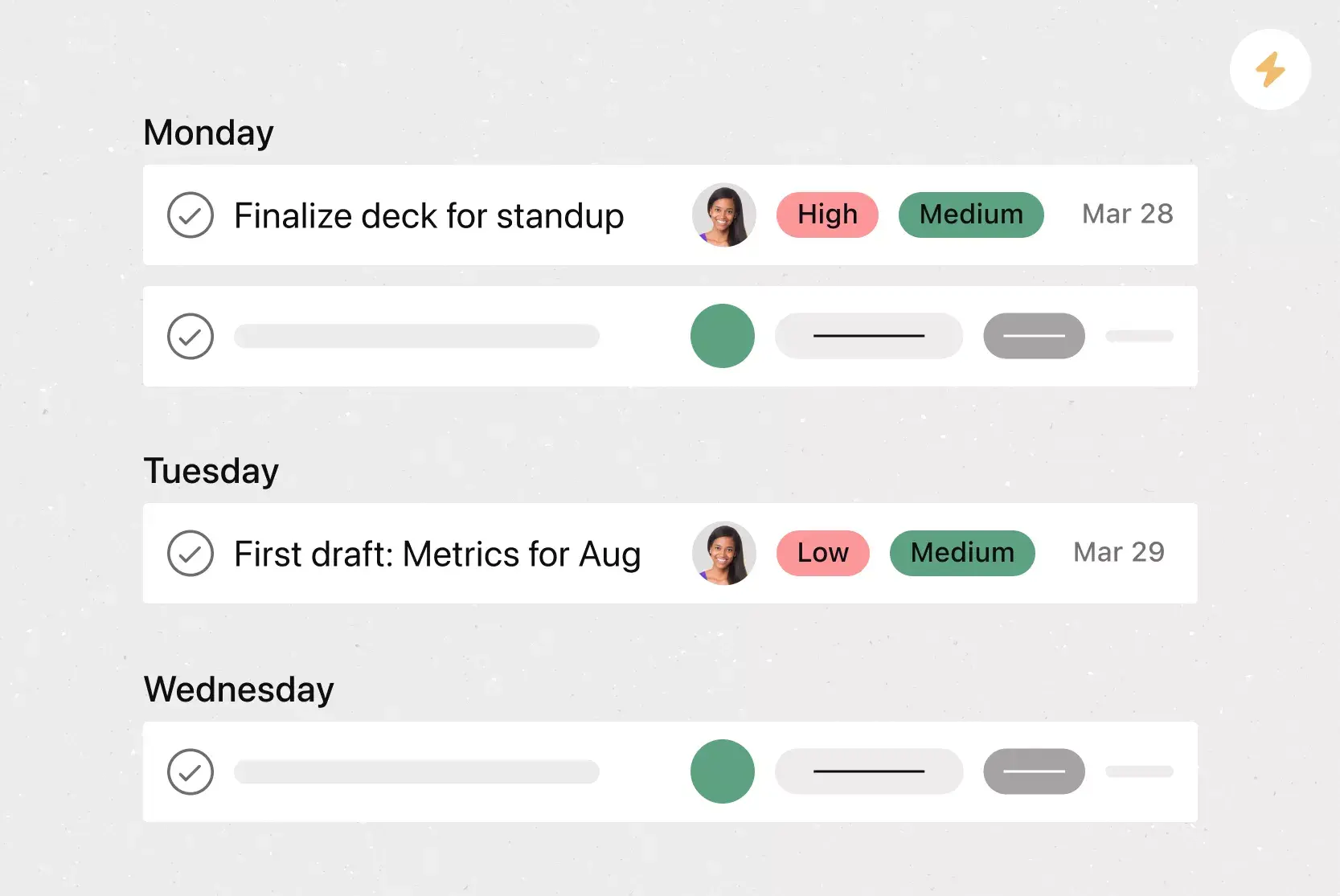
Assign owners and due dates to discussion topics.
Capture open questions and action items directly into a shared sprint backlog.
Schedule check-ins to revisit decisions and track project progress after the meeting.
Attach context materials, such as documents, slides, or videos, to keep conversations grounded.
Generate a lightweight status report from completed tasks and decisions.
Close the loop with a short retrospective to document what worked and what to adjust next time.
Why use a kickoff meeting template
If you don’t have a clear plan, kickoff meetings can turn into unfocused conversations, and people may leave with different ideas about the project’s goals and next steps. A kickoff meeting template helps by giving your team a shared starting point whenever you begin new work.
Here's why a template matters:
Shared understanding from day one: A template ensures that every kickoff covers the same core topics, so your team walks away aligned on what needs to happen and who's responsible.
Less time on setup, more time on strategy: Instead of building an agenda from scratch for each project, you can customize a proven structure and focus your energy on the work itself.
Fewer missed details: Templates prompt you to address risks, dependencies, and open questions that might otherwise slip through the cracks in a freeform meeting.
Consistent quality across projects: Whether you're kicking off an internal initiative or a client engagement, a template helps you maintain a reliable standard no matter who's facilitating.
What to include in your project kickoff meeting template
An effective kickoff meeting template gives your team direction and reduces assumptions during project initiation. It should help facilitators guide the discussion, clarify the project's purpose, coordinate team members, identify risks, and ensure everyone leaves with clear next steps.
Your kickoff meeting template should include:
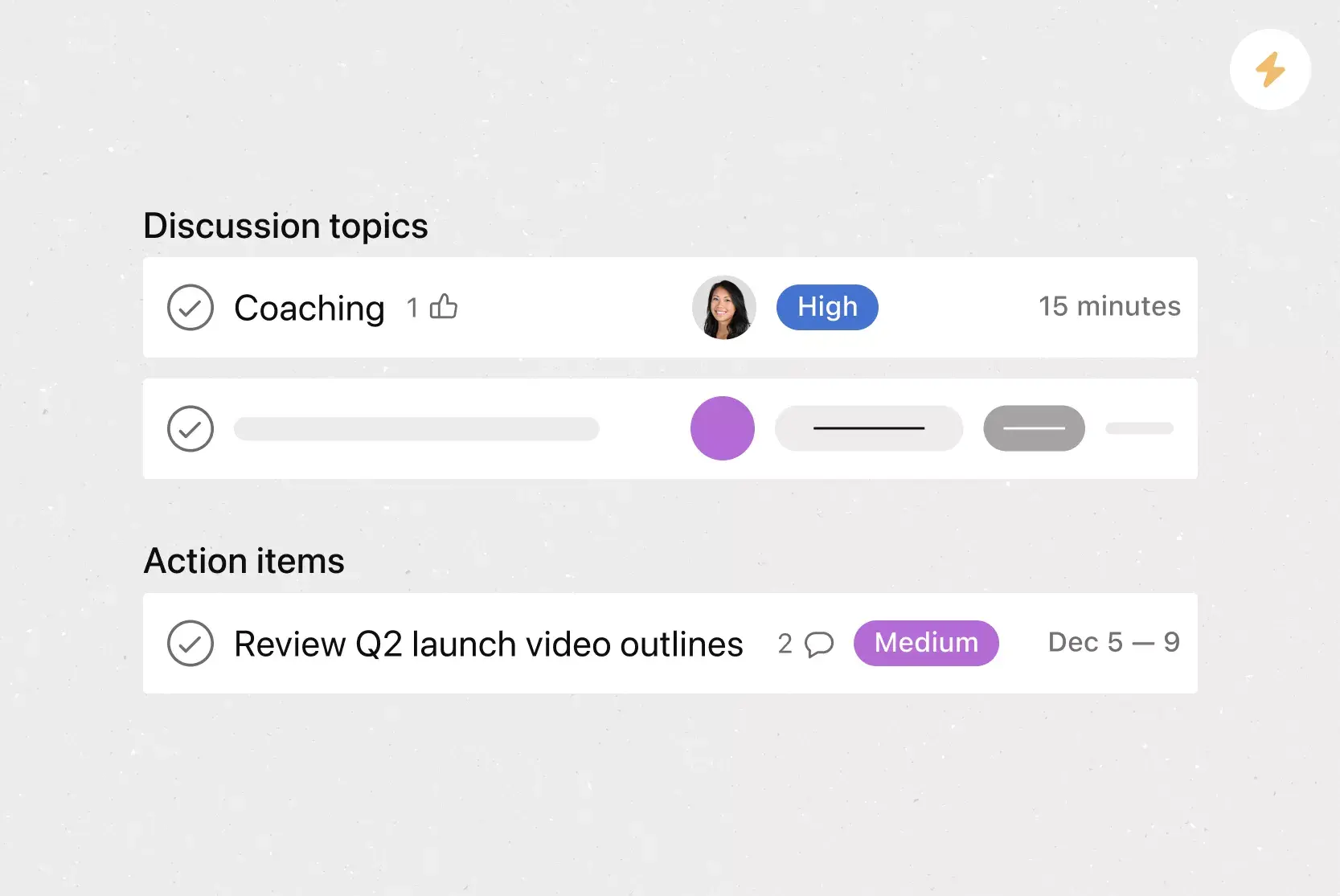
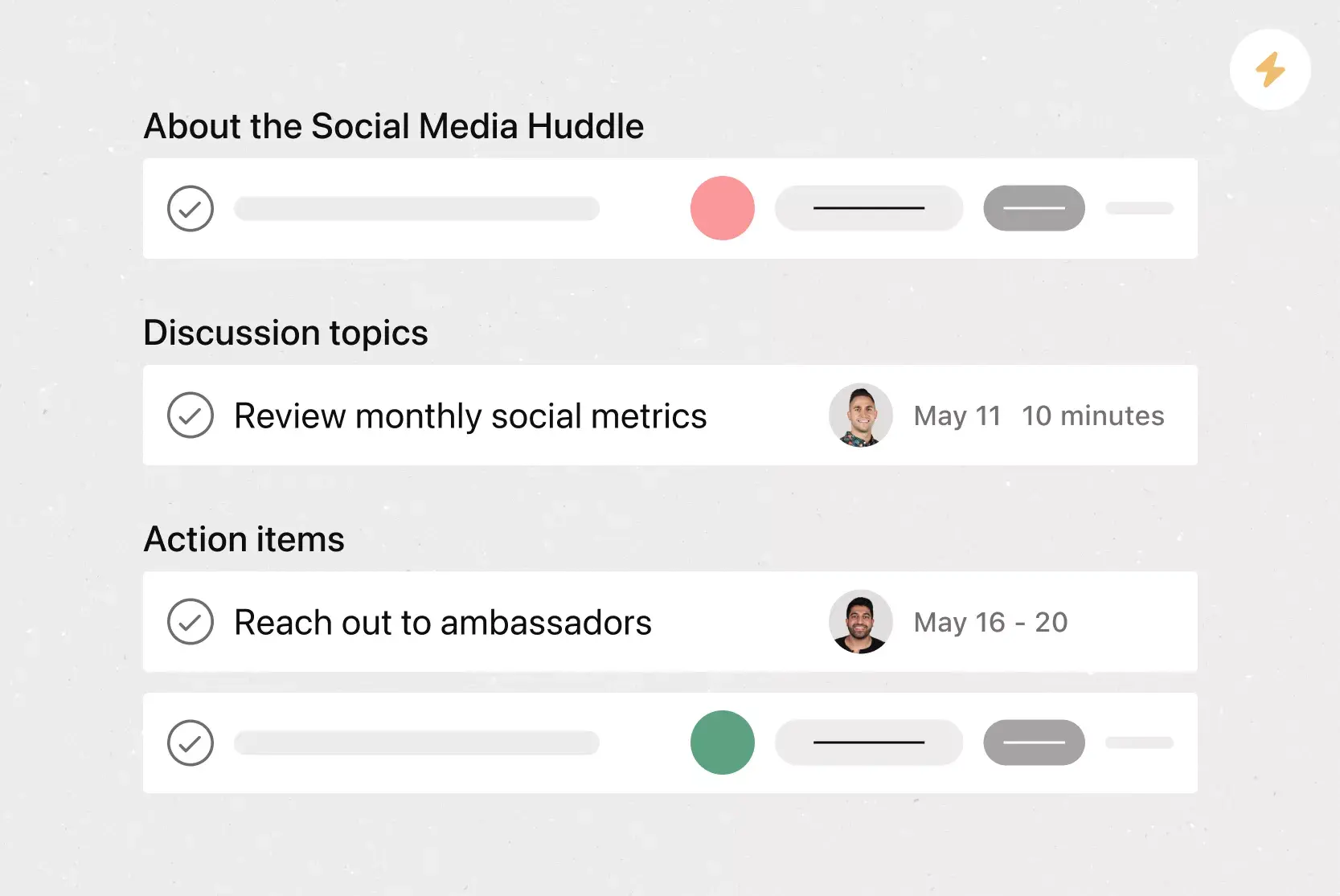
Agenda items: Build a meeting agenda with the topics to discuss, a timeline for each, and a few icebreakers to help the team connect.
Meeting roles: Assign roles and responsibilities to the facilitator, presenters, and note-takers to ensure the meeting runs smoothly.
Admin tasks: Plan prep and follow-up, including sharing materials, assigning action items, and sending meeting minutes.
Project plan: Share the project's purpose, project objectives, and how this workflow will drive project success.
Outcomes and next steps: Summarize decisions, confirm ownership of each task, and outline an action plan to keep the project moving forward.
![[Product UI] Meeting agenda, project kickoff in Asana (Tasks)](https://assets.asana.biz/transform/4108d52d-ac5c-47cf-9af8-5e6c7568b881/Project-kickoff-meeting-agenda_1400?io=transform:fill,width:2560&format=webp)
Integrated features
Custom fields. Tag, sort, and filter tasks by priority, status, or other details so team members know what to prioritize.
Adding tasks to multiple projects. Track tasks across teams and departments to reduce silos, whether the work supports an internal project or a broader initiative.
List View. See tasks, owners, and due dates in a Gantt-chart style view that makes responsibilities and progress easy to scan.
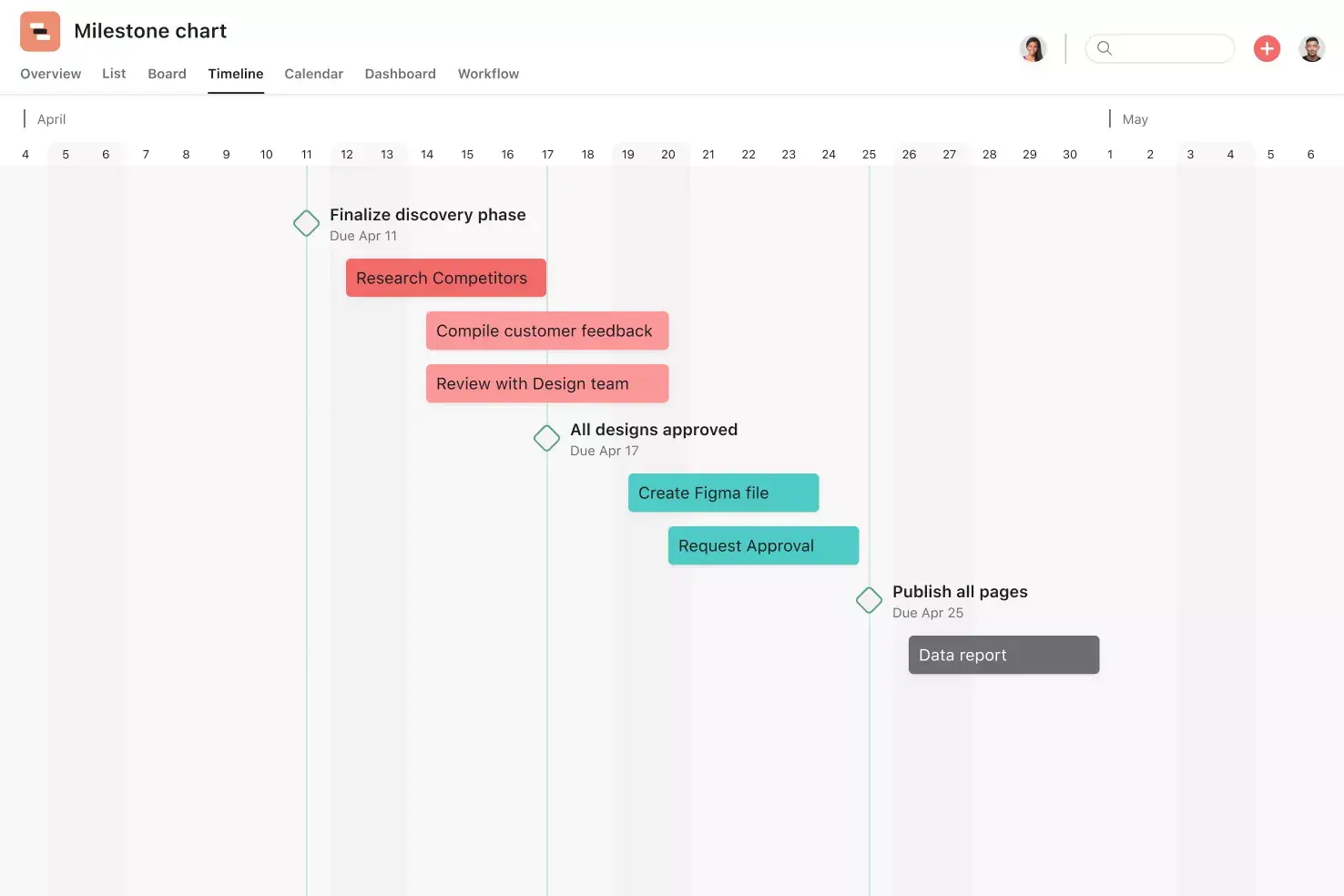
Start dates. Plan when work should begin, not just when it's due, so dependencies and timelines are top of mind.
Recommended apps
Zoom. Prepare agendas, capture action items during meetings, and keep recordings and transcripts linked to follow-up work.
Dropbox. Attach files directly to tasks in Asana using the built-in Dropbox file chooser in the Asana task pane.
Google Workplace. Attach files directly to tasks in Asana using the Google Workplace file chooser, built into the Asana task pane. Easily attach any My Drive file with just a few clicks.
Jira. Connect technical and business teams by creating and tracking Jira issues directly from Asana.
How to structure your kickoff meeting
It’s important to know what to include, but how you organize and run the meeting is just as key. A well-planned kickoff meeting keeps the discussion on track, assigns clear roles, and concludes with action items.
How do you use a project kickoff meeting template?
A project kickoff meeting template helps you plan the meeting, run it smoothly, and keep track of what needs to be done afterward. Rather than seeing the kickoff as a single meeting, the template acts as a shared space for preparation, discussion, decisions, and follow-up.
To use a project kickoff meeting template effectively:
Make a copy of the template for the specific initiative you're kicking off.
Customize agenda topics, meeting roles, and prep tasks to match the scope and complexity of the work.
Assign owners and due dates so presenters and stakeholders know how to prepare.
Use the template during the meeting to capture decisions, open questions, and action items in real time.
Attach supporting materials, such as briefs, slides, or reference documents, directly to relevant tasks.
After the meeting, use the same template to track follow-ups, share notes, and keep everyone aligned on next steps.
Sample kickoff meeting agenda
Here’s an example agenda for a 60-minute kickoff meeting that you can adjust to fit your team’s needs:
Introductions (5 min): Help everyone get comfortable
Overview and goals (10 min): Align on purpose and outcomes
Scope and deliverables (10 min): Define what’s included and expected
Roles and responsibilities (10 min): Confirm ownership
Timeline and milestones (10 min): Review key dates and dependencies
Risks and questions (10 min): Surface blockers and unknowns
Next steps (5 min): Assign tasks and confirm communication
Common kickoff meeting mistakes to avoid
Even with a solid template, some common mistakes can still hurt your kickoff meeting:
Skipping preparation: Share context materials at least a few days in advance so attendees arrive ready to make decisions.
Running without a clear agenda: Use your template's agenda to keep the conversation focused and time-boxed.
Overloading the meeting with information: Focus on the big picture and save granular details for follow-up documentation.
Leaving roles and ownership unclear: Assign clear owners to every action item before the meeting ends.
Forgetting to follow up: Track action items in your template and schedule a check-in within the first week to maintain momentum.
Start your next project on the right foot
A strong kickoff meeting sets the tone for everything that follows. When your team is aligned on goals, roles, and next steps from the start, you spend less time on confusion and more time on meaningful work. Get started with a free kickoff meeting template in Asana to standardize how your team launches projects and keep follow-up work connected to the plan.
Create a kickoff meeting templateFAQs about using kickoff meeting templates
Share project goals, timeline, scope, deliverables, and background context in advance so stakeholders arrive prepared and the meeting can focus on discussion and decisions.
Include your core project team, key decision-makers, and any stakeholders who need to stay informed throughout the project lifecycle. A RACI chart can help you determine who should be responsible, accountable, consulted, and informed.
Most kickoff meetings run between 30 and 90 minutes depending on the project's complexity. Sharing an agenda in advance helps keep the meeting focused regardless of length.
Include the meeting's purpose, date, time, location or video link, and a link to the agenda or pre-reading materials. Let attendees know what to review beforehand so the meeting can focus on decisions rather than context-setting.
If you run kickoff meetings regularly, a template saves time by giving you a proven structure to follow. It also helps the meeting run more smoothly, so your team can start every project with confidence.
Related templates
![[Templates] Team Brainstorm (Card image)](https://assets.asana.biz/transform/889d64ca-6f95-485f-888a-b015a0932852/TG23-web-hero-049-launch-post-mortem-thumbnail-2x?io=transform:fill,width:2560&format=webp)
![[Templates] Meeting agenda (Card image)](https://assets.asana.biz/transform/f9fa4005-1bcf-43d0-b78a-55f8f84c3569/TG23-web-thumbnail-026-kickoff-meeting-static-2x?io=transform:fill,width:2560&format=webp)
![[Templates] Board meeting agenda (Card image)](https://assets.asana.biz/transform/52921779-e705-44a8-96ed-ec80c021aa9e/operationsteams-board-meeting-agenda-m-premium?io=transform:fill,width:2560&format=webp)
![[Templates] Conference agenda](https://assets.asana.biz/transform/5a4fbf8a-4ae5-49ee-bba6-beb4dc28ac81/TG23-web-thumbnail-conference-agenda?io=transform:fill,width:2560&format=webp)

Create a kickoff meeting template with Asana
See why millions of people use Asana to get better work done.