


ASANA VS. clickup
Customize workflows without added complexity
Asana gives teams flexible project customization without the steep learning curve or setup overhead of ClickUp, so workflows stay usable and scalable as teams grow.


Asana is trusted by 170,000+ teams*, from startups to Fortune 100 companies









How does Asana compare to ClickUp?
FEATURES
AI built for teams
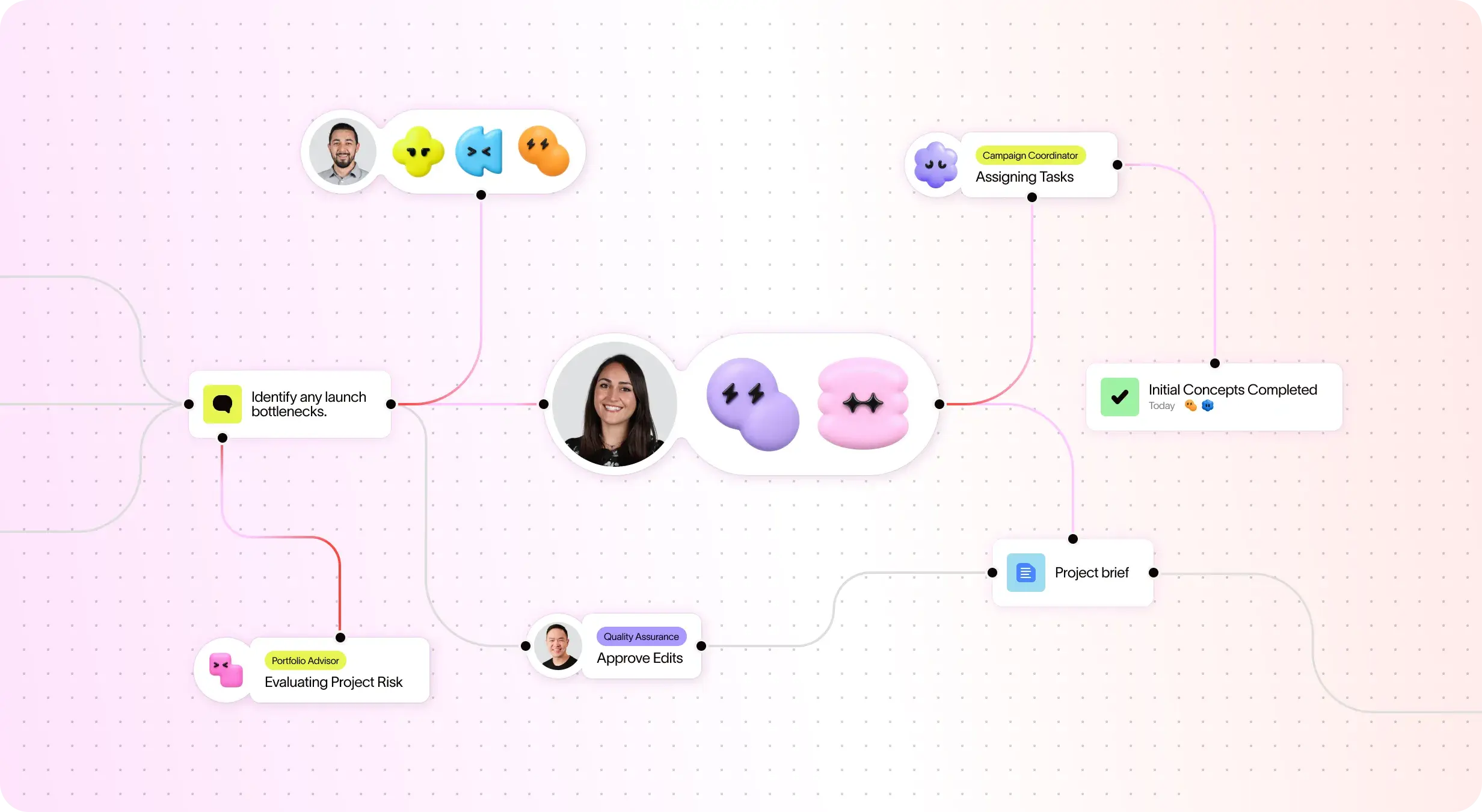
Asana AI Teammates are AI agents powered by the Work Graph, so they understand your team's goals, projects, and dependencies from day one—and every AI action is visible and auditable. Learn more.
Structured onboarding and guidance for fast adoption
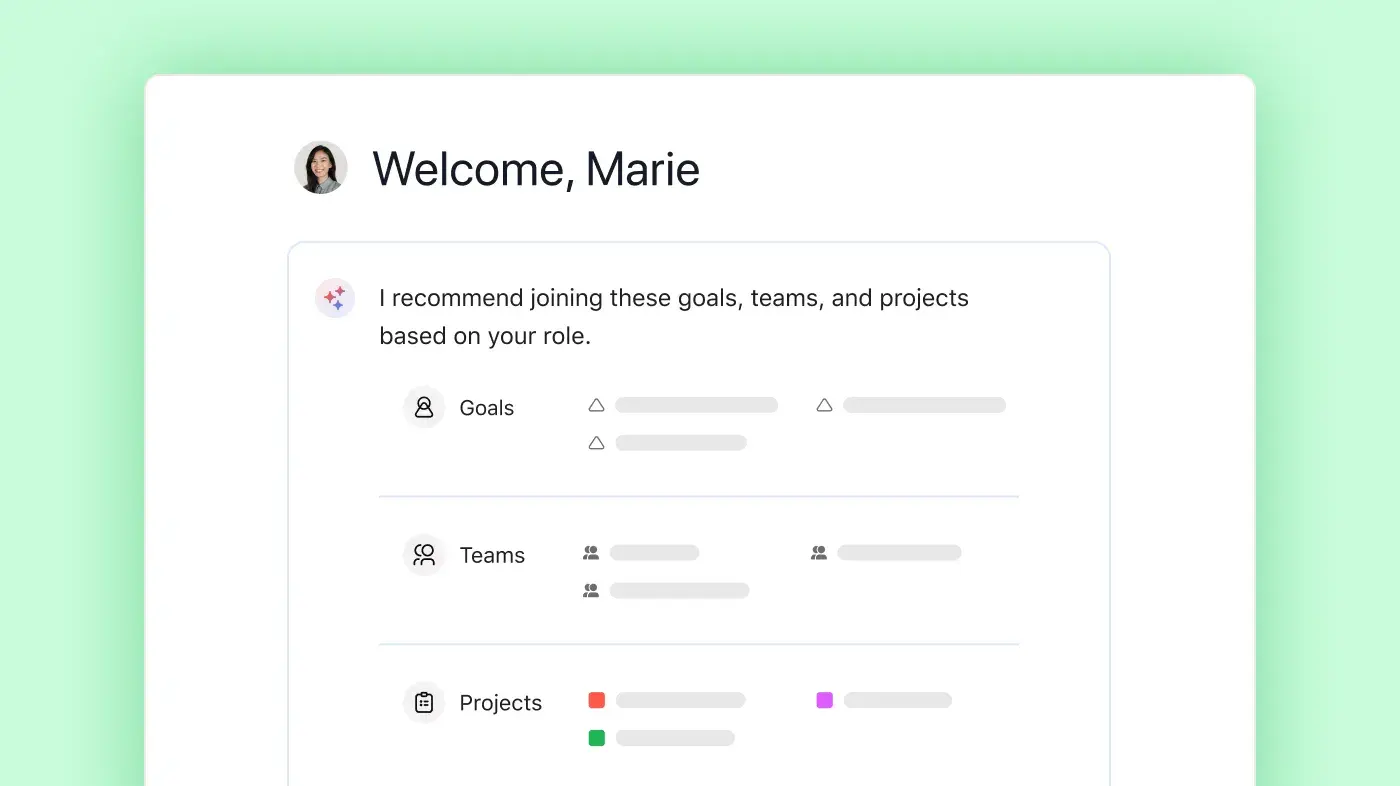
Asana combines an intuitive interface with built-in guidance, templates, checklists, and Asana Academy training to help teams get started quickly, maintain consistency, and stay organized as work scales. Learn more
Project and workflow customization
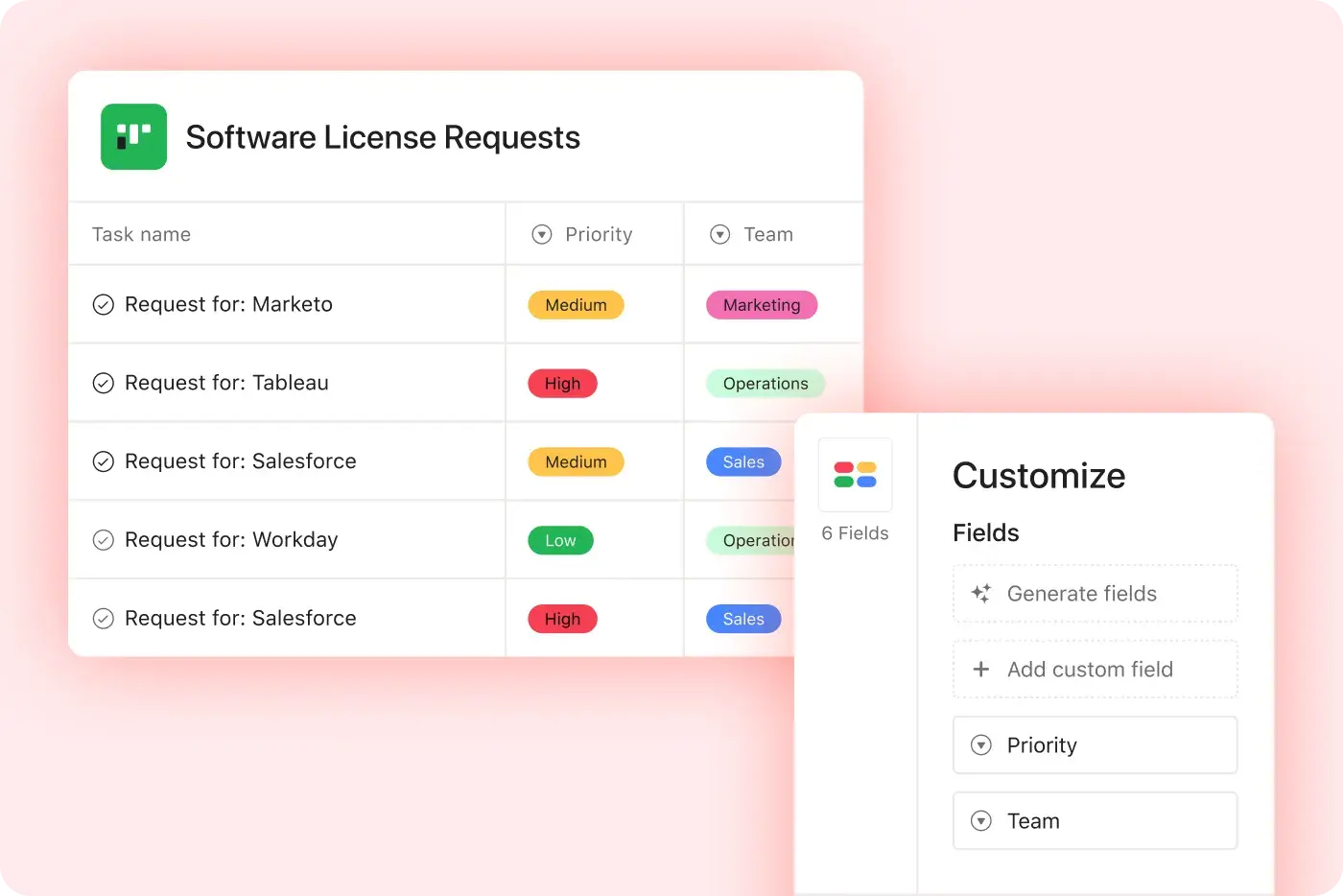
Asana provides structured, easy-to-use customization with custom fields, multiple project views, and templates, enabling teams to adapt quickly and manage workflows efficiently without added complexity. Learn more
400+ native integrations for connected work
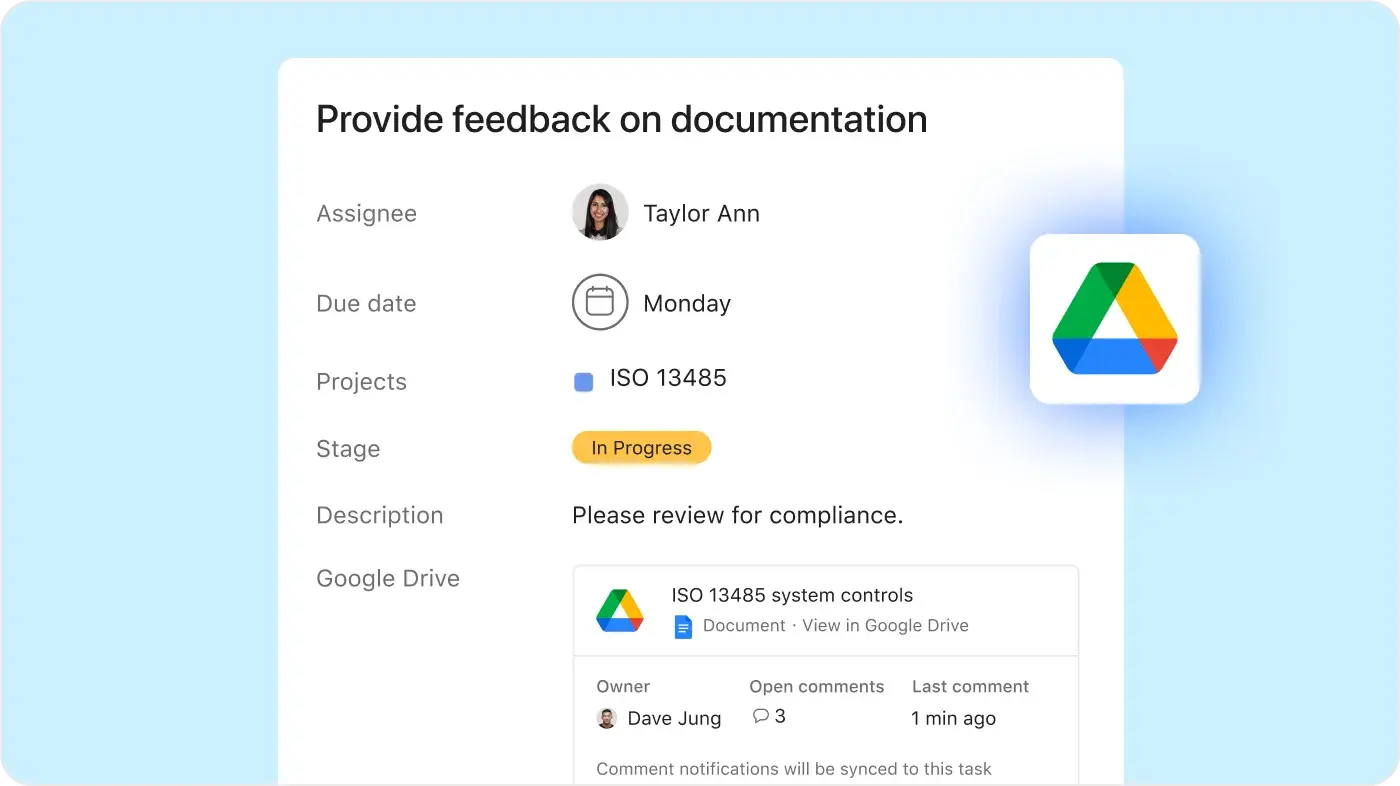
Asana offers 400+ native, first-party integrations with popular tools like Slack, Microsoft Teams, Google Drive, and Salesforce, enabling teams to connect workflows across departments and scale collaboration efficiently. Learn more
Scalable automation and AI workflows
Asana helps teams save time and reduce manual work with automation and AI features that streamline your processes. Rules can trigger actions across multiple projects, allowing complex workflows to run automatically and scale with your team. Learn more
Intuitive organization-wide reporting
Asana delivers real-time reporting that scales with your business. Teams can track goals, portfolios, and performance metrics across thousands of projects and tasks, with dashboards and insights that connect strategy to execution. Learn more
Enterprise-ready platform
Asana offers a unified, user-friendly platform with unlimited automation, broad integration support, and organization-wide standardization, making it easier to deploy and manage with less administrative overhead so teams can scale efficiently. Learn more
Why our customers prefer Asana


"One of the standout features is the user interface (UI)—it's clean, intuitive, and far more user-friendly than our previous platform (ClickUp). The clarity and simplicity of Asana's design were key drivers in our decision to switch."
"I think Asana is really great because it is not overly complicated, so it doesn't overwhelm me like ClickUp does."
"I've used Asana across multiple teams and project types, from marketing campaigns to product development. Compared to other project management tools like Trello, Monday, or ClickUp, Asana is my favorite-- especially when it is used to its full potential."
“I have used many project management tools, including Monday.com, Trello, ClickUp, and Wrike. Asana has the most intuitive interface, advanced integrations, smart features, and intuitive UI.”
Asana powers teams with flexible, scalable workflows
Explore how Asana helps teams of all sizes customize projects, connect tools, and report on progress—all in one place.




![[Compare - Monday] Feature tab (Integrations and scalability)](https://assets.asana.biz/transform/2090e635-5343-4f52-a1ee-4e4a04a8f67e/compare-monday-fy26-features-integrations?io=transform:fill,width:2560&format=webp)
AI your whole team can actually use
Asana AI Teammates understand your goals, projects, and dependencies—ClickUp Brain acts as a search tool, not a teammate that understands the "why" behind your work.
Asana AI Teammates build shared memory that compounds across teams—ClickUp’s AI focuses on quick outputs, lacking long-term knowledge.
Every AI action is visible in your activity log, just like a human teammate—ClickUp attributes agent actions to the user who triggered them, creating accountability blind spots in project history.
What experts say about Asana
Asana is rated as a top work management platform by industry analysts and enterprise organizations.

Projects are spread across tools and inboxes
Tasks sit in a spreadsheet, decisions in chat, files in email, and deadlines in someone's head. On a launch, marketing, design, and ops each track their piece differently. Without a shared project management tool, seeing the full plan means asking around.

No shared view of progress and deadlines
Status that only exists in people's heads can't warn anyone. A contract stalls in legal review for a week, and three teams find out when the launch date is already at risk. Without a live view of the whole project, small delays turn into missed dates.

Status updates eat the week
Every Friday, you chase updates and paste them into a deck. Then Monday's check-in runs on Friday's information, because that's the last time anyone pulled it all together. It's stale before anyone reads it. Across every project you run, manual reporting turns into a second job.
This is exactly what we built Asana to fix.


Company Size
Enterprise
Industry
Nonprofit
Asana gives us a common understanding about what needs to be done, so we can reduce the time we spend on admin and organizing — and focus on work that’s impactful in the field.
Caroline Abid
EU SWM Program Manager, Wildlife Conservation Society





FAQs
Teams often choose Asana when they need sophisticated task management that people can pick up quickly and use every day.
Types of teams that choose Asana over ClickUp:
Marketing teams use Asana to plan campaigns.
Product teams use Asana to coordinate launches.
Operations teams use Asana to manage requests.
PMOs use Asana to standardize project plans.
IT teams use Asana to connect technical work to tools like GitHub.
Customer support teams use Asana to route follow-ups or track recurring issues.
Asana works especially well for teams that need both workload management and ease of use. Instead of asking every team to build a complex workspace from scratch, Asana gives teams practical ways to assign owners, set deadlines, review priorities, and connect related information from tools like Notion or Google Docs when needed.
Teams can use Asana to manage many of the same project types they might consider ClickUp for, including product launches, marketing campaigns, creative production, content calendars, onboarding plans, IT rollouts, event planning, and company planning. The difference is that Asana helps teams structure this work around owners, deadlines, dependencies, approvals, and status updates, so each person knows what they own and what needs attention next.
For example, a marketing team can plan a campaign in timeline view, review launch dates in calendar view, organize production stages on a Kanban board, and use a Gantt layout to see how deadlines connect. A product team can break a launch into milestones and subtasks, while an operations team can add custom fields for priority, request type, or time tracking. That gives each team enough structure to manage complex work without turning the project into a maze of settings.
Asana enables advanced analytics by offering native integrations with leading BI tools such as Power BI, Tableau, and Looker, allowing teams to build custom dashboards and combine project management data with other business information for deeper insights. This approach gives organizations the flexibility to connect Asana’s structured reporting and real-time visibility with their broader analytics ecosystem, supporting both technical and business user needs.
ClickUp offers analytics within its platform, but these are less flexible for cross-system reporting. Asana’s native BI integrations let teams combine project and business data seamlessly, supporting enterprise-grade insights and faster, data-driven decisions.
A team should choose Asana when it wants an AI-assisted work management platform that supports planning, execution, reporting, and approvals without heavy setup. ClickUp can appeal to teams that want a broad feature set, including mind maps, unlimited storage, and native time tracking. But more features do not always make daily work easier to manage, especially when teams need consistent processes and fast adoption.
Asana makes more sense when teams care about how work is assigned, reviewed, approved, and reported. It’s a good fit for organizations that need project templates, automation, integrations, admin controls, portfolio reporting, and shared workflows. For growing teams, that usually matters more than choosing the tool with the longest feature list.
The only platform that can support your company at any scale
*Accurate as of December 2025