


What are collaboration tools anyway?
Need to work on common goals with others? Online collaboration tools are the key. Some simply give teams an easy way to communicate and share work, like email or chat apps. Others offer more robust capabilities to help you manage work and work together more productively.
Why consider online collaboration tools?
Working together is hard work—for a lot of reasons. You likely have teammates who work in different locations and different hours. Plus, everyone’s work is now spread across multiple apps. The result?
Lack of visibility
Managers, leads, and teammates often miss important updates because they can’t see them.
Unclear objectives
Everyone wastes time searching for info, figuring out what to work on, and duplicating work.
Poor planning
Managers and leads don’t know what their teams are working on and waste time holding status meetings.
Collaboration tools strengthen teams
Good collaboration software helps eliminate communication and information silos by organizing your work in one place. Everyone knows who’s doing what. Teammates can easily discuss work and share ideas. You deliver projects on time.
What’s the right tool for my team?
It depends, of course, on your specific needs, but good collaboration tools should offer you the ability to:
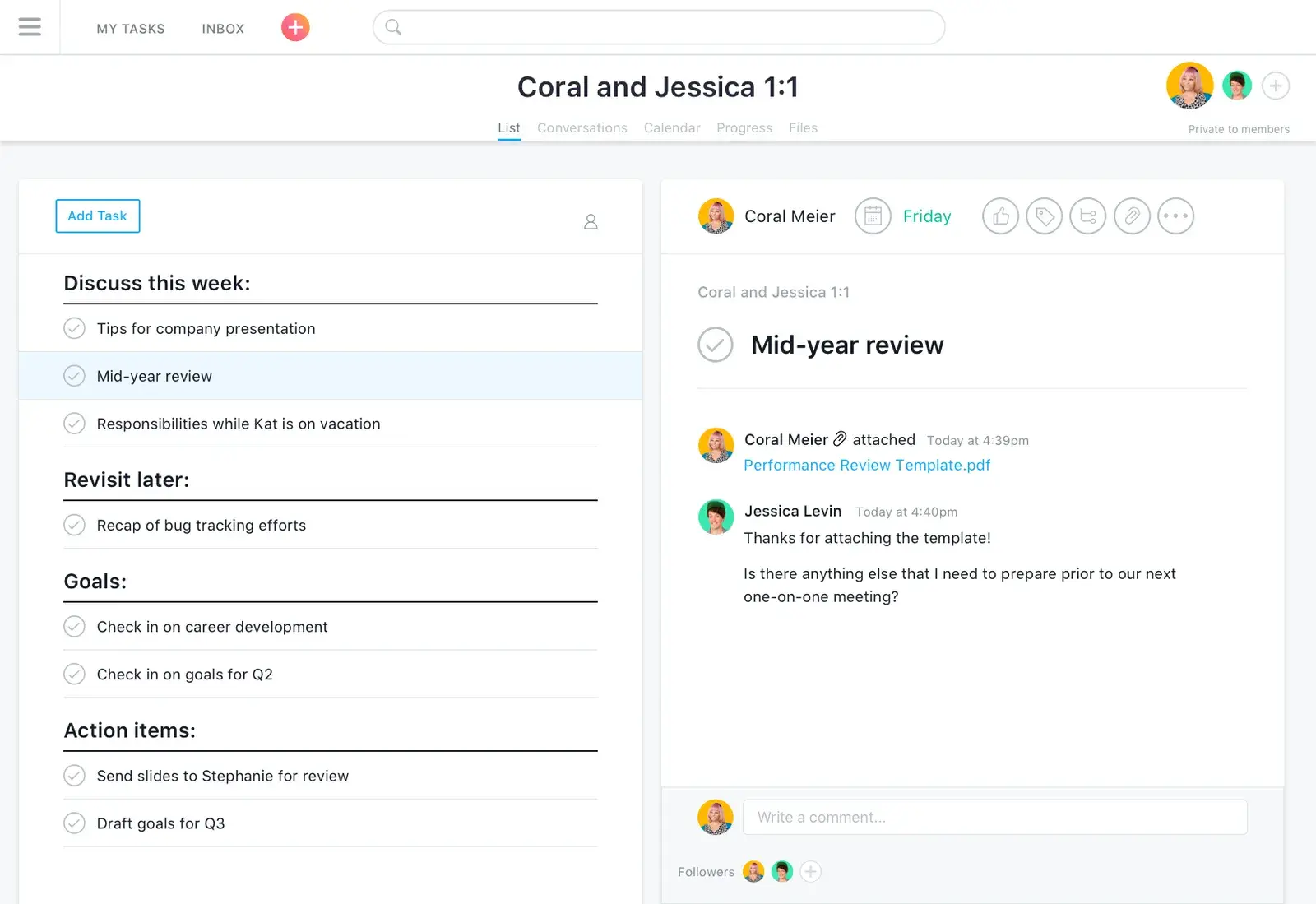
Share files
Sharing files (Google Docs, PDFs, JPGs, etc.) is essential to collaborating and creating one ”source of truth“ where teams can find the information they need. You should also be able to discuss shared files to keep details about assets in one place.
Schedule projects and tasks
The ability to assign and reassign tasks helps individuals understand priorities, while calendars and other scheduling features allow teams to collaborate around plans and stay up to date on progress and changes.
Coordinate work
You need to see tasks, dependencies, and milestones to determine due dates, adjust plans when needed, and help your team work efficiently. Good collaboration tools keep an eye on progress and alert you when deadlines approach or work falls behind.
Communicate seamlessly
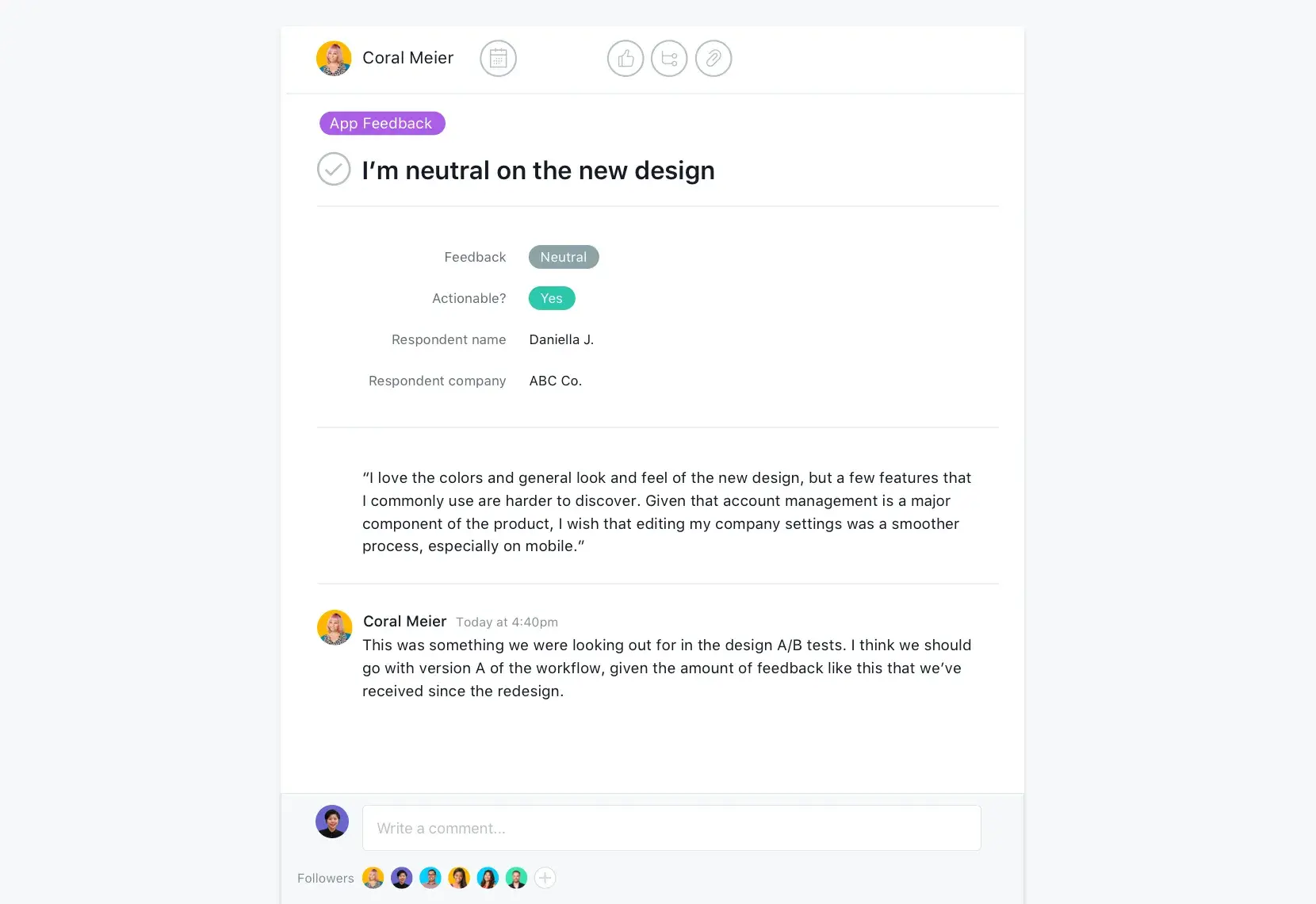
Keeping discussions about projects and to-do lists in one place helps teams turn ideas and feedback into action. The solution you choose should also integrate with your messaging and email apps to support the different ways your team likes to communicate.
Using Asana to encourage good collaboration

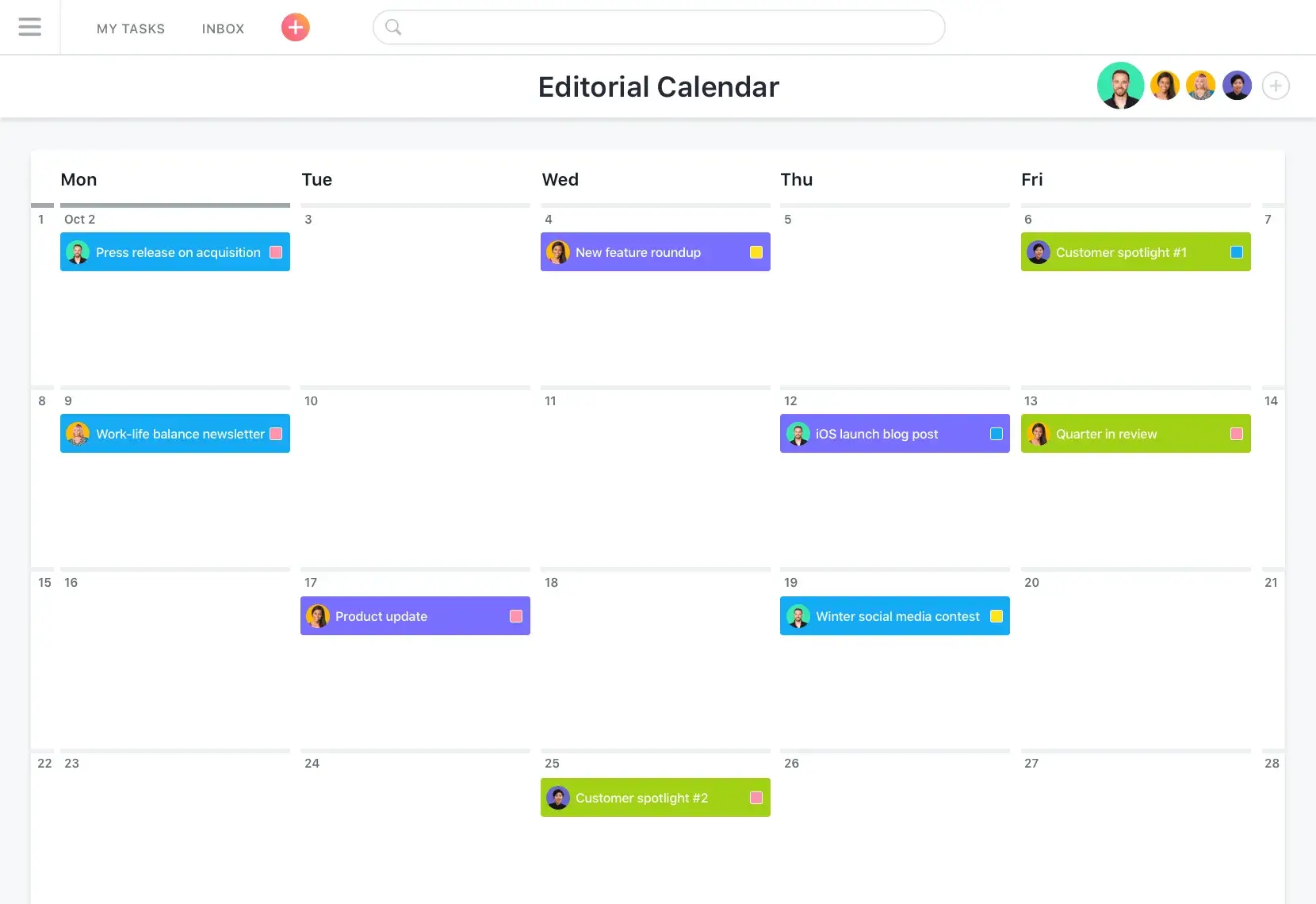


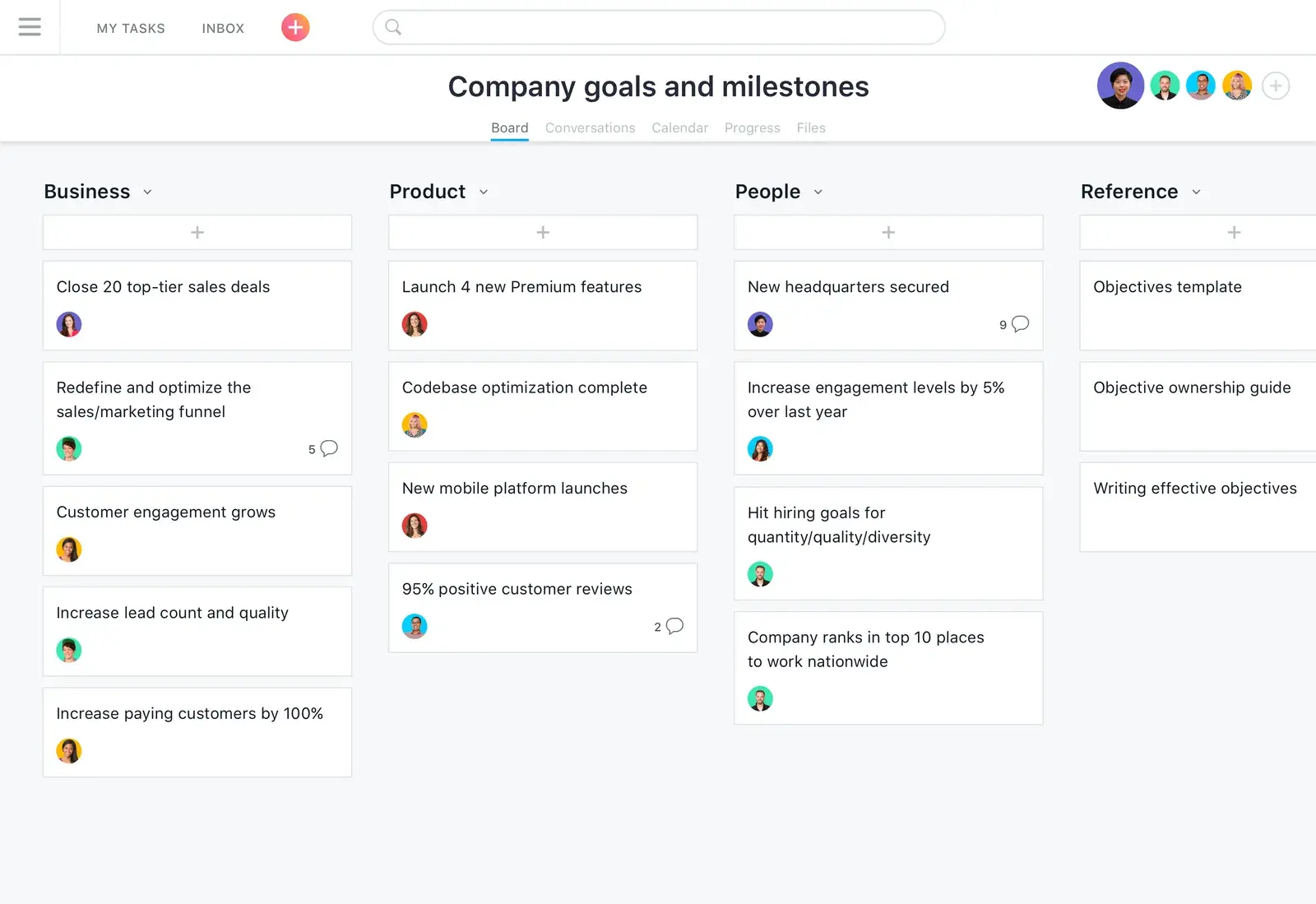
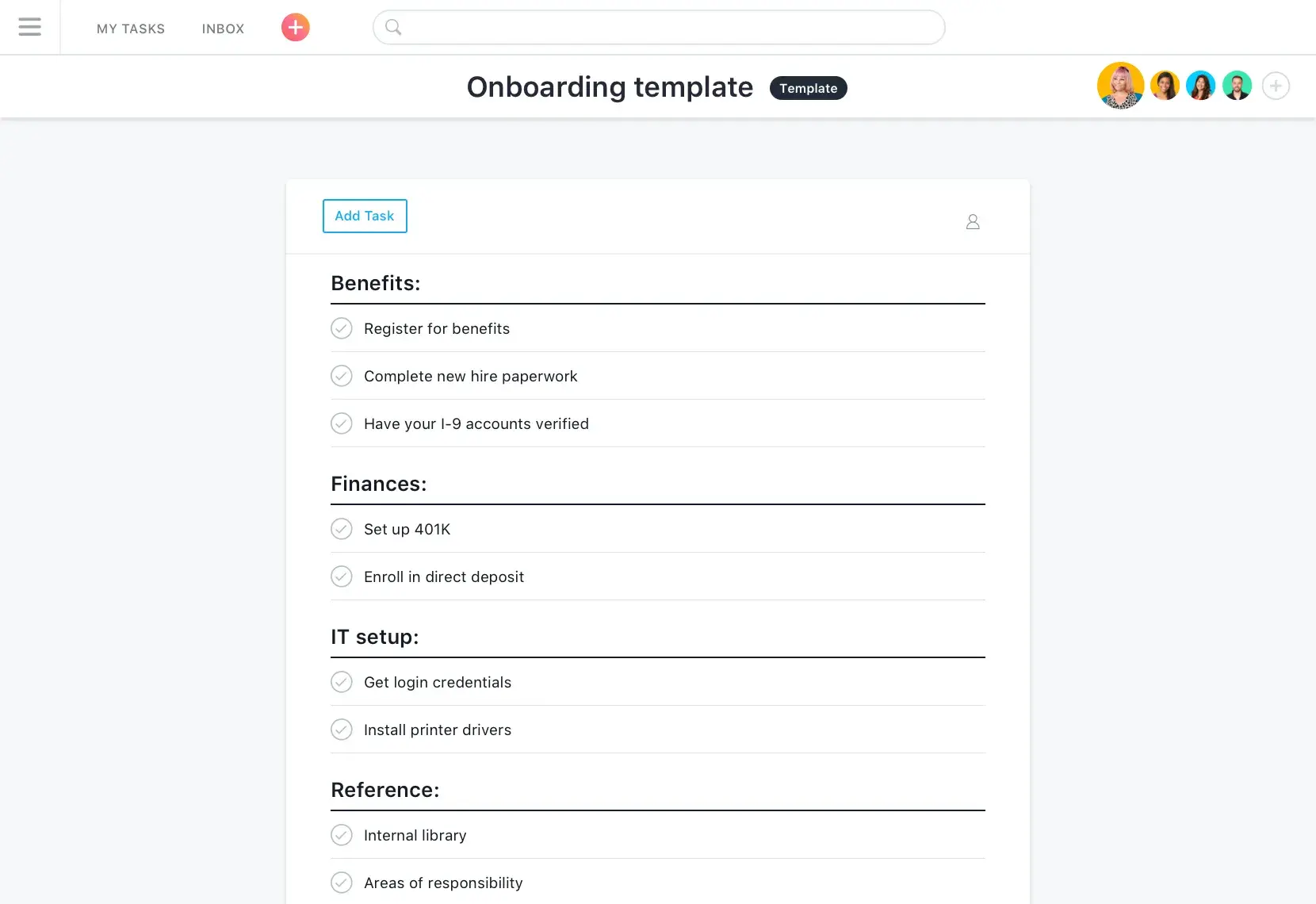
Boards and lists allow you to break down plans into next steps so teammates can see how their everyday work ladders up to goals.
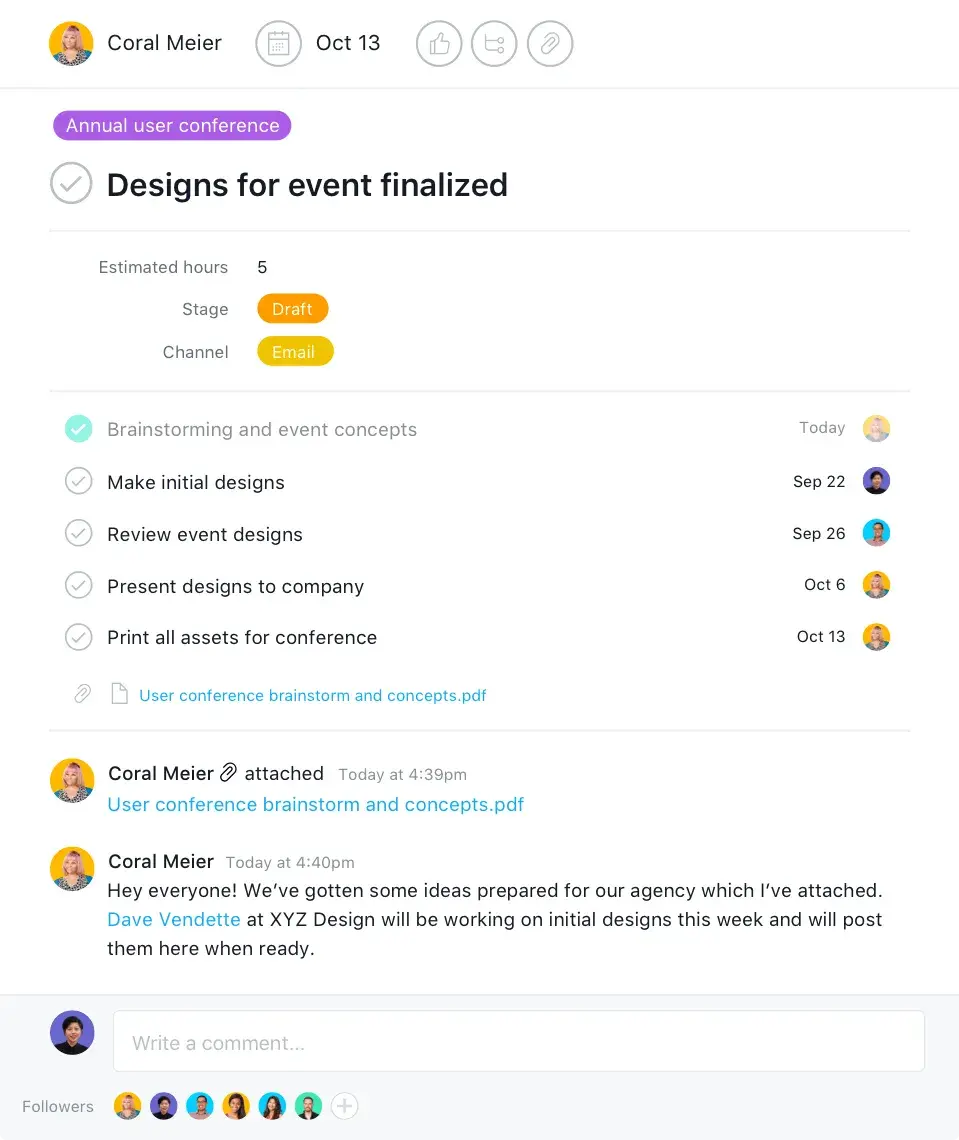
Create and assign tasks to teammates, and define dependencies to make sure the right work gets done at the right time.
Asana makes it easy to keep everyone on the same page and give them the context they need to turn ideas into action.
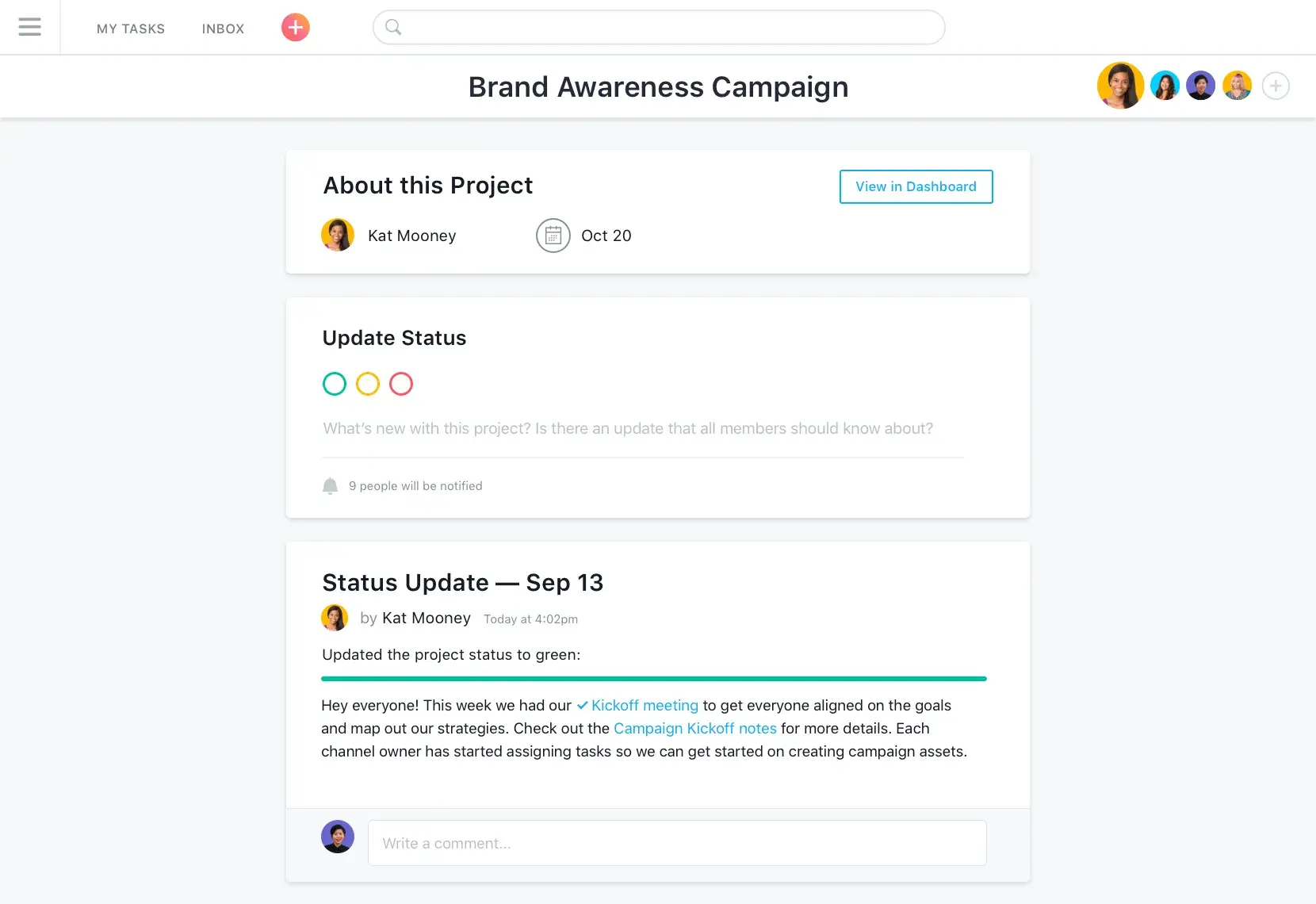
Easily share goals and milestones so everyone’s clear about each team’s priorities and accomplishments.
Even when plans or deadlines change, Asana makes it easy to quickly modify tasks and update everyone at once.
Share current and upcoming projects across the company so everyone knows what each team is doing.


Company Size
Enterprise
Industry
Manufacturing
Major projects have a ton of moving parts, people involved, and tasks to complete. Asana helps us plan everything out, track all the work, and stay up to date with everyone’s progress.
Maggie Green
Project Manager, 1A Auto
Still have questions? We have answers.
Team collaboration in Asana is a shared workspace with tasks, comments, dependencies, and dashboards so teams can align, communicate, and complete projects together.
Asana increases visibility by centralizing tasks, deadlines, and files so all teammates see what's happening, avoiding silos and reducing status-meeting time.
Yes, collaboration across locations is possible as Asana phones and browsers support distributed teams; tasks with attachments and comments keep everyone in sync.
Shared work can be organized by using boards, lists, and portfolios to structure projects with clear assignments, dependencies, and milestones.
Yes, files and feedback can be centralized by attaching files directly to tasks and discussing feedback inline to keep context and history in one place.
Changes in plans can be handled through Timeline view and dependency alerts that help teams adjust schedules and communicate revisions quickly.
Yes, communication is integrated as in-task comments, status updates, and inbox notifications let teams communicate within the workflow.
Yes, teams can track progress together as Portfolios and dashboards show project status, ownership, and progress in real time.
Yes, Asana supports remote teams as it is built for hybrid and remote teams, enabling async communication and collaboration.
Yes, chat tools can be integrated as Asana integrates with Slack, Teams, email apps, and more to surface work and updates.
Transform the way you work with Asana
Start your free trial
Try Asana for free. No credit card required.
Watch the demo
See how Asana connects companies at scale.
Speak with a sales rep
Learn how Asana helps teams collaborate seamlessly.