


What is Kanban software?
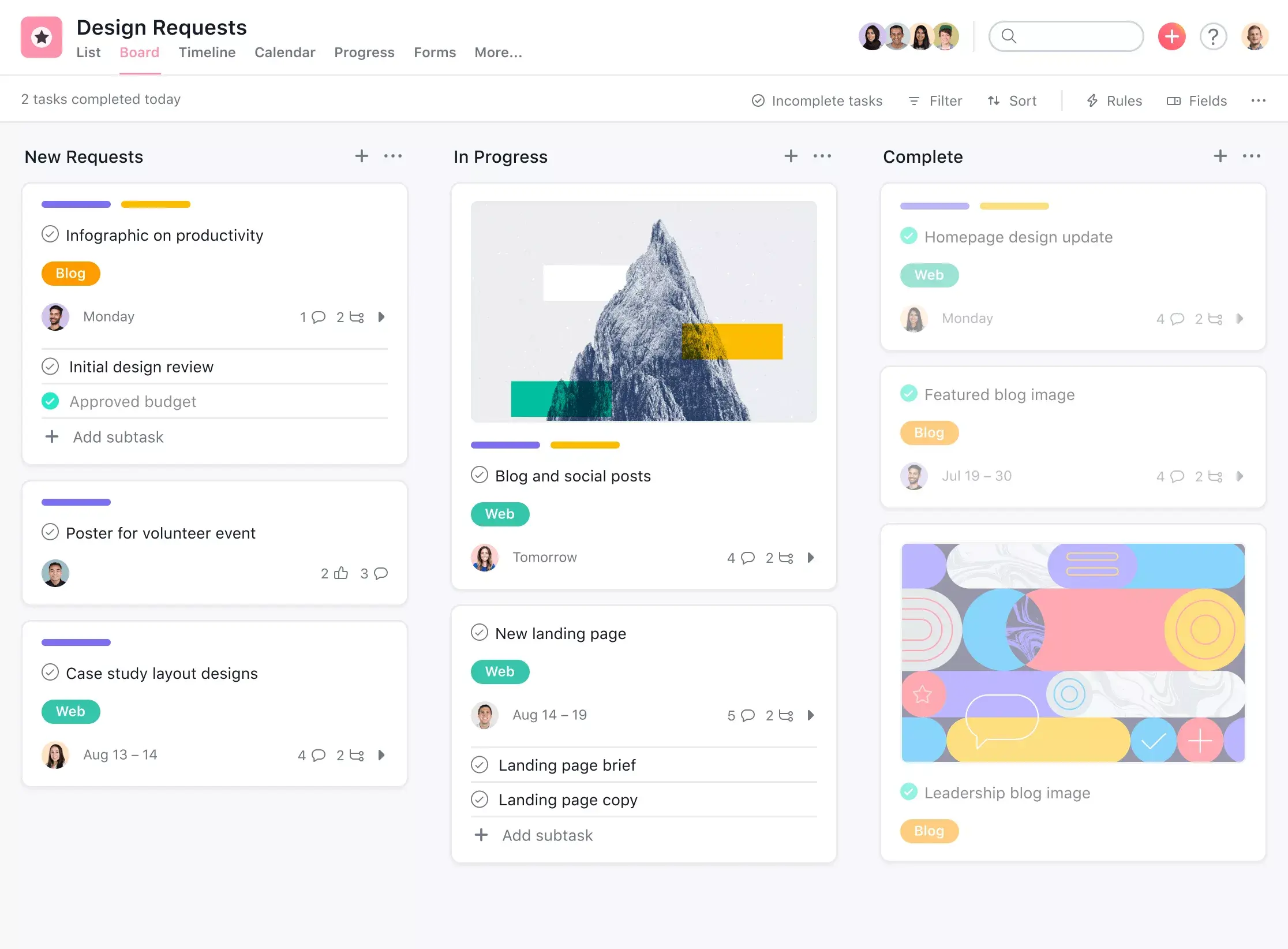
You know that “do, doing, done,” board with all the sticky notes? Believe it or not, your coworker didn’t make that up. It’s the Kanban method. Commonly used by software development teams, Kanban is a way to help teams visualize the work that needs to get done with the available capacity of their team. A Kanban board; is a form of visual project management that allows you to plot out projects and workflows using columns and cards.
Often used with Scrum or Agile management, Kanban software is great for Agile teams that want to visualize project progress, prioritize tasks, and spot roadblocks. Create them online with Asana’s project management tool.
Why use Asana’s Kanban software?

Plot out workflows and foster team collaboration
Task management has never looked more streamlined—and beautiful. By seeing all project tasks in one place, project managers can create clear processes and make sure tasks move through each stage of the workflow.

Know where work stands in real time
Label columns to reflect your workflow stages, then drag and drop Kanban cards from one stage to the next to help team members visualize where each task stands. Each card includes the due date, assignee, and subtasks so your board becomes the single source of truth for real-time project status.

Easily spot bottlenecks and backlogs
Customize your work-in-progress columns to align with your specific workflows and show the right level of information, so you can easily see where tasks are piling up. Knowing where the bottlenecks are can help you optimize your workflow management and prevent future backlogs.

Toggle between different views for increased flexibility
While some Kanban software limits you to just a board view, Asana lets you quickly switch from a Kanban board view to a list, Gantt chart timeline, or calendar view so team members can visualize work the way they want.

Set rules to automate workflows
Asana’s premium plans allow you to streamline routine task management with customizable rules. Set triggers to automatically move Kanban cards to different columns or assign tasks to a specific team member.
Examples of ways to use digital Kanban boards

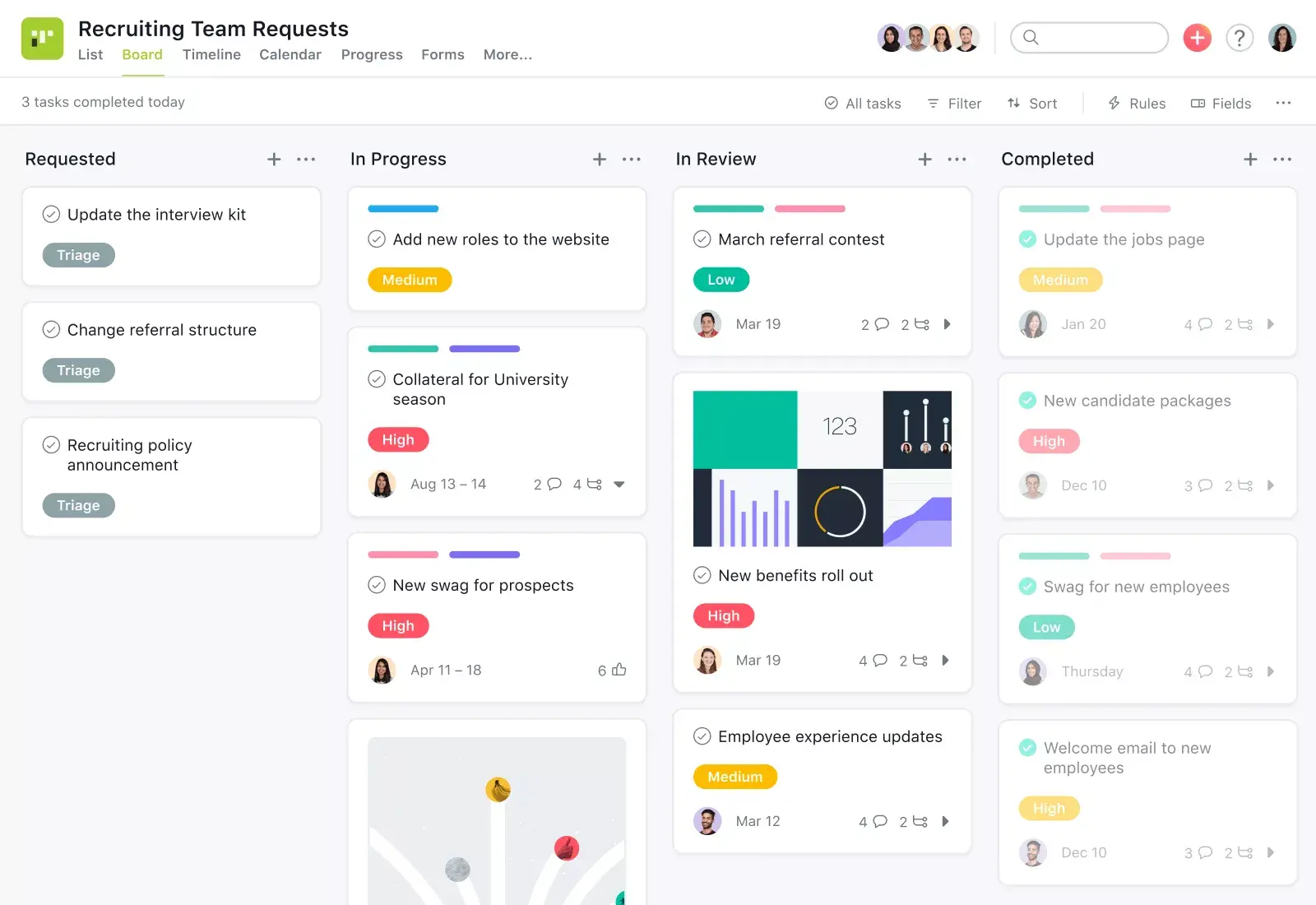

Manage and review any incoming request, from creative assets to bug fixes, and assign them out to members on your team.
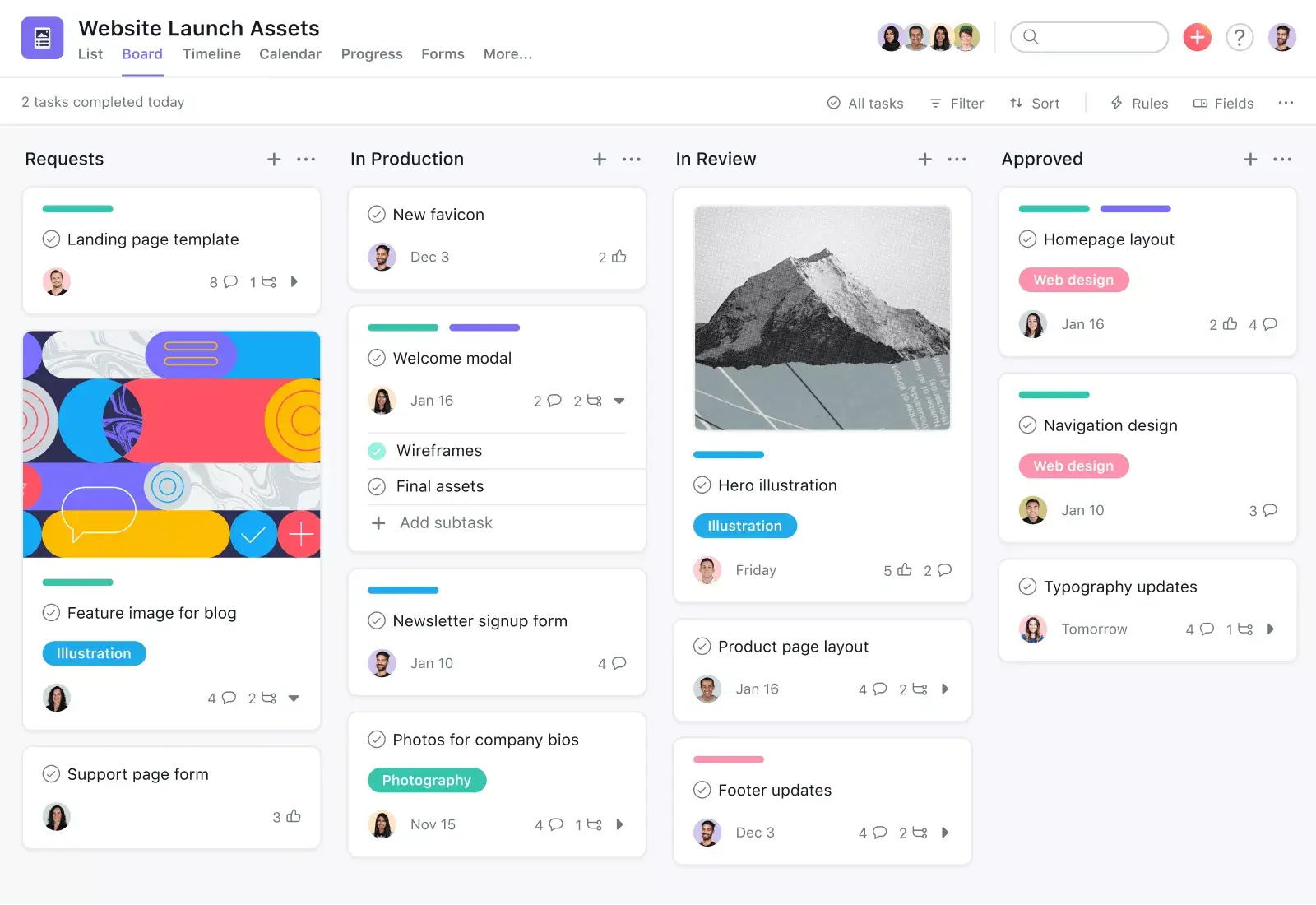
For workflows with a clear, linear flow, create a column for each stage and move tasks as they jump from step to step.
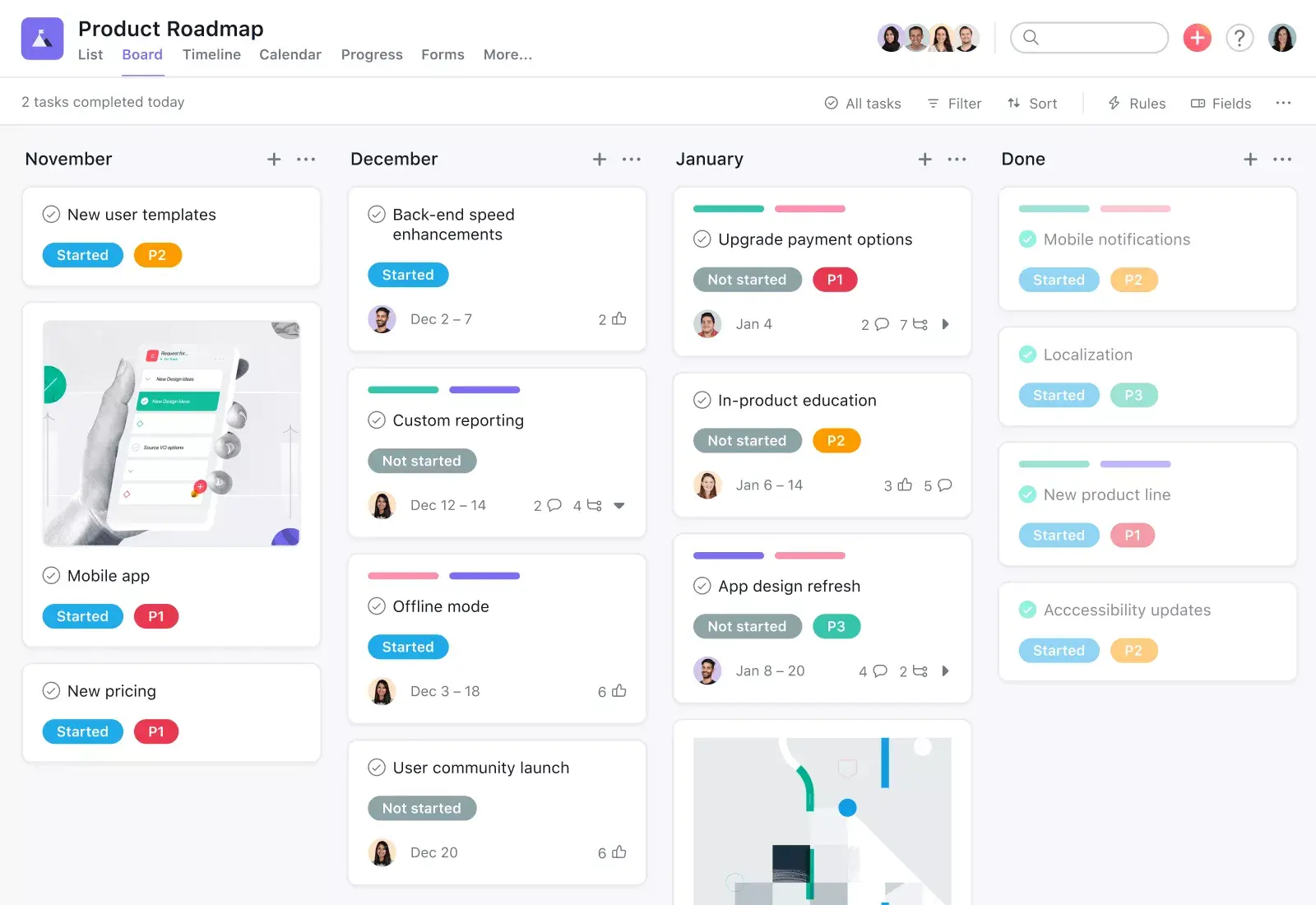
Plan your product roadmap and bucket each initiative into a column, so everyone on the team knows when they'll work on what.
Board view allows you to easliy track progress through each milestone of a design sprint.
Teams trust Asana to help achieve their goals











Still have questions? We have answers.
Kanban boards in Asana are Board view that lets you create columns to visualize and move tasks through stages.
Yes, columns can be customized as you can add, rename, and reorder columns to match workflow steps.
Yes, card movement can be automated by using Rules to move tasks between columns based on triggers like due date or completion.
Work-in-progress can be limited by using custom fields and rules to flag WIP limits and alert teams when thresholds are reached.
Yes, Kanban can be used across teams as Boards can be shared across teams and organizations with permissions control.
Yes, dependencies are visible on boards as you can view task dependencies on cards and board view supports timeline for linked tasks.
Yes, files can be attached to cards by attaching images, documents, and comments directly to board cards.
Yes, cycle time can be tracked by using custom fields or rules to record start and end dates, and report with dashboards.
Yes, there is support for team retrospectives by using board columns like To Do, Doing, Done, and retrospective templates for reflection.
Yes, external guests can use boards as guests can be added to boards and interact with tasks based on permission settings.
Transform the way you work with Asana
Start your free trial
Try Asana for free. No credit card required.
Watch the demo
See how Asana connects companies at scale.
Speak with a sales rep
Learn how Asana helps teams collaborate seamlessly.