


ASANA VS. AIRTABLE
Manage work, not databases
Asana gives teams a ready-to-use project structure with customizable workflows and automation, so work moves forward quickly without the database setup and ongoing maintenance required in Airtable.


Asana is trusted by 170,000+ teams*, from startups to Fortune 100 companies









How does Asana compare to Airtable?
FEATURES
AI built for teams
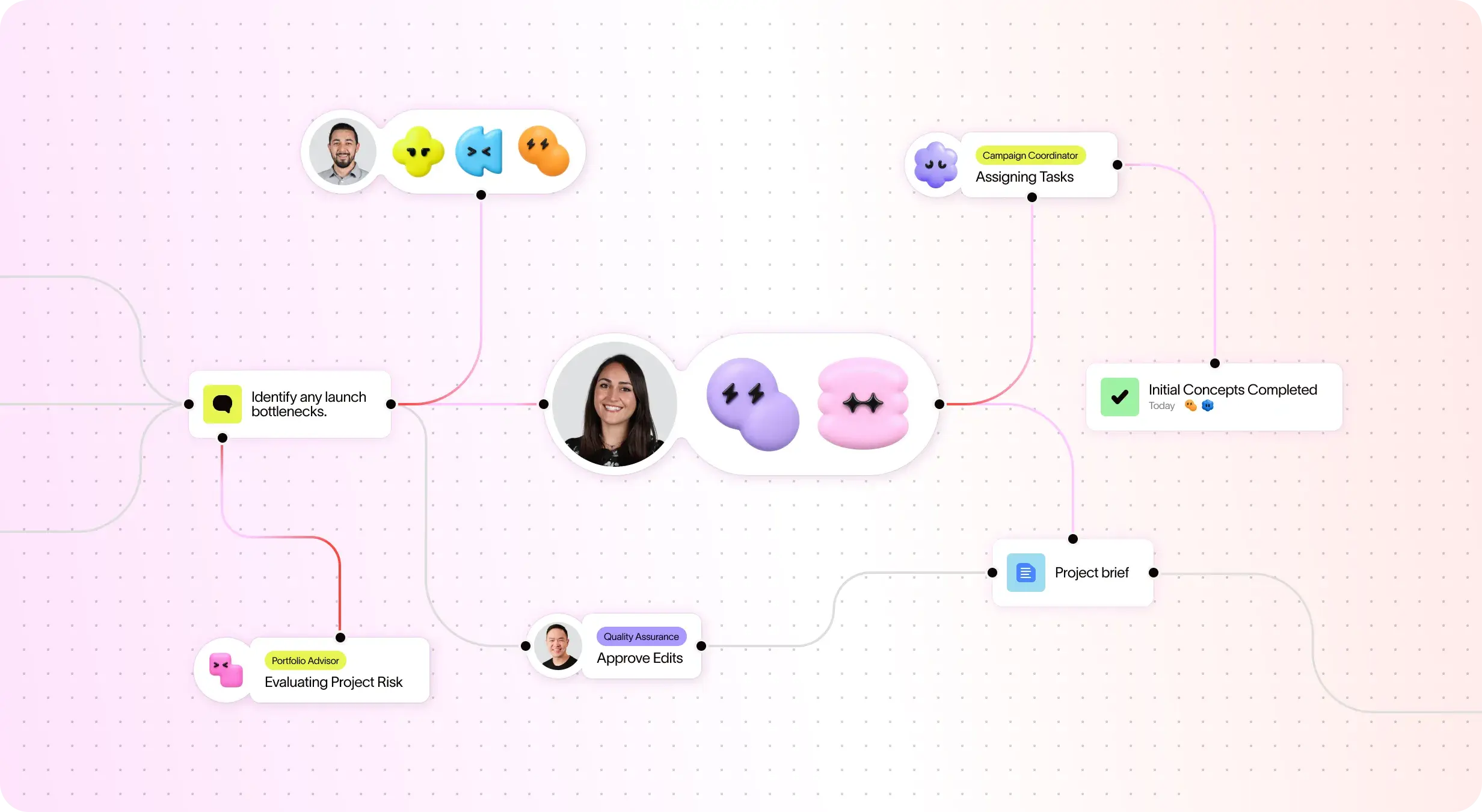
Asana AI Teammates are AI agents powered by the Work Graph, so they understand your team's goals, projects, and dependencies from day one—and every AI action is visible and auditable. Learn more.
Multi-homing to connect work across multiple projects
Asana allows a single task to live in multiple projects simultaneously, ensuring that any update is reflected everywhere in real-time and enabling cross-functional teams to collaborate on shared deliverables without duplicating effort or losing context.
Project and workflow customization
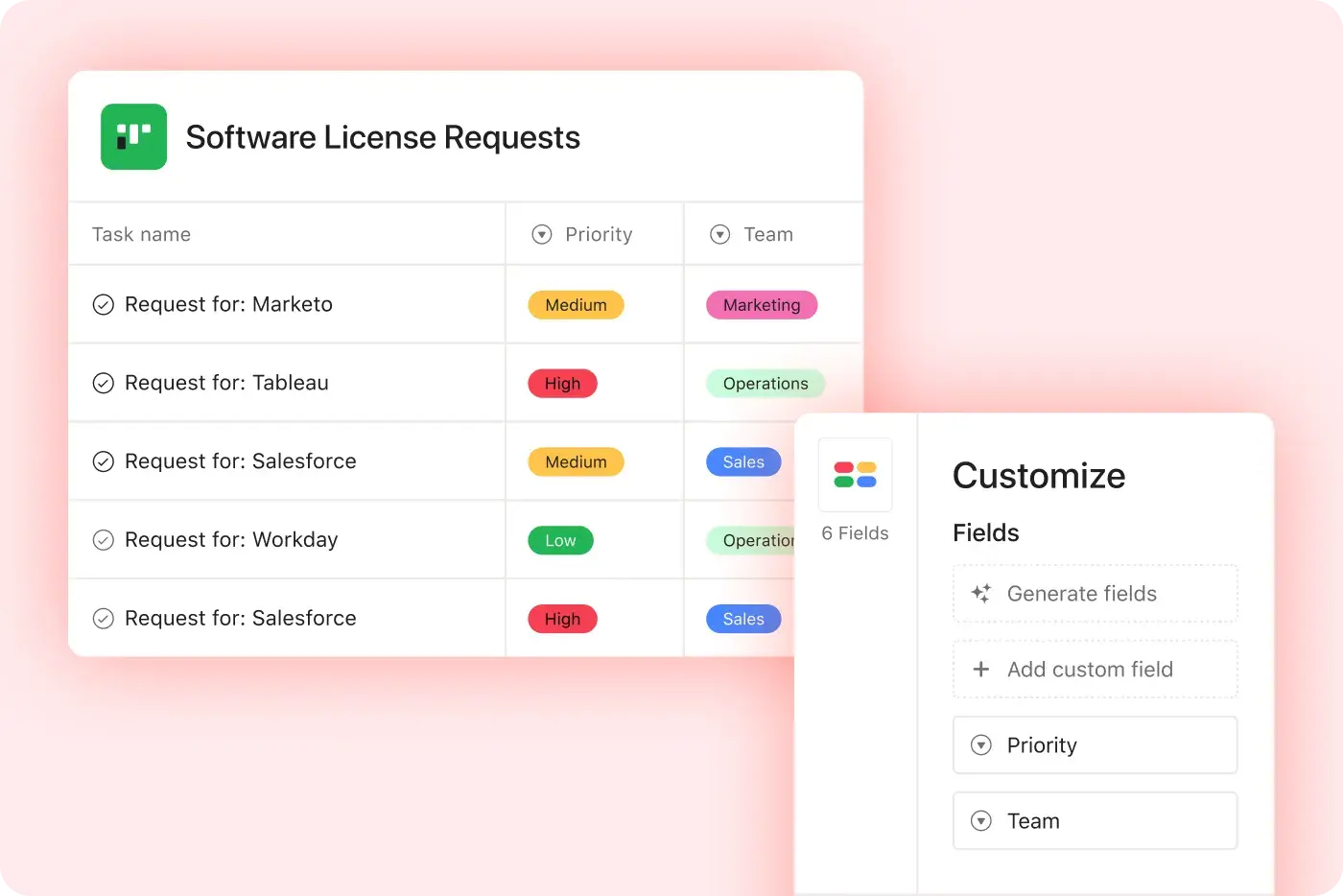
Asana provides structured, easy-to-use customization with custom fields, multiple project views, and templates, enabling teams to adapt quickly and manage workflows efficiently without added complexity. Learn more
Centralized updates across work
Asana connects communication and project updates in one place. Comments, file sharing, and a centralized inbox helps keep everyone in the loop–and with the ability for a task to live in multiple projects, updates flow across teams automatically. Learn more
400+ native integrations for connected work
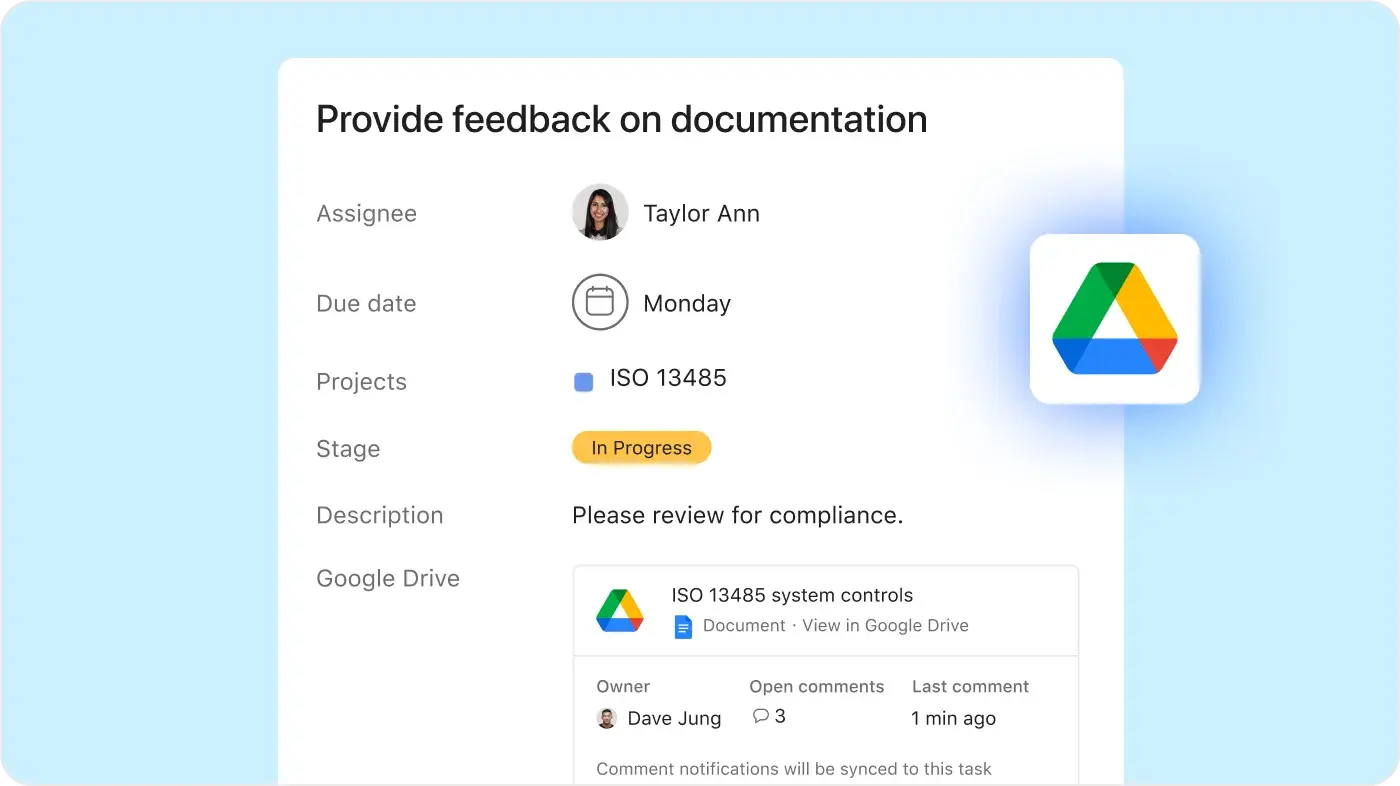
Asana offers 400+ native, first-party integrations with popular tools like Slack, Microsoft Teams, Google Drive, and Salesforce, enabling teams to connect workflows across departments and scale collaboration efficiently. Learn more
Scalable automation and AI workflows
Asana helps teams save time and reduce manual work with automation and AI features that streamline your processes. Rules can trigger actions across multiple projects, allowing complex workflows to run automatically and scale with your team. Learn more
Enterprise-ready platform
Asana offers a unified, user-friendly platform with unlimited automation, broad integration support, and organization-wide standardization, enabling teams to scale efficiently without added operational complexity. Learn more
Why our customers prefer Asana


“I like the different features that interact with each other. I've used other programs such as Airtable and Notion but am drawn to Asana specifically for project work in collaborative settings due to its ease of implementation.”
“I like how customizable Asana is as a project management software. I've used a variety of project management software, such as AirTable and monday.com and what I like best about Asana is the easy to understand UI and feature capabilities. It's a great addition when working on team projects and is a friendly platform to use as a collaboration tool.”
“Our team used to work out of a mixture of Airtable and and shared Google Drive, which led to a disjointed process where not everything was visible to everyone and it was hard to find things. Asana keeps us organized and is great for templatizing repeatable processes.”
“I've used Trello and Airtable before, so this is my first experience with Asana. It keeps you super organized.”
Asana powers teams with flexible, scalable workflows
Explore how Asana helps teams of all sizes customize projects, connect tools, and report on progress—all in one place.





![[Compare - Monday] Feature tab (Integrations and scalability)](https://assets.asana.biz/transform/2090e635-5343-4f52-a1ee-4e4a04a8f67e/compare-monday-fy26-features-integrations?io=transform:fill,width:2560&format=webp)
AI your whole team can actually use
Asana AI Teammates understand your goals, projects, and dependencies—Airtable’s data-first AI can summarize records, but can’t navigate the nuances of shifting project deadlines.
Asana AI Teammates build shared memory that compounds across your whole team—Airtable AI is confined to specific "bases," keeping your team’s intelligence siloed.
Every AI action is visible in your activity log, just like a human teammate—Airtable records AI changes as simple field updates, providing no visibility.
What customers and experts say about Asana
Where other work management platforms appear to focus on quantity over quality of features, Asana is focused on the scalability and reliability of its platform—so you can always be ready to work.


A Leader in the Collaborative Work Management three years in a row

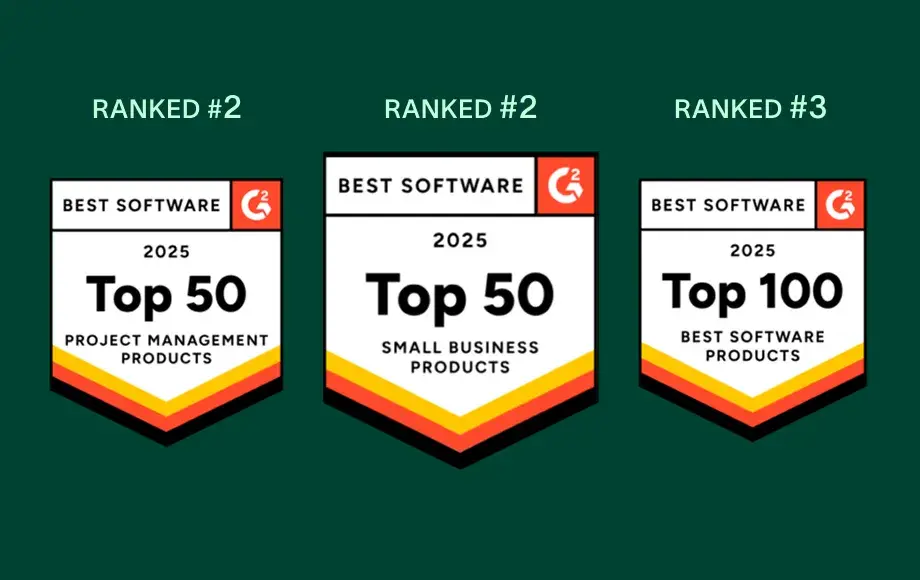
A leader in Work Management and OKR Software with more than 12,000 user reviews


Company Size
Mid-market
Industry
Technology
We want to go deep with our clients while maintaining a unified, consistent approach. Asana helps us do that. We connect it to Zendesk, Zoom, Slack, and our own platform, making Asana the source of truth we can count on to get stuff done and bring us together across teams.
Kevin Weiss
VP of Client Success, Retail Media, Skai




FAQs
Migrating from Airtable to Asana is straightforward for teams, as Asana is designed for user-friendly onboarding and quick adoption, even for those new to project management software. Teams benefit from step-by-step migration resources and robust training through Asana Academy, making it easy to get started quickly and standardize workflows across projects.
Airtable often requires significant manual setup and customization, which can create a steeper learning curve during migration. Asana’s structured onboarding approach reduces complexity and helps teams transition to a dedicated project management platform with greater clarity and consistency.
Asana is designed with an intuitive interface and ready-to-use templates, making it easy for teams—regardless of technical background—to get started quickly, even if they are used to Airtable. Onboarding resources like the Asana Academy and in-product guides help new users learn project management best practices and adopt workflows with minimal friction.
Airtable is often cited as having a steeper learning curve that can slow down adoption, especially for teams without dedicated training support. Asana’s structured approach ensures teams can get productive faster, standardize workflows across projects, and scale project management effectively while minimizing onboarding challenges.
Asana provides a comprehensive onboarding experience for new users, including step-by-step training through Asana Academy, live expert sessions, and detailed onboarding guides for every team. These resources are designed to help teams of all technical backgrounds quickly adopt project management best practices and start managing projects with confidence—whether you’re migrating from Airtable or starting fresh.
Airtable often requires more upfront setup and training to establish workflows, which can slow down onboarding for new users. Asana’s structured onboarding resources and guided support make it easier for teams to get up and running quickly, standardize processes, and scale adoption across the organization with minimal friction.
The only platform that can support your company at any scale
*Accurate as of December 2025