10 Best employee onboarding software for HR teams

85% of Fortune 100 companies choose Asana¹






Summary
A well-designed onboarding process helps new hires become productive quickly and encourages them to stay with the company. The transition from candidate to team member is easier when you provide employees with structure, consistency, and an easy-to-use digital system that supports their new role.
Studies show that a structured onboarding process can improve new-hire retention by 82% and increase productivity by more than 70%. Without a dedicated system, new hires can get confused, miss steps, and experience delays. This guide reviews the best employee onboarding software and explains how each one helps create a consistent experience.
Effective marketing strategy templates
Streamline your marketing efforts with customizable Asana templates. Plan, track, and carry out your marketing strategy to reach your goals faster.
What is employee onboarding software?
Employee onboarding software helps organizations manage and automate tasks involved in onboarding new hires. It provides human resource managers and employees with a central place to handle paperwork, administrative tasks, training, and team coordination. These platforms replace manual work with automated workflows, so teams can track what needs to be done and avoid missing important steps, such as tax forms, account setup, or hardware requests.
Onboarding software does more than just handle paperwork. Many platforms integrate with your existing tools so teams can manage approvals, handoffs, and communication in one place. With an onboarding plan, new hires can focus on starting strong instead of searching for information.
Who should use onboarding software?
Any organization that values growth, consistency, and operational efficiency can benefit from onboarding software. However, some teams have a greater need for these software solutions:
Rapidly scaling startups need a repeatable process as hiring volume increases. Onboarding software equips HR teams to deliver a consistent experience without increasing manual work.
Remote and hybrid organizations need a central system that provides new hires with structure, visibility, and access to essential tasks, documents, and contacts.
Enterprise organizations often manage complex compliance requirements across multiple regions. Onboarding software helps teams track these requirements and maintain consistency at scale.
Human resources teams with significant administrative workloads can reduce time spent on data entry, follow-ups, and routine coordination by using onboarding software.
Comparison table: Top 10 onboarding platforms at a glance
Platform | Best for | Key feature |
Asana | AI-powered automation | Dynamic task dependencies |
Rippling | HR and IT onboarding in one system | Zero-touch provisioning |
Deel | Global hiring and compliance | Support for legal onboarding in 150+ countries |
BambooHR | Straightforward onboarding for mid-sized teams | Self-service portals |
Gusto | Payroll-led onboarding for small businesses | Integrated payroll and benefits |
Donut | Social onboarding in remote and hybrid teams | Slack-based connection features |
Hibob | Culture-focused employee onboarding | Configurable onboarding flows |
Workday | Enterprise onboarding at a global scale | Advanced analytics and reporting |
ClearCompany | Linking recruiting and onboarding | Recruiting-to-onboarding continuity |
Zenefits | Benefits-led onboarding | Automated benefits sync |
How we selected the best employee onboarding software
We reviewed the platforms on this list against five main criteria: automation, user experience, integrations, compliance, and scalability. We focused on tools that help reduce manual work with workflow automation.
Read: The best project management software1. Asana: Best for AI-powered automation
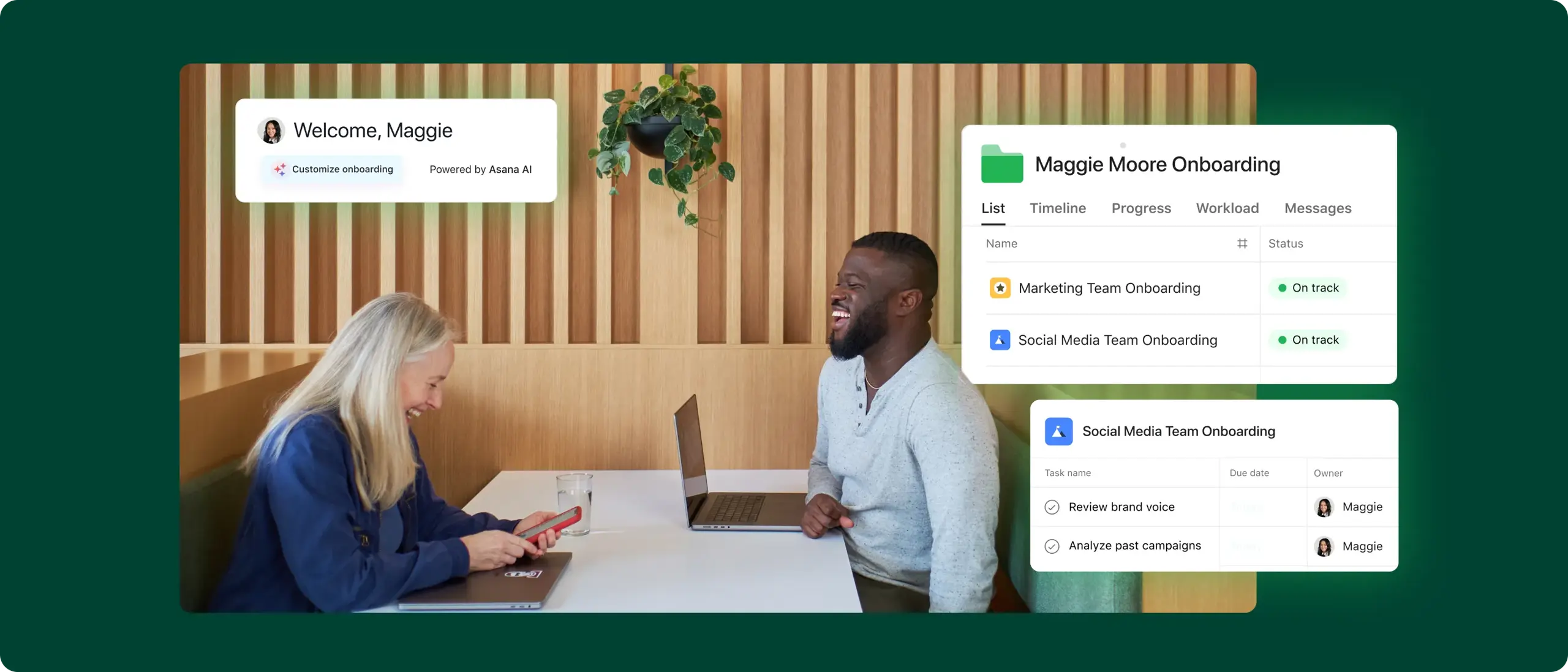
Asana is a good fit for organizations that see onboarding as a team process, not just a checklist. Human resources, IT, finance, and hiring managers can assign tasks, track deadlines, manage approvals, and know who is responsible for each step. Asana organizes onboarding procedures and gives new hires a consistent experience from day one.
Asana’s primary strengths lie in its coordination and AI-assisted automation. Teams can use templates, rules, dependencies, forms, and Asana Intelligence to create onboarding workflows for different roles and departments. Managers can quickly identify delays, reassign tasks, and handle handoffs without long email chains or manual follow-ups. Asana also integrates with tools like Slack and Zoom to trigger important actions at the right time.
Pros and cons
Pros: Asana gives teams strong control over workflow design, task ownership, approvals, and cross-functional handoffs.
Cons: Asana requires upfront planning to build templates and workflows, and it does not include native payroll or tax filing.
2. Rippling: Good for HR and IT onboarding in one system
Rippling is an option for organizations that want to consolidate HR and IT into a single system. Teams can manage employee records, app logins and access, and device setup all in one place, which is helpful when new hires need accounts and equipment quickly. Rippling is good at handling admin tasks, but it focuses more on HR and IT than on wider team coordination. Costs often increase as you add more features, so it may not be the best fit for smaller teams with simple needs.
Pros and cons
Pros: Rippling brings HR data, app provisioning, and device setup into a single workflow, reducing back-and-forth between teams.
Cons: Rippling can become expensive as teams add modules, and it offers less flexibility than Asana for managing broader onboarding workflows.
3. Deel: Best for global hiring and compliance
Deel is a great option for companies hiring in different countries that need a reliable way to handle onboarding, contracts, and compliance. The platform manages local job requirements, collects tax documents for each region, and handles global payroll in a single system, making it easier for HR teams. Deel excels at international hiring, while tools like Asana may be better for managing workflows across teams.
Pros and cons
Pros: Deel gives global teams a practical way to manage international hiring, compliance, and document collection in one place.
Cons: Deel gets expensive when you add extra features like payment and employer-of-record services to your process, and it offers less flexibility than Asana for greater onboarding coordination.
4. BambooHR: Simple onboarding for mid-sized teams
BambooHR is made for mid-sized organizations that want an easy-to-use HR platform focused on employee experience. New hires can finish paperwork, review onboarding steps, and get settled before their first day, which means less admin work for HR. BambooHR handles standard onboarding well, but if your team needs more complex approvals or cross-departmental coordination, Asana might be a better fit.
Pros and cons
Pros: BambooHR offers an approachable experience for HR teams and employees, which makes standard onboarding tasks easier to manage.
Cons: BambooHR offers less flexibility than Asana for complex onboarding workflows that involve multiple departments, approvals, and dependencies.
Explore Asana's employee onboarding features and capabilities
Asana is the leading software for project management, according to G2. See all your work in one place so you can prioritize what matters most.
5. Gusto: Good for payroll-led onboarding for small businesses
Gusto is well-suited for small businesses that want onboarding, payroll, and benefits in one simple platform. It helps employers with key hiring tasks, stores forms, and moves employee data to payroll with little manual work, making it great for small teams with limited HR help. Gusto is simple to use, but if you need more advanced workflows or team coordination, Asana may be a better choice.
Pros and cons
Pros: Gusto gives small businesses a simple way to connect onboarding with payroll, benefits, and required hiring forms.
Cons: Gusto offers less depth than Asana for handling cross-functional onboarding workflows, and its international support remains limited.
6. Donut: Social onboarding in remote and hybrid teams
Donut is a specialized tool that helps remote and hybrid teams build early connections. It works inside Slack or Microsoft Teams to introduce onboarding buddies, set up informal meetings, and create regular social check-ins during a new employee's first weeks. While Donut helps with team culture, it doesn't handle the full onboarding process, so most organizations will still need a platform like Asana for tasks, approvals, and coordination.
Pros and cons
Pros: Donut helps remote and hybrid teams create structured social connections without asking employees to learn another tool.
Cons: Donut handles only one part of onboarding, and it lacks the workflow depth that Asana provides for managing the full process.
7. Hibob: Best for culture-focused employee onboarding
Hibob is built for organizations that want a more engaging, people-focused onboarding experience than traditional HR systems. It combines onboarding workflows with employee profiles, social features, and customizable tasks, so HR teams can tailor the process for different roles and locations. While Hibob focuses on culture and experience, teams that need more control over tasks and coordination between departments may find Asana more practical for larger operations.
Pros and cons
Pros: Hibob provides HR teams with a more appealing employee experience through flexible onboarding paths and strong people-focused features.
Cons: Hibob can feel costly for teams with simpler needs, while Asana offers stronger workflow control for cross-departmental onboarding.
8. Workday: Enterprise onboarding at a global scale
Workday is a good choice for large organizations that need onboarding as part of a full enterprise HR system with advanced reporting and global support. It handles complex management setups, standardizes onboarding for big teams, and links onboarding data to workforce analytics. However, this level of detail can increase complexity, cost, and setup time. Teams looking for a more flexible and easy-to-use onboarding workflow may find Asana easier to adapt, especially when several departments are involved.
Pros and cons
Pros: Workday supports enterprise organizations that need onboarding tied to large-scale HR operations, governance, and reporting.
Cons: Workday often requires a considerable investment and administrative overhead, while Asana delivers a more flexible option for teams that want faster workflow coordination without enterprise overhead.
9. ClearCompany: Ideal for linking recruiting and onboarding
ClearCompany works well for organizations that want simplicity from hiring to onboarding, helping new employees go from candidate to team member with less friction. The platform links recruiting details to onboarding tasks and early performance planning, connecting hiring goals with employee development. While this setup is great for talent teams, organizations that need more flexible workflows or greater departmental coordination may prefer Asana.
Pros and cons
Pros: ClearCompany connects recruiting and onboarding in a way that helps teams carry hiring context into early employee goals and tasks.
Cons: ClearCompany works best as part of its wider talent suite, while Asana offers more flexibility for teams that want onboarding workflows to extend beyond talent operations.
10. Zenefits: Best for benefits-led onboarding
Zenefits is ideal for companies that prioritize benefits enrollment during onboarding. The platform lets new hires review healthcare plan options, finish enrollment steps, and sync information across HR, payroll, and benefits systems, making things easier for teams with complex benefits. While Zenefits handles benefits onboarding well, companies that need more coordination between managers, departments, and projects may find Asana better for managing the whole onboarding process.
Pros and cons
Pros: Zenefits gives teams a more streamlined way to handle benefits enrollment alongside core onboarding administration.
Cons: Zenefits focuses more heavily on benefits and HR administration, while Asana offers stronger support for broader onboarding coordination and workflow management.
How to choose employee onboarding software
Choosing the right employee onboarding software means carefully evaluating your organization's needs. Focus on features that help your onboarding process and daily work, not just what the marketing says. Use the criteria below as your main checklist when comparing options.
Read: Best team collaboration software and toolsElectronic signatures and document storage
Paperwork often slows down hiring processes. Your software should include built-in, legally binding e-signatures or integrate with trusted tools so new hires can sign documents from any device. It should also offer secure, central document storage for easy access.
Read: Best task management software for teamsAutomated task management and notifications
Check if the platform manages the onboarding process or just stores information. The best onboarding tools use automation to assign tasks and send timely reminders. For example, the system should tell IT to prepare equipment, remind managers to schedule check-ins, and prompt new hires to complete training. This setup helps teams avoid missing steps as workloads increase.
11 best kanban boards software tools compared.Pre-boarding capabilities
The period between signing the offer and the first day is critical to the onboarding experience. Select software that supports pre-boarding with welcome emails, company policy sharing, and profile setup before day one. Pre-boarding helps new team members feel more prepared, so the first day can focus on training, introductions, and company culture.
How to streamline onboardingHow to implement employee onboarding software
Rolling out onboarding software is best done in phases. Follow these steps for a productive launch:
Map your current process. Document every step in your current onboarding process. Identify delays, repeated work, and weak handoffs.
Define your stakeholders. Assign roles in the system. Identify admins, approvers, and team owners so HR, IT, and finance understand their responsibilities.
Build your templates. Create uniform templates and onboarding checklists for different roles. An engineer’s onboarding will not match that of a salesperson.
Integrate your tech stack. Connect the platform to payroll, communication tools, and other business apps through integrations.
Test with a pilot group. Run a small group of new hires through the system first. Ask for feedback on usability, instructions, and the overall onboarding journey.
Analyze and adjust. Use reporting tools and dashboards to track progress, review completion rates, and refine your onboarding workflows.
Ready to improve your employee onboarding with Asana?
Asana gives teams a flexible, AI-powered solution for managing employee onboarding. Each new hire's journey becomes an established workflow with set deadlines, handoffs, and responsibilities.
Whether your company is growing or already established, Asana helps you coordinate and automate onboarding to improve the employee experience. Move away from spreadsheets and give every new hire a better start. Try Asana today.
Try Asana now


FAQs about employee onboarding software
Most companies see onboarding as a process that takes about 30 to 90 days, not just a one-day event. Admin tasks may be done in the first few days, but a good onboarding process gives new hires time to learn, finish training, and get comfortable in their new role.
Employee onboarding software provides new employees with a structured onboarding experience from the outset. It helps teams organize tasks, share timely information, and reduce uncertainty during the initial days and weeks.
Yes, many onboarding software platforms use automation to assign forms, training, approvals, and reminders based on each role or department. Automation helps HR teams simplify workflows, reduce manual follow-up, and track progress more easily.
Employee onboarding software focuses on the process for new hires, from the signed offer to the first weeks on the job. HR software, or an HRIS, covers more areas, such as employee data, payroll, benefits, performance management, and offboarding.
Pick an onboarding platform that has self-service access, document management, e-signatures, and integrates with your current apps. Remote and hybrid teams also benefit from workflows that include provisioning, welcome emails, real-time notifications, and a simple onboarding process before the first day begins.