


GoLinks + Asana
Turn GoLinks into clickable links directly in Asana.
What is GoLinks?
GoLinks helps teams find, access, and share workplace knowledge faster by turning long URLs into secure, human-readable go links.
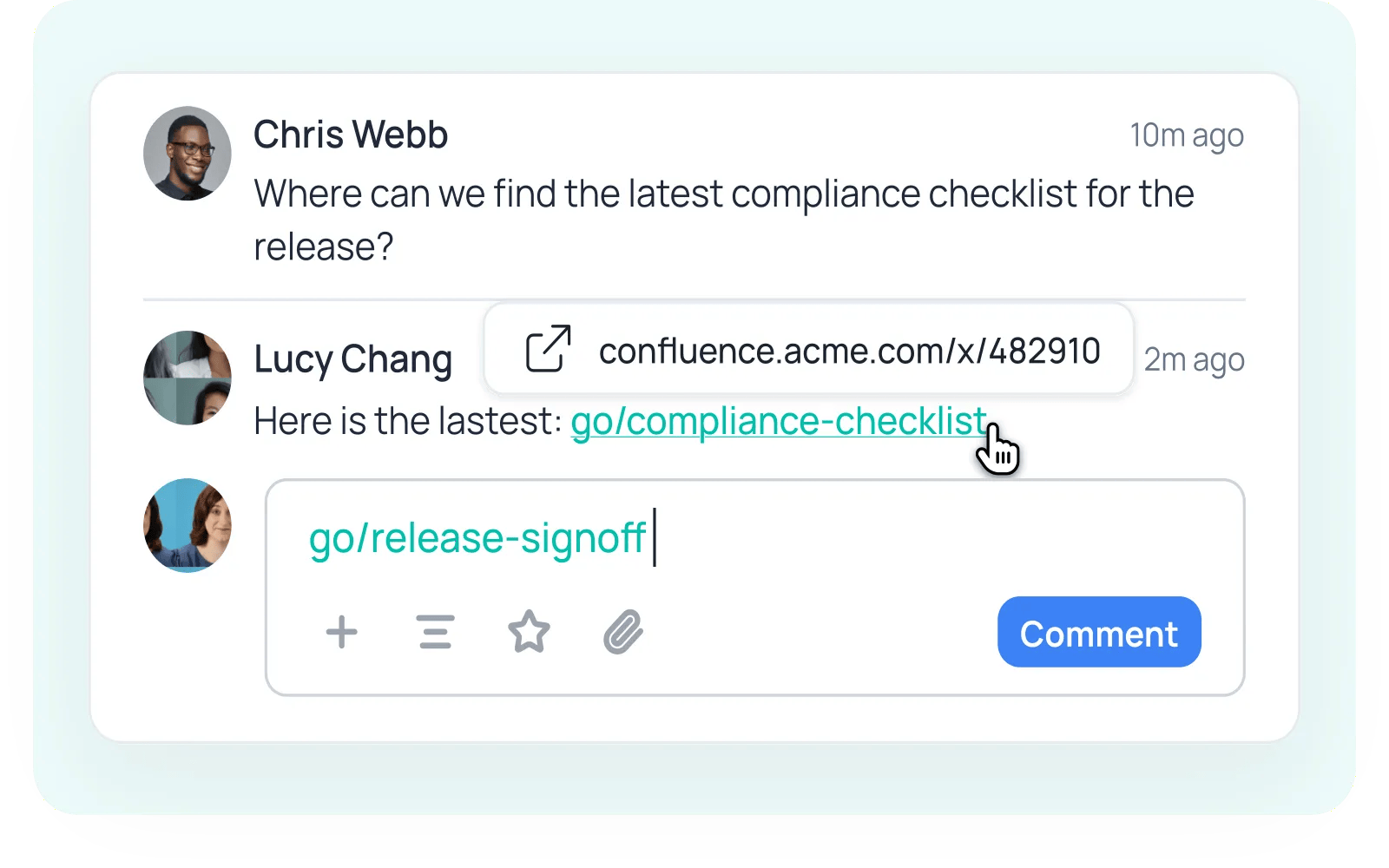
With the GoLinks app for Asana, any go link you type in a task description or comment automatically becomes a clickable link, so teammates land on the right document, dashboard, or tool instead of hunting for it. Just write go/roadmap or go/design-review the way you normally would and GoLinks handles the rest! You choose which projects the integration is active in, and go links are only converted in the tasks and comments you edit yourself, so nothing changes in your workspace without your action.
How to connect GoLinks + Asana?
Prerequisites:
- A free GoLinks account on a workspace that has go links.
Install and configure:
- On the GoLinks platform, go to Integrations → Asana.
- Here, you can connect your Asana account. Once the connection is made, you'll be returned to GoLinks, where the connection shows as enabled.
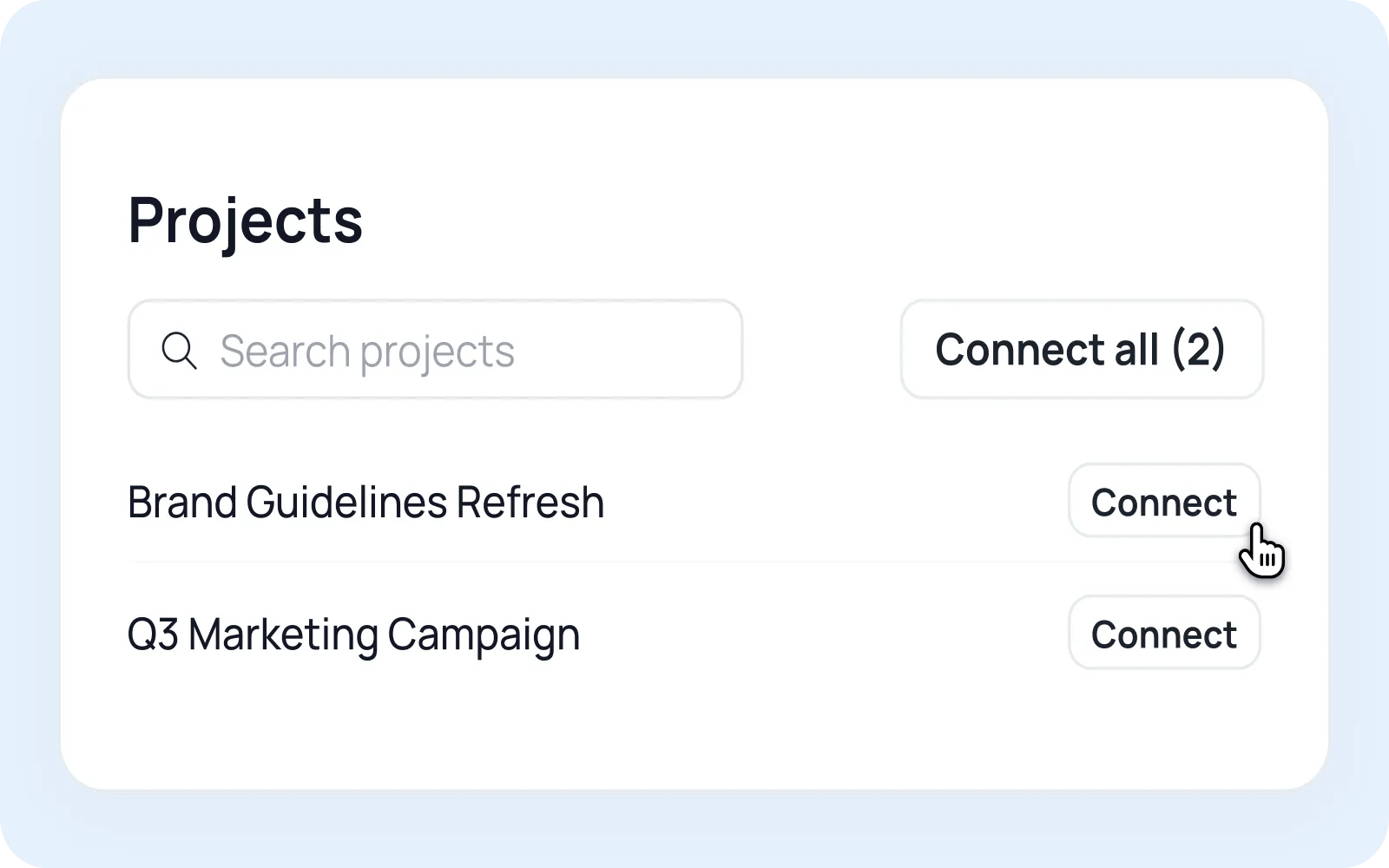
- Under Projects, search for a project and click to connect it or use the "Connect all" button to add every project at once.
- That's it! Go links now automatically convert in the tasks and comments you edit in the projects you connected.
How to use it
Type a go link the way you normally would and GoLinks turns it into a clickable hyperlink after you save.
- In a task description: "Specs are in go/roadmap, designs in go/design-review." GoLinks waits until you stop typing before converting, so it never interrupts you mid-sentence.
- In a comment: "Following the process in go/launch-checklist." Comments convert immediately on post.
Learn more and get support
To learn more about using the GoLinks + Asana integration, visit GoLinks.
If you have questions, feedback, or need support, visit the GoLinks support page.
Asana does not endorse or certify apps built by third-party developers. If you encounter inappropriate content or behavior, please report it here. Otherwise, please contact the app developer for support.
Collaborate effortlessly with Asana
From the small stuff to the big picture, Asana organizes work so teams know what to do, why it matters, and how to get it done. It's free to get started, simple to use, and powerful enough to run your entire business. Learn more about Asana today.