


ASANA VERSUS JIRA
Van marketing tot operations, maak kennis met de alles-in-één oplossing voor cross-team werk
Verbind en beheer eenvoudig het werk in al je teams voor een betere zichtbaarheid, efficiëntie en samenwerking.


Asana wordt vertrouwd door meer dan 170.000 teams*, van startups tot Fortune 100-bedrijven









Hoe verhoudt Asana zich tot Jira?
FUNCTIES
AI gebouwd voor teams
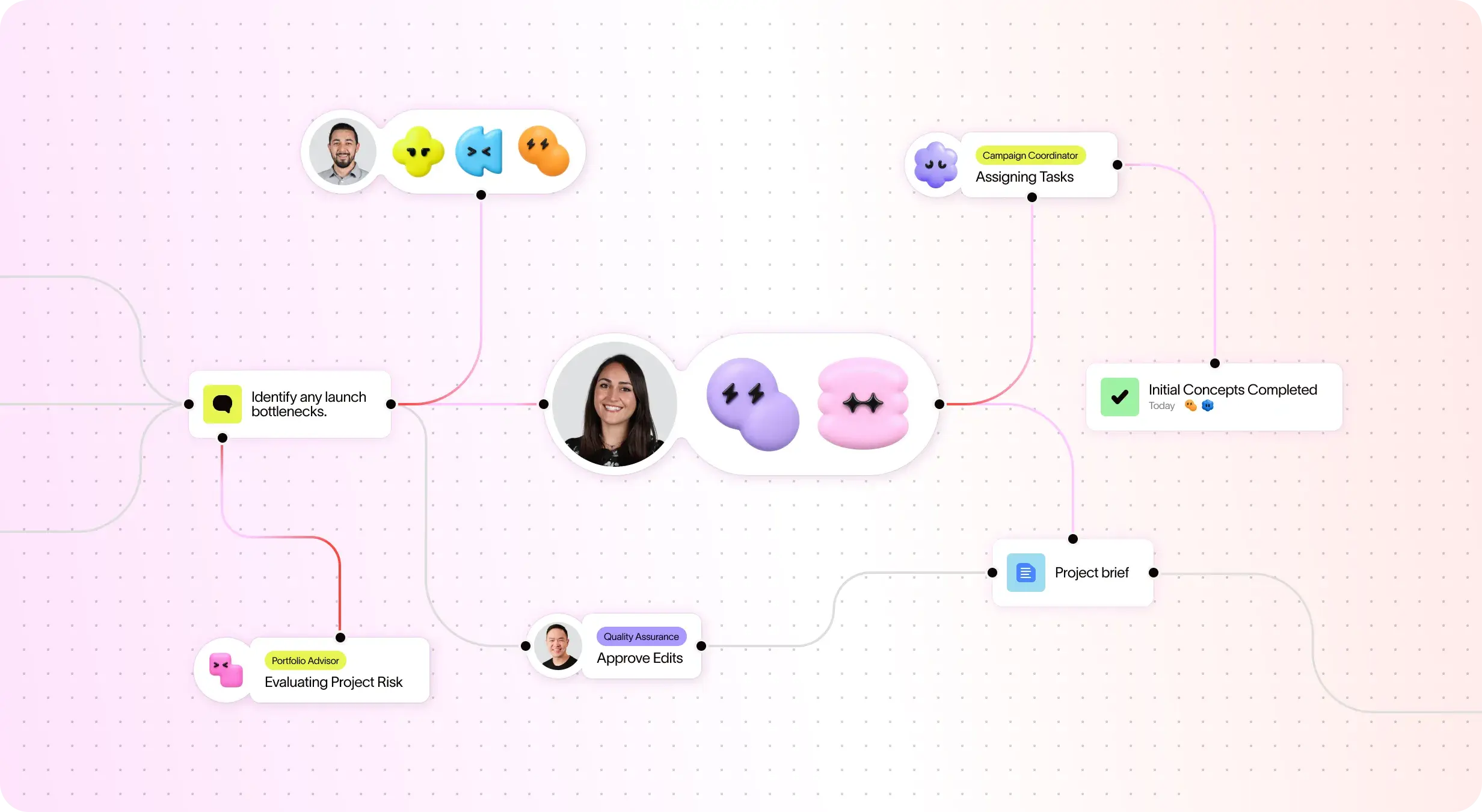
Asana AI-teamgenoten zijn AI-agenten die mogelijk gemaakt worden door de Werkgrafiek, dus ze begrijpen vanaf dag één de doelen, projecten en afhankelijkheden van je team - en elke AI-actie is zichtbaar en controleerbaar. Meer informatie.
Meer dan 400 native integraties voor verbonden werk
Asana biedt meer dan 400 native, first-party Integraties met populaire tools zoals Slack, Microsoft Teams, Google Drive en Salesforce, waardoor teams Workflows tussen verschillende Afdelingen kunnen verbinden en de samenwerking efficiënt kunnen opschalen.
Aanpassen van projecten en workflows
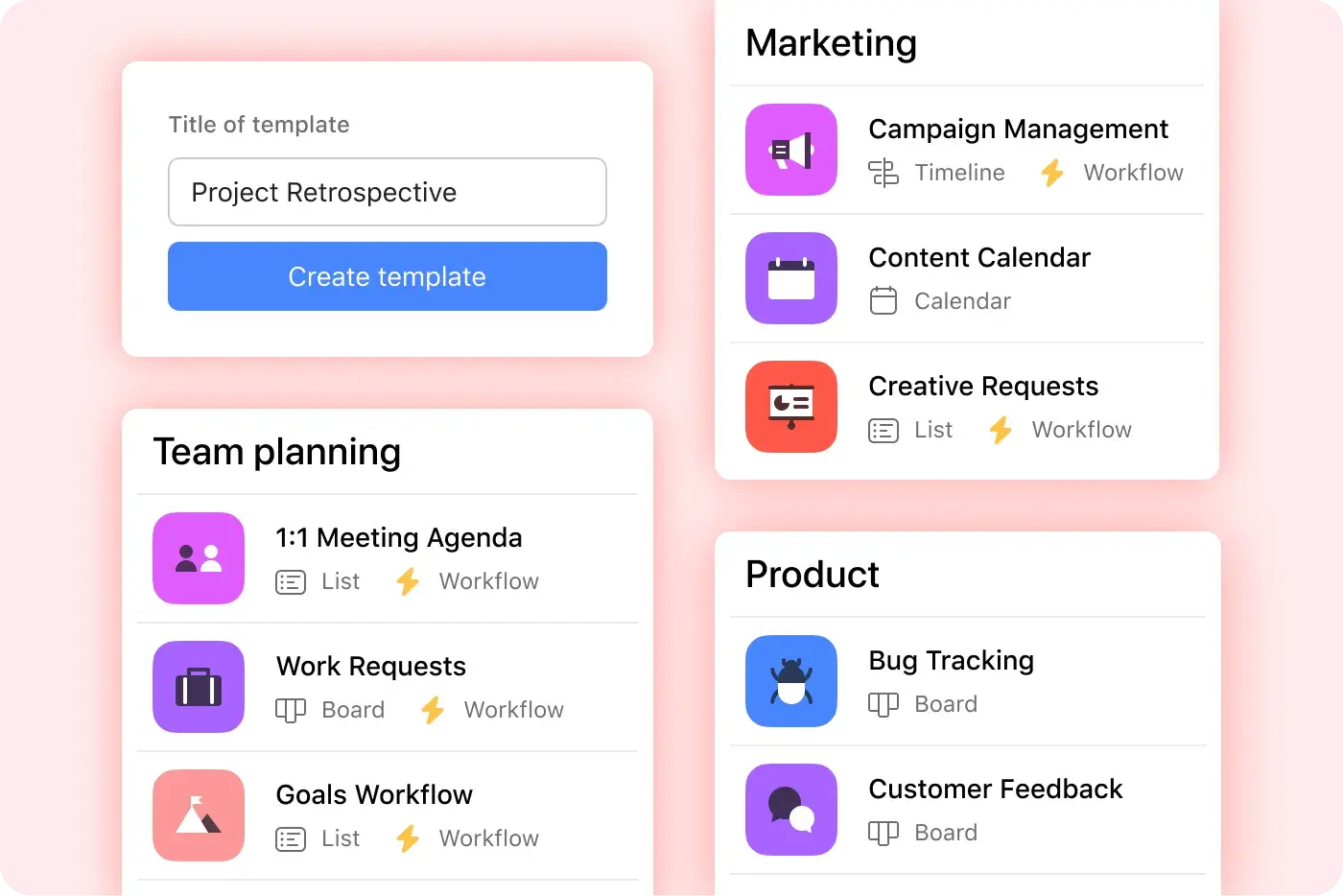
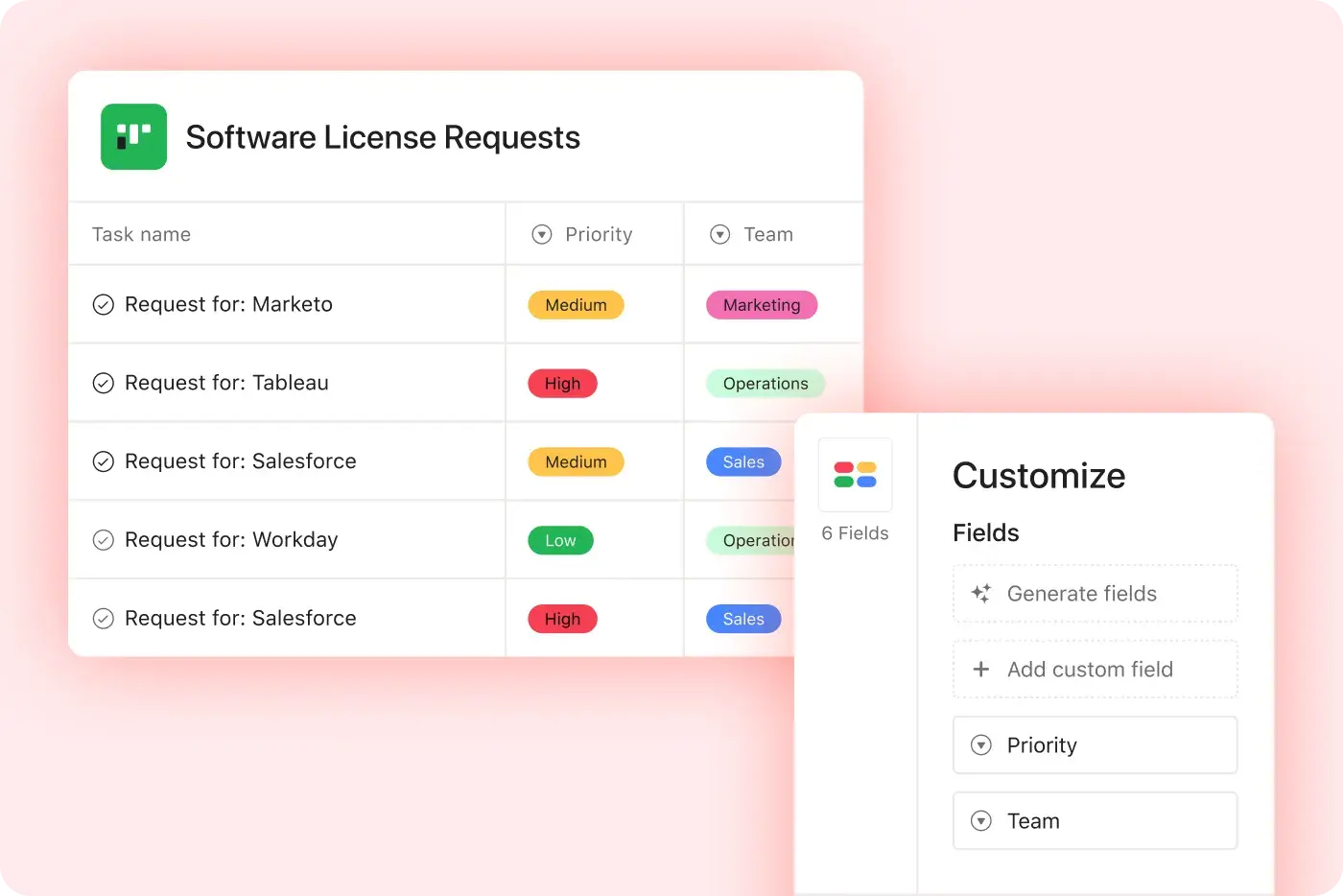
Asana biedt gestructureerde, gebruiksvriendelijke aanpassingsmogelijkheden met aangepaste velden, meerdere projectweergaven en sjablonen, waardoor teams zich snel kunnen aanpassen en workflows efficiënt kunnen beheren zonder extra complexiteit.
Multihoming
Creëer één referentiehub voor teams om meer efficiëntie te ondersteunen terwijl je schaalt richting bedrijfsdoelen.
Geavanceerde doelen en rapportage
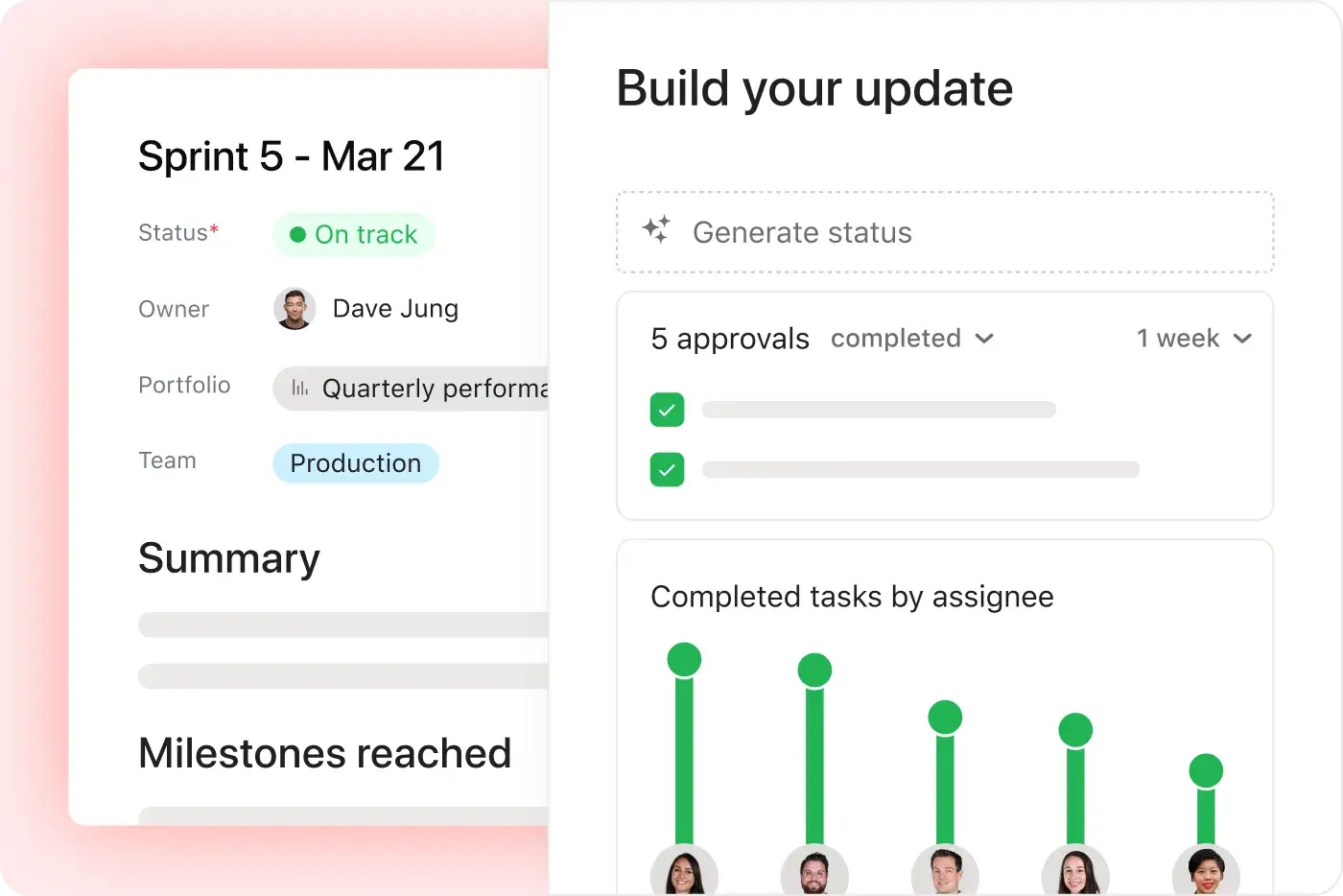
AI-versterkte doelen die de uitvoering van uw organisatiestrategie naadloos standaardiseren, visualiseren, beheren en rapporteren. Asana geeft je realtime zichtbaarheid en laat je bedrijfsdoelen verbinden met het werk dat hen drijft.
Eén platform, transparante prijzen
Asana-abonnementen zijn transparant en leggen de totale eigendomskosten vast. Geen extra software nodig, 100% vlakke prijzen.
Platform dat klaar is voor ondernemingen
Asana biedt een uniform, gebruiksvriendelijk platform met onbeperkte automatisering, brede ondersteuning voor integraties en organisatiebrede standaardisatie, waardoor teams efficiënt kunnen opschalen zonder extra operationele complexiteit. Meer informatie
Waarom onze klanten de voorkeur geven aan Asana


I find Asana incredibly valuable for managing product teams, planning, and handling daily tasks due to its user-friendly interface, which is a significant improvement over my team's previous experience with Jira.
I love the ease of use that Asana offers, making it simple to set up boards and manage projects. … Compared to Jira, Asana's streamlined project management strongly appeals to me as a designer.

Met Asana kun je OKR's gemakkelijk beheren en bijhouden. Ons hele bedrijf weet wat de belangrijkste prioriteiten zijn en kan het werk dienovereenkomstig plannen, bijhouden en rapporteren. Het heeft ons veel efficiënter gemaakt, zodat we sneller kunnen uitvoeren en schalen.”
- Dian Rosanti, Productmanagement

“Toen Zoom groeide, wilden we een standaard overzicht van alles wat er gebeurde, zodat we prioriteiten konden stellen en zakelijke beslissingen konden nemen.” We hadden behoefte aan zichtbaarheid, Verantwoordelijkheid, consistentie in hoe werk gedaan wordt, en kennisdeling tussen Teams.”
- Ariel Chavan, Head of Security
Asana geeft teams flexibele, schaalbare workflows
Ontdek hoe Asana teams van elke omvang helpt projecten aan te passen, tools te verbinden en te rapporteren over de voortgang, allemaal op één plek.



![[Vergelijken - Monday] Functietabblad (Integraties en schaalbaarheid)](https://assets.asana.biz/transform/2090e635-5343-4f52-a1ee-4e4a04a8f67e/compare-monday-fy26-features-integrations?io=transform:fill,width:2560&format=webp)
AI your whole team can actually use
Asana AI Teammates understand your goals, projects, and dependencies from day one—Jira’s AI is siloed within technical tickets, missing the cross-functional context of your business goals.
Asana AI Teammates build shared memory that compounds across your whole team—Atlassian Intelligence focuses on summarizing issues rather than maintaining a persistent "brain" for your organization.
Every AI action is visible in your activity log, just like a human teammate—Jira often attributes AI suggestions to the user who accepted them, creating accountability gaps.
Wat experts over Asana zeggen
Asana wordt door brancheanalisten en bedrijfsorganisaties beoordeeld als een topwerkbeheerplatform.

Projects are spread across tools and inboxes
Drie jaar op rij een leider in Gezamenlijk werkbeheer

No shared view of progress and deadlines
Een leider in werkbeheer- en OKR-software met meer dan 12.000 gebruikersbeoordelingen

Status updates eat the week
Every Friday, you chase updates and paste them into a deck. Then Monday's check-in runs on Friday's information, because that's the last time anyone pulled it all together. It's stale before anyone reads it. Across every project you run, manual reporting turns into a second job.
This is exactly what we built Asana to fix.
Veelgestelde vragen
Switching from Jira to Asana is straightforward for teams of all sizes, thanks to Asana’s intuitive interface and robust onboarding resources, including step-by-step migration guides and in-product education through theAsana Academy. Teams can quickly import projects and tasks, learn new workflows, and start collaborating without the need for technical administrators or complex setup. Guides on creating tasks in Asana help teams adopt best practices immediately.
Jira is often described as having a steep learning curve and requiring more admin involvement, which can slow down adoption and increase migration anxiety. Asana’s project management features help teams maintain structured workflows, collaborate across departments, and adopt advanced features quickly, allowing teams to stay productive without relying on IT support.
Asana offers a full range of training and support resources, including the Asana Academy for on-demand courses, a comprehensive Help Center, and live support options for all users. These resources are designed to help teams of any size quickly learn, troubleshoot, and optimize their use of the project management platform, regardless of technical background.
Jira’s support ecosystem is often more complex and less accessible for smaller teams. Asana’s structured learning and responsive support make ongoing training straightforward and approachable, allowing teams to get answers quickly, improve project management skills over time, and maintain productivity without relying heavily on IT support.
Asana is designed for rapid onboarding across both technical and business teams, with an intuitive interface and in-product education that help everyone get started quickly—no technical administrator required. Flexible workflows and clear project management features make it easy for marketing, operations, and engineering teams to collaborate from day one, regardless of their background, supported by resources like the getting started guide.
Jira is often tailored for software development teams and can require more technical setup, making onboarding less accessible for non-technical users. Asana’s structured approach, cross-functional support, and accessible onboarding resources allow all team members to start managing projects efficiently from day one.
Yes, you can import your existing projects and data into Asana using built-in import tools for CSV files, Jira, and other platforms, with step-by-step guidance available in the Help Center. This makes it straightforward for teams—including those moving from Jira—to bring their project management data into Asana without manual re-entry or data loss, supporting a smooth onboarding experience for both technical and non-technical users.
Jira typically requires more manual migration steps or technical expertise, while Asana provides dedicated import resources and onboarding support through features like project importing and exporting and CSV import.
Asana helps teams get up to speed quickly by offering an intuitive user interface, built-in onboarding resources, and ready-to-use templates that require no technical admin support. This approach enables teams—including those new to project management software—to start organizing projects, assigning tasks, and collaborating right away, with in-product education and help articles available at every step.
Jira often requires more setup time and administrative involvement before teams can begin managing projects, making Asana a faster choice for organizations seeking rapid adoption and immediate value.
Sluit je aan bij 85% van de bedrijven uit de Fortune 100 die Asana gebruiken**
**Correct op december 2025, inclusief gratis en betalende gebruikers.