


ASANA E JIRA A CONFRONTO
Dal marketing alle operazioni, ecco la soluzione all-in-one per la collaborazione tra i team
Collega il lavoro tra tutti i team, per migliorare visibilità, efficienza e collaborazione.


Oltre 170.000 team* si affidano ad Asana, dalle startup alle aziende Fortune 100









Confronto tra Asana e Jira
FUNZIONALITÀ
IA creata per i team
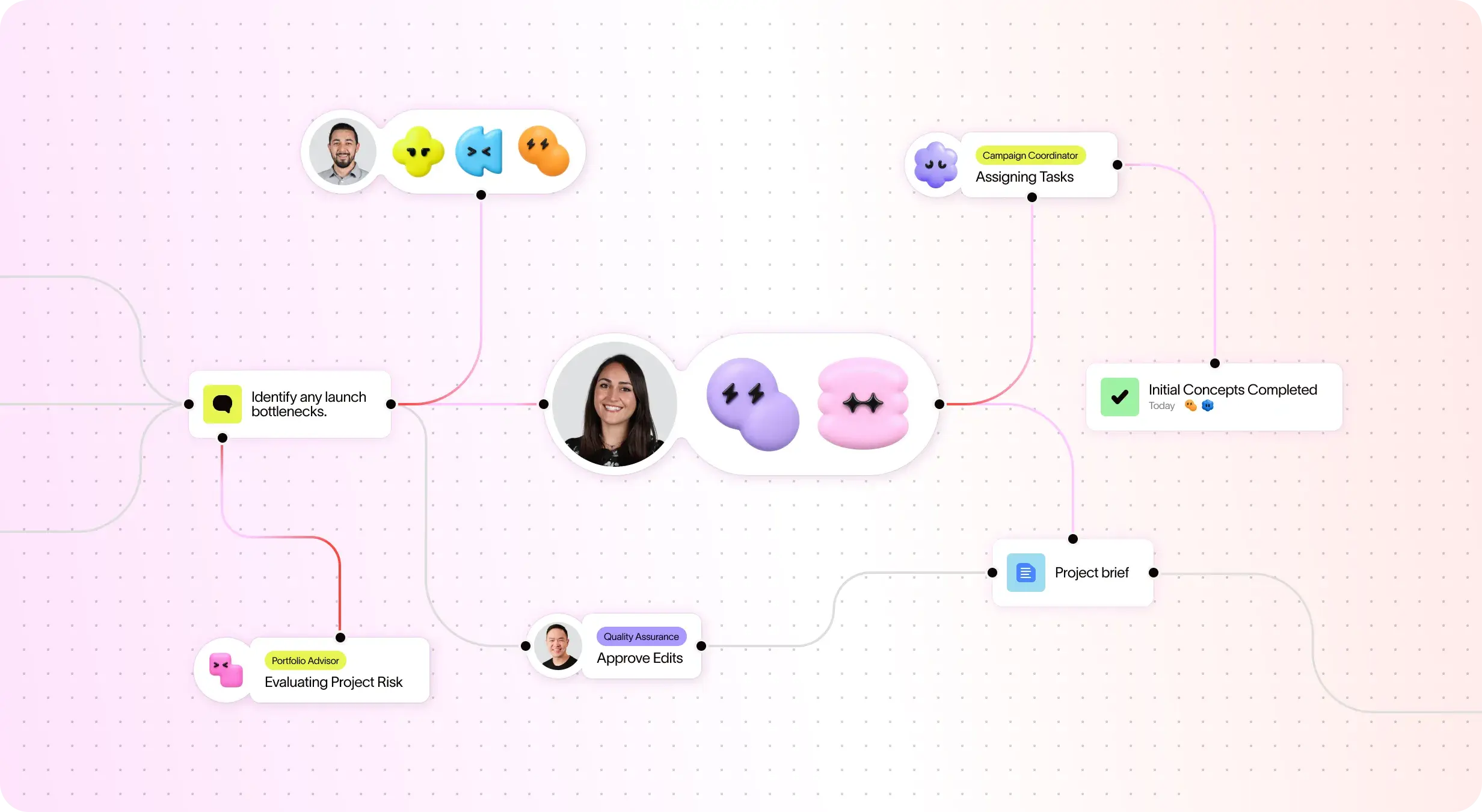
Gli AI Teammate di Asana sono agenti IA basati sul grafico del lavoro, quindi comprendono gli obiettivi, i progetti e le dipendenze del tuo team fin dal primo giorno, e ogni azione dell'IA è visibile e verificabile. Scopri di più.
Oltre 400 integrazioni native per un lavoro correlato
Asana offers 400+ native, first-party integrations with popular tools like Slack, Microsoft Teams, Google Drive, and Salesforce, enabling teams to connect workflows across departments and scale collaboration efficiently. Learn more
Personalizzazione dei progetti e dei flussi di lavoro
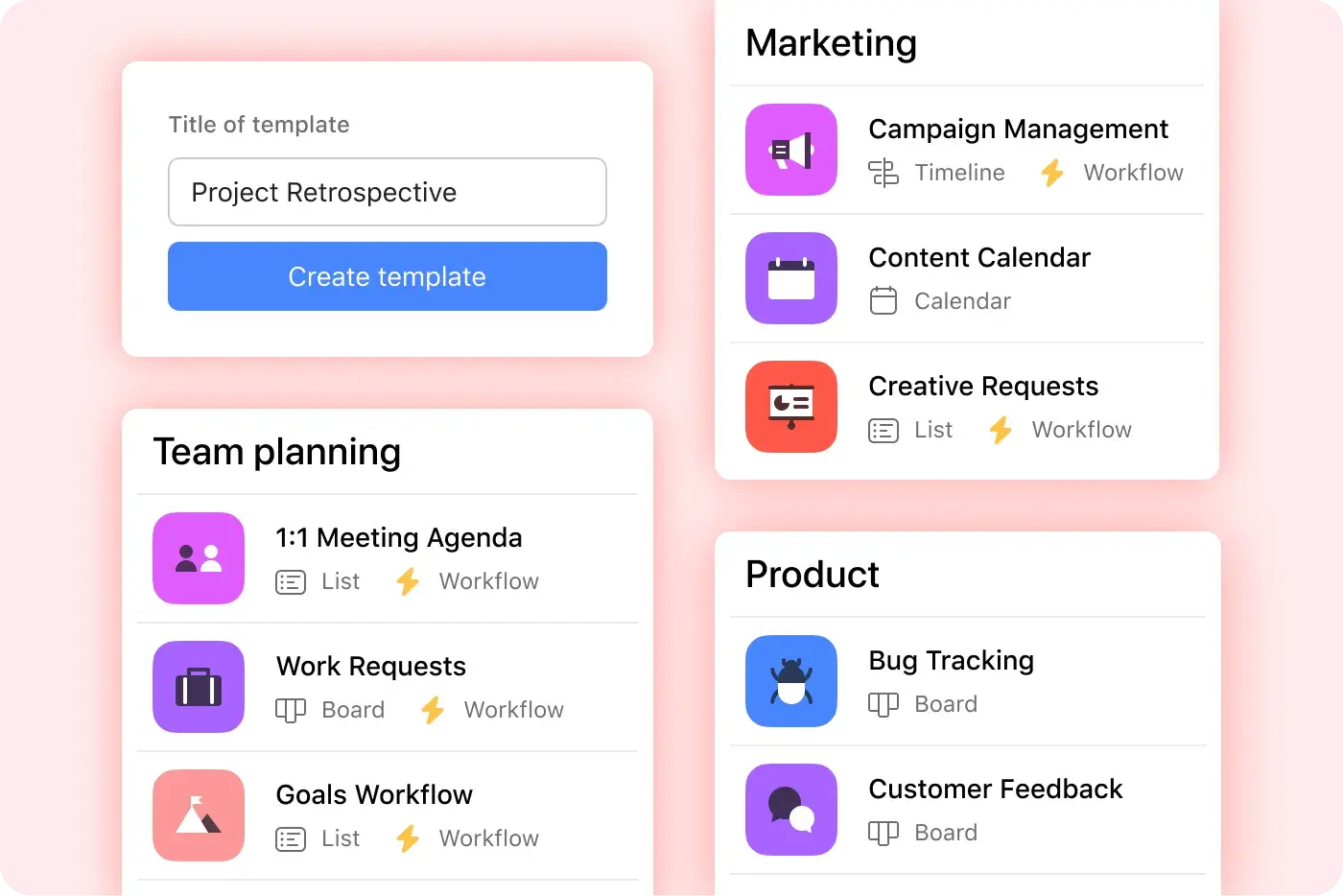
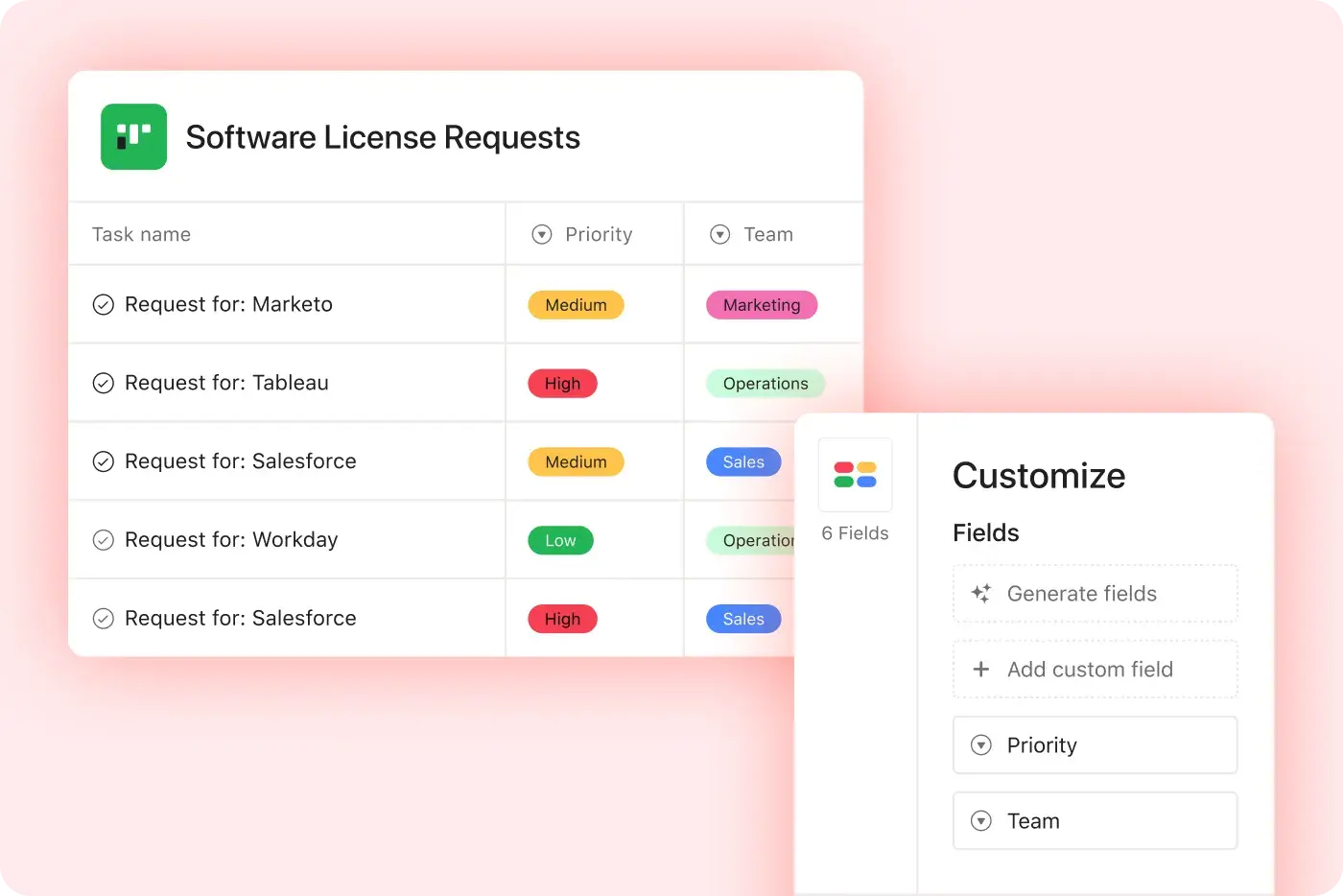
Asana provides structured, easy-to-use customization with custom fields, multiple project views, and templates, enabling teams to adapt quickly and manage workflows efficiently without added complexity. Learn more
Multihoming
Crea un hub di riferimento per i team, per favorire una maggiore efficienza durante il raggiungimento degli obiettivi aziendali.
Obiettivi e resoconti avanzati
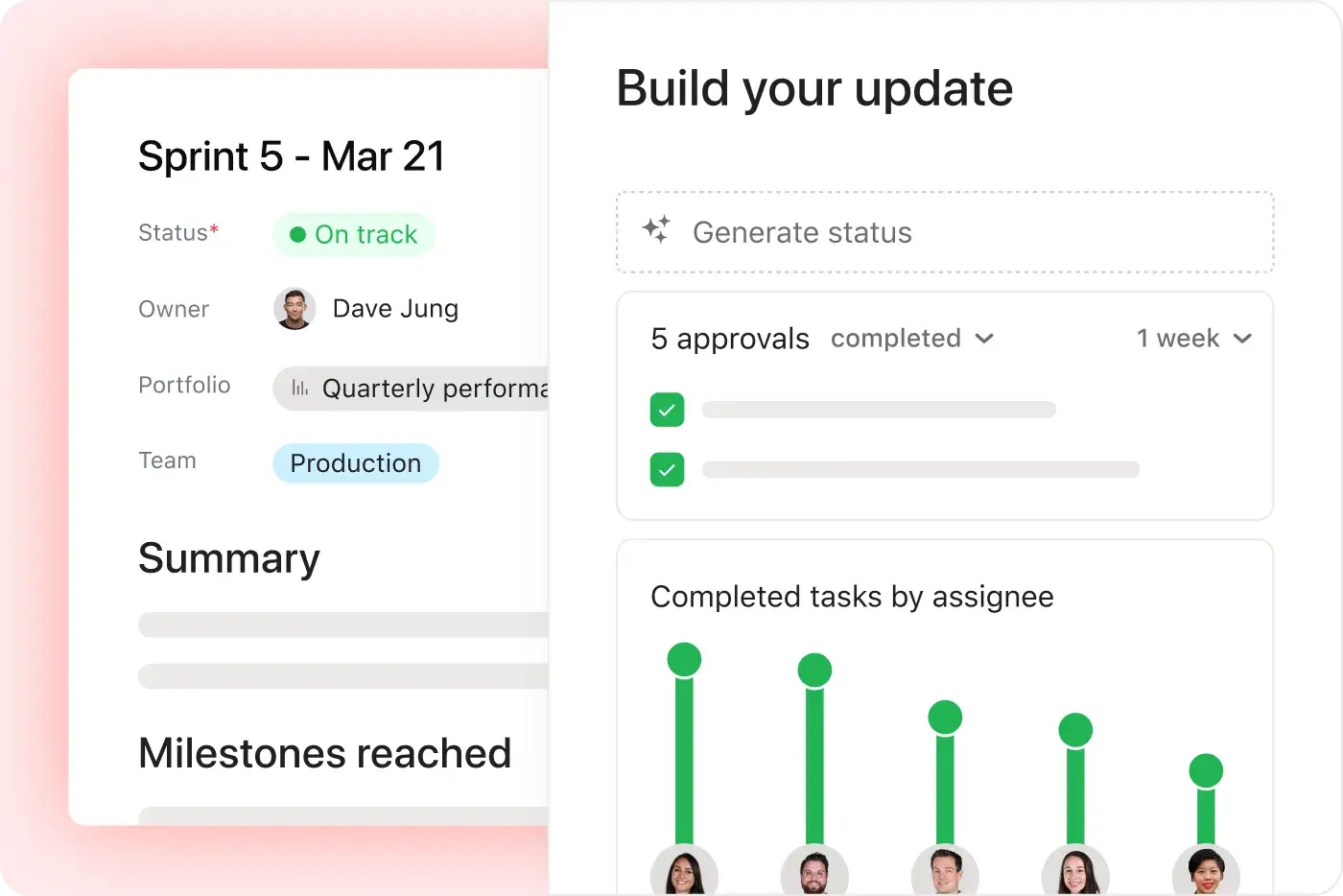
Obiettivi ottimizzati per l’IA per standardizzare, visualizzare, gestire e riferire con chiarezza l’esecuzione della strategia organizzativa. Asana offre visibilità in tempo reale e consente di collegare gli obiettivi aziendali al lavoro che li sostiene.
Una sola piattaforma, prezzi trasparenti
I piani di Asana sono trasparenti e si riferiscono al costo totale di gestione. Nessun software aggiuntivo necessario, prezzo fisso al 100%.
Piattaforma di livello enterprise
Asana offre una piattaforma unificata e intuitiva con automazione illimitata, ampio supporto per le integrazioni e standardizzazione a livello di organizzazione, consentendo ai team di crescere in modo efficiente senza aumentare la complessità operativa.
Perché i nostri clienti preferiscono Asana


I find Asana incredibly valuable for managing product teams, planning, and handling daily tasks due to its user-friendly interface, which is a significant improvement over my team's previous experience with Jira.
I love the ease of use that Asana offers, making it simple to set up boards and manage projects. … Compared to Jira, Asana's streamlined project management strongly appeals to me as a designer.

“Asana semplifica la gestione e il monitoraggio degli OKR. Tutta la nostra azienda è sempre al corrente delle priorità chiave e può di conseguenza pianificare, monitorare e generare resoconti. Ci ha reso molto più efficienti, riusciamo a fare di più e ad adattarci più velocemente.”
- Dian Rosanti, Gestione dei prodotti

“Man mano che Zoom cresceva, volevamo una panoramica generale di tutto ciò che accadeva per poter definire le priorità e prendere decisioni aziendali.” Avevamo bisogno di visibilità, responsabilità e coerenza nel modo in cui il lavoro viene svolto e di condividere le conoscenze tra i team.”
- Ariel Chavan, Head of Security
Asana offre ai team flussi di lavoro flessibili e scalabili
Scopri come Asana aiuta i team di ogni dimensione a personalizzare i progetti, connettere gli strumenti e creare resoconti sull'avanzamento, tutto in un unico posto.



![[Confronta - Monday] Scheda Funzionalità (integrazioni e scalabilità)](https://assets.asana.biz/transform/2090e635-5343-4f52-a1ee-4e4a04a8f67e/compare-monday-fy26-features-integrations?io=transform:fill,width:2560&format=webp)
AI your whole team can actually use
Asana AI Teammates understand your goals, projects, and dependencies from day one—Jira’s AI is siloed within technical tickets, missing the cross-functional context of your business goals.
Asana AI Teammates build shared memory that compounds across your whole team—Atlassian Intelligence focuses on summarizing issues rather than maintaining a persistent "brain" for your organization.
Every AI action is visible in your activity log, just like a human teammate—Jira often attributes AI suggestions to the user who accepted them, creating accountability gaps.
Ecco cosa pensano gli esperti di Asana
Asana è considerata la migliore piattaforma di gestione del lavoro dagli analisti del settore e dalle organizzazioni aziendali.

Projects are spread across tools and inboxes
Leader nella gestione del lavoro in collaborazione per tre anni consecutivi

No shared view of progress and deadlines
Leader nella gestione del lavoro e nel software OKR, con oltre 12.000 recensioni degli utenti

Status updates eat the week
Every Friday, you chase updates and paste them into a deck. Then Monday's check-in runs on Friday's information, because that's the last time anyone pulled it all together. It's stale before anyone reads it. Across every project you run, manual reporting turns into a second job.
This is exactly what we built Asana to fix.
Domande frequenti
Switching from Jira to Asana is straightforward for teams of all sizes, thanks to Asana’s intuitive interface and robust onboarding resources, including step-by-step migration guides and in-product education through theAsana Academy. Teams can quickly import projects and tasks, learn new workflows, and start collaborating without the need for technical administrators or complex setup. Guides on creating tasks in Asana help teams adopt best practices immediately.
Jira is often described as having a steep learning curve and requiring more admin involvement, which can slow down adoption and increase migration anxiety. Asana’s project management features help teams maintain structured workflows, collaborate across departments, and adopt advanced features quickly, allowing teams to stay productive without relying on IT support.
Asana offers a full range of training and support resources, including the Asana Academy for on-demand courses, a comprehensive Help Center, and live support options for all users. These resources are designed to help teams of any size quickly learn, troubleshoot, and optimize their use of the project management platform, regardless of technical background.
Jira’s support ecosystem is often more complex and less accessible for smaller teams. Asana’s structured learning and responsive support make ongoing training straightforward and approachable, allowing teams to get answers quickly, improve project management skills over time, and maintain productivity without relying heavily on IT support.
Asana is designed for rapid onboarding across both technical and business teams, with an intuitive interface and in-product education that help everyone get started quickly—no technical administrator required. Flexible workflows and clear project management features make it easy for marketing, operations, and engineering teams to collaborate from day one, regardless of their background, supported by resources like the getting started guide.
Jira is often tailored for software development teams and can require more technical setup, making onboarding less accessible for non-technical users. Asana’s structured approach, cross-functional support, and accessible onboarding resources allow all team members to start managing projects efficiently from day one.
Yes, you can import your existing projects and data into Asana using built-in import tools for CSV files, Jira, and other platforms, with step-by-step guidance available in the Help Center. This makes it straightforward for teams—including those moving from Jira—to bring their project management data into Asana without manual re-entry or data loss, supporting a smooth onboarding experience for both technical and non-technical users.
Jira typically requires more manual migration steps or technical expertise, while Asana provides dedicated import resources and onboarding support through features like project importing and exporting and CSV import.
Asana helps teams get up to speed quickly by offering an intuitive user interface, built-in onboarding resources, and ready-to-use templates that require no technical admin support. This approach enables teams—including those new to project management software—to start organizing projects, assigning tasks, and collaborating right away, with in-product education and help articles available at every step.
Jira often requires more setup time and administrative involvement before teams can begin managing projects, making Asana a faster choice for organizations seeking rapid adoption and immediate value.
Unisciti all'85% delle aziende Fortune 100 che utilizza Asana**
**Informazione verificata a partire da dicembre 2025, include gli utenti con piani gratuiti e a pagamento.